
Fireflies.ai review
AI meeting teammate that records, transcribes, and summarizes calls, with action items and searchable notes.
Best all-round AI meeting notetaker with a genuinely usable free tier, though storage limits push active teams to paid plans quickly.
Pros
- Free plan includes unlimited transcription and unlimited AI summaries
- AskFred answers natural-language questions across your whole meeting archive
- 200+ integrations including Salesforce, HubSpot, Slack, and ATS platforms
- Transcription in 100+ languages with speaker recognition
- Accepts uploads of existing audio and video files for transcription
Cons
- Free plan storage cap of 400 minutes per team ages out old recordings
- Accuracy drops in noisy calls with heavy crosstalk
- The notetaker bot joining calls can unsettle external participants
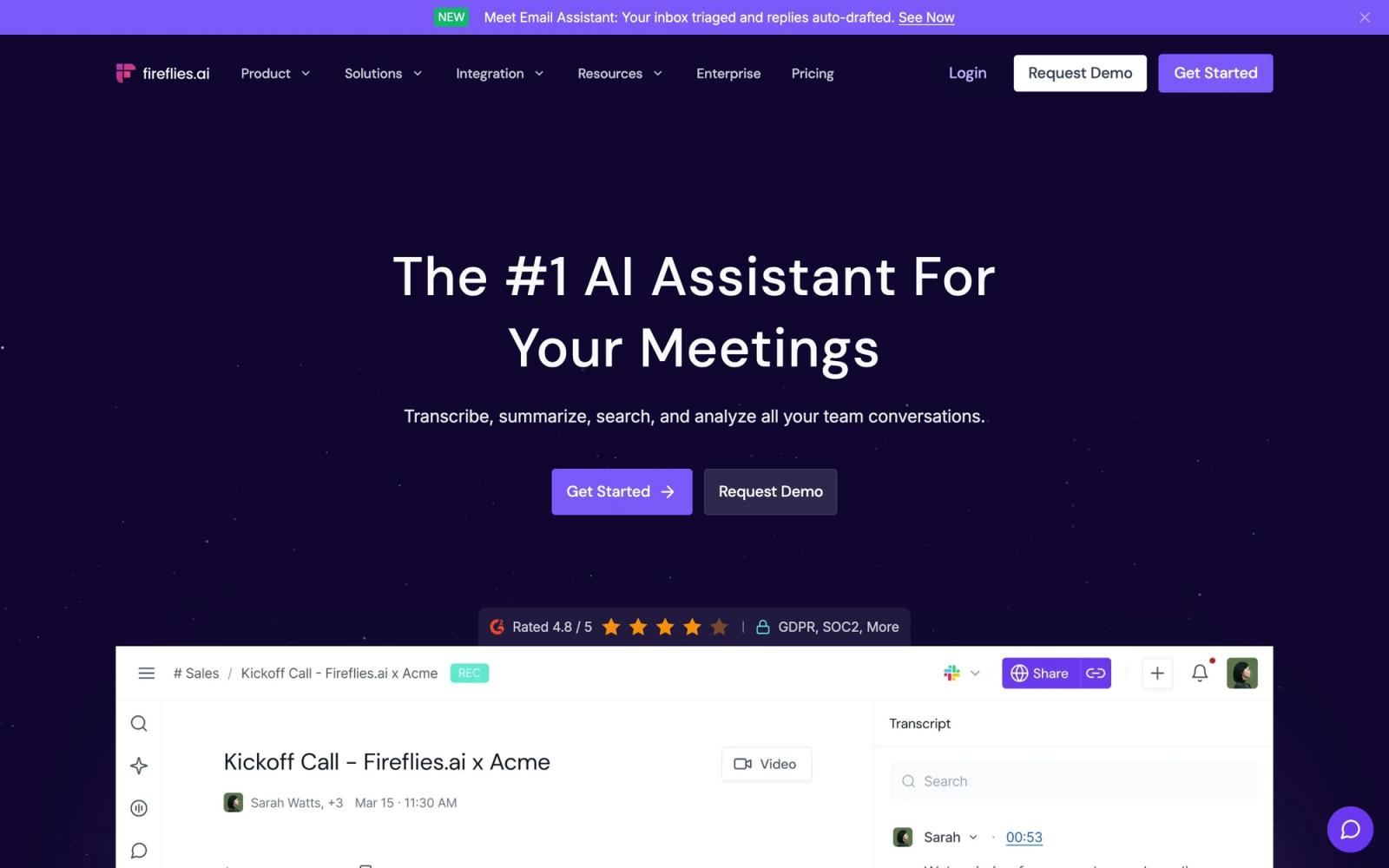
Fireflies.ai is one of the most widely used AI meeting assistants, and after spending time with it, the popularity makes sense. It records and transcribes calls across the major video platforms, generates AI summaries with action items, and builds a searchable archive of everything your team has discussed. The pitch is less about any single feature and more about accumulation: every meeting becomes a queryable record, and the AskFred assistant lets you ask questions across all of them at once.
What Fireflies.ai actually does
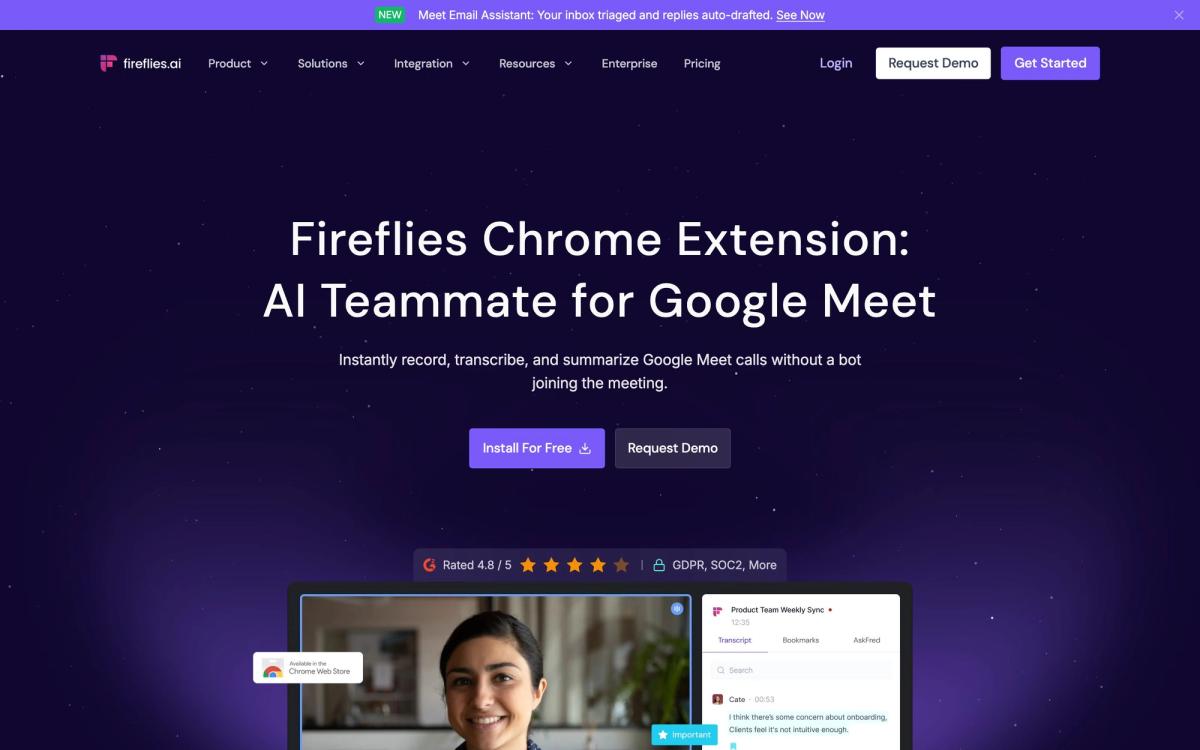
Fireflies joins your meetings on Zoom, Google Meet, or Microsoft Teams through a notetaker bot, then transcribes the conversation in any of more than one hundred languages with automatic speaker recognition. The company claims around 95 percent transcription accuracy, which roughly matches reality in clean audio and falls off in messy, multi-speaker calls. You can also upload existing audio and video files in common formats for transcription.
After each call, Fireflies produces a summary with action items, keywords, and time-stamped highlights, then pushes the output wherever your team works: Slack channels, CRM records in Salesforce or HubSpot, or project management tools like Asana and Trello. A conversation intelligence layer tracks talk time, sentiment, and topics across calls, which gives sales and customer teams a way to spot patterns over weeks rather than single meetings. AskFred sits on top of the whole archive and answers questions about past meetings in plain language, from what a client objected to last month to which action items are still open.
Key features
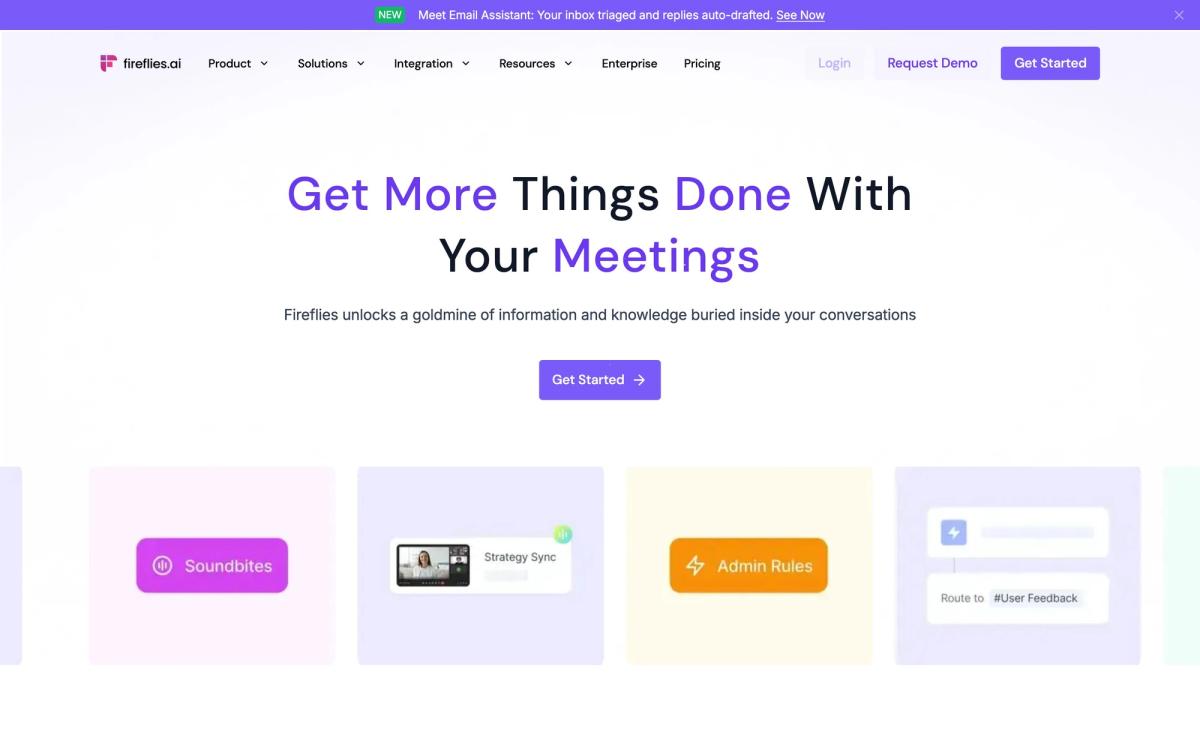
- Automatic recording and transcription on Zoom, Google Meet, and Microsoft Teams, plus uploads of audio and video files
- Transcription in 100+ languages with speaker recognition
- AI summaries with action items, keywords, and time-stamped highlights
- AskFred, an AI assistant that answers questions about any past meeting
- Conversation intelligence covering talk time, sentiment, and topic tracking
- 200+ integrations including Salesforce, HubSpot, Slack, Asana, and ATS platforms like Greenhouse and Lever
Who it's for
Fireflies is built for teams that live in meetings and need the output to flow into other systems: sales teams logging calls to the CRM, recruiters feeding interview notes into an ATS, product teams documenting customer conversations. The free plan is unusually generous, with unlimited transcription and unlimited AI summaries, which makes it practical for individuals too. The catch is the storage cap of 400 minutes per team on the free tier, which means older recordings age out unless you upgrade. If you mainly need real-time captions during a call rather than an after-the-fact record, other tools handle that live moment better.
How it compares
Otter.ai is the obvious comparison and is stronger for live, in-meeting transcription and collaborative note-taking during the call itself, while Fireflies is stronger after the call: better summaries, deeper integrations, and a more capable search across your meeting history. MeetGeek is the other close rival, differentiating on meeting analytics and quality scoring rather than archive depth and integration breadth. Fireflies generally wins on the integration catalog and the AskFred question-answering layer; it is a weaker fit if real-time collaboration on notes during the meeting is your primary need.
Verdict
Fireflies.ai earns its position as a default choice in the AI meeting assistant category. Transcription quality is reliable in clean audio, the free tier lets you genuinely use the product rather than just preview it, and the integration catalog means notes end up where work actually happens instead of in another silo. The honest caveats: accuracy drops in noisy calls with heavy crosstalk, the bot joining meetings can unsettle external participants who were not warned, and the storage limit pushes active teams toward paid plans fairly quickly. Few tools in this category offer a safer starting point.
Ready to try Fireflies.ai?
There's a free tier, so you can test it before committing.
More founders tools like Fireflies.ai
1Password
4.5Team password manager and credential vault that has grown into a wider access platform for small IT teams.
Read 1Password review →Miro
4.5Infinite shared canvas for workshops, diagrams and planning, now wrapped around docs, tables and AI.
Read Miro review →Optery
4.4Finds and removes staff home addresses, phones and emails from people-search sites and data brokers.
Read Optery review →SaneBox
4.4AI email filtering that works on top of Gmail, Outlook, iCloud, or any IMAP inbox to cut triage time.
Read SaneBox review →Toggl Track
4.4One-click time tracking with billable rates and profitability reports for teams that bill by the hour.
Read Toggl Track review →Airia
4.3Enterprise platform for building, orchestrating, and governing AI agents and workflows at scale.
Read Airia review →