
Reclaim.ai review
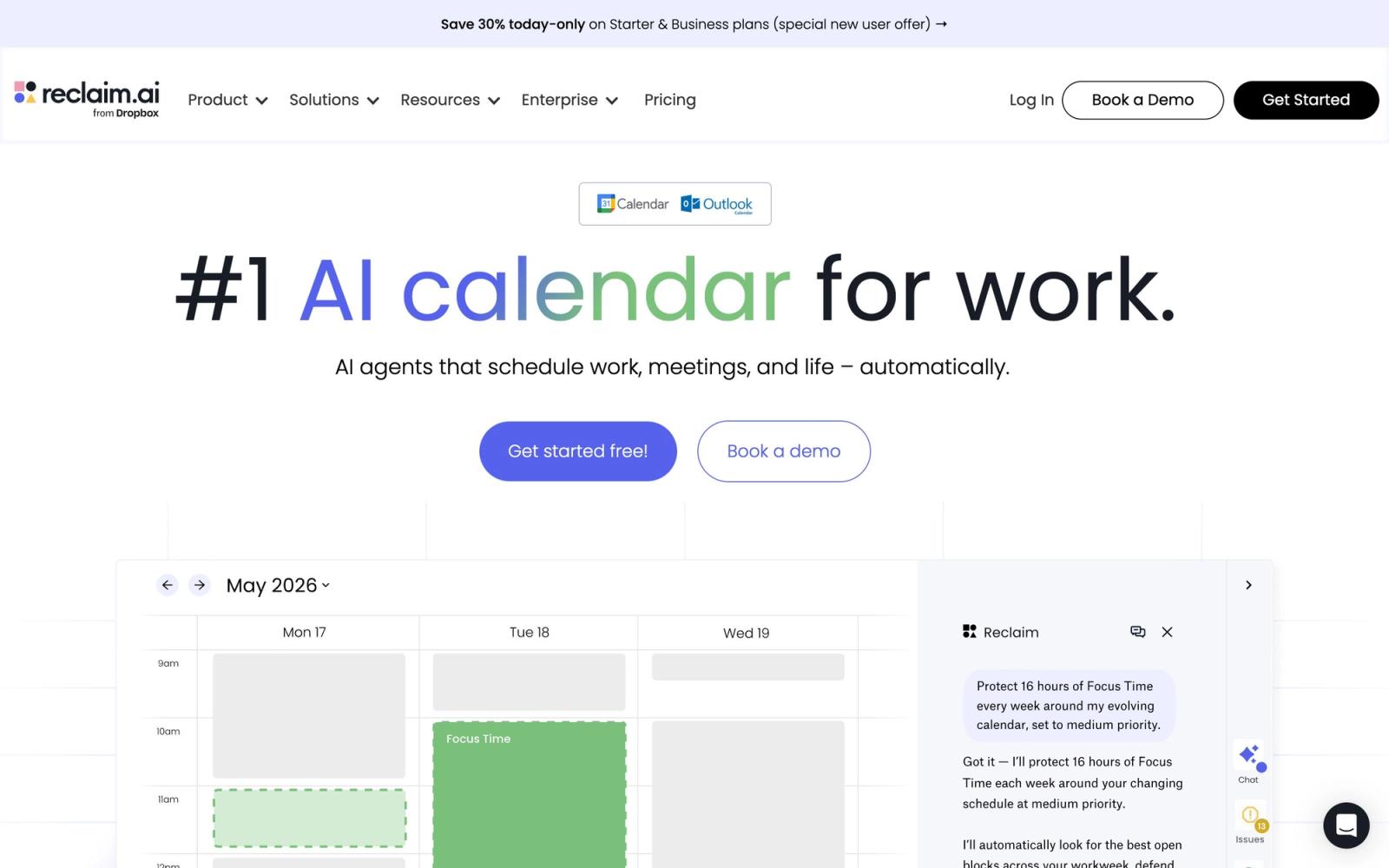
AI calendar assistant that auto-schedules focus time, tasks, and habits on Google and Outlook calendars.
Best-in-class at automatically defending focus time and habits, but its scheduling decisions can feel opaque until you tune priorities.
Pros
- Genuinely useful free Lite plan, not just a demo
- Auto-reschedules focus time and habits when meetings collide instead of letting them die
- Pulls tasks from Todoist, Asana, ClickUp, Jira, and Linear and schedules them automatically
- Works on both Google Calendar and Outlook Calendar
- Slack status sync shows teammates when you are heads-down
Cons
- Automation choices can feel opaque until you tune priority settings
- Free plan caps at two connected calendars, three habits, and a short scheduling range
- No built-in task manager of its own: relies on integrations
- Auto-moved blocks can surprise teammates in shared calendars at first
Reclaim.ai is an AI calendar and scheduling assistant that plugs into Google Calendar or Outlook Calendar and rearranges your week for you. Instead of manually dragging blocks around, you tell it what matters (deep-work focus time, recurring habits, a task list with due dates) and its scheduling engine finds room for everything, then keeps re-finding room as new meetings land. The product reports over 30,000 signups a month, was acquired by Dropbox in 2024, and remains one of the few AI calendar tools with a genuinely usable free plan.
What Reclaim.ai actually does
The core idea is defensible time. Reclaim creates calendar events for the things that usually get squeezed out (focus blocks, lunch, exercise, one-on-ones) and gives each one an adjustable priority. When a meeting request collides with a flexible block, Reclaim moves the block instead of letting it disappear. When your week fills up, it locks the highest-priority items in place and marks them as busy, so colleagues stop booking over them.
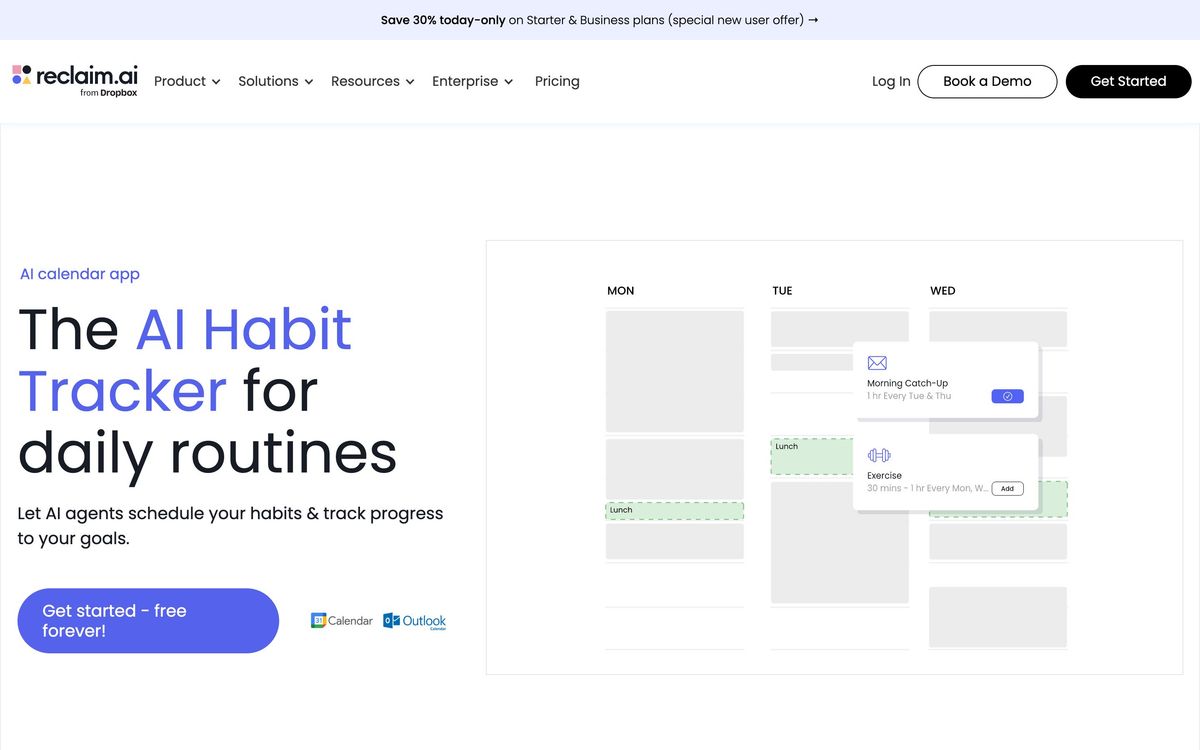
Three building blocks drive this. Tasks are to-dos with a duration and a deadline that Reclaim auto-schedules into open slots, pulling items from Todoist, Asana, ClickUp, Jira, Linear, or Google Tasks. Habits are recurring routines that float to the best available time rather than sitting in a fixed slot. Smart Meetings and Scheduling Links handle the inbound side, picking meeting times that do the least damage to everyone's focus time.
Key features
- Focus Time that auto-defends deep-work blocks and yields gracefully when the week is overloaded
- Auto-scheduled Tasks synced from Todoist, Asana, ClickUp, Jira, and Linear
- Habits for flexible recurring routines like weekly planning, reading, or workouts
- Smart Meetings that find the least disruptive slot for all attendees
- Scheduling Links as a Calendly-style booking layer with AI-picked availability
- Buffer Time between meetings, calendar sync across accounts, and time-tracking analytics
- Slack status sync so teammates can see when you are in deep work
Who it's for
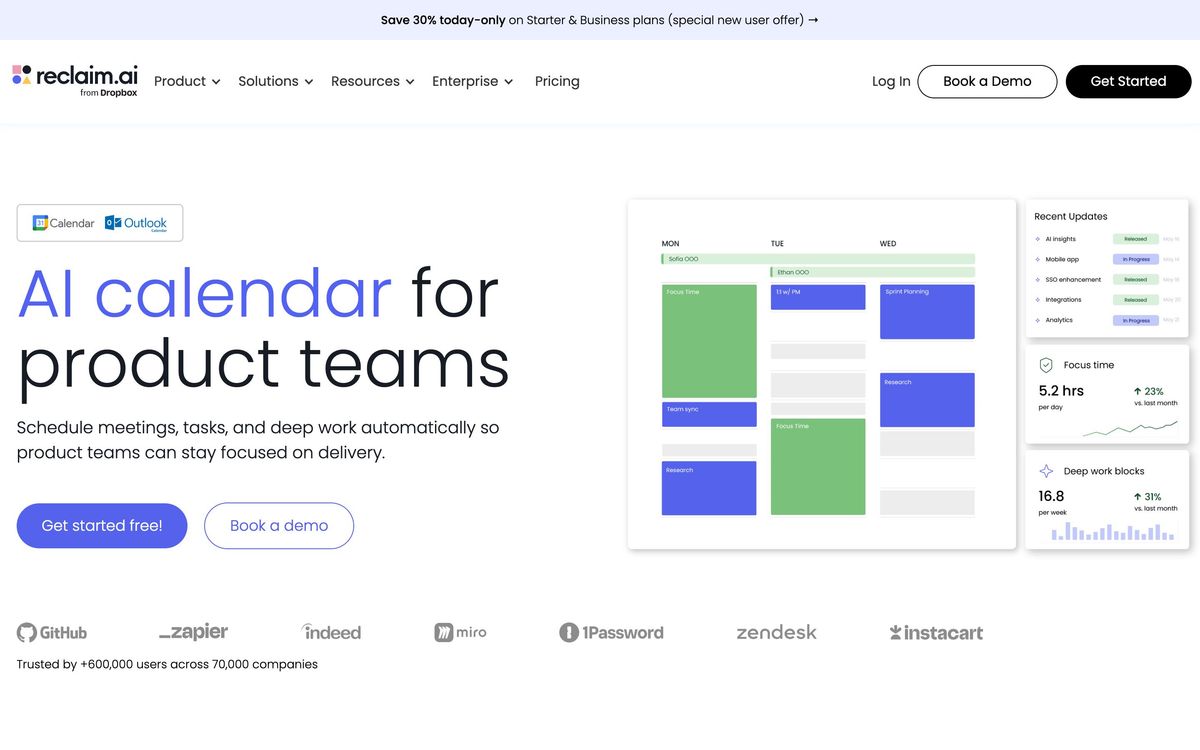
Reclaim fits people whose calendars are under constant attack: engineers and product managers in meeting-heavy organizations, managers juggling one-on-ones, and solo founders who want structure without hiring an assistant. Teams get the most out of it, because Smart Meetings and shared analytics work best when several calendars participate. If your week is mostly empty and you only need a booking page, Reclaim is more machinery than the job requires.
How it compares
Motion is the closest alternative and bundles a full project manager with its AI scheduling; it is more opinionated and heavier, while Reclaim stays a thin layer on top of your existing calendar and task tools. Clockwise also optimizes team focus time, but it skews toward larger organizations and does less for personal tasks and habits. Among the three, Reclaim's free Lite plan is the most generous entry point, though its caps (two connected calendars, three habits, a three-week scheduling range) are clearly designed to nudge active users toward paid tiers.
Verdict
Reclaim.ai does the unglamorous thing an AI calendar should do: it makes the schedule you claim to want actually happen, week after week. The automation takes a few days of tuning before its choices feel right, and people who like manual control over every block may find it pushy. The free plan's limits will pinch anyone managing more than two calendars. But for defending focus time on Google or Outlook calendars with minimal ongoing effort, Reclaim is one of the strongest tools in the AI scheduling category, and the free tier is a real plan rather than a teaser.
Ready to try Reclaim.ai?
There's a free tier, so you can test it before committing.
More founders tools like Reclaim.ai
Sunsama
4.0Daily planner that pulls tasks from your other tools onto the calendar and makes you commit to a realistic day.
Read Sunsama review →1Password
4.5Team password manager and credential vault that has grown into a wider access platform for small IT teams.
Read 1Password review →Miro
4.5Infinite shared canvas for workshops, diagrams and planning, now wrapped around docs, tables and AI.
Read Miro review →Optery
4.4Finds and removes staff home addresses, phones and emails from people-search sites and data brokers.
Read Optery review →Toggl Track
4.4One-click time tracking with billable rates and profitability reports for teams that bill by the hour.
Read Toggl Track review →Airia
4.3Enterprise platform for building, orchestrating, and governing AI agents and workflows at scale.
Read Airia review →