
SaneBox review
AI email filtering that works on top of Gmail, Outlook, iCloud, or any IMAP inbox to cut triage time.
Best set-and-forget email filtering layer for an existing inbox, but you pay a subscription for something invisible and there is no free plan.
Pros
- Works on top of any existing inbox and email client, so there is no new app to learn
- BlackHole permanently removes unwanted senders with a single drag
- Daily Digest provides a safety net against missed filtered emails
- Learns from your behavior and improves within days, with drag-to-train corrections
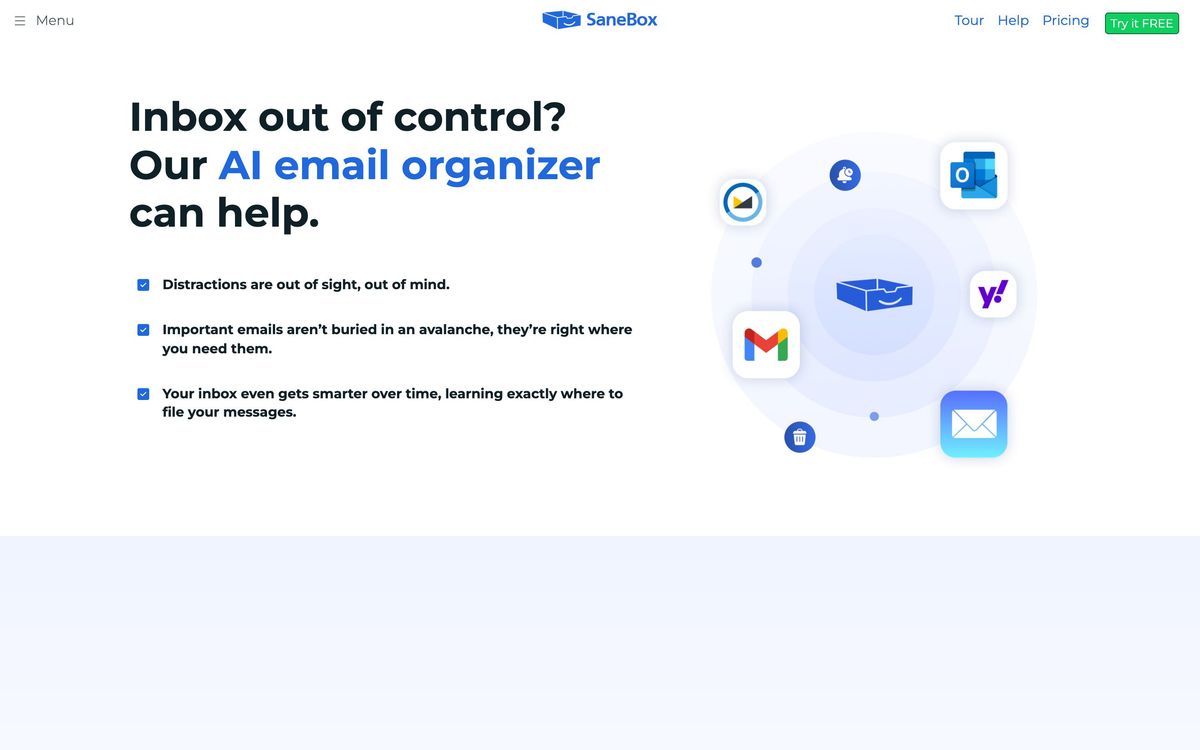
- Supports Gmail, Microsoft 365, iCloud, Yahoo, Fastmail, and generic IMAP
Cons
- No permanent free plan, only a 14-day trial
- Does not draft or write emails; it only filters and organizes
- Early training period can misfile the occasional important message
- Less useful for people whose inboxes are already light
SaneBox approaches email productivity from a different angle than most AI email tools. Instead of replacing your inbox with yet another app, it works invisibly on top of whatever email service you already use, filtering incoming mail so only the messages that matter stay in front of you. There is no new interface to learn and no new habits to build: you keep Gmail, Outlook, Apple Mail, or any other client you like, and SaneBox quietly reorganizes what lands where. That restraint is the product's biggest strength, and also the reason some people underestimate what it does.
What SaneBox actually does
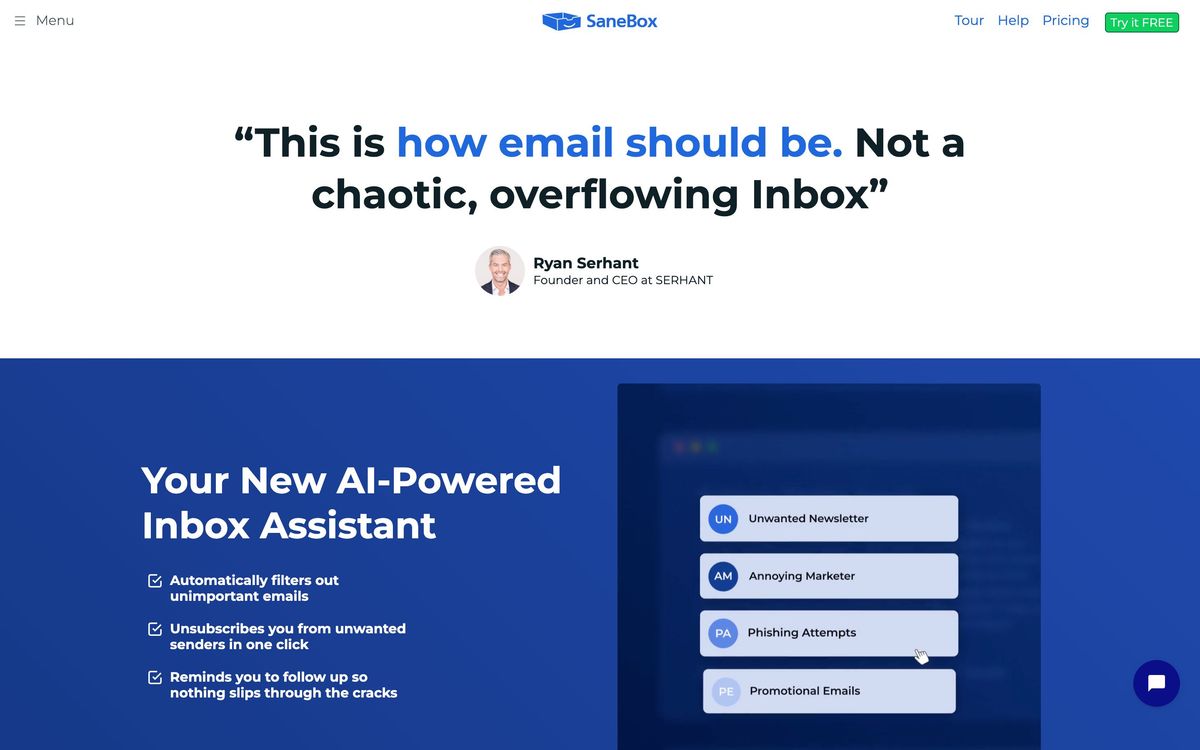
SaneBox connects to your email account and studies your behavior: which senders you open, which you reply to, and which you consistently ignore. Based on those signals, it moves low-priority messages out of the inbox and into a folder called SaneLater, leaving the inbox itself for mail that genuinely needs attention. Training it is as simple as dragging a message between folders; the system learns from every correction and gets noticeably better within the first week or two.
Because everything happens through standard folders inside your own account, SaneBox works with effectively any email client on desktop or mobile, and there is nothing to install. The company reports that users save three to four hours per week on email management once the filtering settles in, and while your mileage will vary with inbox volume, the direction of that claim holds up: triage time drops sharply when newsletters, receipts, and notifications stop competing with real correspondence.
Key features
- SaneLater filtering that learns from your open and reply behavior, with one-drag corrections
- BlackHole, a folder that permanently banishes a sender the moment you drag one of their emails into it
- Daily Digest, a single summary email listing everything that was filtered, so nothing slips by unnoticed
- Reminders and follow-up tracking that resurface emails when someone has not replied by a date you set
- Snooze folders that defer non-urgent mail until tomorrow, next week, or a custom time
- Support for Gmail, Microsoft 365, iCloud Mail, Yahoo Mail, Fastmail, and generic IMAP, Exchange, and ActiveSync accounts
Who it's for
SaneBox suits professionals whose inboxes have become a job in themselves: founders, consultants, recruiters, salespeople, and anyone receiving hundreds of newsletters, notifications, and cold pitches a week. It is especially attractive if you like your current email client and do not want to switch. It is the wrong tool if you want AI-written replies or a redesigned email experience, because SaneBox does not draft a single word for you. It is also less compelling if your inbox is already light, since the filtering simply has less to work with.
How it compares
The most common alternative is Superhuman, which takes the opposite approach: a complete replacement email client with AI drafting, keyboard-driven triage, and a polished interface, at the cost of locking you into its own app. Clean Email is another option that focuses on bulk cleanup and rule-based automation rather than behavioral learning, which makes it better for one-time inbox purges and weaker for ongoing daily filtering. SaneBox sits in the middle: less flashy than Superhuman, smarter and more hands-off than rule-based cleaners, and the only one of the three that disappears entirely into your existing setup.
Verdict
SaneBox is the rare email productivity tool that asks almost nothing of you. The filtering is accurate after a short training period, the Daily Digest keeps false positives from becoming missed messages, and BlackHole alone justifies the setup for anyone plagued by persistent senders. The tradeoffs are real: there is no permanent free plan, only a 14-day trial, and you are paying an ongoing subscription for something deliberately invisible. For heavy email users who want their current inbox to behave better rather than a new inbox altogether, that trade is usually worth making.
Ready to try SaneBox?
More founders tools like SaneBox
Fastmail
4.3Paid, ad-free email hosting with custom domains, masked addresses and calendars, built on open standards.
Read Fastmail review →Proton for Business
4.1End-to-end encrypted email, calendar, drive, password manager and VPN for teams, run from one admin panel.
Read Proton for Business review →1Password
4.5Team password manager and credential vault that has grown into a wider access platform for small IT teams.
Read 1Password review →Miro
4.5Infinite shared canvas for workshops, diagrams and planning, now wrapped around docs, tables and AI.
Read Miro review →Activepieces
4.4Open-source, MIT-licensed AI automation platform with a visual builder, AI agents, and 700+ integrations.
Read Activepieces review →MindStudio
4.4No-code visual builder for AI agents with 200+ models, 1,000+ integrations, and flexible deployment.
Read MindStudio review →