
Miro review
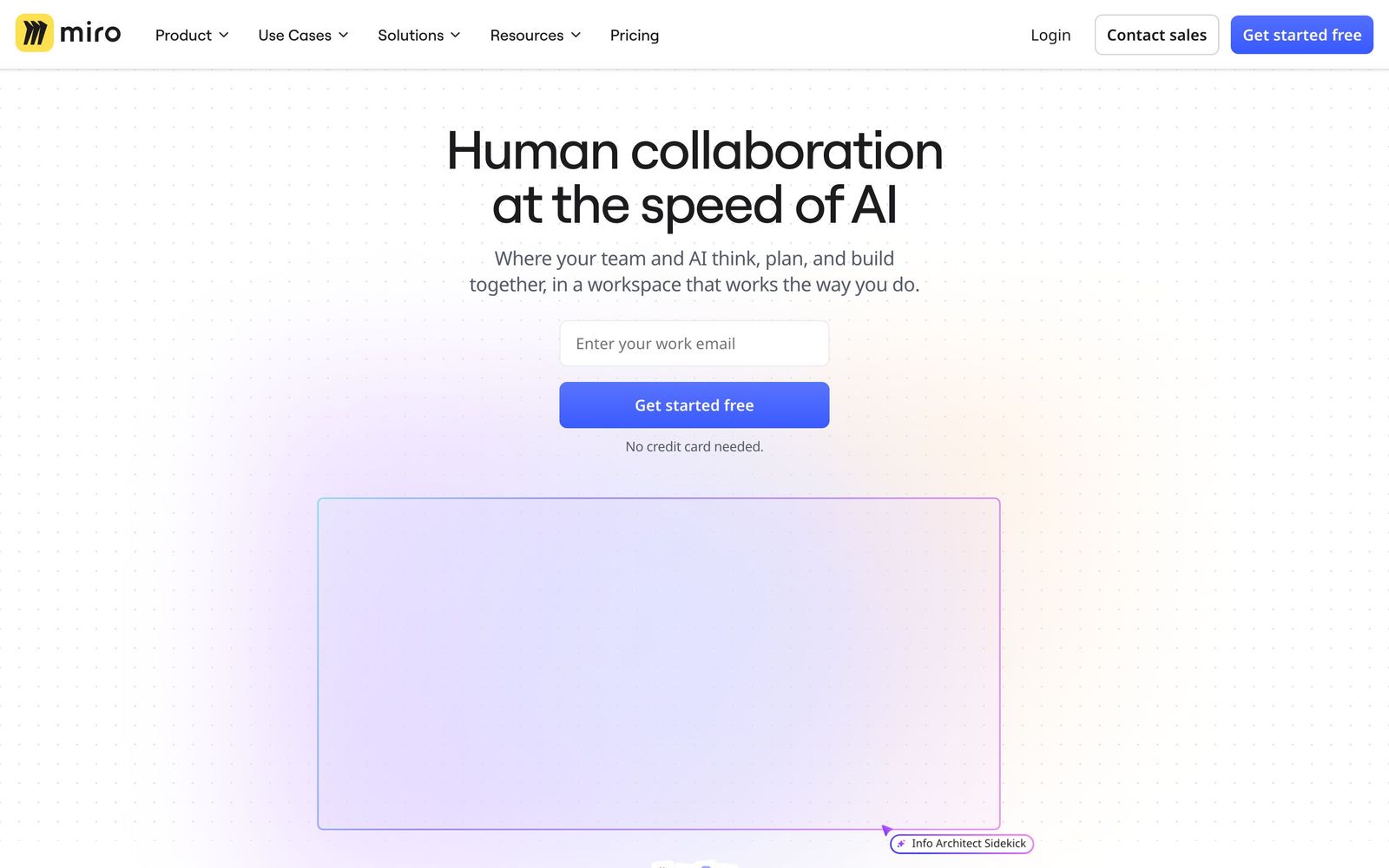
Infinite shared canvas for workshops, diagrams and planning, now wrapped around docs, tables and AI.
The default choice for distributed teams that think visually before they write, though dense boards get sluggish and the free plan is tight enough to force a decision quickly.
Pros
- The multiplayer canvas holds up with a room full of people editing at once, which is the whole reason to use it live
- Six thousand templates cover most workshop formats, so a retro or a service blueprint starts from structure rather than a blank page
- Talktrack records a narrated walkthrough of a board, which replaces the meeting for people in other timezones
- Docs, tables, kanban boards, timelines and slides live on the same canvas as the sticky notes, so a workshop turns into a plan without leaving
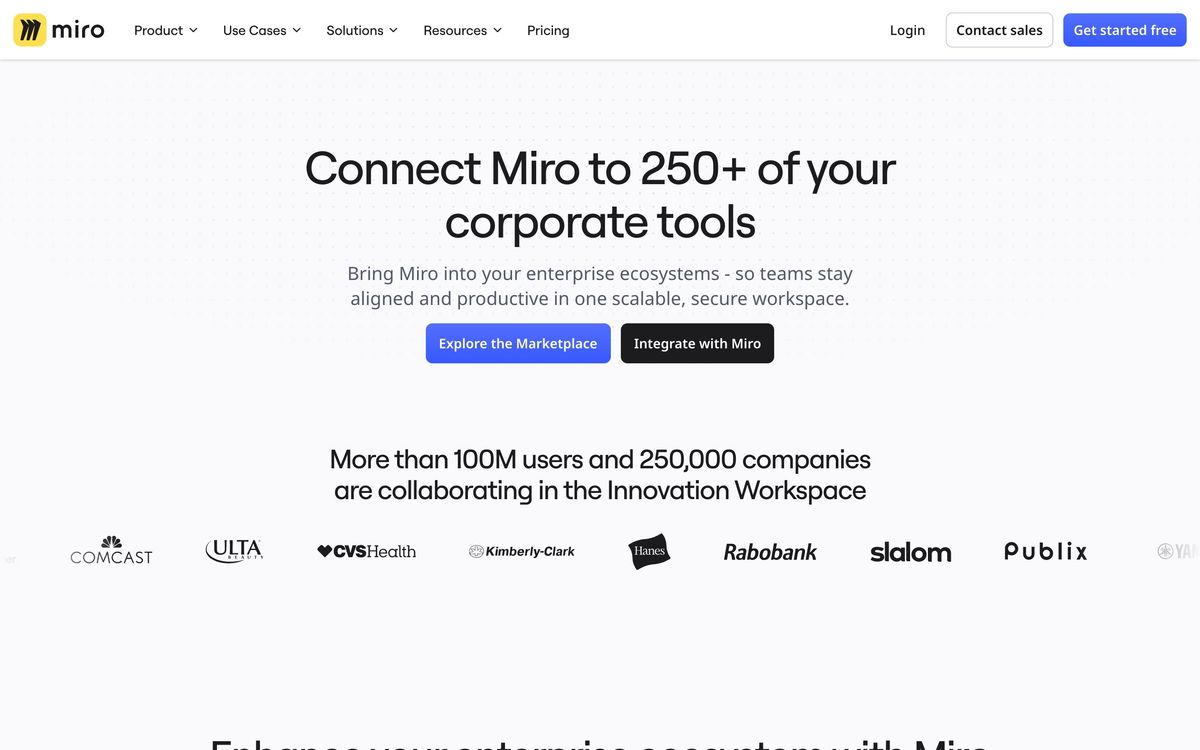
- More than 250 integrations, including two-way Jira and Azure DevOps sync that turns cards into real tickets
Cons
- Boards with thousands of elements and several simultaneous editors become noticeably laggy, and reviewers raise this consistently
- The free plan allows three editable boards, which is enough for one project and no more - a deliberate squeeze rather than a genuine tier
- AI credits are metered per member per month, single sign-on is held back to the mid tier, and the enterprise plan carries a thirty-member minimum
Miro pricing
List prices in USD per month, taken from the vendor at review time.
| Plan | Per month | What it covers |
|---|---|---|
| Free | Free | 3 editable boards, limited AI credits |
| Starter | $8 | per member, billed annually |
| Business | $20 | per member, billed annually, adds SSO |
What Miro actually does
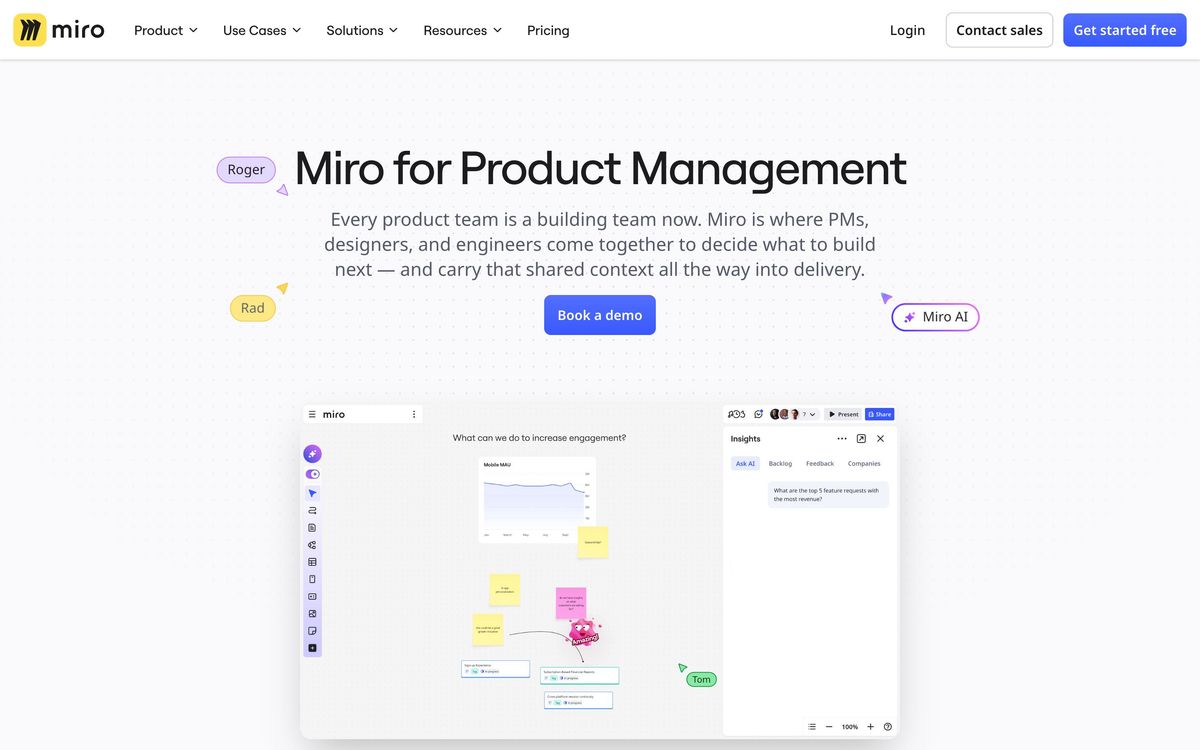
Miro is an infinite canvas that several people can draw on at once. In its original form that meant sticky notes, arrows, frames and a cursor for every participant - a whiteboard for teams who no longer share a room. Over the last few years it has grown outward from that core, and the company now describes it as an innovation workspace: the same canvas, but with documents, tables, kanban boards, timelines, org charts, wireframes and slide decks as native objects rather than images pasted in from elsewhere.
In practice a board becomes the artefact a piece of work lives on. A discovery workshop starts as clustered sticky notes, becomes a prioritised list in a table, then a roadmap on a timeline, then tickets pushed into Jira through a two-way sync - all on one surface, with the reasoning still visible beside the output. The template library, six thousand deep, means most recognised formats are a click away rather than something to redraw. Talktrack records a narrated tour of a board so people in other timezones can follow the argument without a meeting. Miro AI generates diagrams, clusters notes and summarises boards, metered in credits per member. Around it sit more than 250 integrations and the usual enterprise apparatus: SSO, compliance certifications and admin controls on the upper tiers.
Key features
The canvas is the product; everything else is arranged around it.
- Real-time multiplayer editing with live cursors, voting, timers and facilitation controls
- Template library covering retros, workshops, service blueprints, journey maps and strategy formats
- Diagramming for flowcharts, mind maps, process maps and organisational charts
- Talktrack narrated walkthroughs for asynchronous review of a board
- Docs, tables, kanban boards and timelines as native canvas objects
- Two-way Jira and Azure DevOps sync, plus Confluence, Slack, Zoom, Figma, Asana and Monday.com
Who it's for
Miro suits distributed teams whose work starts as a conversation: product managers running discovery, designers mapping journeys, founders sketching an operating plan with a team spread across timezones. It is at its best when a group needs to see the same thing at the same time and argue about it, and it is unusually good at making that argument survive the meeting - the board remains, annotated and narrated, instead of evaporating into someone's notes.
It is a poor fit for a team that primarily writes. If the work is documents, decisions and comments, a wiki does that better and cheaper, and the canvas becomes an expensive place to store text. It is also the wrong tool for anyone who needs a single source of truth for delivery: Miro plans work, it does not track it, and teams that try to run sprints on a board rather than in a tracker generally regret it. Small teams should also be honest about the free tier - three editable boards is one project, and the upgrade decision arrives fast.
How it compares
FigJam is the cheaper and lighter option, and the obvious answer for teams already living in Figma, but it stays a whiteboard rather than growing into planning artefacts. Mural is the closest direct rival and is stronger on structured facilitation - timers, guided sessions, meeting discipline - while its template ecosystem and integration catalogue are smaller. Lucidspark, paired with Lucidchart, wins on rigorous diagramming and formal architecture work, where Miro's freeform canvas is looser than an engineer might want. Miro's advantage over all three is breadth: it is the only one where a brainstorm, a roadmap, a document and a set of synced Jira tickets can share a surface. Its disadvantage is the same breadth, since depth in any one of those is short of the specialist.
Verdict
Miro is the category leader for good reasons: the collaboration engine works under load, the templates save real hours, and the expansion into docs, tables and timelines has been coherent rather than bolted on. The rating stops short of the top because of two persistent frictions. Boards that accumulate thousands of elements slow down, particularly with several people editing, and this is the complaint reviewers raise most often. And the packaging is tight - three free boards, AI credits metered per member, single sign-on held back to the mid tier - so the real cost for a growing team lands higher than the entry price suggests. Worth it for teams that genuinely work visually; hard to justify for teams that mostly write.
Ready to try Miro?
There's a free tier, so you can test it before committing.
More founders tools like Miro
SmartSuite
4.2Structured records, views, dashboards and automations in one platform for teams outgrowing spreadsheets.
Read SmartSuite review →Backlog
4.1Project management and bug tracking with built-in Git/SVN, Gantt charts, and wikis; flat per-space pricing.
Read Backlog review →Office Timeline
4.0PowerPoint add-in that turns project data into Gantt charts and roadmap slides for executive updates.
Read Office Timeline review →Wrike
4.0Work management with custom workflows, request forms and resource planning for teams running repeatable delivery.
Read Wrike review →Hive
3.9Work management platform that keeps project views, team chat and notes in one workspace at a low seat price.
Read Hive review →P3MO
3.7Portfolio management for PMOs and boards: one view from strategic objectives down to individual projects.
Read P3MO review →