
monday.com review
Board-based work platform where typed columns drive timelines, dashboards and automated hand-offs.
A flexible work platform that fits most non-engineering processes, though the automations and dashboards that make it worth the money sit two tiers above the entry plan.
Pros
- One data set renders as table, kanban, Gantt, calendar, workload and map views without duplicating records
- Connect-boards and mirror columns link records across separate projects, which keeps handoffs in one place
- Automation recipes are written in plain language, so non-technical owners can build and edit them
- Unlimited free viewers and guest access let clients and reviewers follow work without a paid seat
- Large integration catalogue covering CRM, chat, code hosting, storage and billing tools
Cons
- Paid plans require a minimum of three seats, so a two-person team pays for capacity it does not use
- The monthly automation allowance on the entry tiers runs out quickly once a process has more than a few triggers
- Boards with many thousands of items become slow to load and filter in the browser
monday.com pricing
List prices in USD per month, taken from the vendor at review time.
| Plan | Per month | What it covers |
|---|---|---|
| Free | Free | up to 2 seats, 3 boards |
| Basic | $9 | per seat, billed annually, 3-seat minimum |
| Standard | $12 | per seat, billed annually, 250 automation actions a month |
| Pro | $19 | per seat, billed annually, 25,000 automation actions a month |
What monday.com actually does
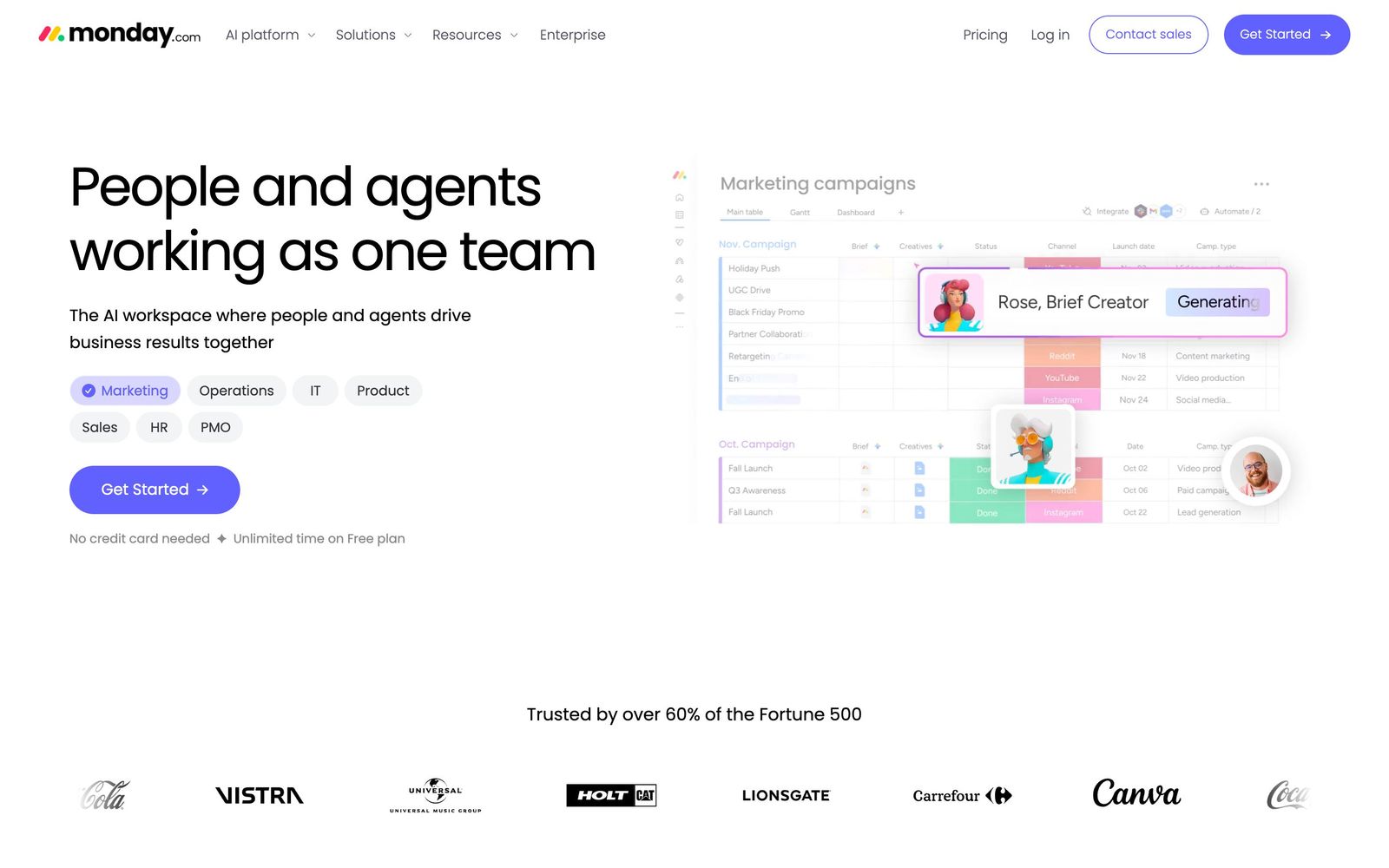
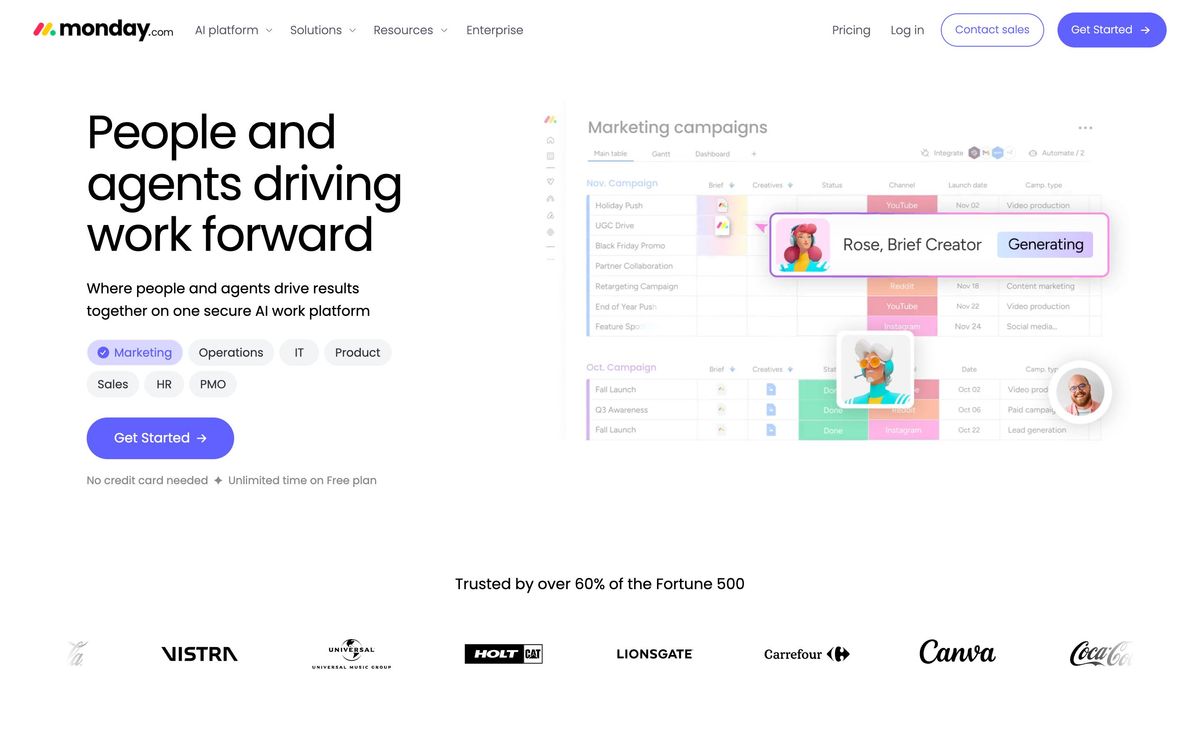
monday.com is a work platform built on a single idea: put the team's records in a board, describe each record with typed columns, then render that board as whatever view the work needs. A column can be a status, a person, a date range, a number, a formula, a dependency, or a link to an item on another board. Once the columns exist, monday derives the rest, timelines, kanban lanes, calendars, workload charts and dashboard widgets all read the same underlying data. The result is less a project-management app with fixed opinions than a construction kit for internal process, which is why one account can run a content calendar, a hiring pipeline and a client onboarding checklist without any two looking alike.
The company now ships several products on the same engine. Work Management is the general-purpose board product; monday CRM, monday dev and monday service are preconfigured versions with their own objects, tiers and feature gates, billed separately. Everything is hosted, with mobile apps, a public API and a marketplace of several hundred apps. Automations are assembled from plain-language recipes, when a status changes to done, notify an owner and move the item to another group, and the monthly automation allowance attached to each tier is the practical ceiling on how much routine coordination can be moved off email.
Key features
The parts that carry most of the daily work:
- Typed board columns including status, timeline, formula, dependency, mirror and connect-boards, which link records across separate projects
- Multiple saved views over one data set: table, kanban, Gantt and timeline, calendar, workload and map
- Recipe-based automations, with a monthly action allowance that rises steeply between tiers
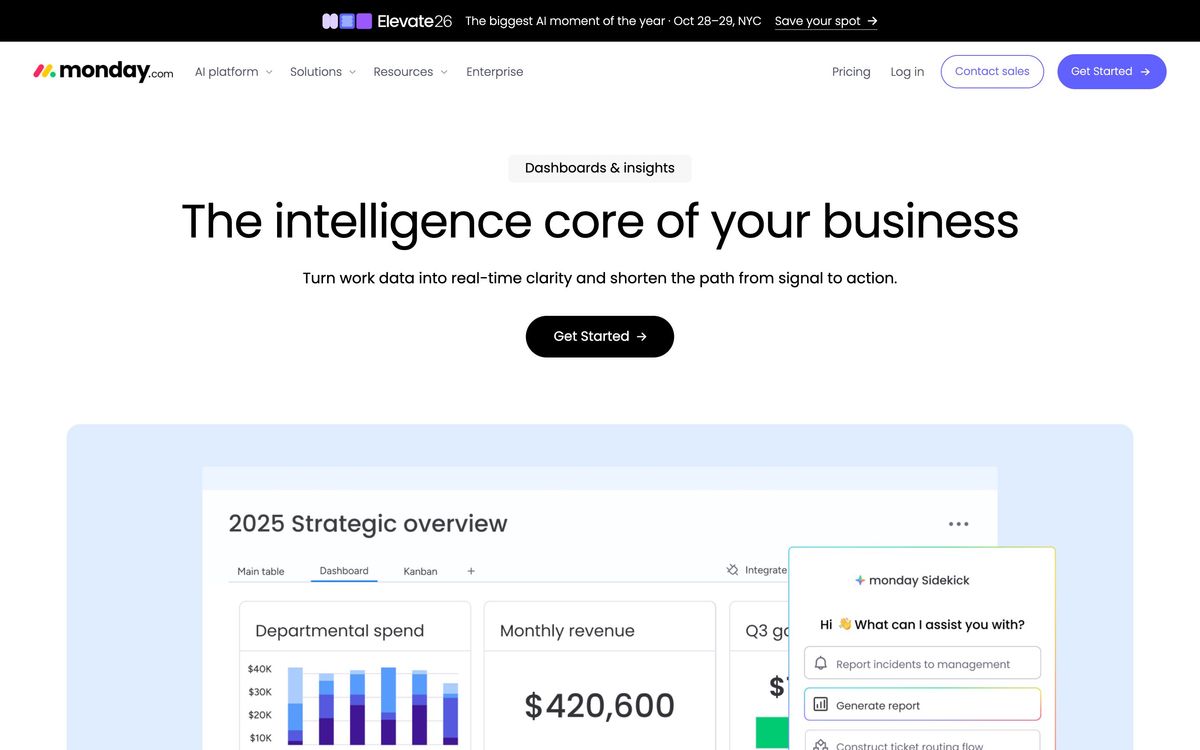
- Cross-board dashboards carrying workload, burndown, budget and time-tracking widgets
- Integrations with Slack, Salesforce, HubSpot, Jira, GitHub, Microsoft Teams, Gmail and Stripe, plus Make and Zapier
- Unlimited free viewers and guest access, so reviewers and clients can follow work without consuming a paid seat
Who it's for
Operations-shaped teams get the most out of it: marketing groups tracking campaigns, agencies running client work, people teams moving candidates through stages, small companies that have outgrown a shared spreadsheet but do not want a rigid methodology imposed on them. The board model rewards someone willing to spend a week designing columns and automations properly. Teams that adopt it casually tend to end up with a dozen half-maintained boards nobody trusts.
It is a poor fit for engineering teams that need real issue tracking with branch links, sprint hygiene and release scopes; Jira and Linear still do that better, and monday dev narrows the gap rather than closing it. Document-first teams that write specs and internal wikis will find the editor thin next to Notion. And solo operators should note the three-seat minimum on paid plans, which makes the real entry price higher than the per-seat headline suggests.
How it compares
Asana is calmer and clearer for straightforward task and project tracking, with better task hierarchies, but it is less useful as a general-purpose database. ClickUp packs in more features per seat and has a more generous free tier, at the cost of an interface many teams find noisy. Notion is stronger for documents and lightweight databases and weaker for scheduled work, dependencies and dashboards. Smartsheet suits organisations that think in grids and need heavier governance. monday's edge is the polish of its views and the breadth of its integration catalogue; its handicap is that the automation and dashboard limits that make the platform worthwhile sit well above the entry tier.
Verdict
monday.com is one of the few work platforms that stays legible as it grows, and the board-plus-views model bends to most non-engineering processes without breaking. The catch is the shape of the pricing: automations, cross-board dashboards and time tracking are gated to higher tiers, seats are sold in a minimum block of three, and the CRM, dev and service products each carry their own bill. Teams that plan their column schema and automations before rolling it out get real value from it. Teams that treat it as a prettier spreadsheet end up paying per seat for something a spreadsheet already did.
Ready to try monday.com?
There's a free tier, so you can test it before committing.
More founders tools like monday.com
SmartSuite
4.2Structured records, views, dashboards and automations in one platform for teams outgrowing spreadsheets.
Read SmartSuite review →Wrike
4.0Work management with custom workflows, request forms and resource planning for teams running repeatable delivery.
Read Wrike review →MindStudio
4.4No-code visual builder for AI agents with 200+ models, 1,000+ integrations, and flexible deployment.
Read MindStudio review →Airia
4.3Enterprise platform for building, orchestrating, and governing AI agents and workflows at scale.
Read Airia review →Todoist
4.3A task manager with natural-language capture and shared projects, built to hold personal and team work in one list.
Read Todoist review →Typewise
4.3AI agent platform that resolves customer service requests end-to-end across CRM, ERP, and helpdesk systems.
Read Typewise review →