
Wrike review
Work management with custom workflows, request forms and resource planning for teams running repeatable delivery.
The right choice for an operations or marketing team that needs approvals, intake forms and capacity planning in one place, though the folder hierarchy and add-on pricing make the first month harder than it should be.
Pros
- Custom request forms route incoming work into the right project with the right fields already filled, which removes most intake chaos for agency and marketing teams
- Workload view shows who is over-allocated by role or individual and lets assignments be moved before a deadline slips
- Approval and proofing workflows are native, including markup on documents and creative assets, rather than requiring a separate review tool
- The free plan carries unlimited users, which is unusual and makes a low-risk pilot possible across a whole department
- Reporting and dashboards can be shared with people outside the paid seat count, so stakeholders see status without licences
Cons
- The folder, project and space hierarchy is genuinely confusing on arrival, and new users routinely misfile work for the first weeks until an administrator imposes a structure
- Several capabilities most teams assume are included are separately priced add-ons, including whiteboards at a per-user rate and the Integrate automation module by quote
- Advanced resource planning, budgeting and the deeper reporting sit on quote-only tiers, so the published per-user prices do not describe what a mature deployment costs
Wrike pricing
List prices in USD per month, taken from the vendor at review time.
| Plan | Per month | What it covers |
|---|---|---|
| Free | Free | unlimited users; task and project management, board and table views |
| Team | $10 | per user, 2-15 users; adds dashboards, Gantt charts and AI essentials |
| Business | $25 | per user, 5-200 users; adds custom workflows, request forms, templates and standard integrations |
| Whiteboard add-on | $15 | per user; Pinnacle and Apex tiers with resource planning and budgeting are quote-only |
What Wrike actually does
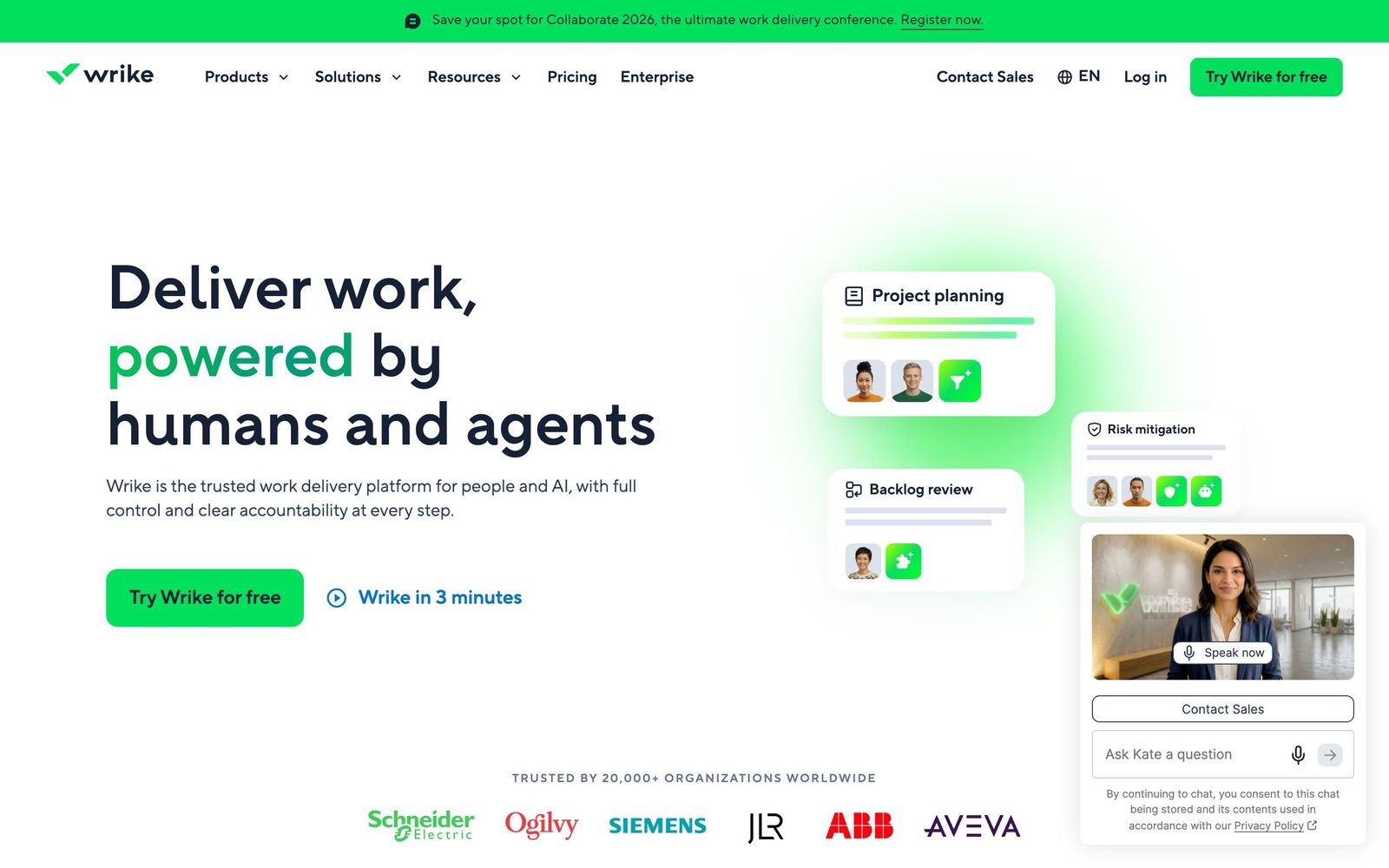
Wrike is a work management platform for teams whose projects follow a pattern. Tasks live in a hierarchy of spaces, folders and projects, and can be viewed as a list, a board, a table, a calendar or an interactive Gantt chart with dependencies. What separates it from the lighter task trackers is the machinery around the tasks: custom workflows with per-project statuses and approval gates, automation rules that move work when conditions are met, and request forms that turn an inbound ask into a properly structured task in the right folder with the right owner.
The second layer is resourcing and review. A workload view shows allocation by person or by role and makes over-commitment visible before a deadline slips; the higher tiers add capacity forecasting and budget tracking against actual effort. Native proofing lets documents, images and video be marked up, versioned and approved inside the same record as the work, which is why creative and marketing departments are the platform's strongest constituency. Wrike is sold per user with a free tier that carries unlimited people, and a set of paid add-ons, whiteboards, the Integrate automation module, two-way sync, a data hub, customer-managed encryption, that sit outside the plan price.
Key features
The platform is broad; these are the parts teams cite as the reason they chose it.
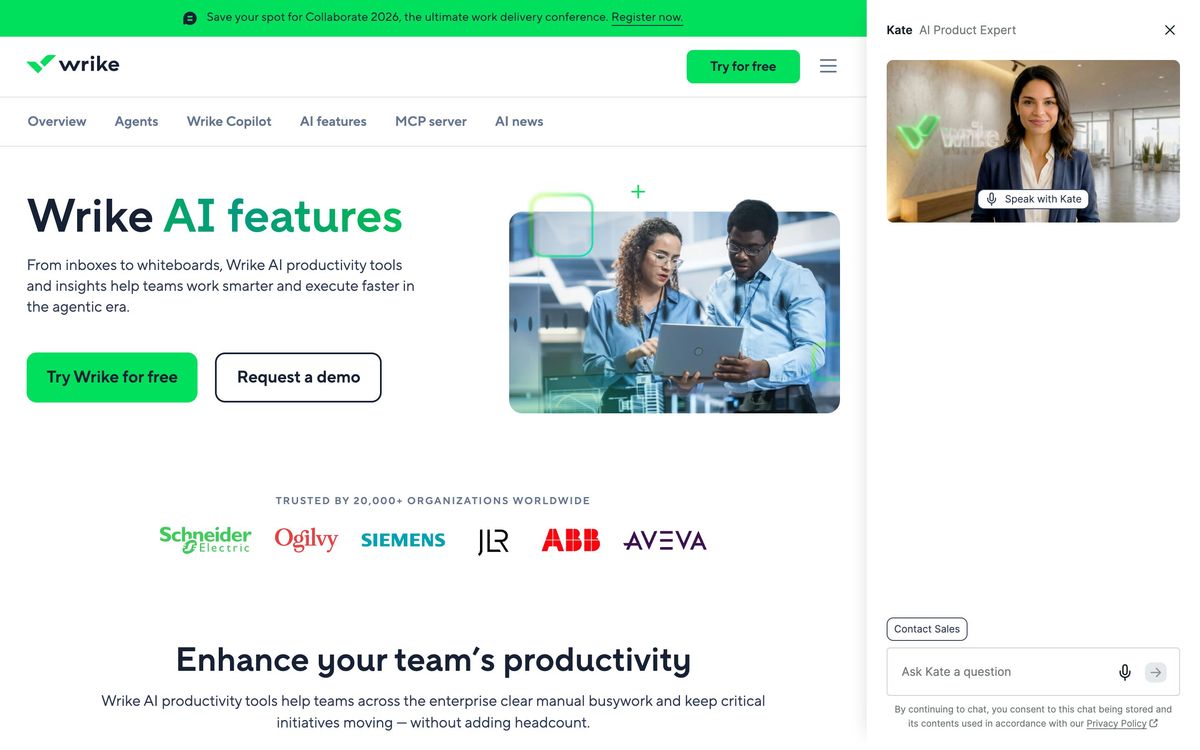
- Custom workflows with per-project statuses, approval steps and rule-based automation
- Dynamic request forms that capture structured intake and create routed tasks
- Interactive Gantt charts with dependencies, baselines and critical path
- Workload view for allocation and capacity planning by individual or role
- Proofing and approval on documents, images and video with markup and version comparison
- Dashboards and scheduled reports that can be shared with unlicensed viewers
Who it's for
Wrike fits a department that receives requests from elsewhere in the business and has to deliver them on a schedule: an in-house marketing team, a creative studio, a professional services group, an operations function. Those teams need intake, approvals, capacity visibility and status reporting, and Wrike does all four natively where lighter tools cover one or two. The size range where it makes most sense is roughly fifteen to a couple of hundred people, large enough that coordination is a real cost and small enough that a full enterprise portfolio tool would be overkill.
It is the wrong tool for a small team that wants to start working on the first afternoon. The hierarchy takes deliberate design, the distinction between folders and projects confuses almost everyone at first, and without an administrator willing to set conventions the workspace degrades quickly. Engineering teams should also look elsewhere, since there is no issue-tracking or sprint model comparable to a purpose-built development tool. Anyone budgeting should assume the published per-user price is a floor rather than an estimate.
How it compares
Asana is easier to adopt and better looking, with a gentler structure, but its approval and proofing story is weaker and resource management arrives only on higher tiers. Monday.com is the most flexible of the three and the most likely to become an unmanaged sprawl of boards; it wins on ease and loses on the disciplined intake-to-approval workflow Wrike does well. ClickUp packs in more features for less money, including whiteboards and docs that Wrike charges extra for, at the cost of performance and consistency that larger teams notice. Smartsheet competes directly for operations work and suits spreadsheet-minded teams better, while Wrike suits creative review better.
Verdict
Wrike earns its rating on the specific things it does properly: request intake, approval workflows, proofing and workload planning, assembled into one system rather than four. Public review scores cluster around four out of five and split predictably by company size, with larger organisations happier than small ones, which matches the product's shape. The caveat is the cost of entry in both senses. The learning curve is steep enough that a deployment needs an owner, and the add-on model means whiteboards, deep automation and resource planning all arrive as separate line items, so the invoice a mature team pays looks little like the price on the plan page.
Ready to try Wrike?
There's a free tier, so you can test it before committing.
More founders tools like Wrike
monday.com
4.3Board-based work platform where typed columns drive timelines, dashboards and automated hand-offs.
Read monday.com review →SmartSuite
4.2Structured records, views, dashboards and automations in one platform for teams outgrowing spreadsheets.
Read SmartSuite review →MindStudio
4.4No-code visual builder for AI agents with 200+ models, 1,000+ integrations, and flexible deployment.
Read MindStudio review →Airia
4.3Enterprise platform for building, orchestrating, and governing AI agents and workflows at scale.
Read Airia review →Todoist
4.3A task manager with natural-language capture and shared projects, built to hold personal and team work in one list.
Read Todoist review →Typewise
4.3AI agent platform that resolves customer service requests end-to-end across CRM, ERP, and helpdesk systems.
Read Typewise review →