
SmartSuite review
Structured records, views, dashboards and automations in one platform for teams outgrowing spreadsheets.
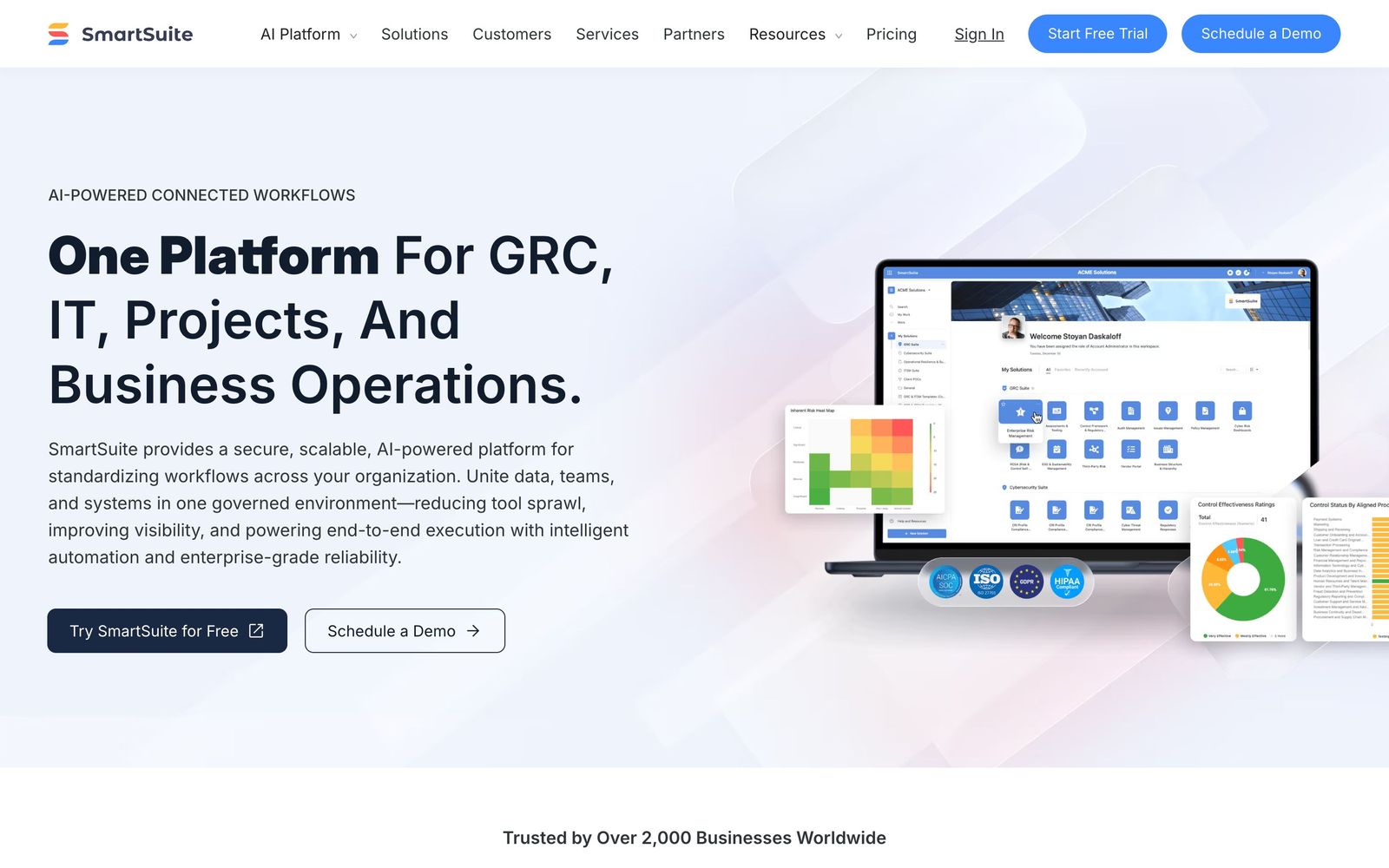
The strongest of the Airtable-style work platforms for teams that want process and project management in one place, though the retired free plan and seat minimums make the entry price higher than it looks.
Pros
- The field library is broader than most rivals, covering rich text, checklists, sub-items, time tracking, votes, signatures and linked records out of the box
- The same data renders as grid, kanban, calendar, timeline, map, chart and dashboard views without duplicating records
- Automations, forms, dashboards and permissions are included at both paid tiers rather than being staged across an upgrade path
- Templated solutions for recruiting, projects, CRM and compliance give a working structure on day one instead of an empty base
- Record and storage ceilings are generous compared with equivalently priced competitors
Cons
- The free plan was retired, so the cheapest way in is now a paid tier with a three-seat minimum whether or not three people need access
- The professional tier carries a five-seat minimum, which means the jump for permissions and higher automation limits costs more than the headline per-seat figure
- Native integrations are fewer than at monday.com or Airtable, and several common connections have to be routed through Zapier or Make
SmartSuite pricing
List prices in USD per month, taken from the vendor at review time.
| Plan | Per month | What it covers |
|---|---|---|
| Team | $15 | per seat billed annually, minimum 3 seats, 20 billed monthly |
| Professional | $32 | per seat billed annually, minimum 5 seats, 36 billed monthly |
What SmartSuite actually does
SmartSuite belongs to the category that grew out of the spreadsheet: structured records with typed fields, linked to each other, rendered in whichever view suits the moment. A record can be a job applicant, a client project, a piece of equipment or a compliance control, and the same table appears as a grid to the person maintaining it, a kanban board to the person moving work along, a timeline to the person planning it and a dashboard to whoever is reporting upward. Nothing is duplicated between those views, which is the difference between this and a folder of spreadsheets.
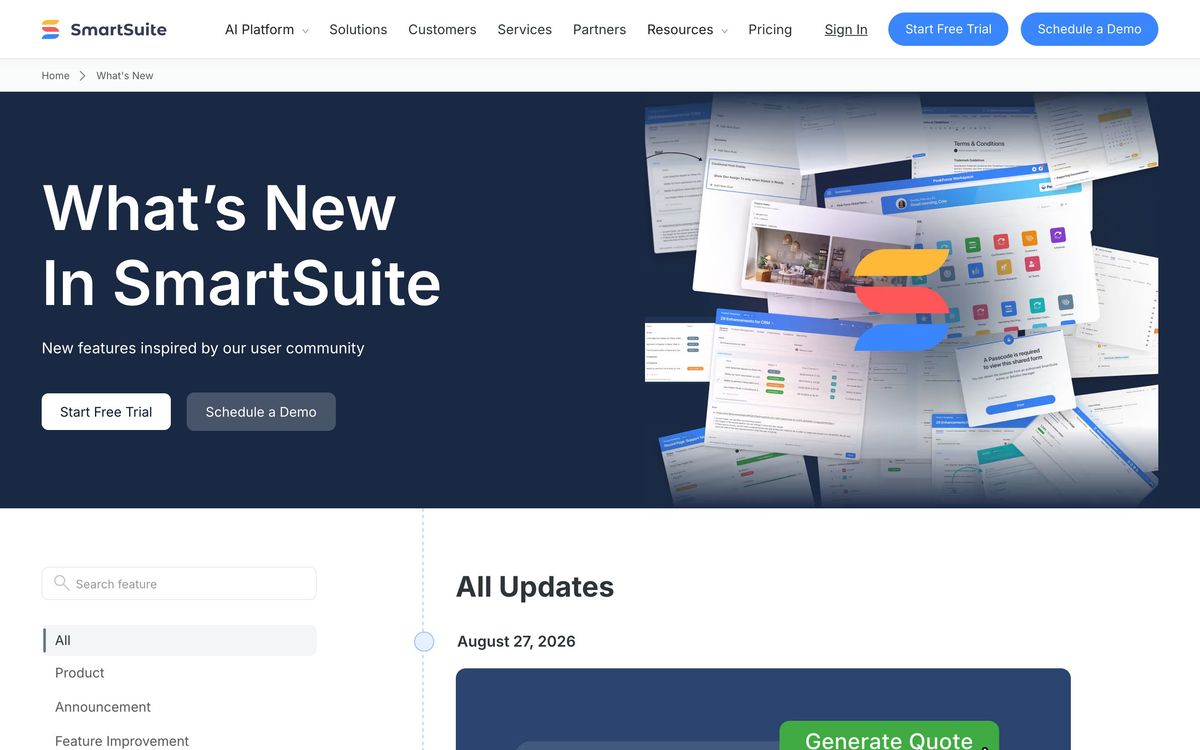
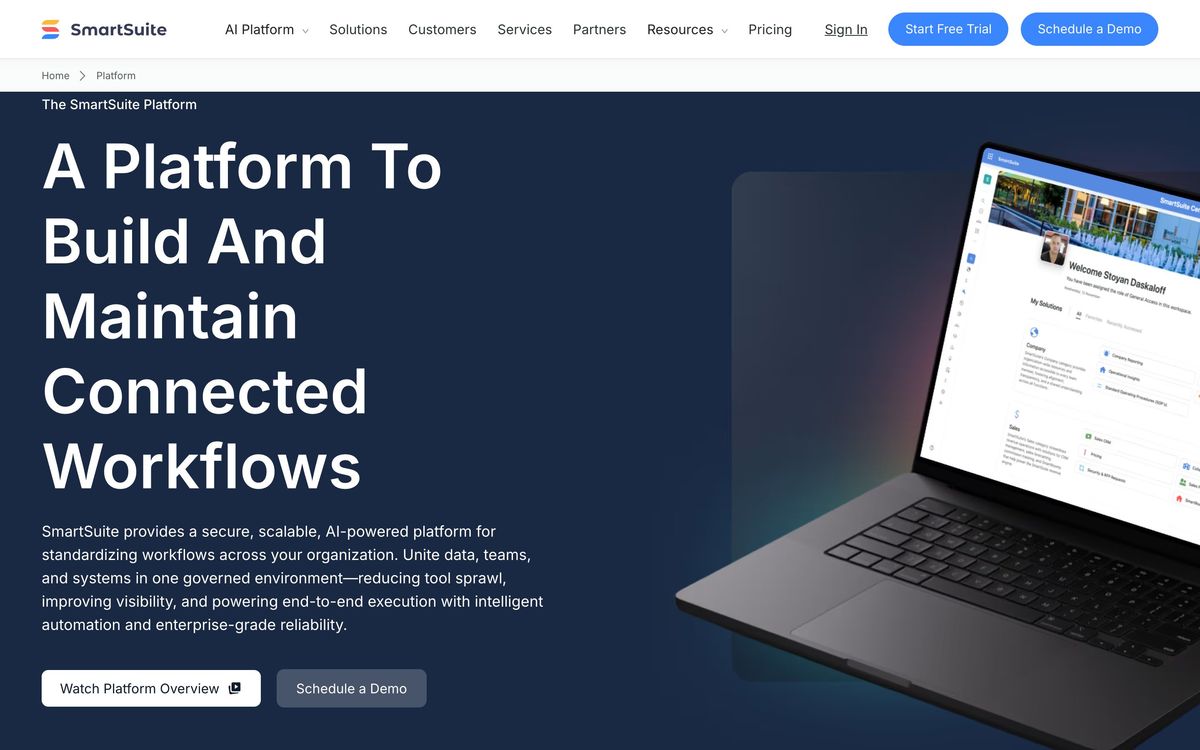
What separates SmartSuite from its nearest rivals is how far it pushes the modelling. The field library runs past thirty types, including sub-items, checklists, time tracking, voting and signature fields that competitors leave to add-ons. On top sits an automation engine with conditional branching, forms for intake, permissions that reach down to individual fields and records, and a set of AI agents that summarise activity, draft content, classify incoming requests and move work to the next step. The company positions all this as a work operating system spanning projects, IT, governance and business operations, which in practice means one workspace where a recruiting pipeline and an audit register can live side by side under different permissions.
Key features
The platform is a data model, a set of views over it and an automation layer between them.
- More than thirty field types including linked records, sub-items, checklists, time tracking and signatures
- Grid, kanban, calendar, timeline, map, chart and dashboard views over shared data
- Multi-step automations with conditional branching and generous monthly run allowances
- Forms and request intake that write straight into a solution
- AI assistants that summarise updates, draft content and classify requests
- Field-level and record-level permissions on the professional tier and above
Who it's for
The natural buyer is an operations-minded team between roughly five and fifty people that has outgrown spreadsheets and does not want a rigid project tool. Agencies running client work, in-house teams managing recurring processes, and small companies that need one system for projects, assets and compliance all get more out of this than they would from a dedicated task manager, because the structure bends to the process rather than the other way round.
It is a poor fit for two groups. Anyone wanting to start free and grow into it can no longer do that, since the free plan was retired and the cheapest entry now involves a three-seat minimum. And a team that simply needs tasks assigned and completed will find the flexibility a cost rather than a benefit: someone has to design the model, and the advanced formulas in particular carry a learning curve. Check the integration list before committing too, since the native connector set is thinner than at the larger competitors and gaps get filled with Zapier or Make.
How it compares
Airtable is the reference point and still has the larger ecosystem, a stronger app-building layer and better name recognition with clients, but it meters records and automation runs more aggressively and its pricing has drawn steady complaints. monday.com wins on native integrations, polish and adoption speed, while charging more and modelling data less rigorously. ClickUp packs in more surface area for less money and is correspondingly noisier to live in. SmartSuite sits between them: closer to Airtable in data modelling, closer to monday.com in project management, and generally better value than either at the same seat count.
Verdict
SmartSuite is the most complete of the spreadsheet-descended work platforms, and the field types, view range and permission depth are genuinely ahead of what the price suggests. Teams that invest a week in designing their solutions get something that replaces four or five tools. The reservations are commercial rather than technical: the free tier is gone, both plans carry seat minimums that penalise small teams, and native integrations trail the better-known rivals often enough to matter. Worth shortlisting against Airtable, and worth the setup time if the shortlist lands here.
Ready to try SmartSuite?
More founders tools like SmartSuite
monday.com
4.3Board-based work platform where typed columns drive timelines, dashboards and automated hand-offs.
Read monday.com review →Wrike
4.0Work management with custom workflows, request forms and resource planning for teams running repeatable delivery.
Read Wrike review →MindStudio
4.4No-code visual builder for AI agents with 200+ models, 1,000+ integrations, and flexible deployment.
Read MindStudio review →Airia
4.3Enterprise platform for building, orchestrating, and governing AI agents and workflows at scale.
Read Airia review →Todoist
4.3A task manager with natural-language capture and shared projects, built to hold personal and team work in one list.
Read Todoist review →Typewise
4.3AI agent platform that resolves customer service requests end-to-end across CRM, ERP, and helpdesk systems.
Read Typewise review →