
Todoist review
A task manager with natural-language capture and shared projects, built to hold personal and team work in one list.
The most dependable cross-platform task manager for individuals and very small teams, though its calendar view is shallow and the free plan is now tight enough to force an upgrade.
Pros
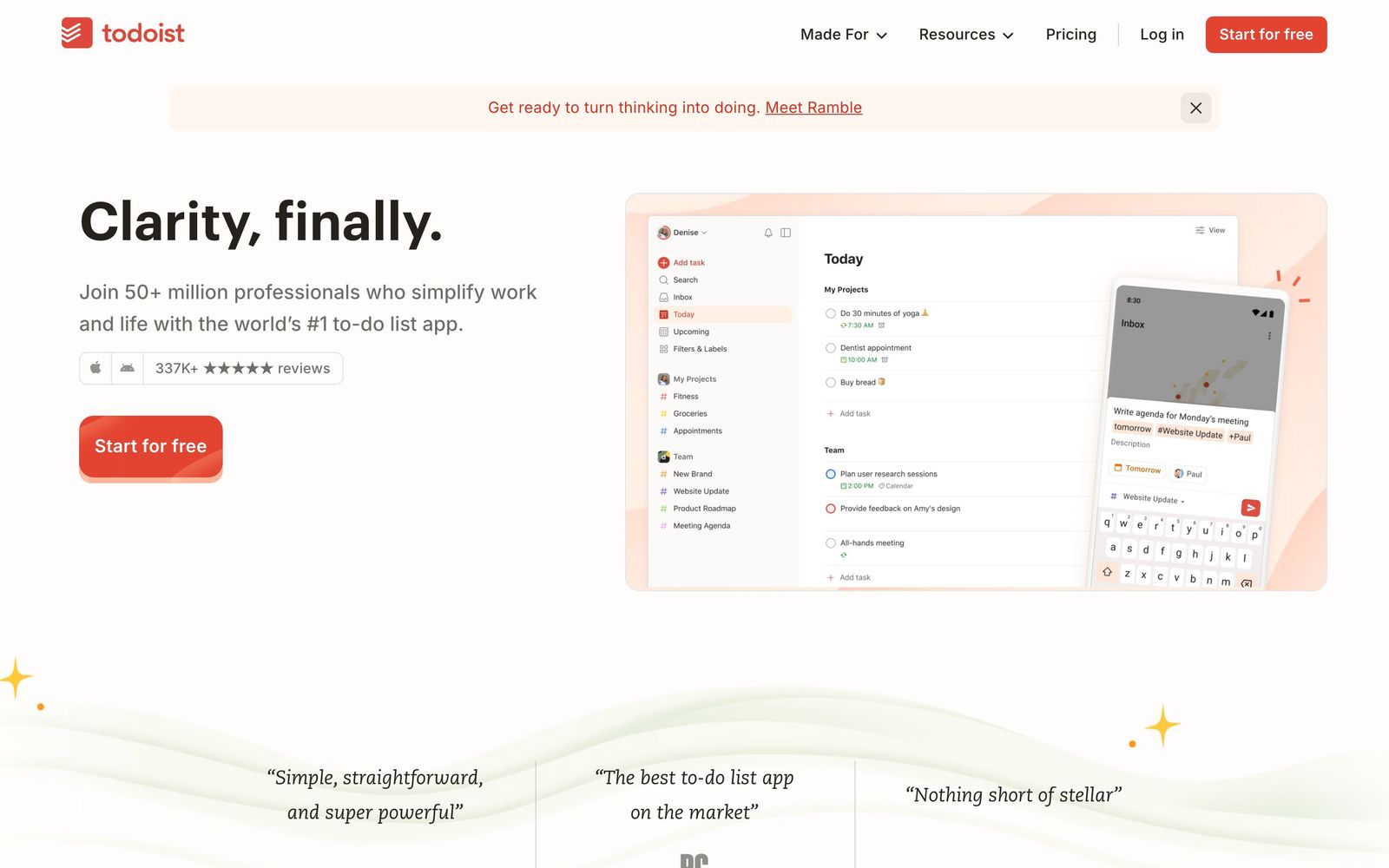
- Natural-language entry parses dates, recurrence, projects and priorities from a single typed line, which keeps capture under a few seconds
- Apps are native and genuinely equivalent across iOS, Android, macOS, Windows, web and browser extensions, with reliable offline sync
- Recurring tasks handle irregular patterns such as every third Tuesday, which most competitors get wrong
- Filters and labels compose into saved views, so a personal system survives without a project management tool
- SOC 2 Type II certified, which is unusual for a product at this price and matters for company-wide rollouts
Cons
- The calendar view shows one project at a time and connected calendar events are read-only, so it cannot replace time-blocking in a real calendar
- The free plan caps personal projects at five, filters at three and history at a week, which pushes most regular users to pay
- Team features stop at shared projects and comments: there are no dependencies, workload views or Gantt charts, and prices rose across both paid tiers in late 2025
Todoist pricing
List prices in USD per month, taken from the vendor at review time.
| Plan | Per month | What it covers |
|---|---|---|
| Beginner | Free | free: 5 personal projects, 3 filters, 5 MB uploads, one week of history |
| Pro | $5 | $60 per year billed annually ($7 month-to-month), 300 projects and 150 filters |
| Business | $8 | per user, billed annually ($10 month-to-month), team projects, roles and admin controls |
What Todoist actually does
Todoist is a task manager that has resisted the temptation to become a project management suite. The core loop is capture and review: type a line such as pay the VAT return every quarter starting Friday, and the parser turns it into a recurring task with a date, a project and a priority without touching a single dropdown. Everything else is organisation on top of that, meaning projects, sections, sub-tasks, labels and filters that compose into saved views such as work items due this week that are not waiting on somebody else.
Delivery is the quiet strength. There are native applications for iOS, Android, macOS, Windows and the web, plus browser extensions and email forwarding, and they behave the same way and sync reliably offline. Paid tiers add reminders, more projects and filters, calendar layouts and an assistant that proposes structure for incoming tasks. The Business plan adds a shared team workspace with roles and admin controls, kept deliberately separate from a member's personal projects, so an employee's private list never appears in a company view.
Key features
The feature list is short by design, and almost all of it exists to reduce the friction of writing something down.
- Natural-language capture that reads dates, recurrence, project, label and priority from one typed line
- Recurring tasks that handle irregular patterns such as the last working day of a month or every third Tuesday
- List, board and calendar layouts per project, with sections, sub-tasks and drag-and-drop reordering
- Labels and filters combined into saved views, which is how power users build a review system
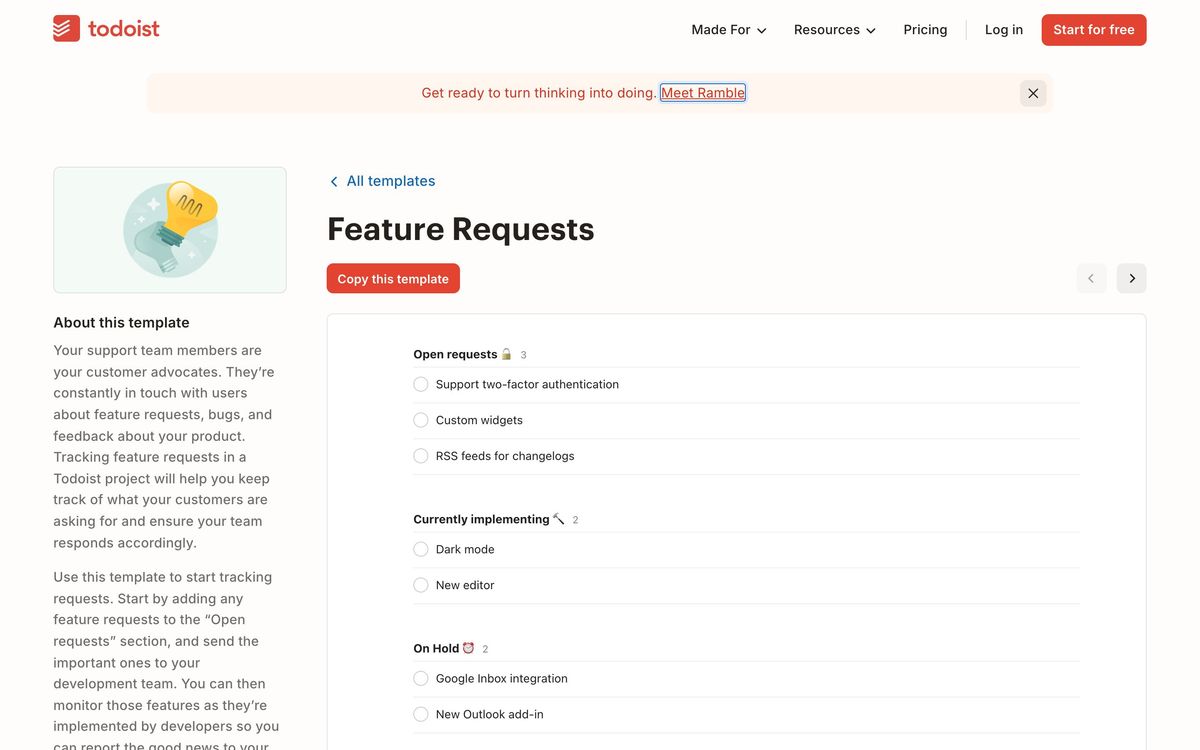
- Shared team projects with assignment, threaded comments and attachments, plus a separate team workspace on Business
- Integrations with Google Calendar, Slack, Gmail, Outlook, Teams, Jira and Zapier, and a documented API
Who it's for
Todoist fits a founder, consultant or small team that wants one list they trust and no ceremony around it. It is particularly good for people whose work and personal commitments live in the same head: the same app holds the investor follow-up, the tax deadline and the school pickup, filtered apart when needed. Small teams use the Business plan for shared operational checklists, onboarding sequences and recurring compliance work where a full project tool would be overbuilt.
It is the wrong tool for managing a project with dependencies, resource allocation or a timeline anyone needs to defend to a client, because none of that exists here. It is also weak for people who want habits, focus timers and time blocking in the same window, and for teams that expect a calendar to be the primary interface, since the calendar layout is limited to a single project and connected events cannot be edited.
How it compares
TickTick covers most of the same ground and adds a unified calendar across all projects, habit tracking and a built-in focus timer, usually for less money, though its interface is busier and its team features are thinner. Things is more elegant and calmer to use, with a better daily review, but it is Apple-only and has no collaboration at all. Notion and ClickUp swallow tasks into a wider workspace, which suits teams that want one system of record and frustrates anyone who simply wants to add a task in two seconds. Todoist's advantage is consistency across platforms and a parser that has had fifteen years of tuning.
Verdict
After a long stretch of minor iteration, Todoist remains the safest recommendation in its category: fast capture, dependable sync, sensible sharing and an app on every platform someone might use. The recent additions, particularly the assistant and the team workspace, are useful without bloating the product. Two caveats keep it from a higher score. The free plan has been trimmed to the point where serious use requires paying, and both paid tiers took a price rise in late 2025, while the calendar and focus features still lag TickTick for anyone who wants their day planned rather than merely listed.
Ready to try Todoist?
There's a free tier, so you can test it before committing.
More founders tools like Todoist
SmartSuite
4.2Structured records, views, dashboards and automations in one platform for teams outgrowing spreadsheets.
Read SmartSuite review →Backlog
4.1Project management and bug tracking with built-in Git/SVN, Gantt charts, and wikis; flat per-space pricing.
Read Backlog review →Office Timeline
4.0PowerPoint add-in that turns project data into Gantt charts and roadmap slides for executive updates.
Read Office Timeline review →Wrike
4.0Work management with custom workflows, request forms and resource planning for teams running repeatable delivery.
Read Wrike review →Hive
3.9Work management platform that keeps project views, team chat and notes in one workspace at a low seat price.
Read Hive review →P3MO
3.7Portfolio management for PMOs and boards: one view from strategic objectives down to individual projects.
Read P3MO review →