
Hive review
Work management platform that keeps project views, team chat and notes in one workspace at a low seat price.
A credible Asana alternative for small teams that want chat and notes beside their tasks, though the add-on pricing model and a thin mobile app keep it from being a straight upgrade.
Pros
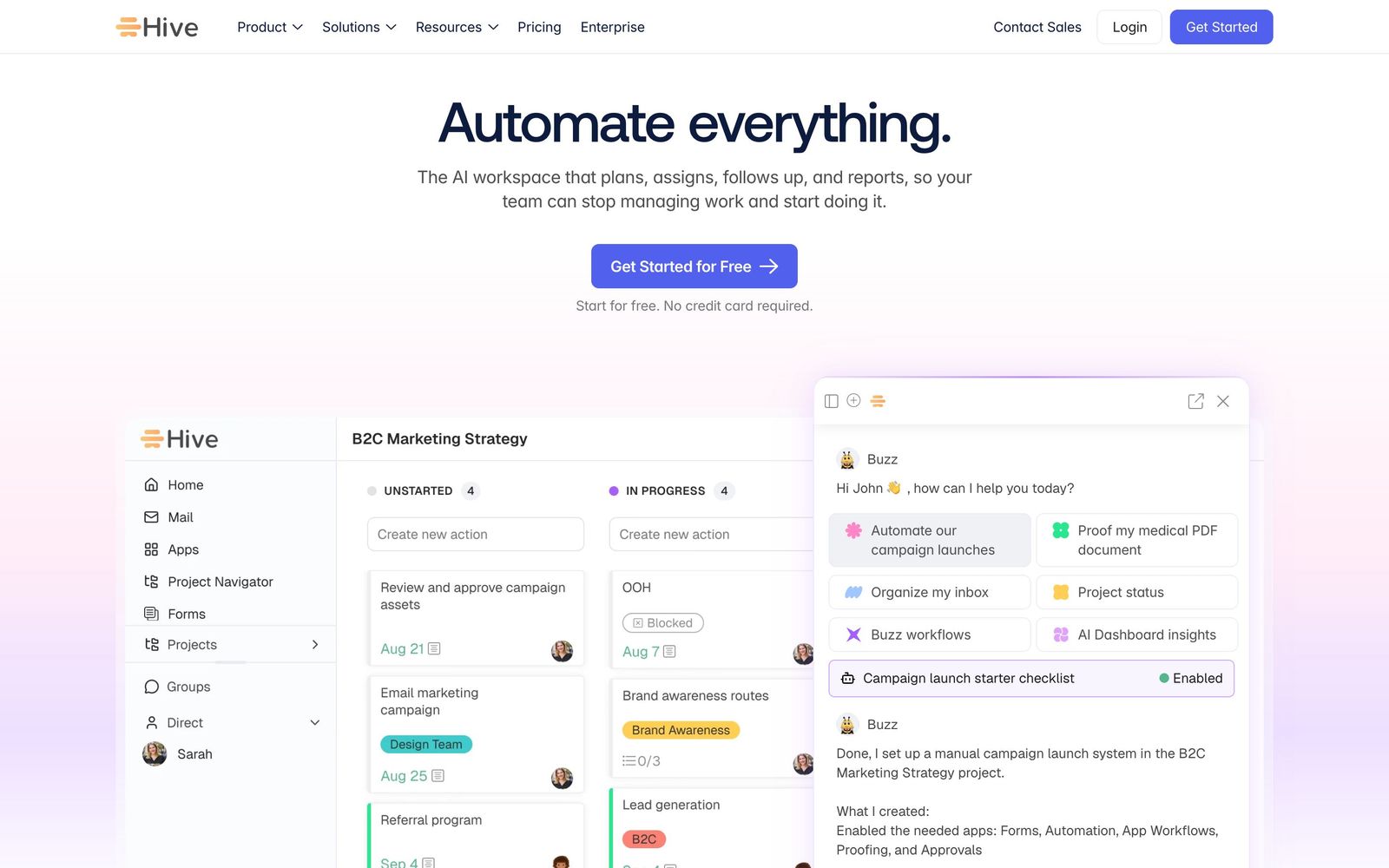
- The same project can be read as Kanban, Gantt, calendar, table or portfolio without duplicating the data behind it
- Native chat and collaborative notes sit next to tasks, which removes a separate messaging tool from small stacks
- The free tier covers a real team of up to ten people with unlimited tasks rather than acting as a trial
- Paid seats cost well under the comparable tiers at Asana or monday.com for a similar range of views
- Automations and the Buzz assistant handle routine assignment, status changes and summarising without scripting
Cons
- CRM, finance, proofing and several other modules are add-ons billed on top of the seat price, so the advertised tier price is rarely the price a team pays
- The mobile app is missing core desktop functionality, including the email and calendar connections that make the desktop version cohesive
- Large workspaces slow noticeably, and reviewers report recurring bugs and non-real-time CRM syncing in the newer modules
Hive pricing
List prices in USD per month, taken from the vendor at review time.
| Plan | Per month | What it covers |
|---|---|---|
| Free | Free | up to 10 workspace members, unlimited tasks, 200MB storage |
| Starter | $5 | per user, billed monthly; up to 10 members and 10 projects |
| Teams | $12 | per user, billed monthly; unlimited members, time tracking, custom fields |
What Hive actually does
Hive is a work management platform built on a single premise: the conversation about the work should live in the same place as the work. Projects can be read as Kanban boards, Gantt charts, calendars, tables, lists or cross-project portfolios, all drawing on the same task data, so a designer and a delivery manager can look at the same plan in the shape each of them thinks in. Around that sit native chat, collaborative notes, an email view and intake forms, which is the part that separates it from the pure task trackers.
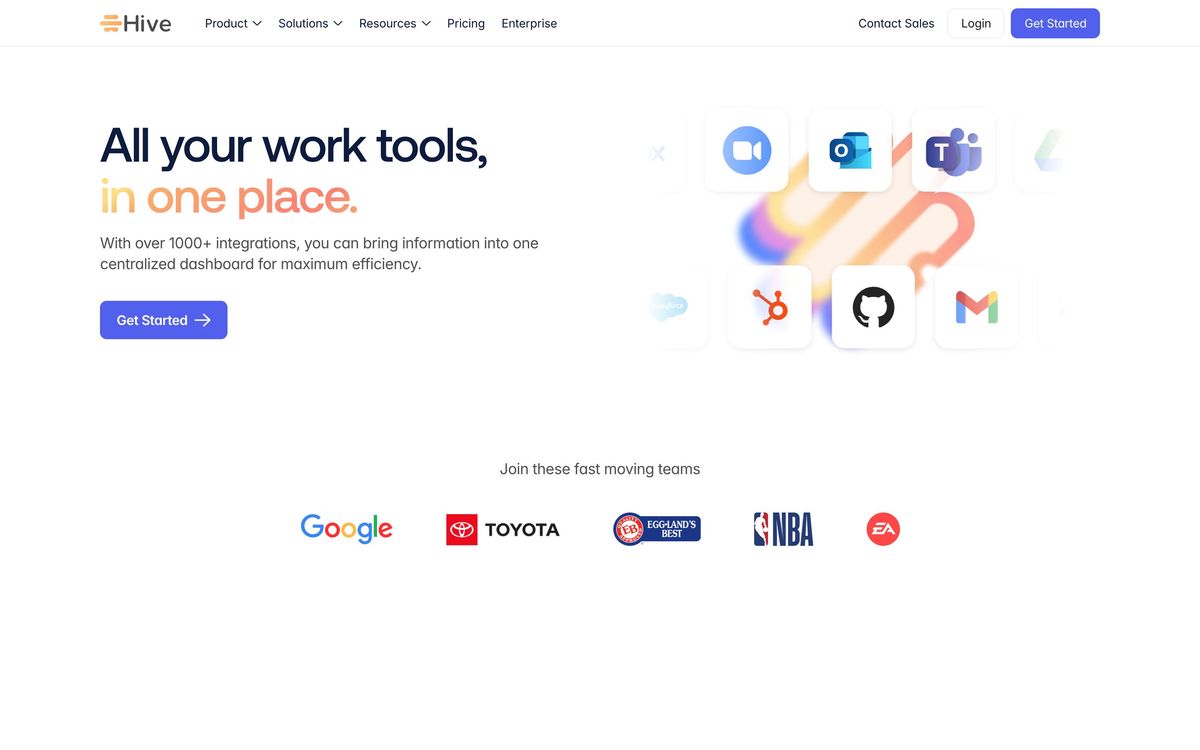
The rest is assembled as modules. Automations fire on triggers and change statuses, assign owners or create follow-up tasks. Proofing collects annotated feedback on files. Time tracking, custom fields, portfolios and goals arrive on the higher tier, and a CRM and a finance module are available as paid extras rather than being included. Buzz, the built-in assistant, plans, assigns and summarises against a monthly allowance of AI credits that varies by plan. It is cloud-hosted, sold per seat, and it connects out to Slack, Zoom, Jira, GitHub, Google Drive, Microsoft Teams, Dropbox and QuickBooks natively, with a longer tail through Zapier.
Key features
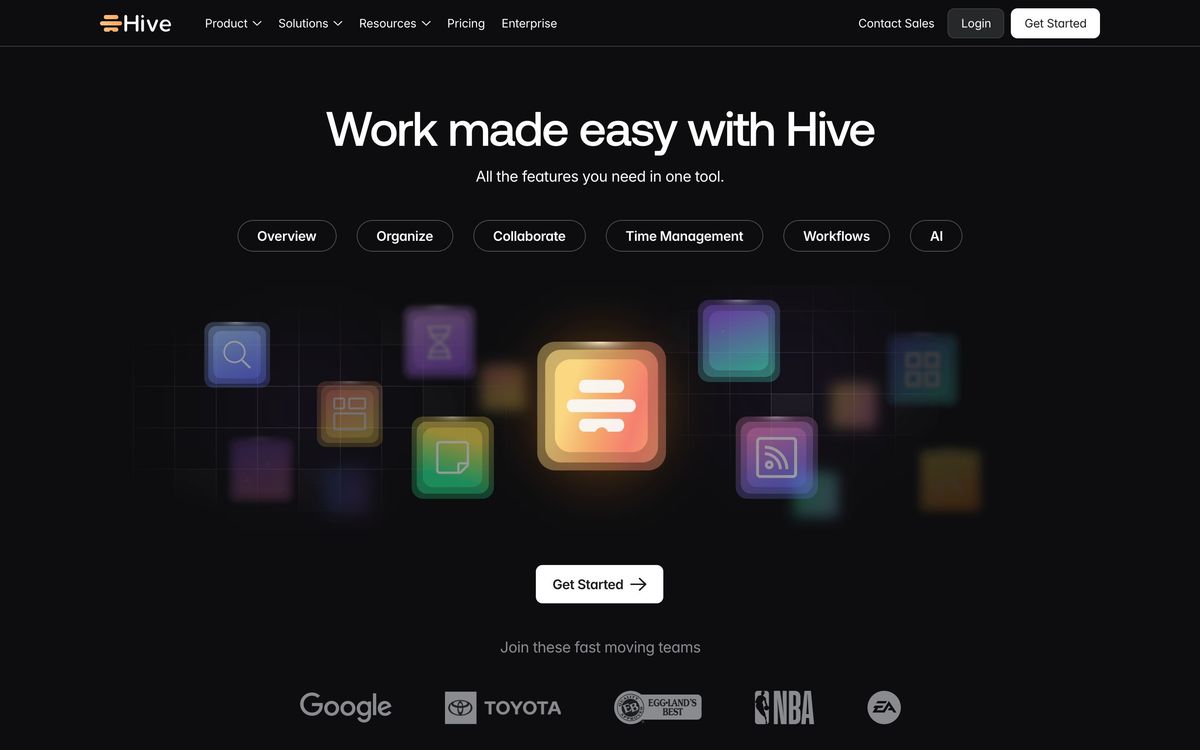
The feature set is broad for the price, with the depth concentrated in views and collaboration rather than in reporting.
- Kanban, Gantt, calendar, table, list and portfolio views over one project dataset
- Native chat and collaborative notes alongside the tasks they refer to
- Automations built from triggers and actions, without scripting
- Intake forms that turn requests into assigned, trackable tasks
- Time tracking, custom fields, labels and portfolios on the Teams tier
- Buzz assistant with monthly AI credits for planning, assignment and summarising
Who it's for
Hive suits a team of roughly five to fifty people doing recurring project work with a lot of internal back-and-forth: a small agency running client deliverables, a marketing team with overlapping campaigns, an operations group coordinating across departments. The reason to choose it over a cheaper task tracker is the collaboration layer, teams that would otherwise be pasting Slack links into task comments get one surface instead of two. Onboarding is genuinely quick; most reviewers describe being productive within a day.
It is a weak choice for teams that live on their phones, because the mobile app has not kept pace with the desktop product. It is also the wrong tool for engineering teams that want issue tracking tied to code, and for organisations that need governance, granular permissions and audit trails, which sit behind the enterprise conversation. Anyone attracted by the low seat price should price the add-on modules first, because the modules are where the interesting capabilities live.
How it compares
Asana is the more polished and more reliable product with better reporting and a far better mobile experience, at a considerably higher seat price and without native chat. ClickUp offers more configurability than Hive and pays for it in complexity and a steeper setup, which is exactly the trade some teams want to avoid. monday.com is stronger on visual workflow design and integrations but pushes teams into minimum seat bundles that suit larger organisations. Hive's position is the affordable middle: fewer sharp edges than ClickUp, less depth than Asana, and the only one of the four that seriously tries to replace the chat tool as well.
Verdict
Hive earns its place for small teams who want project views and team conversation in one product without paying enterprise rates for the privilege, and the free tier is unusually honest about how many people it covers. The Buzz assistant and the automation builder are useful rather than decorative. What holds the rating down is commercial and technical in equal measure: the modular pricing means the sticker price understates the real one, the mobile app is not a substitute for the desktop version, and larger workspaces run into slowdowns and bugs that a more mature competitor would have sanded off. Try it with the free tier before committing a team to it.
Ready to try Hive?
There's a free tier, so you can test it before committing.
More founders tools like Hive
Todoist
4.3A task manager with natural-language capture and shared projects, built to hold personal and team work in one list.
Read Todoist review →SmartSuite
4.2Structured records, views, dashboards and automations in one platform for teams outgrowing spreadsheets.
Read SmartSuite review →Backlog
4.1Project management and bug tracking with built-in Git/SVN, Gantt charts, and wikis; flat per-space pricing.
Read Backlog review →Office Timeline
4.0PowerPoint add-in that turns project data into Gantt charts and roadmap slides for executive updates.
Read Office Timeline review →Wrike
4.0Work management with custom workflows, request forms and resource planning for teams running repeatable delivery.
Read Wrike review →P3MO
3.7Portfolio management for PMOs and boards: one view from strategic objectives down to individual projects.
Read P3MO review →