
ClickUp review
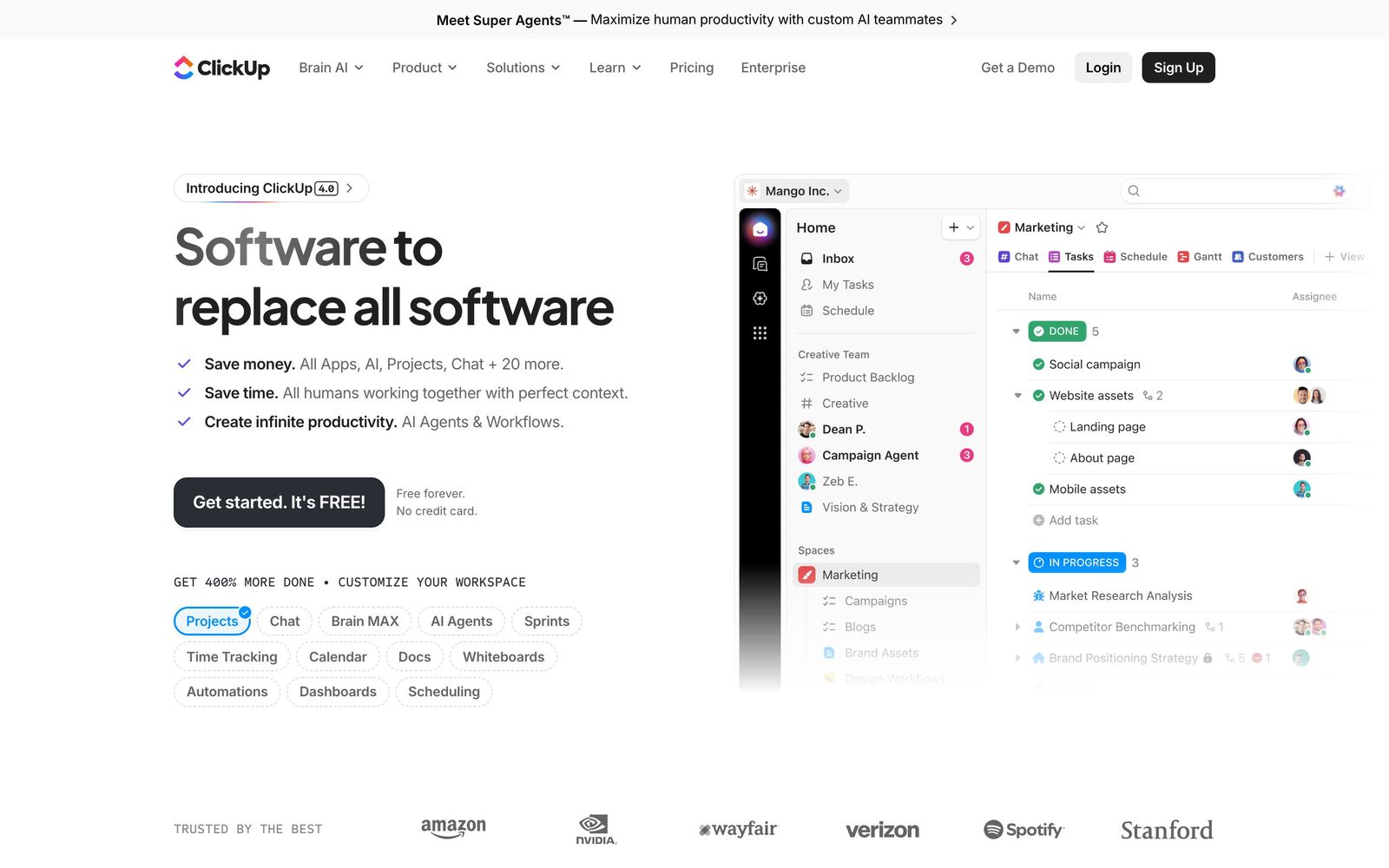
All-in-one work platform: tasks, docs, goals, chat, whiteboards, and AI agents in a single workspace.
The most feature-complete project management suite you can get in one tool, but its sheer breadth means a real learning curve and some sluggishness in large workspaces.
Pros
- Free Forever plan with unlimited tasks and unlimited members
- 15+ views per list, including Gantt, board, table, and workload
- Docs, chat, whiteboards, forms, and time tracking built in: fewer separate tools to pay for
- ClickUp Brain AI handles workspace search, summaries, standups, and autonomous task agents
- Deep customization with custom fields, statuses, dependencies, and automations
Cons
- Dense interface with a genuine learning curve; setup takes real time
- Can feel sluggish in large workspaces, especially on mobile
- So many features that workspaces sprawl without someone owning conventions
- Notification volume needs taming out of the box
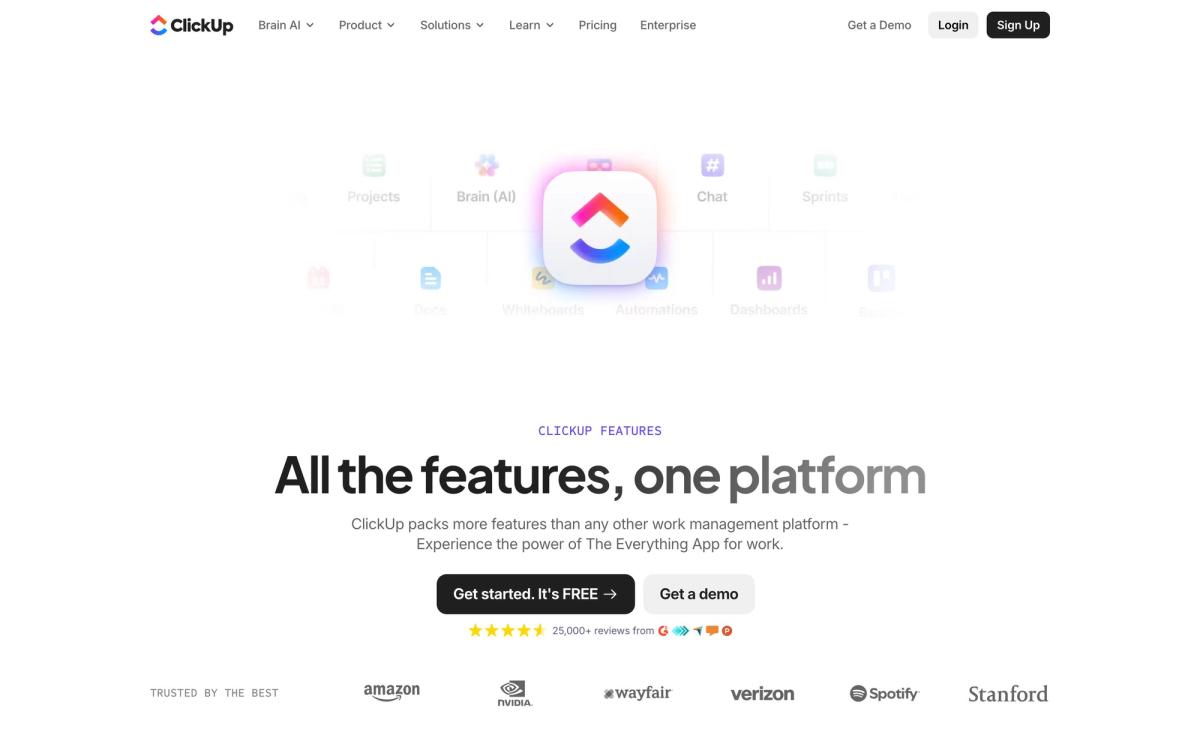
ClickUp pitches itself as the everything app for work, and in the crowded project management category it comes closer to that claim than most. It bundles tasks, docs, goals, chat, whiteboards, forms, time tracking, and an AI assistant into a single workspace, aiming to replace the stack of separate productivity tools most teams pay for and then forget. More than five million teams use it, and the free plan is among the most generous in project management software. The tradeoff, which becomes clear within the first week, is that all this capability has to live somewhere, and that somewhere is a dense interface with a real learning curve.
What ClickUp actually does
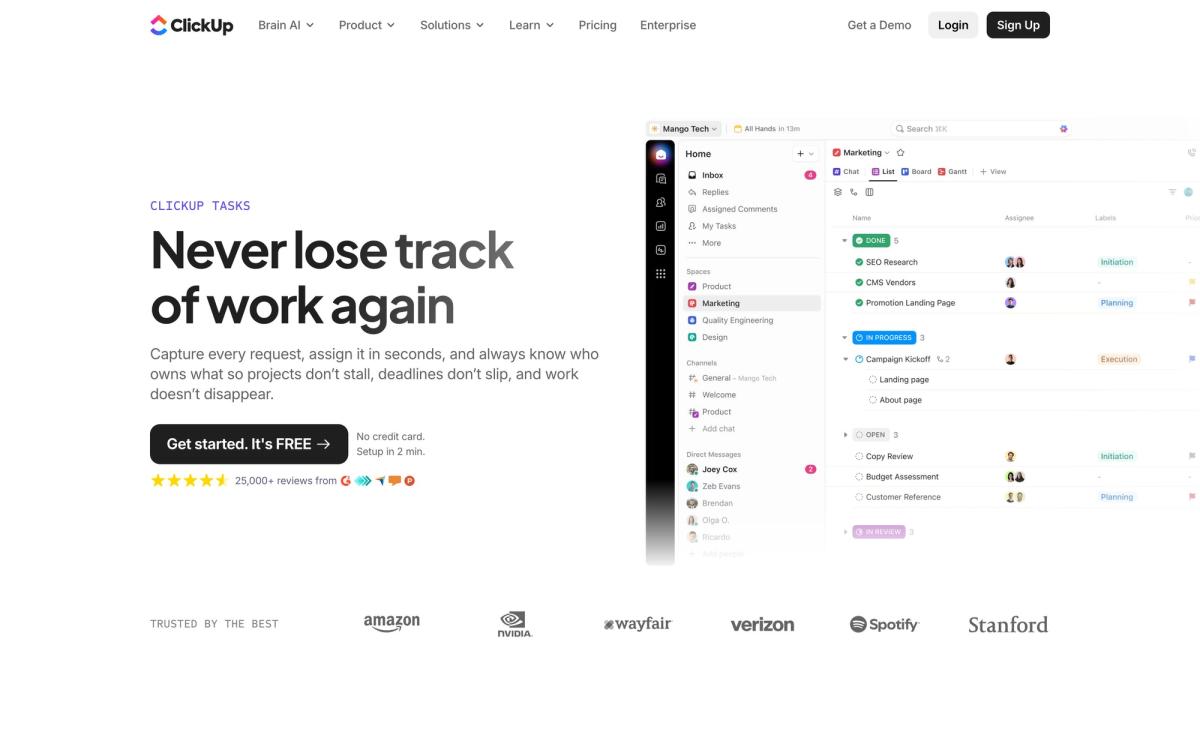
ClickUp organizes work in a hierarchy: a Workspace holds Spaces, Spaces hold Folders and Lists, and Lists hold tasks with subtasks, checklists, custom fields, and dependencies. Any list can be displayed in more than fifteen views, including board, table, calendar, Gantt, timeline, and workload, so a developer can live in a sprint board while a manager watches the same data as a Gantt chart. Around that core, ClickUp layers Docs for wikis and collaborative documents, Goals for measurable targets tied to tasks, native time tracking, automations, and a built-in chat product designed to keep project conversations next to the work itself.
The AI layer, ClickUp Brain, searches across tasks, docs, and connected apps, drafts and summarizes content, writes standup reports, and can run agents that triage, update, and create tasks on their own. An AI notetaker joins meetings and turns the discussion into action items inside the workspace.
Key features
- Hierarchy of Spaces, Folders, and Lists with 15+ views including Gantt, board, table, and workload
- Custom fields, custom statuses, and task dependencies available on every list
- Docs with nested pages and wikis that link directly to tasks
- ClickUp Brain for AI search, writing, summaries, and autonomous task agents
- Automations with a large library of triggers and actions
- Native time tracking, sprint points, and agile dashboards
- Built-in chat, whiteboards, forms, and an AI meeting notetaker
- Integrations with Slack, GitHub, Google Drive, Figma, Outlook, and dozens more
Who it's for
ClickUp suits teams that genuinely want to consolidate: agencies juggling client projects, product and engineering teams running sprints, and operations teams that need dashboards across departments. The Free Forever plan allows unlimited tasks and unlimited members, which makes it a serious option for solo founders and small teams, not just a demo. It is a worse fit for teams that want an opinionated, minimal tool. ClickUp's flexibility means someone has to own the setup (naming conventions, statuses, permissions) or the workspace turns into sprawl. Teams that resent configuration will be happier elsewhere.
How it compares
Against Asana, ClickUp wins on breadth: docs, chat, whiteboards, and native time tracking are all things Asana either lacks or gates behind higher tiers, while Asana counters with cleaner design, faster performance, and gentler onboarding. Against monday.com, the closest rival in ambition, ClickUp offers deeper task-level functionality and a more generous free plan, while monday.com is more approachable for non-technical teams. Notion overlaps on docs and databases but is not a substitute for ClickUp's dependencies, workload views, and sprint tooling.
Verdict
ClickUp delivers more project management capability per workspace than almost anything else in the category, and the free plan is genuinely usable rather than a teaser. The honest costs are time and patience: expect a setup phase, expect to hide features you do not need, and expect occasional sluggishness in large workspaces, especially on mobile. If your team wants one tool to run projects, docs, and communication together, ClickUp is an easy shortlist pick. If you value speed and simplicity over scope, trial a lighter alternative side by side before committing.
Ready to try ClickUp?
There's a free tier, so you can test it before committing.
More founders tools like ClickUp
Miro
4.5Infinite shared canvas for workshops, diagrams and planning, now wrapped around docs, tables and AI.
Read Miro review →monday.com
4.3Board-based work platform where typed columns drive timelines, dashboards and automated hand-offs.
Read monday.com review →Todoist
4.3A task manager with natural-language capture and shared projects, built to hold personal and team work in one list.
Read Todoist review →SmartSuite
4.2Structured records, views, dashboards and automations in one platform for teams outgrowing spreadsheets.
Read SmartSuite review →Office Timeline
4.0PowerPoint add-in that turns project data into Gantt charts and roadmap slides for executive updates.
Read Office Timeline review →Wrike
4.0Work management with custom workflows, request forms and resource planning for teams running repeatable delivery.
Read Wrike review →