
Backlog review
Project management and bug tracking with built-in Git/SVN, Gantt charts, and wikis; flat per-space pricing.
Best for small software teams that want issue tracking, Git hosting, and Gantt charts in one simple tool, but power users will miss Jira-grade reporting and customization.
Pros
- Built-in Git and SVN hosting with pull requests, linked directly to issues
- Gantt charts and burndown charts included by default, not as paid add-ons
- Plans priced per space rather than per user, so teams scale without seat costs
- Far simpler to set up and administer than Jira
- Per-project wikis keep specs and onboarding notes next to the work
Cons
- Reporting and workflow customization are basic compared with Jira
- Free plan is capped at one project and ten users
- Smaller third-party integration ecosystem than the big-name rivals
- Interface feels dated in places
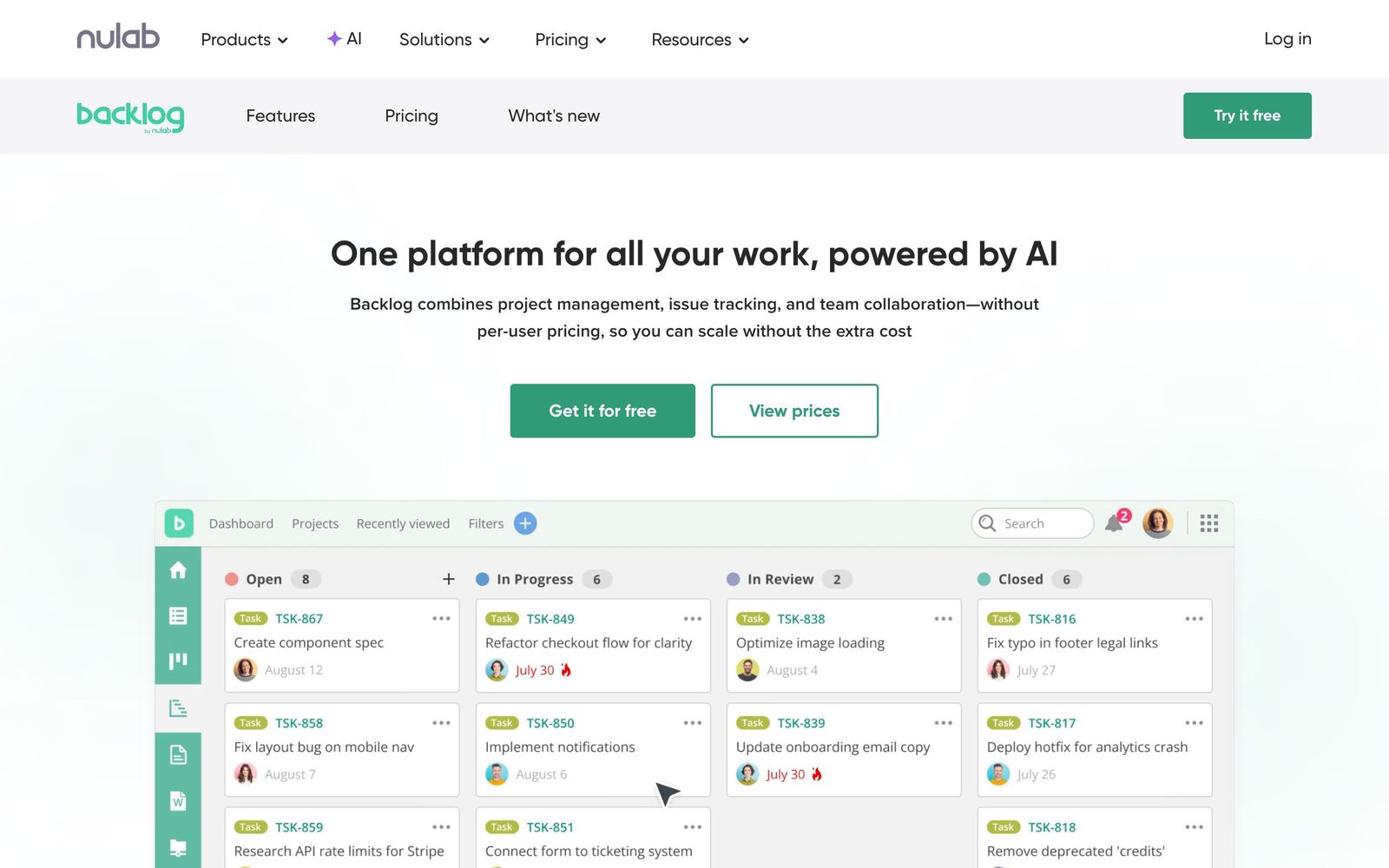
Backlog by Nulab is project management software with a developer's accent: alongside tasks, Gantt charts, and wikis, it ships built-in Git and SVN repositories, pull requests, and bug tracking in the same place the rest of the team plans work. Nulab, the Japanese company behind it (and behind the diagramming tool Cacoo), has run Backlog for well over a decade, and more than four million users (including teams at SoftBank and BuzzFeed) work in it. It is not the flashiest tool in the project management category, but it is one of the few that treats code and tasks as a single system.
What Backlog actually does
Backlog organizes work into projects, each with its own issues, wiki, files, and optional code repositories. Issues support parent and child tasks, categories, milestones, custom fields, and threaded comments, so a bug report can carry reproduction steps, assignee history, and the exact commit that fixed it. Git and SVN hosting is native: you can open pull requests, review code, and link branches and commits to issues without leaving the tool or wiring up an external service.
For planning, Backlog provides Gantt charts and burndown charts out of the box, plus Kanban-style boards for day-to-day flow. Each project gets a wiki for specs and onboarding notes, with revision history. Nulab has also added an AI assistant that can draft issues, summarize progress, and help organize project data, and mobile apps cover triage on the go. Notably, paid plans are priced per space rather than per user, so a growing team does not pay for every new seat.
Key features
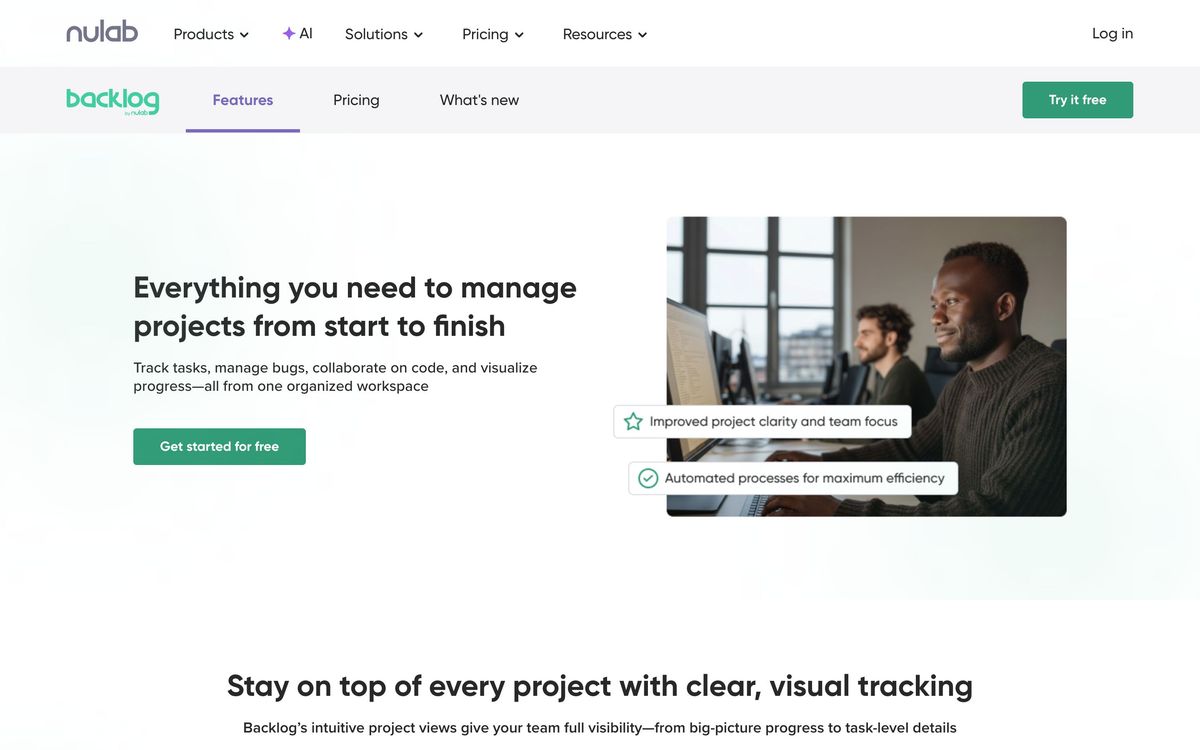
- Issue tracking with subtasks, milestones, categories, custom fields, and threaded comments
- Built-in Git and SVN hosting with pull requests and code review
- Gantt charts and burndown charts included by default
- Kanban boards for visual task flow
- Per-project wikis with revision history
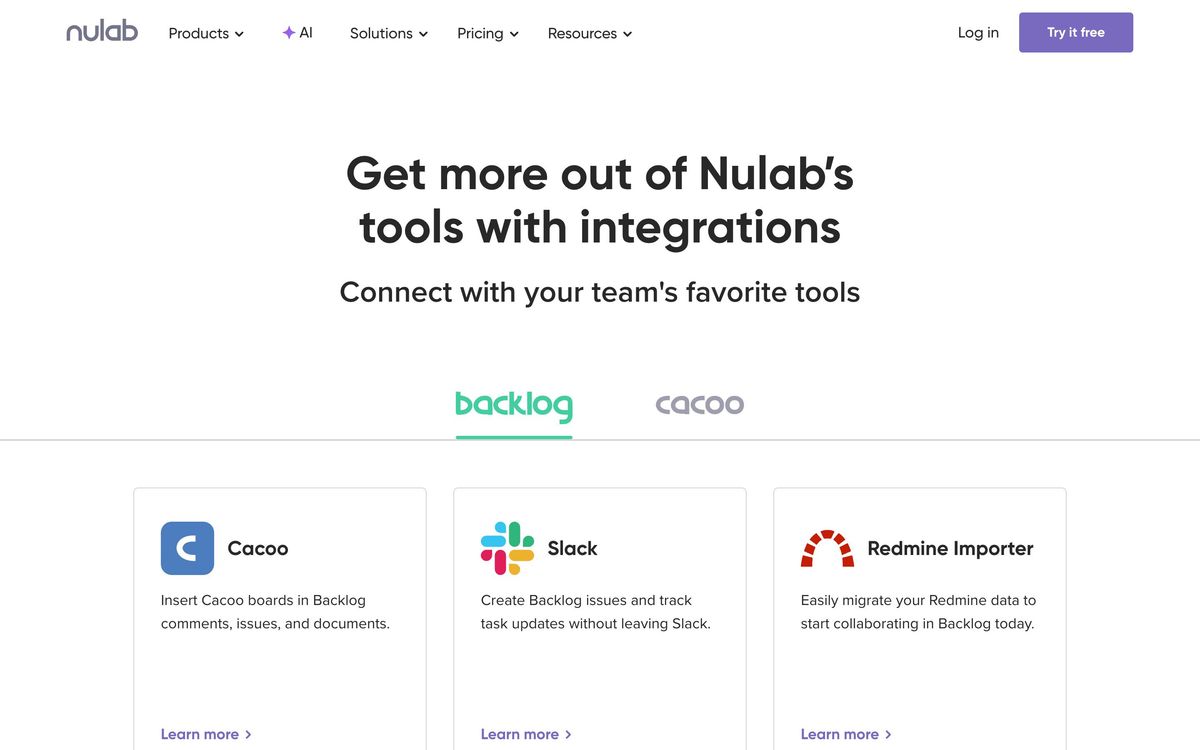
- Integrations with Slack, Microsoft Teams, Google Chat, Jenkins, Cacoo, and webhooks
Who it's for
Backlog fits small and mid-sized software teams best: studios, agencies with in-house developers, and product teams that want issues, code, and planning in one place without hiring a Jira administrator. The free plan covers one project and up to ten users, which is enough for a side project or a proper evaluation but tight for a real team. Non-technical teams can use it (marketers and designers at Nulab's customers do) but the Git-centric features that justify choosing Backlog will sit unused, and a general-purpose work management tool may serve them better.
How it compares
The natural comparison is Jira. Jira goes far deeper on agile ceremony: custom workflows, sprint reporting, and an enormous marketplace of add-ons. Backlog answers with simplicity; setup takes minutes, the interface stays readable, and Git hosting is included instead of delegated to a separate product. Teams that found Jira oppressive tend to find Backlog refreshing; teams that depend on Jira's reporting will find Backlog thin. Against Asana, Backlog is stronger for engineering work thanks to repositories, pull requests, and burndown charts, and weaker for cross-functional work management, where Asana's views and automations are more polished.
Verdict
Backlog earns its place as the pragmatic middle ground between heavyweight issue trackers and generic task managers. The combination of bug tracking, native repositories, Gantt charts, and wikis in one tool is still rare, and per-space pricing is unusually friendly to growing teams. The tradeoffs are real: reporting is basic, customization is limited compared with Jira, and the free tier's single-project cap makes it more of an extended evaluation than a long-term home. For a small development team that wants everything in one quiet, reliable tool, Backlog is a solid pick that stays out of the way.
Ready to try Backlog?
There's a free tier, so you can test it before committing.
More founders tools like Backlog
Miro
4.5Infinite shared canvas for workshops, diagrams and planning, now wrapped around docs, tables and AI.
Read Miro review →monday.com
4.3Board-based work platform where typed columns drive timelines, dashboards and automated hand-offs.
Read monday.com review →Todoist
4.3A task manager with natural-language capture and shared projects, built to hold personal and team work in one list.
Read Todoist review →SmartSuite
4.2Structured records, views, dashboards and automations in one platform for teams outgrowing spreadsheets.
Read SmartSuite review →Office Timeline
4.0PowerPoint add-in that turns project data into Gantt charts and roadmap slides for executive updates.
Read Office Timeline review →Wrike
4.0Work management with custom workflows, request forms and resource planning for teams running repeatable delivery.
Read Wrike review →