
Proton for Business review
End-to-end encrypted email, calendar, drive, password manager and VPN for teams, run from one admin panel.
The most complete encrypted alternative to Google Workspace for a small team handling confidential material, though the collaboration apps are years behind and the integration ecosystem is thin by design.
Pros
- Mail, calendar, drive, documents, meetings, a password manager and a VPN come from one vendor with one admin panel and one bill
- Encryption is end-to-end by default, so the provider cannot read message or file contents even under subpoena
- ISO 27001 certification and a SOC 2 Type II audit back the privacy claim, alongside Swiss jurisdiction and support for GDPR, HIPAA and CCPA obligations
- SAML single sign-on works with Okta, Microsoft Entra ID and Google as the identity provider, so it fits an existing identity stack
- Custom domains and unlimited addresses per user are included rather than sold as an upgrade, which suits teams juggling several brands
Cons
- The integration surface is small on purpose, encrypted content cannot be exposed to third-party apps, so the marketplace habits of Google Workspace and Microsoft 365 do not transfer
- Docs and Sheets are young; real-time collaboration and formula depth trail Google's by years, and mixed teams often keep a second suite for client-facing work
- Encryption also limits administrators: server-side search across mailboxes, e-discovery and content-level data loss prevention are not available the way compliance teams expect
Proton for Business pricing
List prices in USD per month, taken from the vendor at review time.
| Plan | Per month | What it covers |
|---|---|---|
| Workspace Standard | $12.99 | per user, billed annually; 1 TB storage, up to 15 custom domains |
| Workspace Premium | $19.99 | per user, billed annually; 3 TB storage, up to 20 domains, retention policies and Lumo AI |
What Proton for Business actually does
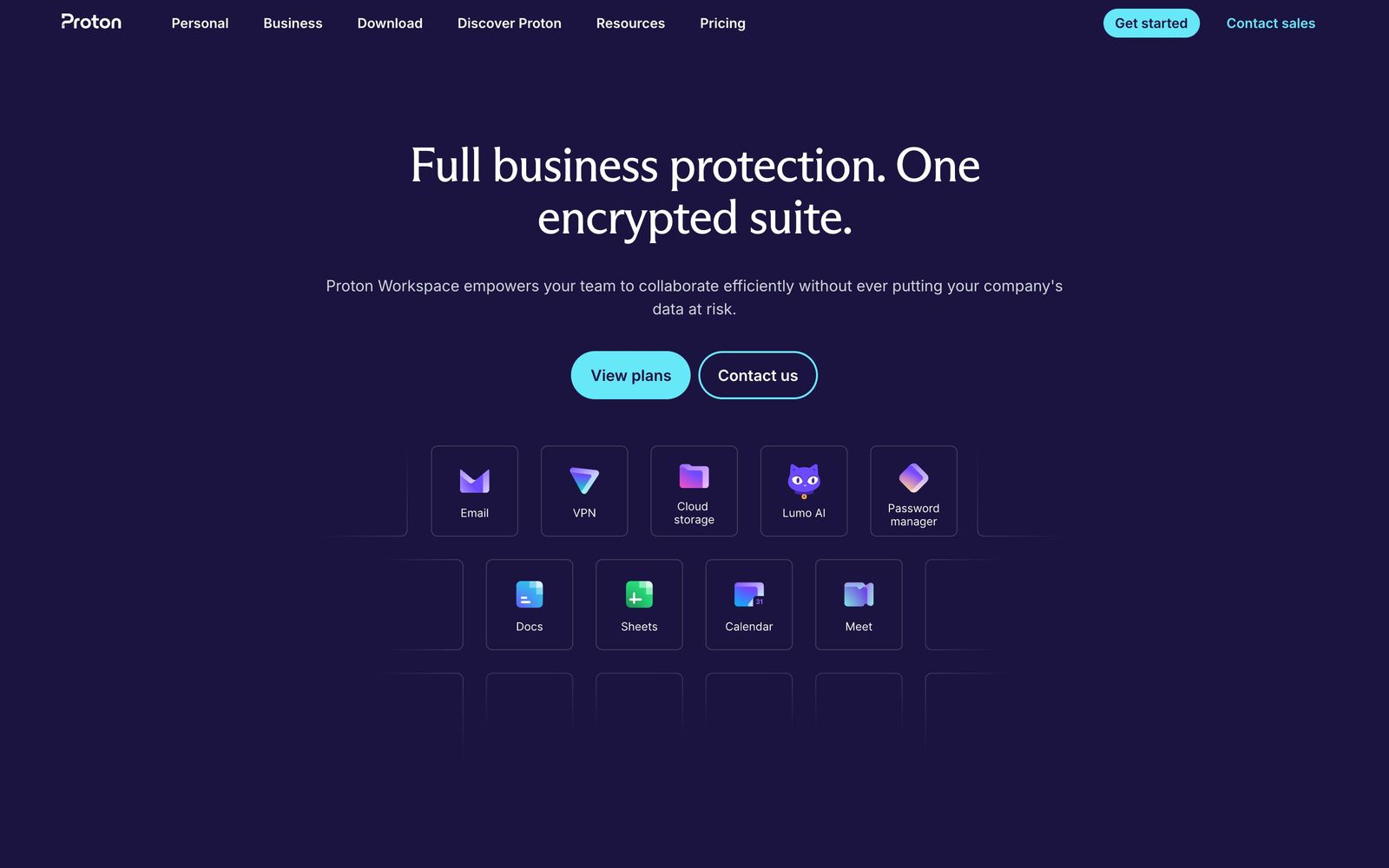
Proton for Business is a workplace suite built around encryption rather than around collaboration. A team gets Proton Mail on its own domains, a calendar, Drive with Docs and Sheets, Meet for video calls, Pass for shared credentials and Proton VPN, all administered from a single panel and billed per user. The technical distinction from the mainstream suites is that content is encrypted end to end, so the provider holds ciphertext it cannot read, the company states plainly that not even Proton can see user data.
That design choice comes from the company's origins and its jurisdiction. Proton is Swiss, operates under European privacy law, publishes its clients as open source, holds ISO 27001 certification and has completed a SOC 2 Type II audit, and supports customers with GDPR, HIPAA and CCPA obligations. It reports more than 100,000 organisations on the business product, concentrated in law firms, healthcare providers, newsrooms, financial advisers, nonprofits and technology companies protecting source code, buyers for whom a subpoena to the mail provider, or a vendor training models on customer content, is a live concern rather than a talking point.
Key features
The suite is deliberately narrow, and each app assumes the encryption model rather than working around it.
- Encrypted mail with custom domains and unlimited addresses per user, plus migration tools from other providers
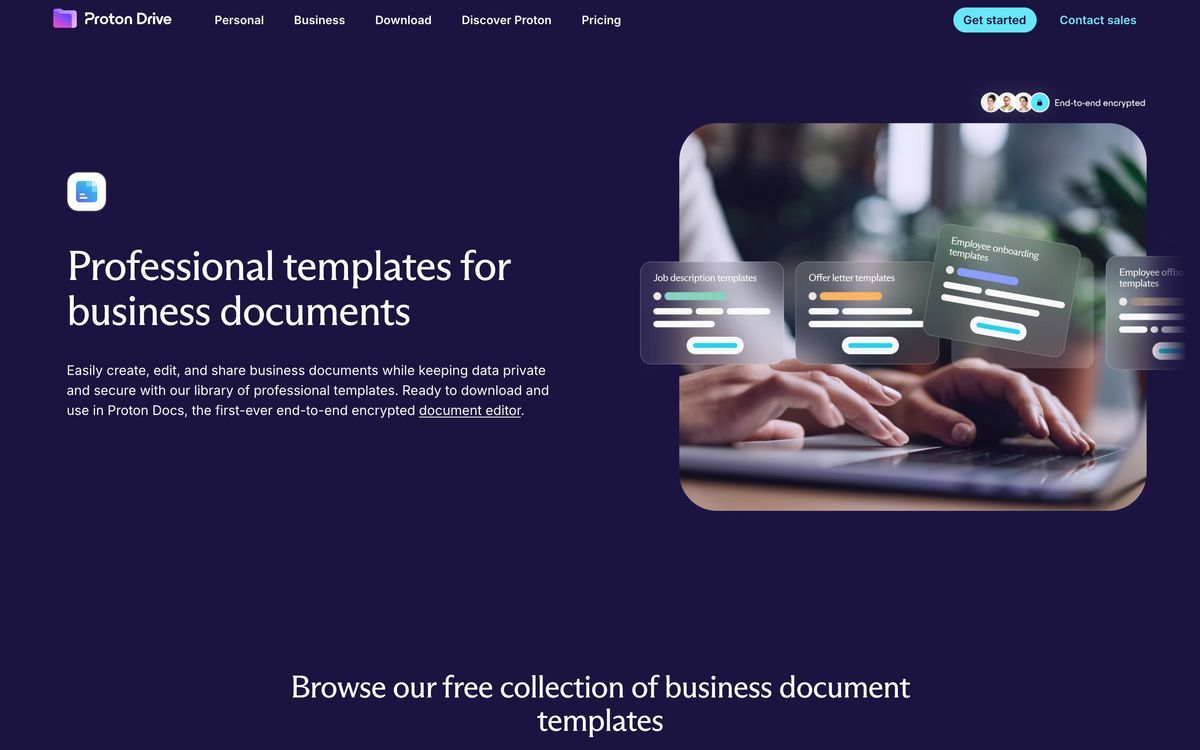
- Calendar, Drive, Docs and Sheets sharing the same encrypted storage allocation
- Proton Meet for team calls, with participant caps that differ by tier
- Proton Pass with shared vaults so credentials leave the spreadsheet, and Proton VPN for staff on untrusted networks
- Admin controls for access, permissions, storage and SAML single sign-on via Okta, Entra ID or Google
- Data retention policies and the Lumo AI assistant on the premium tier
Who it's for
The clearest fit is a team of five to a hundred people whose product is confidentiality: a law firm handling privileged correspondence, a clinic under HIPAA, a newsroom protecting sources, a consultancy holding client intellectual property. For those teams the calculation is not feature parity with Google, it is whether a provider can be compelled to hand over readable content, and here it cannot. Consolidating mail, storage, passwords and VPN into one vendor also removes three separate renewal conversations.
It is the wrong choice for a team whose day runs through shared spreadsheets, third-party add-ons and heavy real-time co-editing. Proton's document tools work, but they do not yet match what Google Workspace users take for granted, and the encrypted model means the long tail of integrations, CRM sidebars, e-signature plugins, analytics connectors, mostly is not there. Compliance-heavy organisations should also check their e-discovery obligations before migrating, because the visibility administrators normally have into mailbox content is intentionally absent.
How it compares
Google Workspace remains far ahead on collaboration, admin tooling and the ecosystem around it, at the cost of a provider that processes content to deliver features. Microsoft 365 wins in organisations already standardised on Windows, Teams and Entra, and its compliance and retention tooling is deeper, though its privacy posture is the same as Google's in substance. Tuta is cheaper and also encrypted, but it is mail and calendar rather than a suite, with no VPN, password manager or document editing. Against those three, Proton's position is that it is the only one offering a full encrypted stack a small team can actually run its week on.

Verdict
Proton has turned a privacy product into a credible business suite, and the bundle, mail, storage, meetings, passwords and VPN under one admin panel, is better value than assembling the same protections from separate vendors. The caveat is that encryption sets the ceiling: document collaboration lags, integrations are scarce, and administrators give up some of the visibility they are used to. Teams that need those things will resent the trade; teams that chose the product because of it will find the trade fair.
Ready to try Proton for Business?
More founders tools like Proton for Business
Lindy
4.2AI executive assistant that handles email, meetings, and calendar: delegated entirely over iMessage or SMS.
Read Lindy review →TheTop
4.2AI Chief of Staff that turns email, calendar, and feed noise into one ranked daily brief.
Read TheTop review →Tresorit
4.0End-to-end encrypted file storage and sharing for teams handling confidential client documents.
Read Tresorit review →Bitdefender
4.6Enterprise-grade GravityZone security for SMBs: ransomware, phishing, and fileless attack protection.
Read Bitdefender review →1Password
4.5Team password manager and credential vault that has grown into a wider access platform for small IT teams.
Read 1Password review →ClickUp
4.5All-in-one work platform: tasks, docs, goals, chat, whiteboards, and AI agents in a single workspace.
Read ClickUp review →