
Tresorit review
End-to-end encrypted file storage and sharing for teams handling confidential client documents.
The right choice when confidentiality has to be provable rather than promised, though the encryption model costs speed and rules out live co-authoring.
Pros
- Files are encrypted on the device before upload, so the provider holds no key and cannot read or hand over content
- Share links carry expiry dates, passwords, download limits and revocation, and access can be withdrawn after the fact
- Data residency can be pinned to a chosen region, with per-user residency on the upper business tier
- Compliance coverage spans GDPR, HIPAA, NIS2, DORA and TISAX, which shortens vendor security reviews
- An eSign add-on keeps signature workflows inside the same encrypted store rather than exporting to a third party
Cons
- There is no block-level sync, so editing one line of a large document re-encrypts and re-uploads the whole file
- No real-time co-authoring and no built-in office editors, so collaborative drafting still happens elsewhere
- Zero-knowledge encryption means a lost password cannot be reset the way a mainstream provider would reset it, and recovery options are limited
What Tresorit actually does
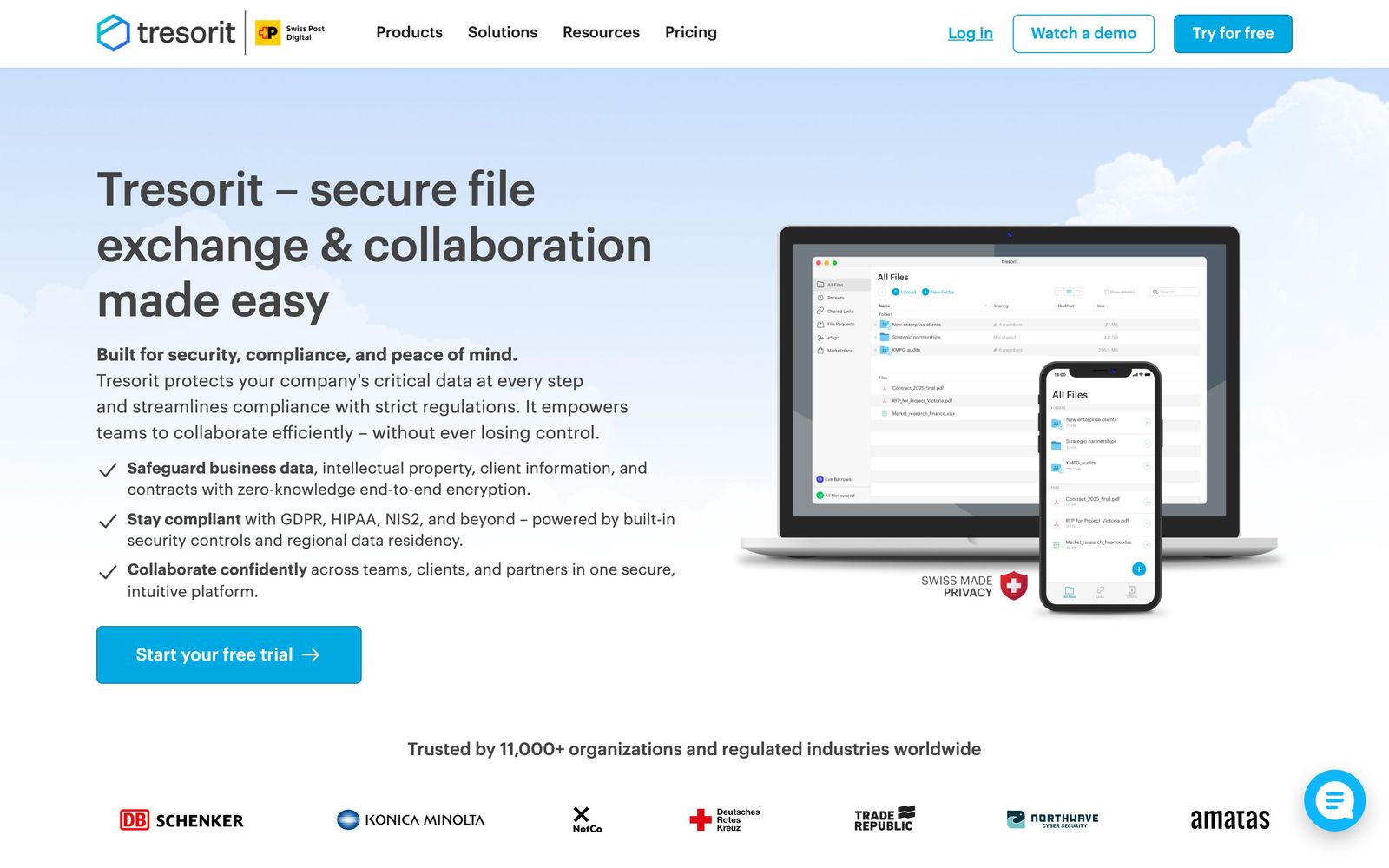
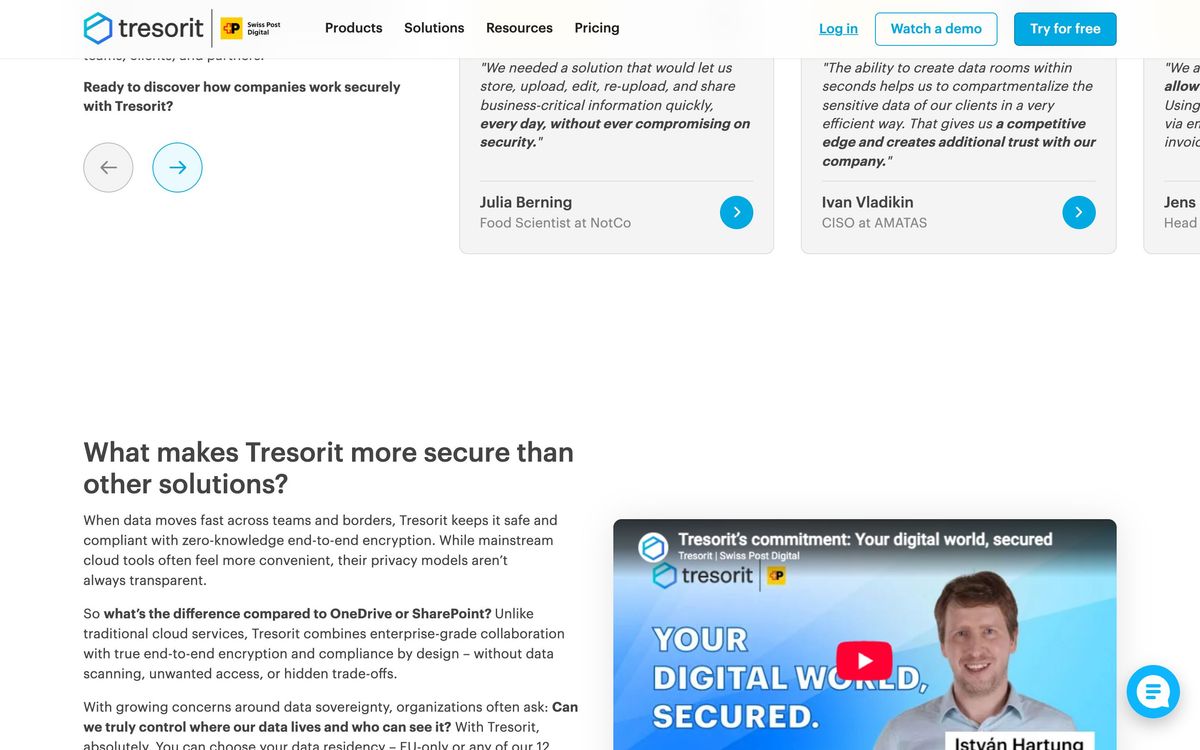
Tresorit is encrypted cloud storage and file sharing built for organisations that hold other people's confidential documents. The technical distinction from Dropbox or Google Drive is where encryption happens. Files are encrypted on the device before they leave it, and the keys stay with the customer, so the provider stores ciphertext it cannot read. That property is the entire product: it means a subpoena to the vendor, a compromised administrator account or a breach of the storage layer yields nothing usable, and it lets a law firm or a clinic answer a client's security questionnaire with an architectural fact rather than a policy statement.
Around that core sits the tooling regulated teams need. Shared folders carry granular permissions. Outbound links can expire, require a password, cap downloads, carry a dynamic watermark and be revoked after they were sent. Encrypted data rooms handle deal and client collaboration where a folder is too blunt. An encrypted email service protects messages and attachments through Outlook and Gmail, and an eSign add-on keeps signature workflows inside the encrypted store. Administrators get audit logs, policy controls, domain verification, single sign-on through Microsoft Entra ID or Okta, and, on higher tiers, log export to a security monitoring system and data residency chosen per user. Compliance claims cover GDPR, HIPAA, NIS2, DORA and TISAX.
Key features
The feature set is organised around control of confidential material:
- Client-side end-to-end encryption with keys the vendor does not hold
- Encrypted sync and shared folders with per-user permissions
- Share links with expiry, password, download limits, watermarks and revocation
- Encrypted data rooms for client, partner and deal collaboration
- Encrypted email and attachments in Outlook and Gmail
- Audit logs, admin policies, single sign-on and regional data residency
Who it's for
Tresorit suits professional teams whose work product is confidential by default and whose clients ask how it is protected: law practices, accounting and advisory firms, clinics and health services, financial advisers, HR functions handling personnel files, and any company subject to European data protection scrutiny. Small teams are well served, since the business tiers start at a low seat count rather than demanding an enterprise commitment. The audit trail and the revocable links are the features people cite once they have lived through a misdirected attachment.
It is not a general collaboration suite and should not be bought as one. Teams that draft together in real time, keep everything in shared documents and expect commenting and version merging will find the model frustrating, because the encryption that makes the product valuable also prevents the server from doing anything clever with file contents. Organisations moving enormous files that change constantly, such as video production, will notice the absence of block-level sync immediately. Price-sensitive teams whose confidentiality needs are ordinary will find mainstream storage cheaper and faster.
How it compares
Google Drive and Microsoft OneDrive are faster, cheaper and vastly better at collaborative editing, but both encrypt at rest with keys the provider controls, which is precisely the property regulated buyers are trying to avoid. Sync.com offers a similar zero-knowledge model at a lower price with a simpler administrative layer, trailing Tresorit on compliance certifications, data residency options and enterprise controls. Box sits at the enterprise document management end with strong governance and workflow, though its encryption model keeps the provider in the loop unless expensive key management is added. Tresorit's argument is the combination of true client-side encryption with credible administrative and compliance tooling.
Verdict
Tresorit is the sensible answer when a business must be able to prove that nobody outside the intended recipients could read a document, and the sharing controls are thoughtful enough to survive daily use rather than sitting in a security policy. The rating reflects that, discounted for the real costs of the architecture: slow syncing of large files, no live co-authoring, and password recovery limited by design. Teams should expect to keep a mainstream suite for drafting and use Tresorit for the material that matters.
Ready to try Tresorit?
There's a free tier, so you can test it before committing.
More founders tools like Tresorit
Alohi
4.0Swiss suite of e-signature, online fax and document scanning tools for small teams with compliance duties.
Read Alohi review →Foxit
4.0PDF editing, redaction and e-signature in one subscription, sold as the cheaper alternative to Acrobat.
Read Foxit review →QuickSigner
3.9Flat-rate e-signature with certificate-based signing and no per-envelope charges.
Read QuickSigner review →Bitdefender
4.6Enterprise-grade GravityZone security for SMBs: ransomware, phishing, and fileless attack protection.
Read Bitdefender review →1Password
4.5Team password manager and credential vault that has grown into a wider access platform for small IT teams.
Read 1Password review →ClickUp
4.5All-in-one work platform: tasks, docs, goals, chat, whiteboards, and AI agents in a single workspace.
Read ClickUp review →