
Foxit review
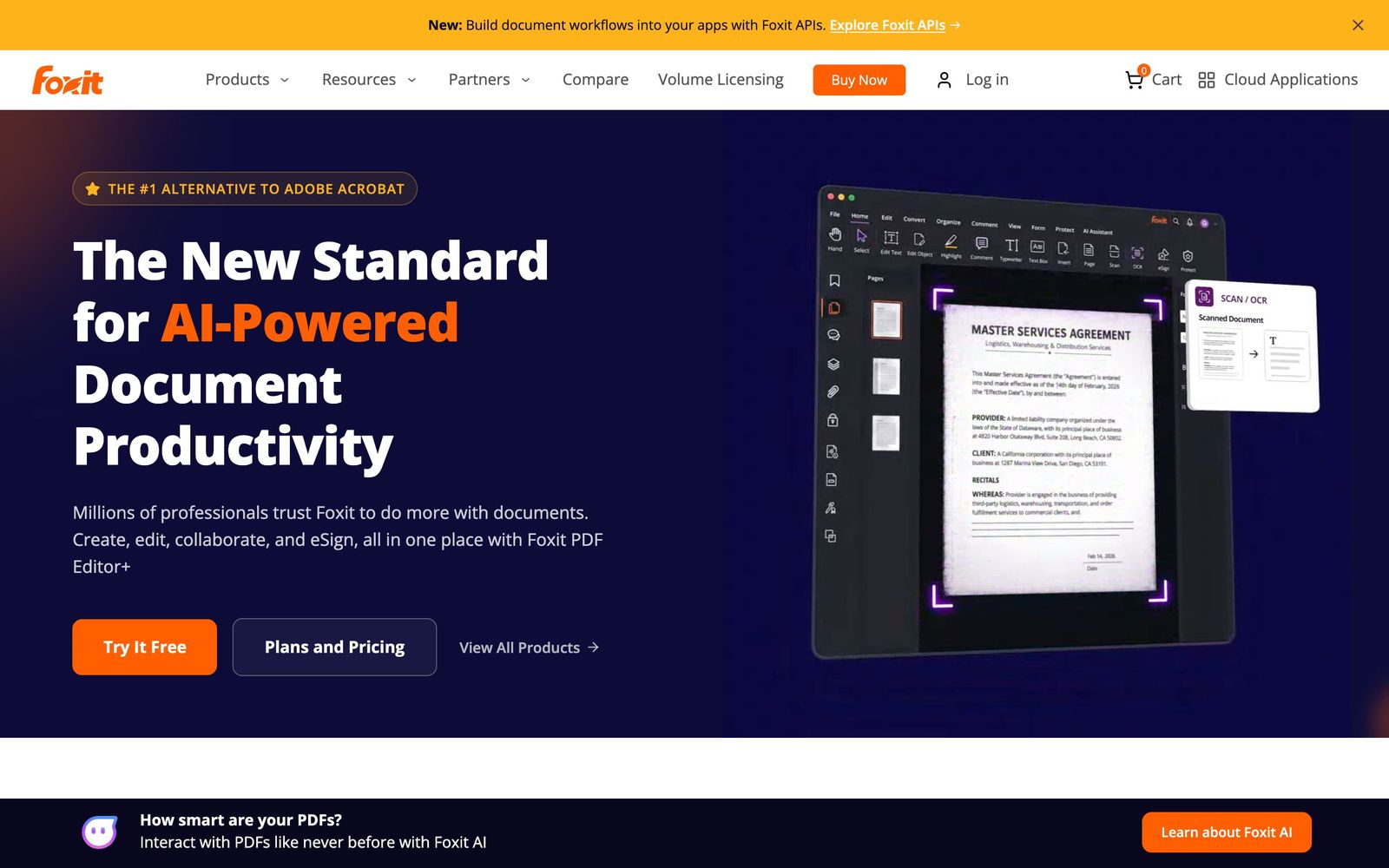
PDF editing, redaction and e-signature in one subscription, sold as the cheaper alternative to Acrobat.
A credible Acrobat replacement for teams that edit, convert and sign PDFs every week, though the AI credits and signature allowances run out sooner than the marketing implies.
Pros
- Editing, OCR, conversion, form filling and redaction cover the work most teams actually use Acrobat for
- Windows, macOS, web, iOS and Android clients share one licence through the Admin Console
- The AI assistant summarises, translates, rewrites and answers questions inside the open document rather than in a separate chat window
- Foxit eSign is bundled with the upper subscription, so signature workflows do not need a second vendor
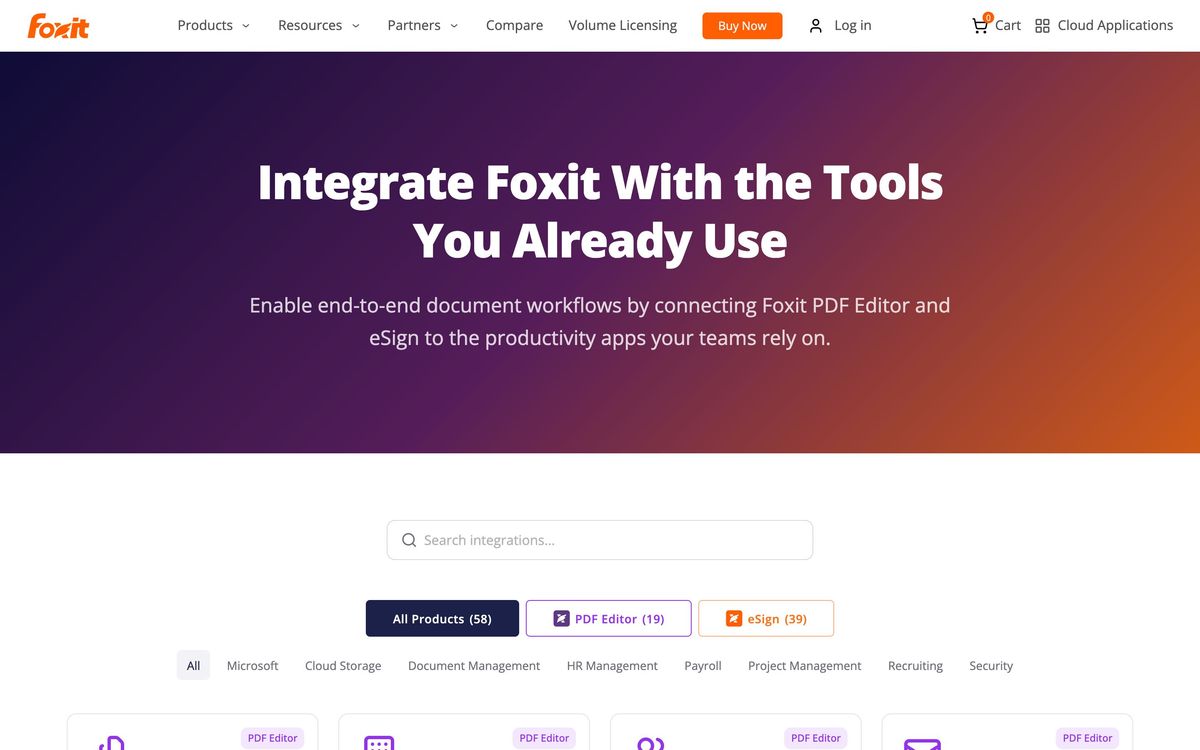
- Deep connector list for document management and cloud storage, including iManage, SharePoint, Box, Dropbox and Google Drive
Cons
- The base subscription includes only 20 AI credits a month, which a single long contract review can exhaust
- Mobile apps and Smart Redact are held back for the higher subscription rather than included across the line
- The perpetual licence looks cheaper until you notice it omits the AI features, the document management system and the cloud services entirely
Foxit pricing
List prices in USD per month, taken from the vendor at review time.
| Plan | Per month | What it covers |
|---|---|---|
| PDF Editor | $10.99 | per user, billed monthly |
| PDF Editor+ | $13.33 | per user, billed annually at 159.99 per year; adds mobile apps, Smart Redact and eSign |
What Foxit actually does
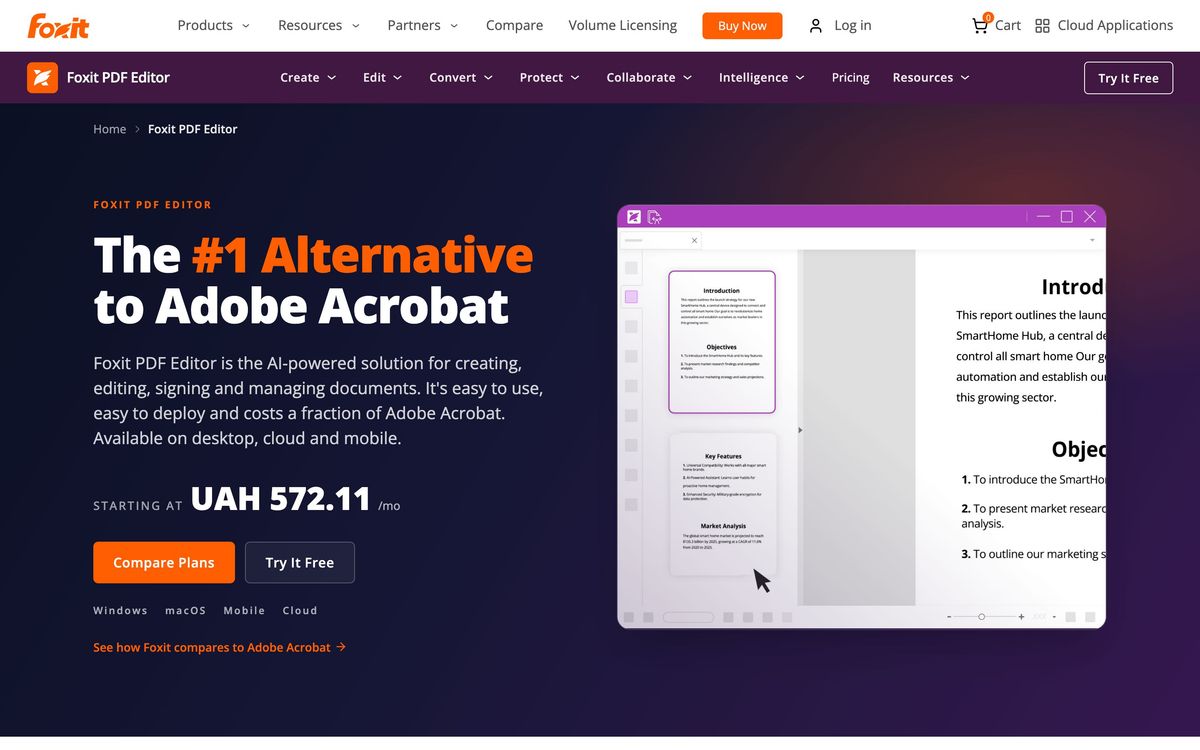
Foxit sells the software most offices assume only Adobe makes: a PDF editor that creates, edits, converts, OCRs, redacts and secures documents, plus an electronic signature service attached to the same account. The free Foxit Reader handles viewing and annotation and is what many people encounter first. The paid subscriptions are where editing, form design, redaction and the administrative controls live, delivered as native clients on Windows and macOS, browser apps, and mobile apps on iOS and Android.
The pitch is substitution rather than novelty. Foxit does not try to invent a new document paradigm; it tries to do the Acrobat job for less money, with the pieces a team normally buys separately folded in. That means an AI assistant inside the document for summaries, question answering, rewriting and translation, and Foxit eSign for agreements that need a legally binding signature under the ESIGN Act and UETA. Licences are managed centrally through an Admin Console, and the connector list reaches into Microsoft 365, SharePoint, Teams, Google Drive, Dropbox, Box, Salesforce and legal document management systems such as iManage.
Key features
The line-up is organised around the document lifecycle rather than around a single flagship capability.
- Create, edit, merge, split and OCR PDFs, and convert them to and from Office formats
- Build and fill forms, then export the collected data
- Redact, password protect and set permissions, with AI-assisted Smart Redact on the upper subscription
- Send agreements for signature through Foxit eSign with reusable templates and a full audit trail
- Ask the AI assistant to summarise a long document, answer questions about it, rewrite a passage or translate it
- Assign and reclaim licences across desktop, web and mobile from the Admin Console
Who it's for
Foxit makes sense for teams where PDFs are a daily working format rather than an occasional export: operations and finance groups handling signed agreements, professional services firms sending statements of work, HR teams collecting completed forms, and small legal practices that need redaction and a document management connector. The per-seat saving against Adobe is the reason most buyers arrive, and at ten or twenty seats it is a real budget line.
It is not the right tool for a design team producing print-ready artwork, where Acrobat's prepress and colour handling still matter, and it is oversold to anyone whose PDF needs stop at reading and the occasional annotation, since the free Reader already covers that. Teams that expect heavy AI use should also look closely at the credit allowance on the entry subscription before assuming the assistant is unlimited.
How it compares
Adobe Acrobat remains the reference implementation and wins on edge cases, prepress fidelity and the certainty that every recipient's workflow was designed around it, at a noticeably higher per-seat cost. Nitro PDF competes on the same substitution logic and is often stronger on Windows-only enterprise deployment, but its Mac story is weaker and its e-signature product is a separate purchase. PDF Expert is more pleasant on macOS and iPad and cheaper still, though it lacks the administrative controls and document management connectors a compliance-minded team needs. Foxit's advantage is breadth for the money: editor, redaction, signatures and an AI assistant under one licence.
Verdict
Foxit does what it claims. For routine document work it is close enough to Acrobat that most users stop noticing the difference within a week, and bundling eSign removes a separate subscription for teams sending a modest volume of agreements. The caveats are in the small print rather than the software: the entry subscription's monthly AI credit allowance is thin, mobile apps and Smart Redact sit on the higher tier, and the perpetual licence that looks like the frugal choice omits the AI, cloud and document management features altogether. Buy it for the editing and signing, treat the AI as an occasional convenience, and it holds up.
Ready to try Foxit?
There's a free tier, so you can test it before committing.
More founders tools like Foxit
QuickSigner
3.9Flat-rate e-signature with certificate-based signing and no per-envelope charges.
Read QuickSigner review →airSlate
3.8Document suite behind signNow and pdfFiller: e-signature, PDF editing and form workflows.
Read airSlate review →Bitdefender
4.6Enterprise-grade GravityZone security for SMBs: ransomware, phishing, and fileless attack protection.
Read Bitdefender review →1Password
4.5Team password manager and credential vault that has grown into a wider access platform for small IT teams.
Read 1Password review →ClickUp
4.5All-in-one work platform: tasks, docs, goals, chat, whiteboards, and AI agents in a single workspace.
Read ClickUp review →Fireflies.ai
4.5AI meeting teammate that records, transcribes, and summarizes calls, with action items and searchable notes.
Read Fireflies.ai review →