
QuickSigner review
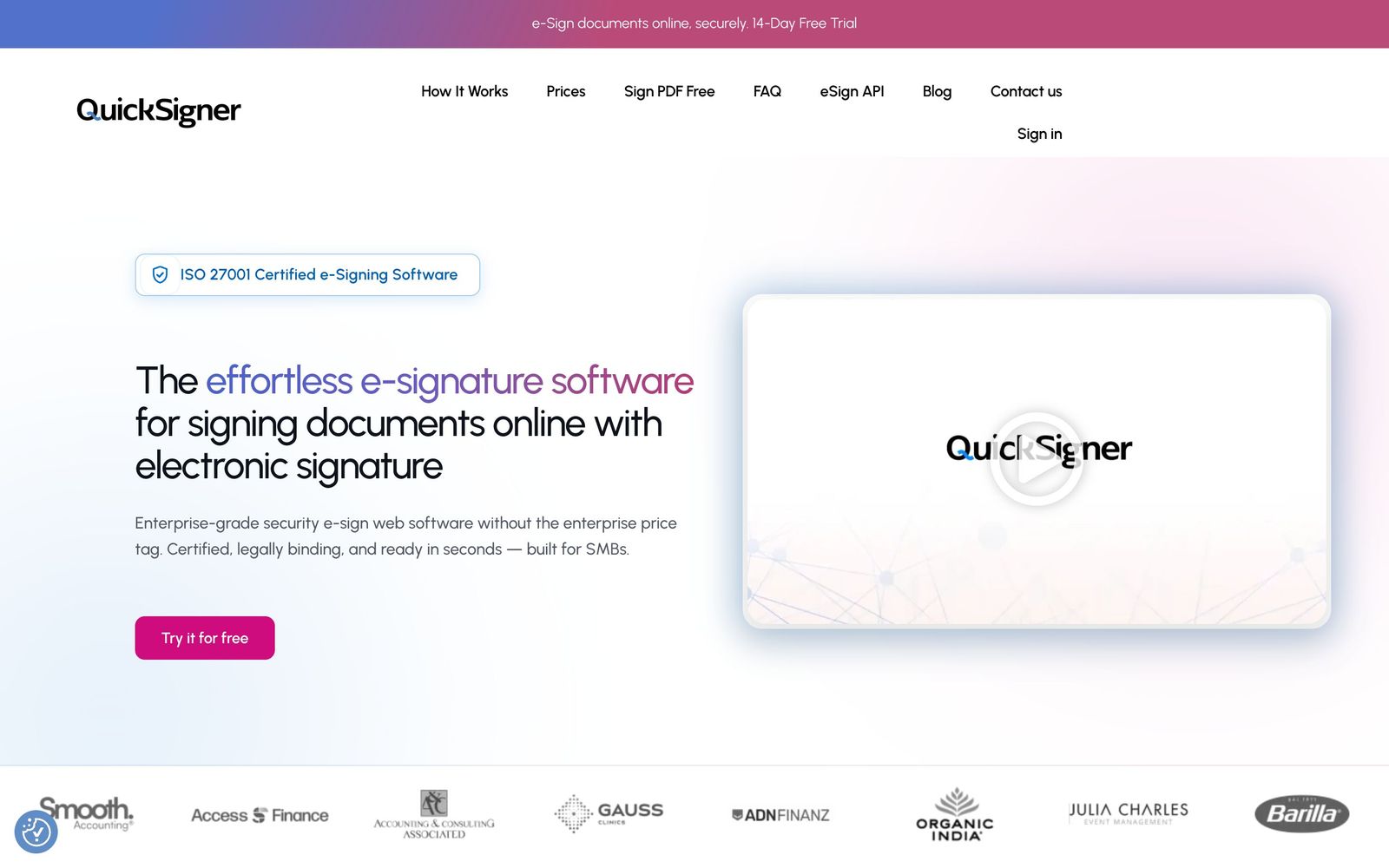
Flat-rate e-signature with certificate-based signing and no per-envelope charges.
The cheapest credible way to send legally binding, certificate-backed signature requests, though it has no published connectors to the apps documents actually live in.
Pros
- Unlimited documents on paid plans, so a busy month costs the same as a quiet one
- Signatures are certificate-based through Adobe's Approved Trust List, not just an image of a scrawl
- Recipients sign in the browser with no account and no app install
- ISO 27001 certification and AES-256 storage encryption are unusual at this price
- Templates and bulk send cover the repetitive contracts that make up most SMB signing
Cons
- No published integrations with Google Drive, Dropbox, HubSpot or a CRM: connecting it to anything means building against the API
- Per-request limits on signers, attached documents and file size scale with the plan, so heavy contracts push you up a tier
- A young vendor with only a handful of independent reviews, which makes support and uptime claims hard to check
QuickSigner pricing
List prices in USD per month, taken from the vendor at review time. Custom means quote-only.
| Plan | Per month | What it covers |
|---|---|---|
| Personal (free) | Free | 5 documents a month, up to 3 signers per request |
| Business | $5 | per user; $48 a year on the annual term; unlimited documents |
| Professional | $15 | per user; $144 a year on the annual term; 50 API credits, then $0.30 per document |
| Enterprise | Custom | custom quote |
What QuickSigner actually does
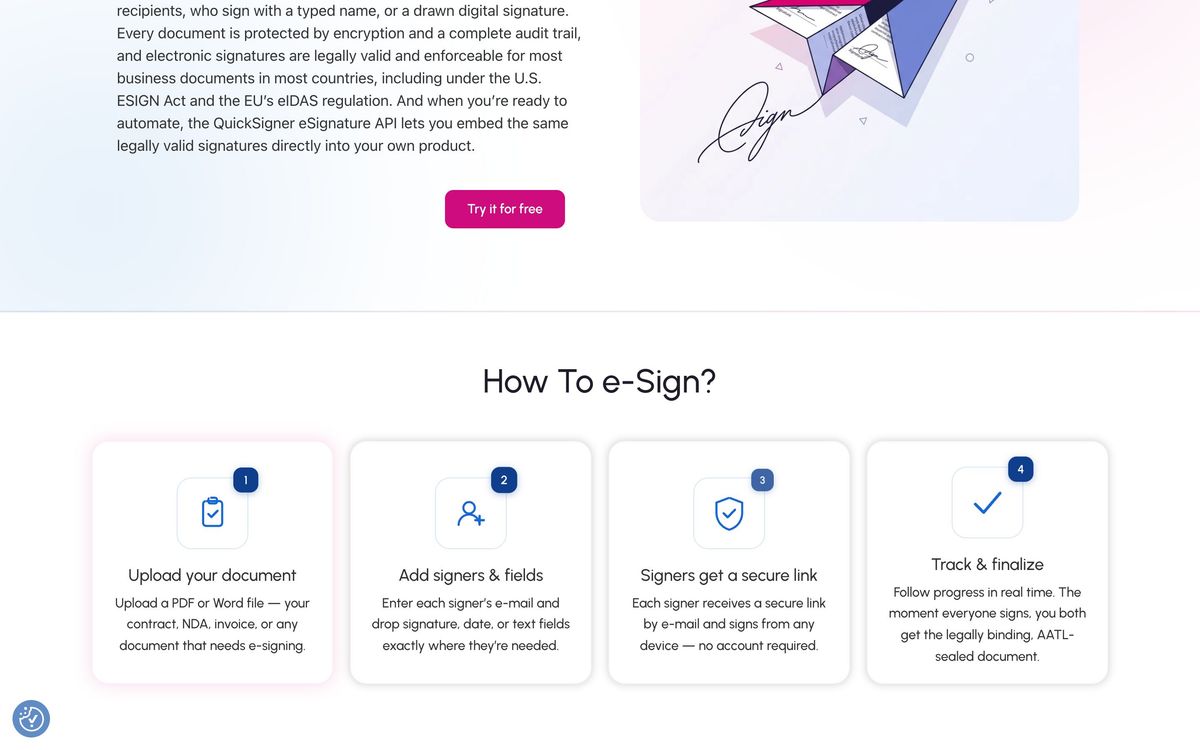
QuickSigner is an electronic signature service built around one argument: signing should be billed per user, not per envelope. A sender uploads a PDF or Word file, drops signature, date, text, checkbox and attachment fields onto it, adds recipients in sequence or in parallel, and sends. Recipients open a link, sign in the browser on a phone or a laptop, and receive the completed file. No account, no download, no install on the receiving end.
The part that separates it from the many cheap signing tools is the cryptography. Completed documents are sealed with certificate-based digital signatures using PAdES and certificates from Adobe's Approved Trust List, so a signed PDF validates in Adobe Reader rather than merely carrying a picture of a signature. The vendor holds ISO/IEC 27001 certification, encrypts documents with AES-256 at rest and TLS 1.3 in transit, and states compliance with the ESIGN Act and UETA in the United States, eIDAS in the EU and the Electronic Communications Act in the UK. There is also an embedded signing API billed per document for teams that want signing inside their own product.
Key features
The feature list stops well short of an enterprise contract lifecycle suite, which is the point.
- Certificate-based signatures with PAdES sealing and AATL certificates
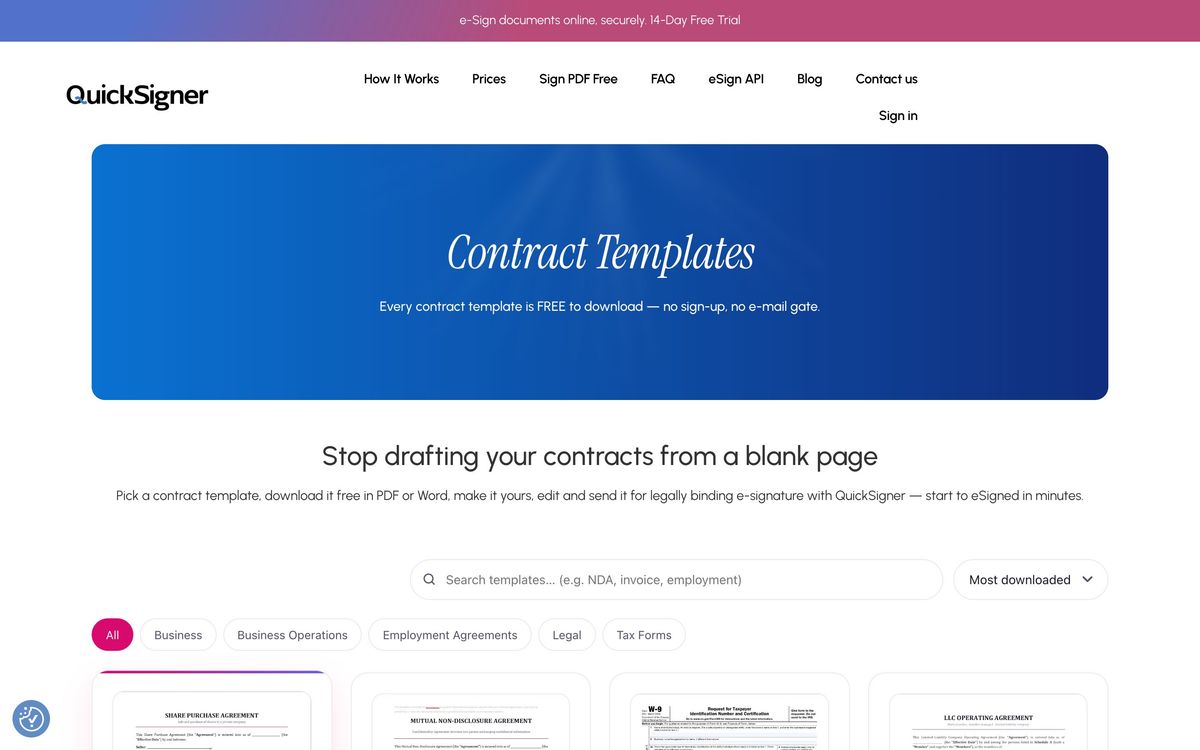
- Reusable templates for the contracts a business sends repeatedly
- Multi-signer routing, sequential or parallel, with role-based access controls
- Bulk sending for one document going to many recipients
- One-time passcode verification by mobile phone on sensitive requests
- Audit trail with timestamps covering every action on a document
Who it's for
The buyer is the small business that hit an envelope cap. Agencies, consultancies, letting agents, recruiters and freelancers who send a handful of contracts a week are paying per-seat rates elsewhere for a feature they use lightly but cannot do without. On a flat per-user plan with unlimited documents, that maths inverts. The free tier handles a genuinely occasional signer, and the mid tier is the one most small teams will land on.
It is not for organisations that need signing wired into a CRM or a document store. Without published connectors, every workflow starts with a manual upload or with an engineer working against the API. It is also not for regulated enterprises that require identity verification beyond a phone passcode, granular admin hierarchies, or the procurement paperwork a large vendor supplies as a matter of course.
How it compares
DocuSign remains the safest name to put in front of a counterparty and has the deepest integration catalogue, and it charges accordingly, with envelope allowances that punish a busy quarter. Dropbox Sign sits in the middle: cleaner interface, decent integrations, still per-seat and still capped on the lower plans. PandaDoc wins outright when a proposal, pricing table and signature belong in the same document, and it costs several times more per seat. QuickSigner beats all three on price per signed document and loses to all three on ecosystem and brand recognition.
Verdict
For sending contracts and getting them back sealed, QuickSigner does the job at a price that makes the alternatives look indulgent, and the certificate-based signing means the output stands up under scrutiny rather than merely looking signed. The caveat is where it sits in a stack: an island. Until connectors to storage, CRM and accounting tools appear, documents get there by upload and come back by download, which is fine for a few contracts a week and grating at volume. Teams with light integration needs and a per-envelope bill they resent should trial it; teams whose signing is triggered by another system should not.
Ready to try QuickSigner?
There's a free tier, so you can test it before committing.
More founders tools like QuickSigner
Tresorit
4.0End-to-end encrypted file storage and sharing for teams handling confidential client documents.
Read Tresorit review →airSlate
3.8Document suite behind signNow and pdfFiller: e-signature, PDF editing and form workflows.
Read airSlate review →Bitdefender
4.6Enterprise-grade GravityZone security for SMBs: ransomware, phishing, and fileless attack protection.
Read Bitdefender review →1Password
4.5Team password manager and credential vault that has grown into a wider access platform for small IT teams.
Read 1Password review →ClickUp
4.5All-in-one work platform: tasks, docs, goals, chat, whiteboards, and AI agents in a single workspace.
Read ClickUp review →Fireflies.ai
4.5AI meeting teammate that records, transcribes, and summarizes calls, with action items and searchable notes.
Read Fireflies.ai review →