
1Password review
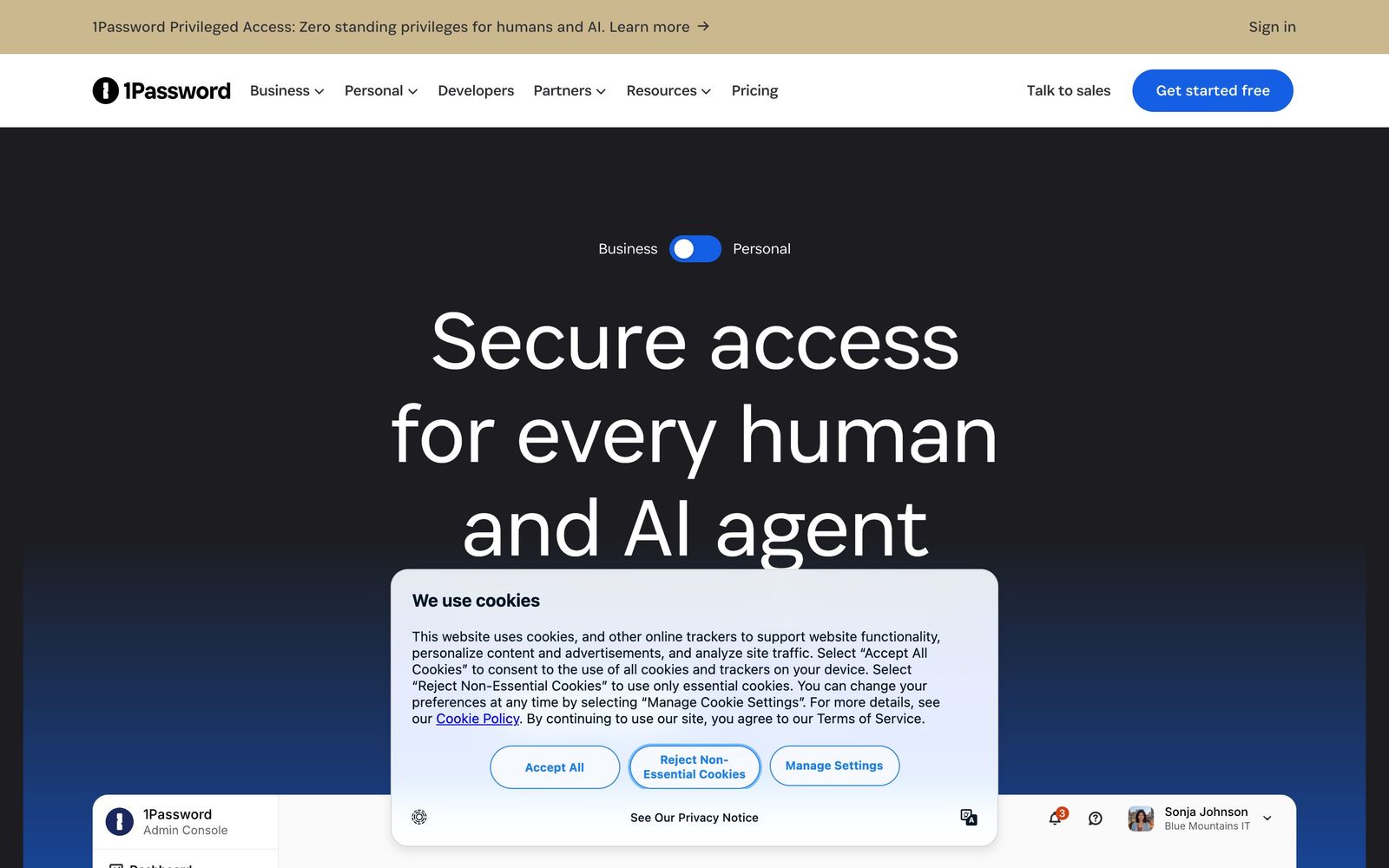
Team password manager and credential vault that has grown into a wider access platform for small IT teams.
The password manager most teams should default to, though the platform's expansion into device trust and privileged access has made the product story harder to follow.
Pros
- The apps are the least unpleasant in the category, which is the whole ballgame for a tool everyone must use daily
- Shared vaults with role-based permissions map cleanly onto how teams actually divide access
- Watchtower flags reused, weak and breached credentials without an extra scanning product
- SCIM provisioning works with Okta, Entra ID, Google Workspace and OneLogin, so joiners and leavers are handled automatically
- Events reporting streams sign-in and item-usage logs to Splunk, Datadog, Sentinel and other SIEM tools
Cons
- There is no free business tier, so evaluation is limited to a short trial
- The Teams pack bills a fixed block of seats whether or not the team fills them, which is poor value for very small teams
- The move into device trust, privileged access and SaaS discovery has crowded the product line, and several of those capabilities are separate purchases rather than part of the password manager
1Password pricing
List prices in USD per month, taken from the vendor at review time.
| Plan | Per month | What it covers |
|---|---|---|
| Teams Starter Pack | $24.95 | billed annually, covers up to ten members |
| Business | $8.99 | per user, billed annually |
What 1Password actually does
At its centre, 1Password stores credentials for a team and controls who can reach which ones. Items live in vaults, vaults are shared with groups, and permissions are set per role, so the finance vault and the engineering vault do not overlap by accident. Beyond passwords the vault holds passkeys, one-time code seeds, API keys, licences, secure notes and documents. The clients are native on macOS, Windows, Linux, iOS and Android, with browser extensions that fill and capture credentials, and the quality of those clients is the practical reason the product wins evaluations: a password manager people avoid is a password manager that does not work.
The administrative half is what separates the business plans from the consumer ones. Watchtower audits the whole account for reused, weak, expiring and breached credentials and reports by team. SCIM provisioning connects to Okta, Microsoft Entra ID, Google Workspace and OneLogin so accounts and group membership follow the identity provider, and SSO lets people open the vault with the same identity they use everywhere else. An Events API streams sign-ins, item usage and audit activity into SIEM tools with prebuilt connectors for Splunk, Datadog and Microsoft Sentinel. More recently the company has extended into device trust, privileged access, secrets management and SaaS discovery, positioning the whole thing as an access platform rather than a vault.
Key features
These are the capabilities a small IT function relies on.
- Shared vaults with role-based permissions and per-item access control
- Watchtower reporting on reused, weak, breached and expiring credentials
- Passkey storage and autofill alongside passwords and one-time codes
- SCIM provisioning and SSO sign-in with Okta, Entra ID, Google Workspace and OneLogin
- Secrets management and CLI tooling for keeping keys out of repositories and scripts
- Events API with prebuilt SIEM connectors for audit and sign-in activity
Who it's for
1Password fits a company between roughly five and five hundred people that has shared logins scattered across spreadsheets, browsers and chat messages, and no dedicated identity engineer to fix it. Setup is a day's work, the migration importers handle the usual sources, and the client quality means adoption does not become a change-management project. Business plans include free family accounts for staff, which quietly improves personal security hygiene too.
It is less compelling for two groups. Teams that want a free or self-hosted option will not find one here. And organisations already deep into a Microsoft or Google identity stack, with conditional access and enterprise password policies in place, may be buying overlap rather than coverage, particularly if they are also being sold the newer access-platform modules.
How it compares
Bitwarden is the main alternative and undercuts 1Password substantially, is open source, and can be self-hosted; its clients and admin console are functional but plainer, and its reporting is thinner. Keeper matches the compliance and audit story and does well in regulated buying processes, though most reviewers find its interface dated. Dashlane sits close on polish and features but has a smaller enterprise footprint. Built-in browser and operating-system managers are free and now competent for individuals, but none of them handle shared vaults, provisioning or audit logging for a team.

Verdict
1Password remains the default recommendation for a team that needs shared credentials under control, and it earns that on the strength of the clients, the vault permission model and an administration layer that a generalist can run. Watchtower and the SIEM event stream turn it into a mild security programme rather than only a convenience. The caveat is drift: the company is now selling device trust, privileged access and SaaS discovery alongside the vault, and it is worth being clear during a sales conversation about which of those are included and which are separate line items before the renewal arrives.
Ready to try 1Password?
More founders tools like 1Password
ClickUp
4.5All-in-one work platform: tasks, docs, goals, chat, whiteboards, and AI agents in a single workspace.
Read ClickUp review →Fireflies.ai
4.5AI meeting teammate that records, transcribes, and summarizes calls, with action items and searchable notes.
Read Fireflies.ai review →Miro
4.5Infinite shared canvas for workshops, diagrams and planning, now wrapped around docs, tables and AI.
Read Miro review →Reclaim.ai
4.5AI calendar assistant that auto-schedules focus time, tasks, and habits on Google and Outlook calendars.
Read Reclaim.ai review →Activepieces
4.4Open-source, MIT-licensed AI automation platform with a visual builder, AI agents, and 700+ integrations.
Read Activepieces review →MindStudio
4.4No-code visual builder for AI agents with 200+ models, 1,000+ integrations, and flexible deployment.
Read MindStudio review →