
Optery review
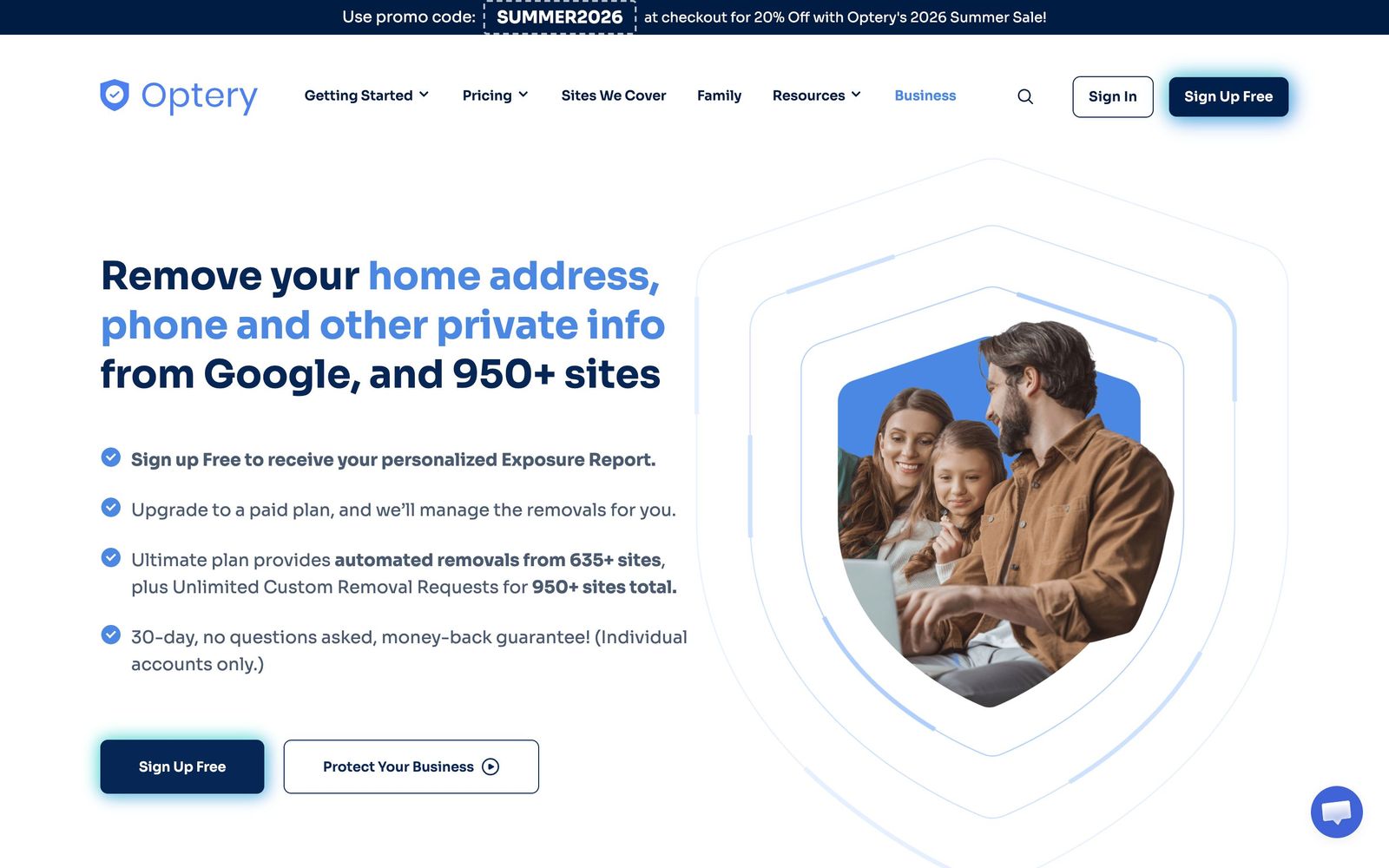
Finds and removes staff home addresses, phones and emails from people-search sites and data brokers.
The most thorough data-broker removal service on the market, with screenshot proof most rivals do not offer, though the coverage that matters is locked to the top tier.
Pros
- Coverage is the widest in the category: automated removals across hundreds of broker sites, with custom requests reaching over 950 in total on the top tier
- Removal reports include before-and-after screenshots, so the work can be audited rather than taken on trust
- A free exposure report scans and shows where personal data is listed before any payment, which makes evaluation honest
- Optery for Business adds SSO, SCIM provisioning and an admin dashboard, so enrolment scales with headcount instead of by email thread
- Independent review outlets including PCMag and CNET have named it their top pick in the category repeatedly
Cons
- The features that make the service worth buying, custom removal requests and human privacy agents, exist only on the highest personal tier
- It is the most expensive option in the category; Incogni and DeleteMe both undercut it substantially at comparable tiers
- Scope stops at data brokers and people-search sites: social media, news coverage, court records and dark-web listings are explicitly out of scope
- Business pricing is generated by a seat calculator rather than published, so budgeting requires a quote
Optery pricing
List prices in USD per month, taken from the vendor at review time.
| Plan | Per month | What it covers |
|---|---|---|
| Free Basic | Free | exposure report and self-service opt-out tools only |
| Core | $3.99 | per person; automated removals, one name and location |
| Extended | $14.99 | per person; unlimited name variations, assigned privacy agent |
| Ultimate | $24.99 | per person; widest coverage plus unlimited custom removal requests |
What Optery actually does
Optery removes personal information from the data brokers and people-search sites that publish it. The service starts with a scan: enter a name and location, and it returns an exposure report listing the sites carrying a home address, phone number, email or relatives. From there it files opt-out requests site by site, on a schedule, and re-scans monthly to catch profiles that reappear. The company describes the approach as humans plus machines, with automated submissions handled by software and the awkward cases escalated to privacy agents.
Two audiences buy it. Individuals use it to get their address off search results. Companies buy Optery for Business, which enrols staff in bulk and treats broker exposure as an attack surface: the same home addresses and personal numbers that feed doxxing also feed voice phishing and pretexting against finance and executive teams. The business tier adds SSO, SAML and SCIM provisioning, an administrative dashboard showing exposure reduction across the roster, and an API for partners. Optery is SOC 2 Type II certified and states it does not partner with data brokers, which matters in a category where some vendors do.
Key features
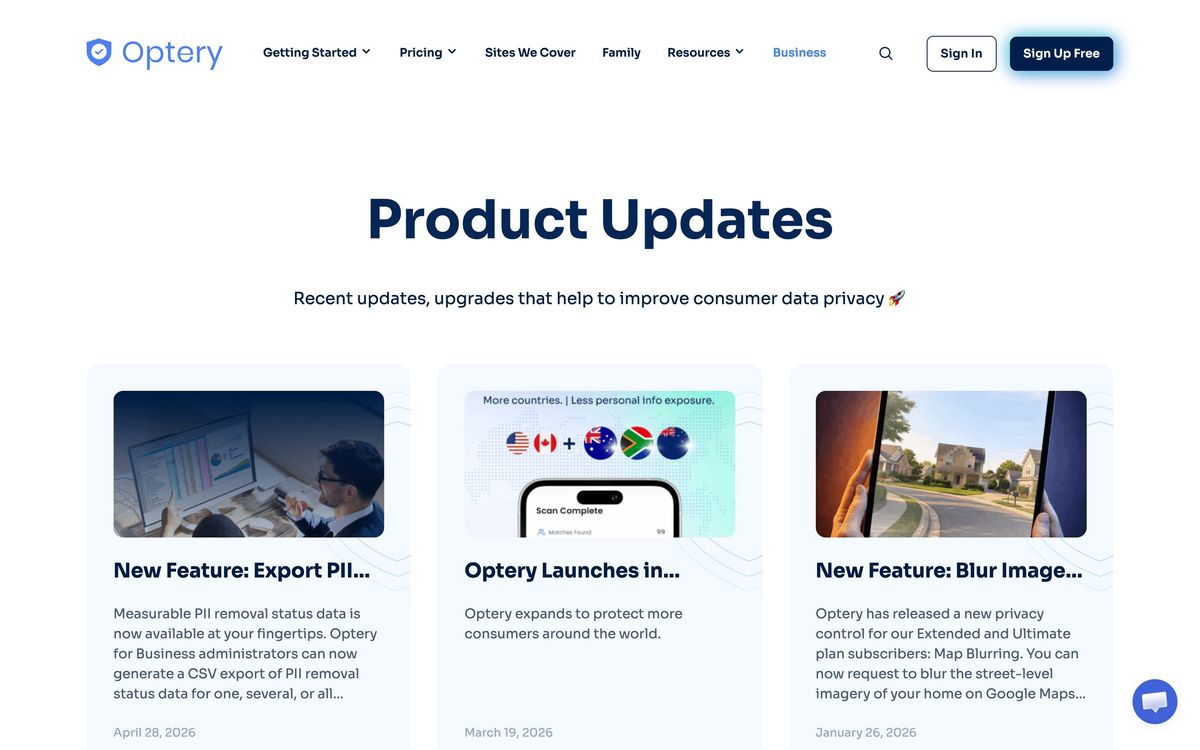
The product is narrow by design, and the differences between tiers are the whole story.
- Free exposure report that scans and names the brokers holding a person's data
- Automated opt-out submissions across hundreds of broker and people-search sites
- Monthly re-scans that detect relisted profiles and resubmit removals
- Before-and-after screenshots in removal reports on the upper tiers
- Custom removal requests worked by human privacy agents on the top tier
- Admin dashboard with SSO, SAML and SCIM for enrolling and offboarding staff
Who it's for
The business plans fit a small company where a handful of people carry outsized risk: founders, the person who can move money, anyone whose name appears in funding announcements. Enrolling that group is cheap insurance against a convincing phone call. It also fits firms with a compliance obligation to show they reduced employee exposure, since the screenshot reports make the work evidenced rather than asserted.
It is not a security product in the broader sense. Optery does not touch endpoints, email filtering or credentials, and it explicitly does not remove social posts, news articles, court records or dark-web listings. Anyone expecting their name to vanish from the internet will be disappointed. Teams on the tightest budget should also be honest that the entry tier is automated-only, and the manual handling that makes removals stick sits at the top.
How it compares
DeleteMe is the older brand and the one procurement teams recognise, but its standard plan automates a much smaller set of sites and its reporting is thinner. Incogni is materially cheaper and monitors continuously rather than in monthly cycles, which suits individuals watching cost, though its broker list is shorter and its reporting offers less proof. Kanary and privacy features bundled into consumer security suites cover fewer sites still. Optery's position is straightforward: it removes from more places and shows its work, and it charges for both.
Verdict
Optery does the unglamorous part of privacy work properly, and the screenshot verification is the reason to pick it over cheaper rivals, since it turns a subscription into something auditable. The rating stops short of the top because the useful coverage sits behind the highest tier and because business pricing has to be quoted rather than read. For a team protecting a small number of high-risk people, it is the sensible default; for broad staff coverage on a tight budget, the cheaper alternatives are worth pricing first.
Ready to try Optery?
There's a free tier, so you can test it before committing.
More founders tools like Optery
Tresorit
4.0End-to-end encrypted file storage and sharing for teams handling confidential client documents.
Read Tresorit review →1Password
4.5Team password manager and credential vault that has grown into a wider access platform for small IT teams.
Read 1Password review →ClickUp
4.5All-in-one work platform: tasks, docs, goals, chat, whiteboards, and AI agents in a single workspace.
Read ClickUp review →Fireflies.ai
4.5AI meeting teammate that records, transcribes, and summarizes calls, with action items and searchable notes.
Read Fireflies.ai review →Miro
4.5Infinite shared canvas for workshops, diagrams and planning, now wrapped around docs, tables and AI.
Read Miro review →Reclaim.ai
4.5AI calendar assistant that auto-schedules focus time, tasks, and habits on Google and Outlook calendars.
Read Reclaim.ai review →