
Sunsama review
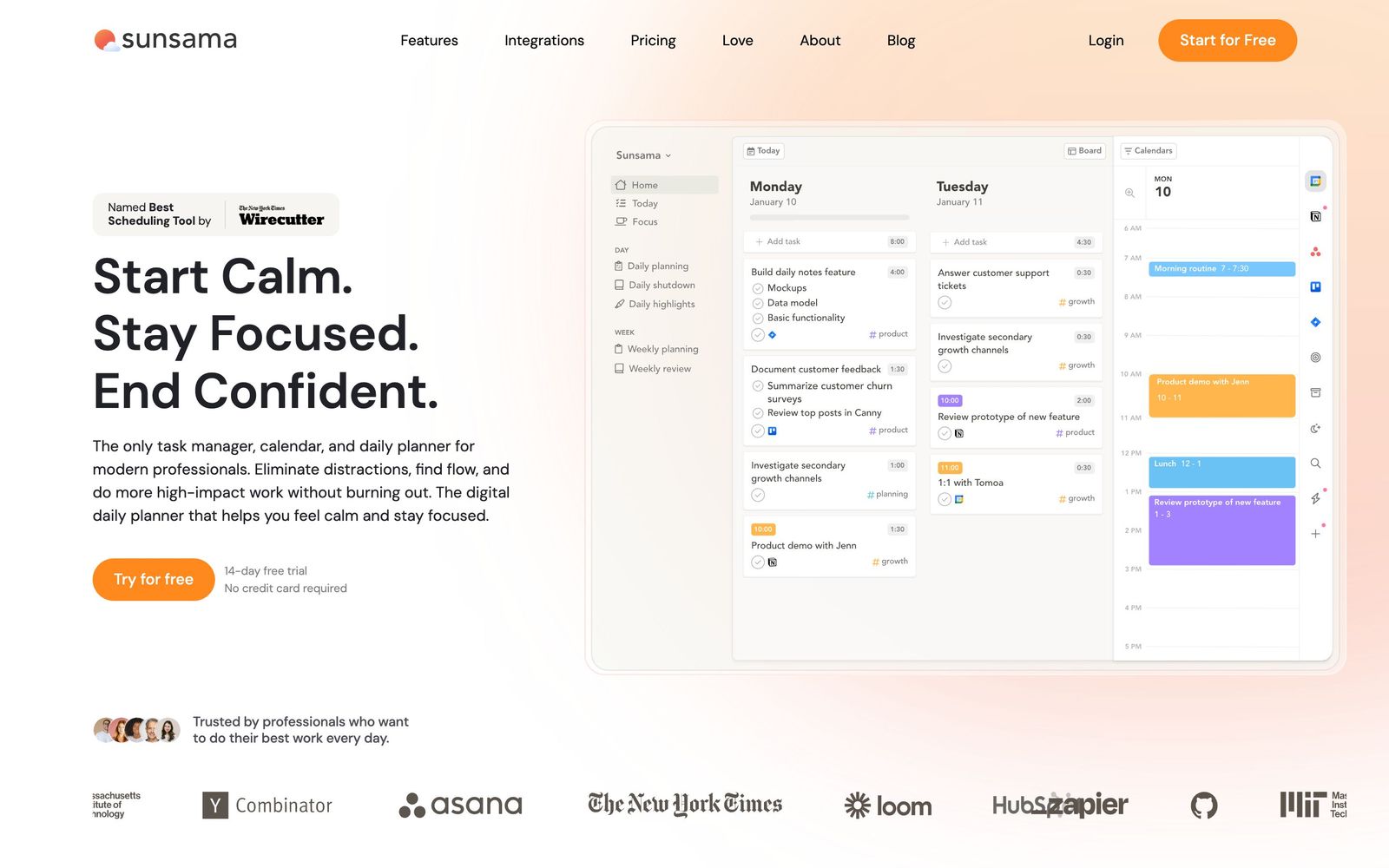
Daily planner that pulls tasks from your other tools onto the calendar and makes you commit to a realistic day.
The most deliberate daily planner on the market and a genuine habit-builder, though it costs more than most task apps and has no free plan to soften the decision.
Pros
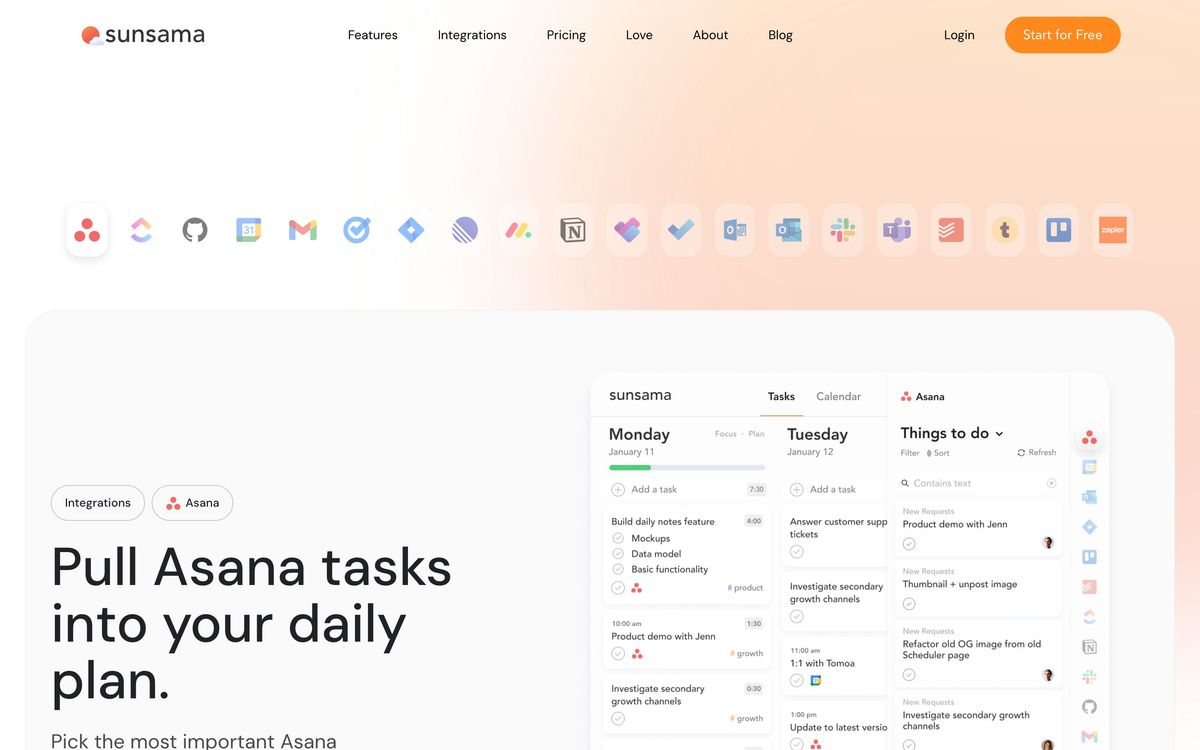
- Pulls work out of Asana, Jira, Linear, Todoist, Notion, Trello, Gmail and Slack so the day is planned in one place instead of five
- Requires a time estimate on every task and shows when the plan already exceeds the hours actually free on the calendar
- Tasks are placed as real calendar events, so meetings and focused work compete for the same visible space
- The guided shutdown at the end of the day moves unfinished work forward deliberately instead of letting it rot in a backlog
- Tracks actual time against estimates and reports where the week went by channel and project
Cons
- No free plan at all, and the per-seat price is higher than most standalone task managers
- The mobile app is noticeably rougher than the desktop client, with reviewers reporting crashes
- The planning horizon stops at roughly two weeks, so it does not replace a project tool for anything with a multi-month shape
Sunsama pricing
List prices in USD per month, taken from the vendor at review time.
| Plan | Per month | What it covers |
|---|---|---|
| Pro | $22 | per user billed monthly, or 17 per user on annual billing; 14-day trial |
What Sunsama actually does
Sunsama is a daily planner for one person. Every morning it opens a guided flow: it shows the tasks waiting in whatever systems you already use, asks which of them belong to today, asks how long each will take, and then places the chosen ones on the calendar next to the meetings already booked. The design point is friction. Where most task managers let a list grow without limit, Sunsama makes the arithmetic visible, so a day planned with nine hours of work and five hours of meetings announces itself as impossible before it is attempted.
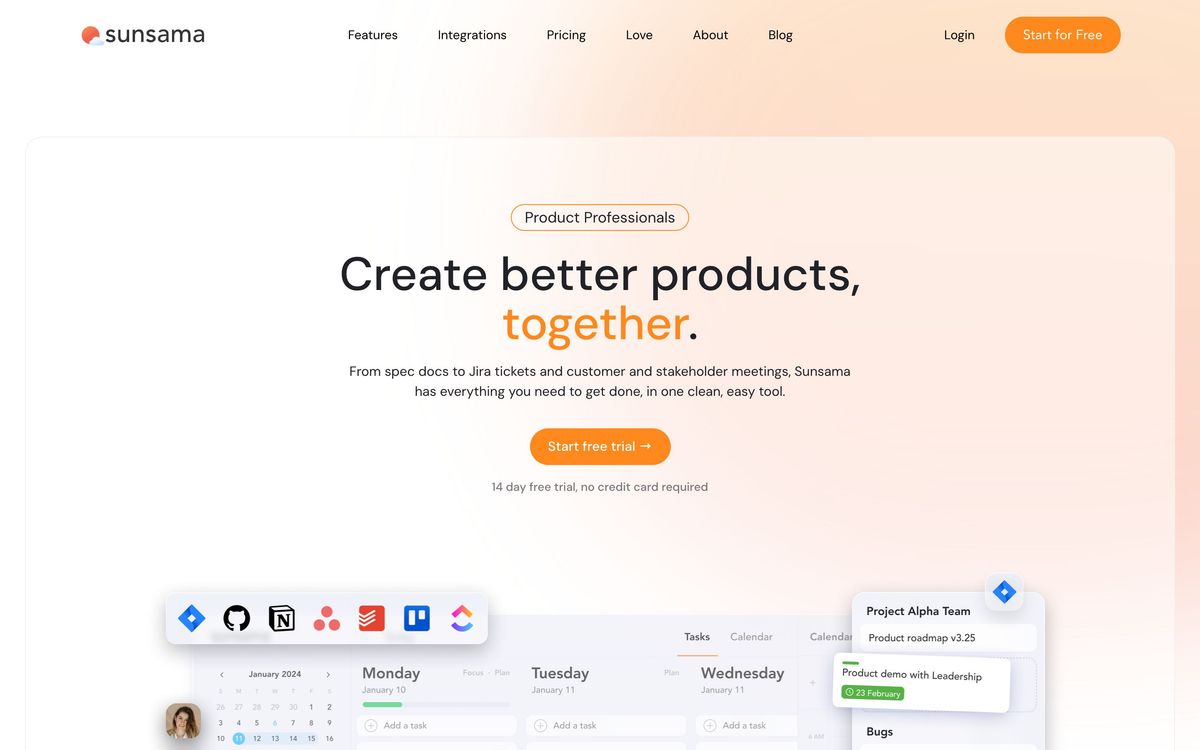
The rest of the product supports that loop. It connects to Google, Outlook and Apple calendars in both directions, and imports tasks from Asana, ClickUp, GitHub, Jira, Linear, Monday.com, Todoist, Notion, Trello, Gmail and Slack, so items dragged into today stay linked to the system of record. A focus mode with a Pomodoro timer tracks actual time against the estimate. At the end of the day a shutdown ritual reviews what happened, pushes what did not get done to a specific future day, and closes the loop with a weekly view of objectives and where the hours went. It runs as a desktop app, a web app and a mobile client.
Key features
The parts that make it a planner rather than another task list:
- Guided morning planning that steps through candidate tasks one at a time
- Time estimates on every task with a running total against the hours actually free
- Two-way calendar sync, with planned tasks appearing as events rather than a side panel
- Task import from a wide set of project, note and messaging tools, kept linked to the source
- Focus mode with a timer that records real time against the estimate
- Weekly objectives and analytics comparing planned time with time spent by project
Who it's for
Sunsama suits the person whose problem is not remembering tasks but choosing between them: a founder, a consultant, a designer or an engineer whose work arrives through four different tools and whose calendar is already half booked by other people. It works particularly well for anyone who benefits from external structure, and reviewers who describe attention difficulties tend to be its most committed users. The ritual is the product, and people who skip it get very little.
It is the wrong purchase for two groups. Teams looking for shared project management will find only a personal planner with light collaboration; the work still lives in Asana or Jira. And anyone who wants a scheduler to do the deciding should look elsewhere, because Sunsama deliberately makes you place every block by hand. That is a design choice, not a missing feature, but it is the opposite of what an automated calendar promises.
How it compares
Motion takes the other road entirely: its AI rearranges the calendar automatically as priorities change, which suits people who want the decision made for them and frustrates people who want to make it. Akiflow solves the same consolidation problem with a keyboard-driven command bar, is faster to operate and slightly cheaper, but has none of Sunsama's ritual framing. Reclaim sits closer to Motion, automating focus-time defence around meetings rather than daily planning. Against all three, Sunsama's edge is the quality of the planning and shutdown experience; its weaknesses are price and a mobile app that lags the desktop one.
Verdict
Sunsama is the best daily planner available for people who will actually do the daily planning, and the combination of guided intake, honest time estimates and a deliberate shutdown changes behaviour in a way that a to-do list does not. The caveat is cost and commitment. There is no free plan, the per-seat price sits above most task managers and above Akiflow, and the value evaporates entirely if the morning ritual gets skipped for a fortnight. Use the trial to find out whether the habit sticks before paying for a year.
Ready to try Sunsama?
More founders tools like Sunsama
ZEP
3.7German project time tracking that turns recorded hours into project margin, invoices and compliant working-time records.
Read ZEP review →Bitdefender
4.6Enterprise-grade GravityZone security for SMBs: ransomware, phishing, and fileless attack protection.
Read Bitdefender review →1Password
4.5Team password manager and credential vault that has grown into a wider access platform for small IT teams.
Read 1Password review →ClickUp
4.5All-in-one work platform: tasks, docs, goals, chat, whiteboards, and AI agents in a single workspace.
Read ClickUp review →Fireflies.ai
4.5AI meeting teammate that records, transcribes, and summarizes calls, with action items and searchable notes.
Read Fireflies.ai review →Miro
4.5Infinite shared canvas for workshops, diagrams and planning, now wrapped around docs, tables and AI.
Read Miro review →