
Hubstaff review
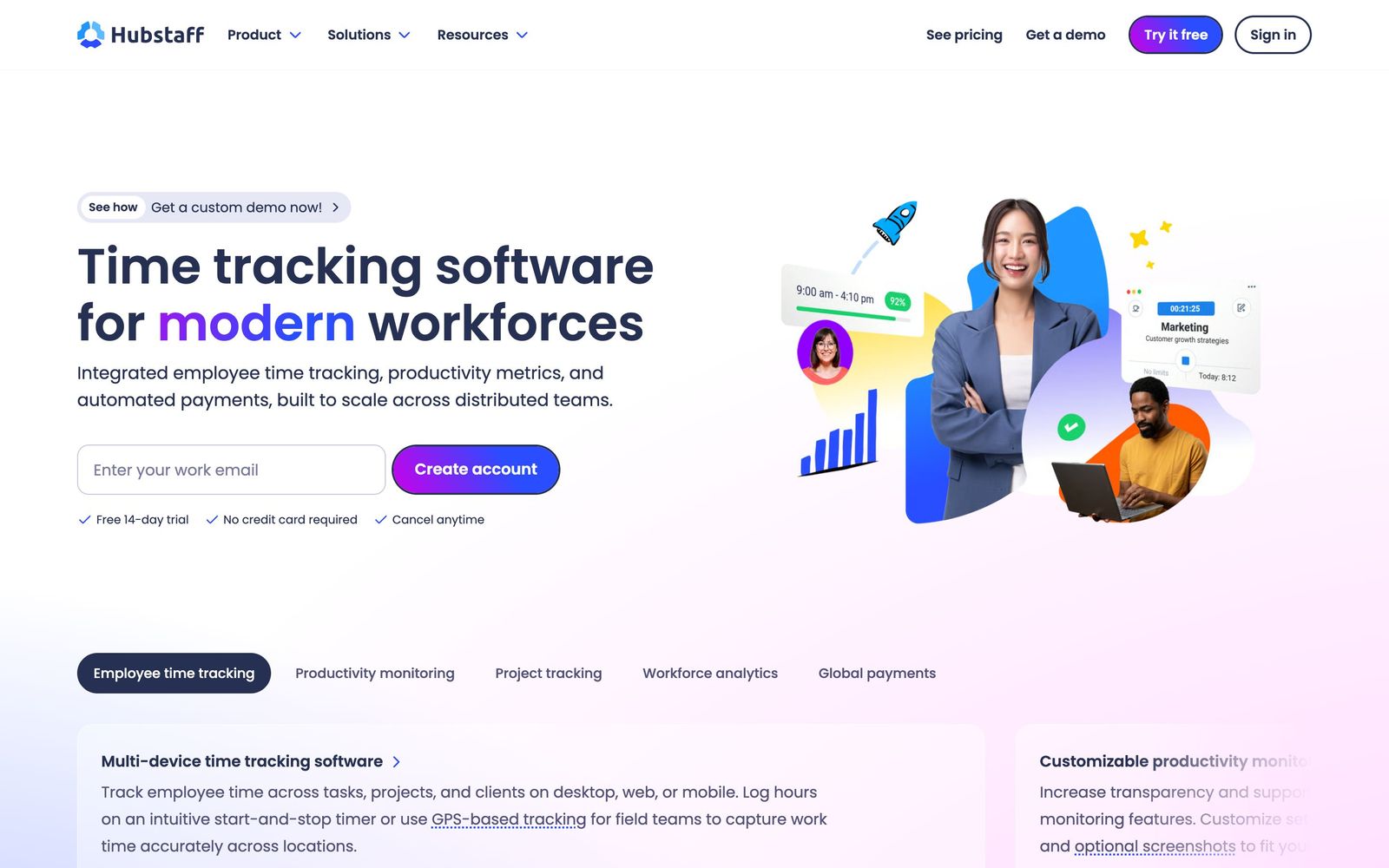
Time tracking, activity monitoring and payroll for distributed and field teams billed by the hour.
One of the most complete time-tracking and workforce analytics suites for distributed teams, though the screenshot-and-activity model buys accountability at a real cost in trust.
Pros
- Tracking runs on desktop, web and mobile, so office, remote and field workers land in the same timesheet
- GPS tracking and job-site geofencing clock field crews in and out automatically
- Approved hours convert into payments through Wise, PayPal and Deel without exporting a spreadsheet
- Project budgets and expense tracking show margin per client while work is still in progress
- More than 20 reports and over 35 integrations cover attendance, time off, utilisation and project cost
Cons
- Activity scoring is derived from keyboard and mouse input, which undercounts reading, calls and any thinking work
- Screenshots and app and URL logging make it a hard sell to salaried knowledge workers, and reviewers regularly cite it as a source of friction
- Payroll, scheduling, attendance and unlimited integrations are withheld until the third tier; the middle plan permits a single integration
Hubstaff pricing
List prices in USD per month, taken from the vendor at review time.
| Plan | Per month | What it covers |
|---|---|---|
| Starter | $4.99 | per seat, billed annually (7.00 billed monthly) |
| Grow | $7.50 | per seat, billed annually (9.00 billed monthly); adds budgets, expenses and one integration |
| Team | $10 | per seat, billed annually (12.00 billed monthly); adds payroll, scheduling and unlimited integrations |
| Enterprise | $25 | per seat billed monthly; adds SSO, SCIM and compliance support |
What Hubstaff actually does
Hubstaff records how long people work and, if the account is configured that way, what they were doing while the clock ran. A desktop app, a browser extension or a phone app starts a timer against a project or task, and the resulting timesheet is assembled without anyone filling in a grid on Friday afternoon. On top of that base sits the rest of the product: activity percentages from keyboard and mouse input, optional screenshots at a chosen frequency, app and URL logging, idle detection, and GPS with geofenced job sites for crews who work outdoors.
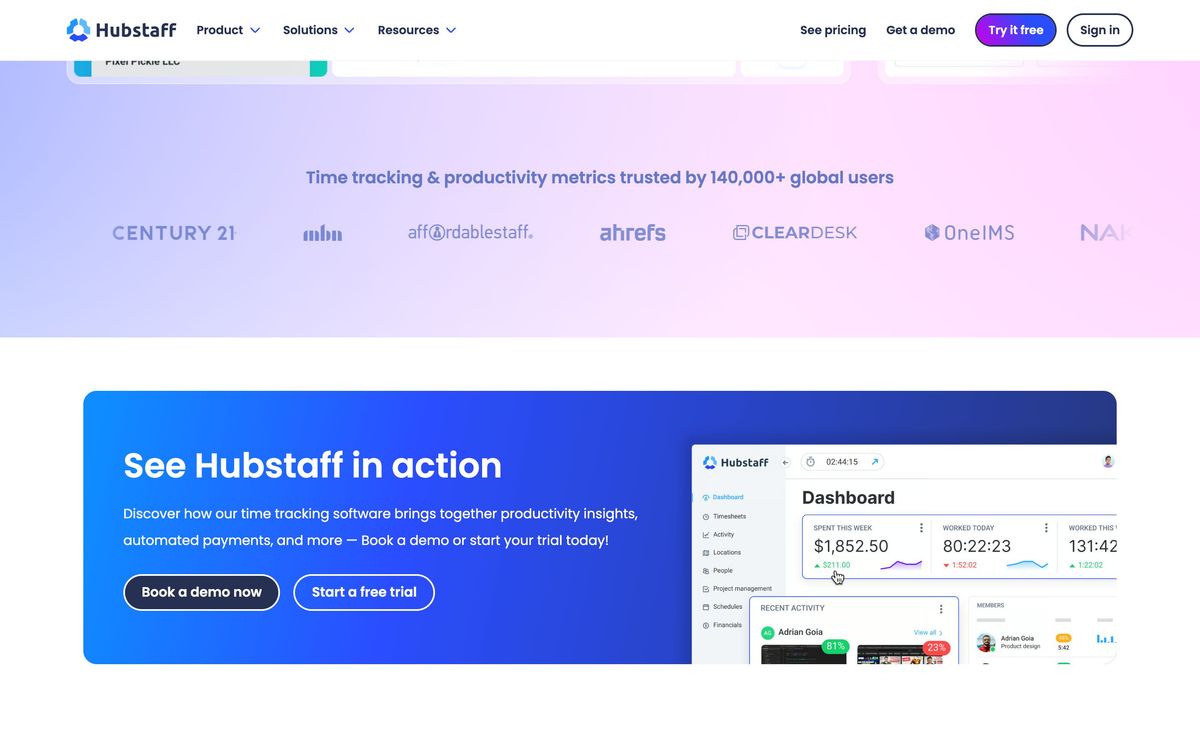
The second half of the platform turns those hours into money and management information. Approved time can be paid out automatically through Wise, PayPal or Deel in several currencies. Project budgets track spend against a fixed fee while the work is still running, expenses attach to the same project, and more than 20 reports cover utilisation, attendance, time off and cost per client. Scheduling and attendance management arrive on the workforce tier, and the whole thing connects to Asana, Jira, ClickUp, Trello, GitHub, QuickBooks Online, Salesforce and around thirty other tools so time lands against the task that already exists.
Key features
The capabilities worth paying for depend heavily on whether the team is remote, field-based or both.
- Time tracking across desktop, web and mobile with automated timesheets and idle-time detection
- Optional screenshots and app or URL activity logging, configurable per team member
- GPS tracking and job-site geofencing that clock field workers in and out on arrival and departure
- Scheduling, shift attendance and time-off management for hourly teams
- Automated payments from approved hours through Wise, PayPal and Deel
- Project budgets, expense capture and more than 20 reports on cost, utilisation and attendance
Who it's for
Hubstaff fits organisations where hours are the unit of account: agencies billing clients by the hour, contractors paid for time rather than deliverables, and field service or construction crews whose supervisor cannot see the site. For those teams the monitoring is not surveillance so much as the substitute for a foreman walking the floor, and the payment automation removes a genuinely tedious monthly job.
It is a bad purchase for a salaried product team. Activity percentages measure input events, so a developer reading documentation or an engineer on a two-hour design call scores badly for doing the work that matters most. Deploying screenshot capture on knowledge workers who were previously trusted has a predictable cost in morale, and no configuration setting removes that. Teams that want project time data without the monitoring should turn every observation feature off, at which point cheaper tools do the same job.
How it compares
Toggl Track is the friendlier option for professional service teams that want clean time data and reporting without monitoring, and it is easier to introduce without an argument. Time Doctor is the closest match on features and philosophy, with comparable screenshots and distraction alerts, and usually comes down to which interface a manager prefers. Connecteam beats Hubstaff on deskless and shift-based operations, where scheduling, checklists and internal communication matter more than activity scoring. Hubstaff's edge is breadth: few competitors cover remote monitoring, field GPS, scheduling, payroll and project budgets in one subscription.
Verdict
Hubstaff is well built and unusually complete, and for agencies and field teams it removes a set of administrative chores that otherwise eat a day a month. The reports are detailed, the payment automation works, and the tier ladder starts low enough for a small team to begin cheaply. The caveat is cultural rather than technical. The activity metric rewards typing over thinking, the screenshot feature is the single most cited source of complaint among reviewers, and the features most teams eventually want, payroll and scheduling included, sit on the third tier. Deploy it where hours genuinely are the product, be explicit with the team about what is captured, and it earns its place.
Ready to try Hubstaff?
More founders tools like Hubstaff
Bitdefender
4.6Enterprise-grade GravityZone security for SMBs: ransomware, phishing, and fileless attack protection.
Read Bitdefender review →1Password
4.5Team password manager and credential vault that has grown into a wider access platform for small IT teams.
Read 1Password review →ClickUp
4.5All-in-one work platform: tasks, docs, goals, chat, whiteboards, and AI agents in a single workspace.
Read ClickUp review →Fireflies.ai
4.5AI meeting teammate that records, transcribes, and summarizes calls, with action items and searchable notes.
Read Fireflies.ai review →Miro
4.5Infinite shared canvas for workshops, diagrams and planning, now wrapped around docs, tables and AI.
Read Miro review →Reclaim.ai
4.5AI calendar assistant that auto-schedules focus time, tasks, and habits on Google and Outlook calendars.
Read Reclaim.ai review →