
ZEP review
German project time tracking that turns recorded hours into project margin, invoices and compliant working-time records.
A dependable choice for European consultancies that bill by the hour and answer to working-time law, though the interface and the module-by-module pricing both feel like an older generation of software.
Pros
- Working-time rules, break monitoring and maximum-hours checks are built in, which is what German and EU employers are actually obliged to document
- Hours carry customer, project, sub-project and activity, so project controlling compares budget against booked cost without a separate spreadsheet
- Billable and non-billable time are distinguished at entry, and invoices can be generated straight from the approved hours
- The DATEV and Lexware exports mean the accountant receives the format they already work in, which is rare outside German products
- The modular structure lets a company buy plain clock-in tracking and add project planning, absences or ticketing only when it needs them
Cons
- The interface is dated and settings are deeply nested, so administrators hunt through menus for options that newer tools surface immediately
- Add-on modules are priced separately from the three base plans, and the published tiers are starting prices, so the real monthly bill is hard to work out before talking to sales
- Integrations are built around the German stack, DATEV, Lexware, Personio, and a company on Xero, Gusto or NetSuite is left with the REST interface and a developer
ZEP pricing
List prices in USD per month, taken from the vendor at review time.
| Plan | Per month | What it covers |
|---|---|---|
| ZEP Clock | $2 | from, per user per month in EUR; working-time tracking only |
| ZEP Compact | $7 | from, per user per month in EUR; adds project time and controlling |
| ZEP Professional | $18 | from, per user per month in EUR; adds planning, rates and travel expenses |
What ZEP actually does
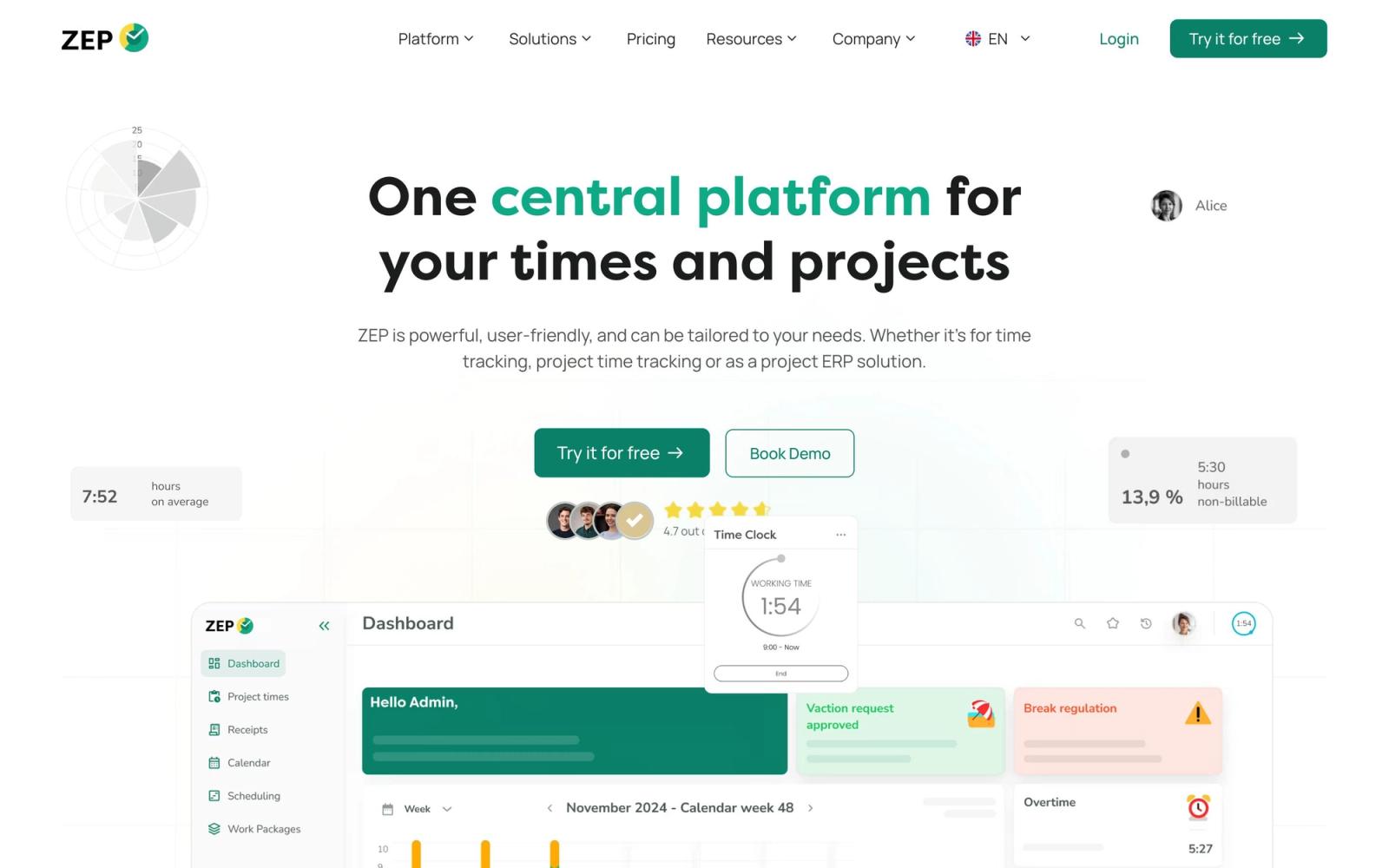
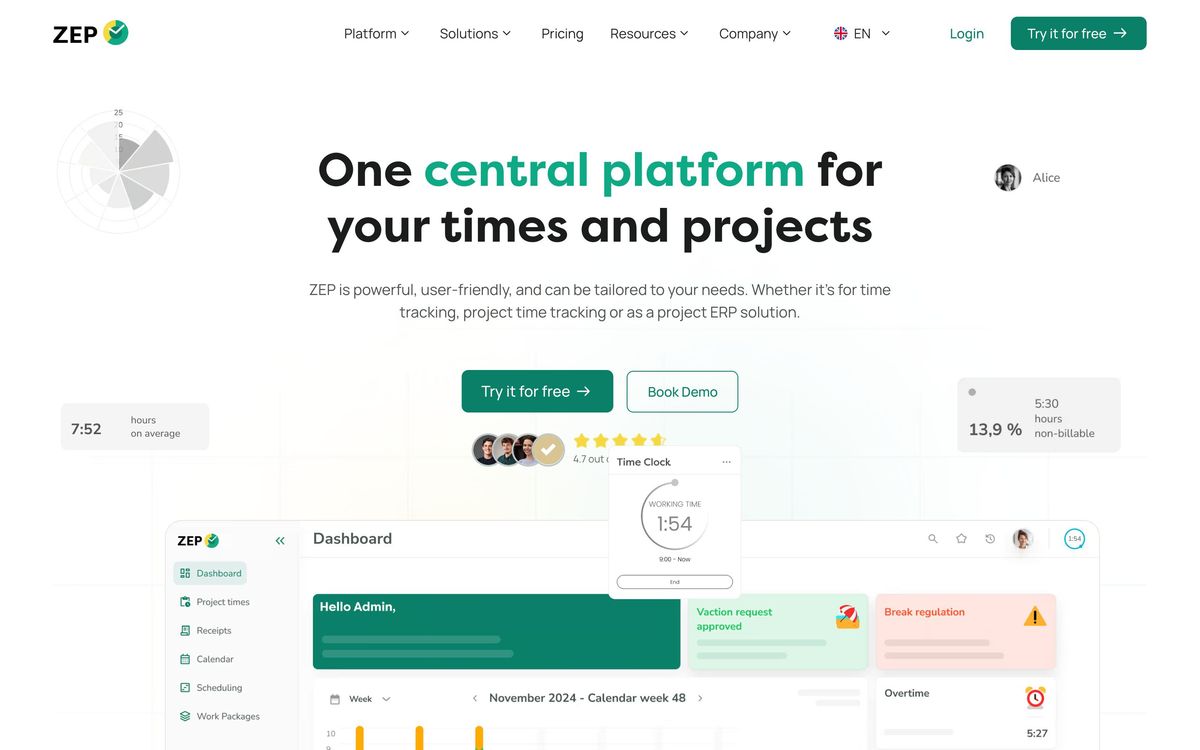
ZEP is a German cloud application for recording time twice over: the working hours an employer is legally obliged to document, and the project hours a professional services firm needs in order to bill and to know whether a job made money. Entries are made in a browser, in the mobile app or at a physical terminal, and each one carries a customer, a project, a sub-project and an activity type, plus a flag for whether it is billable.
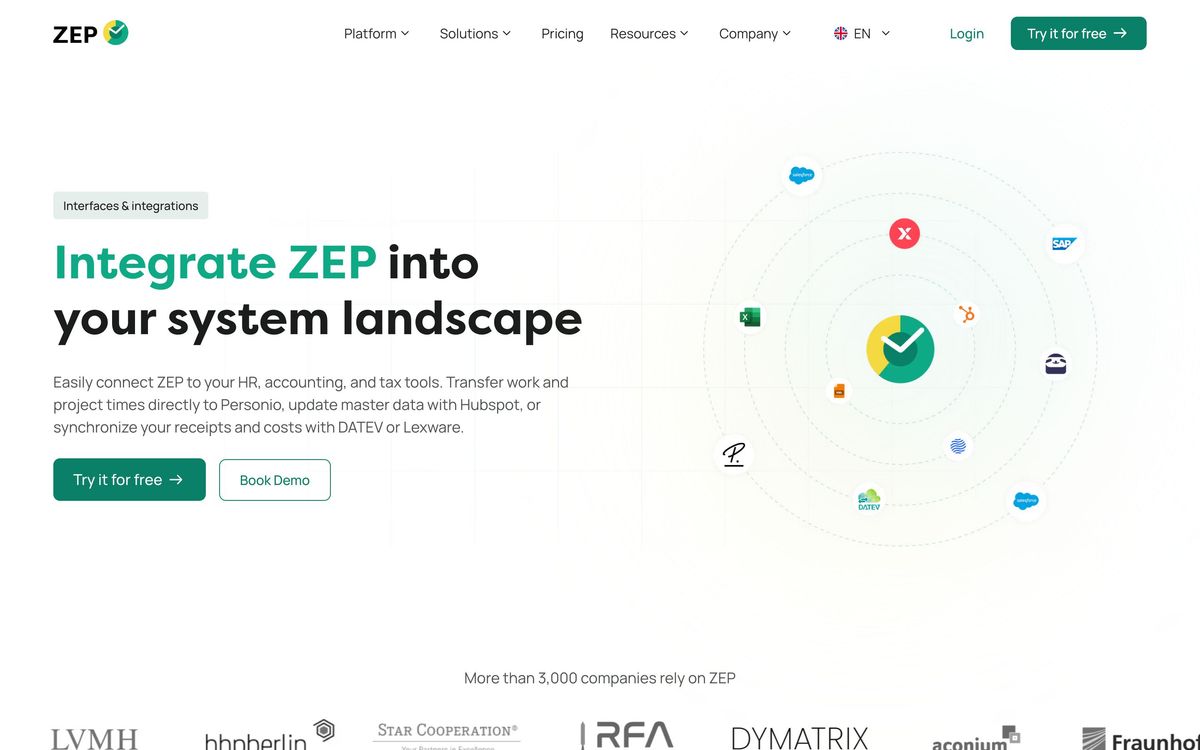
That structure is what the rest of the product runs on. Project controlling sets recorded hours and costs against the budget so a project manager can see margin erode while there is still time to act. Rate tables turn approved hours into invoices without re-keying. Travel expenses and receipts, on the top tier, land in the same project cost view. Exports go to DATEV and Lexware in the shape German accountants expect, staff data comes in from Personio, and a REST and SOAP interface exists for anything else. The vendor reports more than three thousand customers and fifty thousand users, mostly in the German-speaking market, and the software is available in German, English and French.
Key features
The modules split cleanly between compliance and project economics:
- Working-time tracking to the minute with statutory break and maximum-hours monitoring
- Project time recording against customer, project, sub-project and activity, with billable and non-billable separation
- Project controlling comparing recorded cost and revenue against budget
- Invoice generation from approved hours using hourly and daily rate tables
- Travel expense and receipt capture feeding the same project cost view
- Optional modules for absences and overtime, resource planning, document management, proposals and ticketing
Who it's for
The fit is a European professional services business with somewhere between twenty and a few hundred staff whose revenue is recorded hours: an agency, an engineering office, a law or tax practice, an IT consultancy. Two pressures make it worth the setup effort at once, a duty to document working time under German and EU rules, and projects whose profitability is invisible until someone reconciles timesheets against the budget. Firms already living inside DATEV, Lexware and Personio get the smoothest run, because the exports match what their accountant and their HR system expect.
It is the wrong purchase for a small distributed team that simply wants a timer and an invoice, or for a company outside the DACH region with no compliance driver. The interface asks more of an administrator than newer tools do, the module structure rewards a company that will grow into it, and the ecosystem assumptions are unmistakably German. A five-person startup on a US finance stack will get further, faster, with something lighter.
How it compares
Toggl Track is far quicker to adopt and much better looking, but it stops at time and light reporting; it has nothing to say about statutory working-time documentation or DATEV. Clockify undercuts everyone on price and covers projects adequately, yet its invoicing and controlling remain shallow. Harvest sits closer to ZEP on billing but is built for the Anglo-American stack, so a German firm loses the accounting export that mattered most. Papershift and Clockodo compete directly inside Germany, generally with friendlier interfaces and narrower project depth, which is the trade ZEP consistently makes: more controlling, less polish.
Verdict
ZEP is a serious tool for a specific problem, hours that must satisfy both a labour inspector and a project margin report, and it has been doing that job long enough to have the edge cases covered. What holds the rating down is not capability but ergonomics and pricing clarity: menus that hide settings several levels deep, a mobile experience behind the browser, and a published price list of starting figures that grows once the necessary modules are added. For a DACH consultancy that bills by the hour it is a rational, unfashionable choice; for anyone outside that context the case largely disappears.
Ready to try ZEP?
More founders tools like ZEP
monday.com
4.3Board-based work platform where typed columns drive timelines, dashboards and automated hand-offs.
Read monday.com review →Todoist
4.3A task manager with natural-language capture and shared projects, built to hold personal and team work in one list.
Read Todoist review →SmartSuite
4.2Structured records, views, dashboards and automations in one platform for teams outgrowing spreadsheets.
Read SmartSuite review →Backlog
4.1Project management and bug tracking with built-in Git/SVN, Gantt charts, and wikis; flat per-space pricing.
Read Backlog review →Hubstaff
4.0Time tracking, activity monitoring and payroll for distributed and field teams billed by the hour.
Read Hubstaff review →Office Timeline
4.0PowerPoint add-in that turns project data into Gantt charts and roadmap slides for executive updates.
Read Office Timeline review →