
MeetGeek review
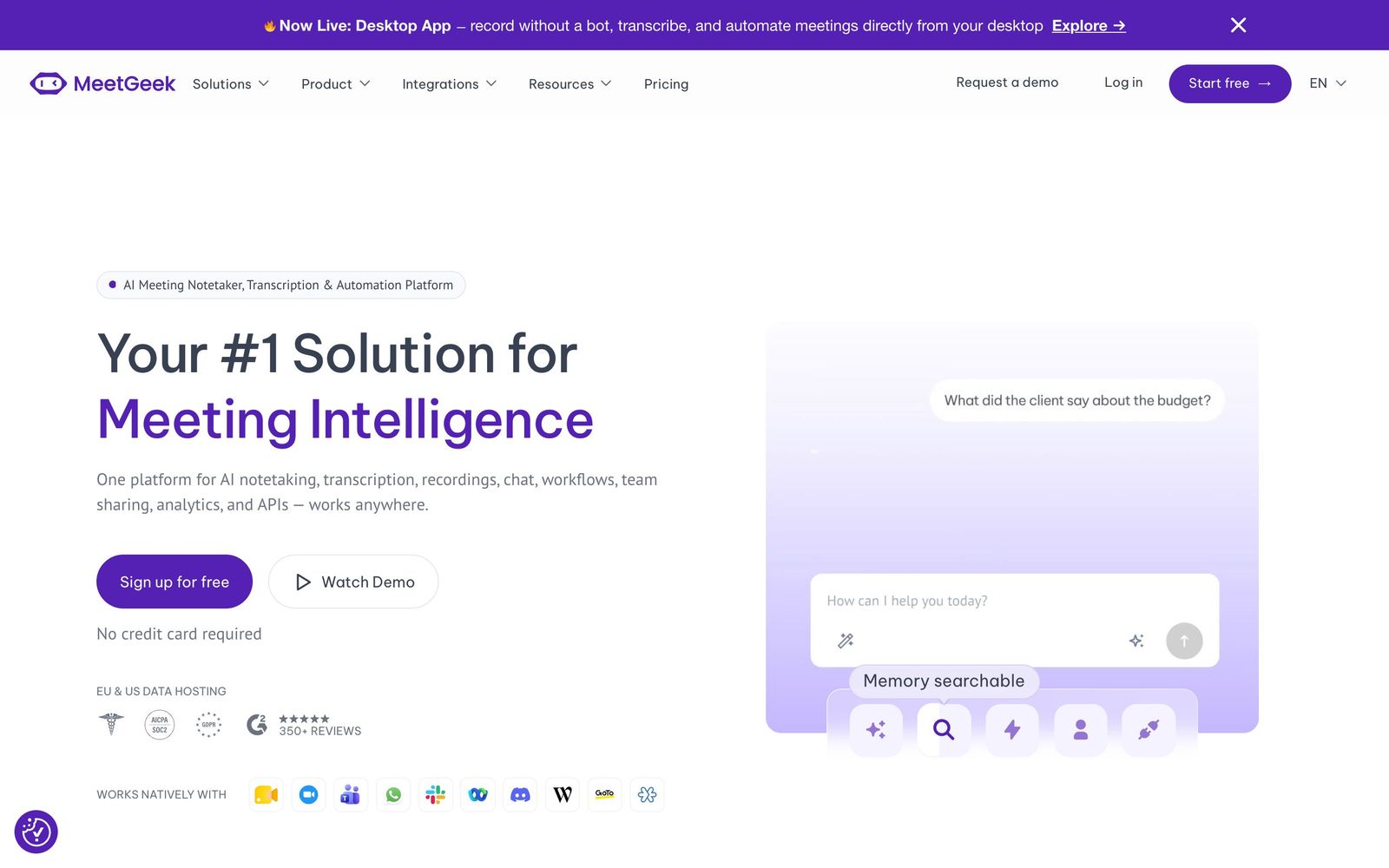
AI meeting assistant that records, transcribes, and summarizes calls on Zoom, Google Meet, and Teams.
Best for teams that want meeting analytics on top of solid transcription and summaries, though rivals offer broader integration catalogs.
Pros
- Genuinely free plan with 3 hours of monthly transcription and unlimited AI summaries
- Context-aware summary templates for sales calls, interviews, and team meetings
- Meeting analytics with engagement and speaker insights most rivals lack
- Transcription in 50+ languages with automatic language detection
- Native Slack, Notion, HubSpot, Salesforce, and Jira integrations plus a public API
Cons
- Smaller integration catalog than Fireflies.ai
- Free plan transcription hours run out fast for meeting-heavy users
- Analytics features are overkill for solo users who just need transcripts
MeetGeek is an AI meeting assistant that joins your calls, records and transcribes them, and turns the conversation into structured notes you can search and share later. It competes in one of the most crowded categories in AI productivity software, so the interesting question is not whether it works, but what it does differently. The answer is analytics: beyond transcription and AI summaries, MeetGeek measures how your meetings actually go, which makes it more of a meeting improvement platform than a simple notetaker.
What MeetGeek actually does
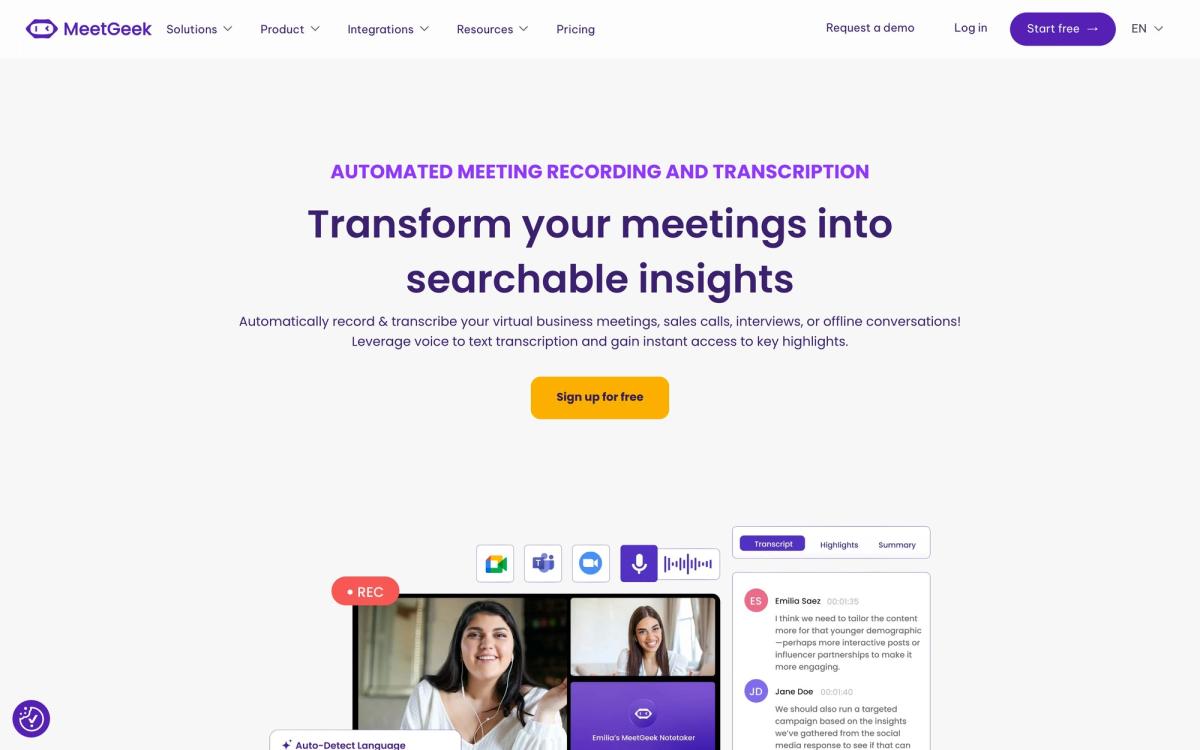
Once connected to your calendar, MeetGeek automatically joins scheduled calls on Zoom, Google Meet, or Microsoft Teams and records them without anyone having to remember to press a button. Transcription supports more than fifty languages with automatic language detection, and the platform can also capture conversations through mobile apps and a browser extension when a bot in the call is not an option.
After each meeting, MeetGeek generates a summary that adapts to the meeting type: a sales call gets different treatment from a candidate interview or an internal standup. Action items, decisions, and key moments are pulled out automatically, and everything lands in a searchable library organized by tags and teams, with an AI chat that can answer questions across past conversations. The analytics layer then goes a step further, scoring meetings on engagement, speaker balance, and over one hundred other indicators, so managers can see not just what was said but how the meeting went.
Key features
- Automatic recording and transcription across Zoom, Google Meet, and Microsoft Teams
- Transcription in 50+ languages with automatic language detection
- Context-aware AI summaries with templates for sales calls, interviews, and team meetings
- Meeting analytics tracking engagement, speaker balance, and 100+ meeting KPIs
- A searchable meeting library with tags, teams, and AI chat over past conversations
- Native integrations with Slack, Notion, HubSpot, Salesforce, and Jira, plus Zapier, a public API, and MCP access
Who it's for
MeetGeek fits teams that treat meetings as a process to improve, not just a thing to document. Sales managers reviewing call quality, recruiters running structured interviews, and customer success teams sharing call highlights all benefit from the analytics layer that most notetakers do not attempt. The genuinely free Basic plan, which includes 3 hours of monthly transcription with unlimited AI summaries, also makes it one of the easier tools in this category to evaluate properly before committing. Solo users who only need occasional transcripts may find the analytics features beside the point, and heavy meeting loads will exhaust the free hours quickly.
How it compares
Fireflies.ai is the closest competitor and offers broader integration coverage along with unlimited transcription on its free tier, though its storage limits kick in quickly and its analytics lean toward conversation intelligence rather than meeting quality. Otter.ai remains the household name for pure transcription and shines in real time during the call itself, but its summaries and team features feel thinner by comparison. MeetGeek wins when meeting analytics and template-driven summaries matter; it loses on raw integration count and brand recognition.
Verdict
MeetGeek does the core job of an AI meeting assistant well: recording is reliable, transcripts are solid in clean audio, and the summaries are noticeably better organized than generic notetakers because of the meeting-type templates. The analytics layer adds something most competitors do not offer at all, and the free plan is honest and usable rather than a teaser. Held against it: transcription accuracy, like every tool in this space, degrades with crosstalk and heavy accents, and casual users will not need most of what makes MeetGeek distinctive. For meeting-heavy teams that want to improve their calls rather than merely archive them, it is a strong pick.
Ready to try MeetGeek?
There's a free tier, so you can test it before committing.
More founders tools like MeetGeek
1Password
4.5Team password manager and credential vault that has grown into a wider access platform for small IT teams.
Read 1Password review →Miro
4.5Infinite shared canvas for workshops, diagrams and planning, now wrapped around docs, tables and AI.
Read Miro review →Optery
4.4Finds and removes staff home addresses, phones and emails from people-search sites and data brokers.
Read Optery review →SaneBox
4.4AI email filtering that works on top of Gmail, Outlook, iCloud, or any IMAP inbox to cut triage time.
Read SaneBox review →Toggl Track
4.4One-click time tracking with billable rates and profitability reports for teams that bill by the hour.
Read Toggl Track review →Airia
4.3Enterprise platform for building, orchestrating, and governing AI agents and workflows at scale.
Read Airia review →