
Assembly review
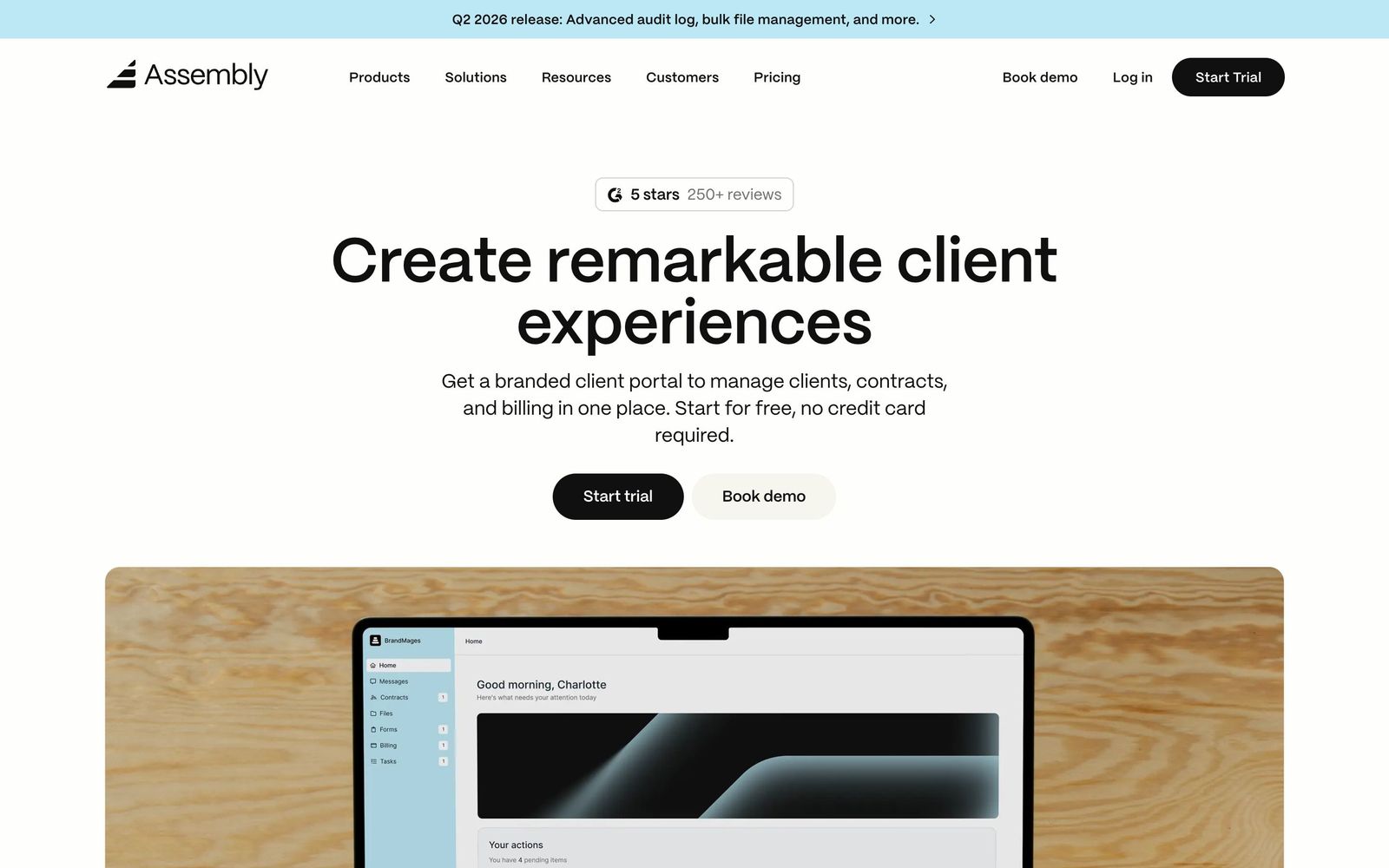
Client portal for service firms: messaging, payments, contracts, forms, and help desk in one branded hub.
The cleanest way for a service business to give clients one branded portal for messages, payments, and contracts, but there is no free plan and project management is thin.
Pros
- Polished white-labeled client portal, with custom domains on upper plans
- Modular apps cover messaging, payments, contracts, forms, file sharing, and a help desk
- Built-in CRM with automations and an AI assistant for routine client work
- Storefronts let you sell productized services with checkout straight into the portal
- API plus Zapier and Make support for extending the portal
Cons
- No free plan: only a 14-day trial
- Lower tiers cap internal users and client counts
- Full white-labeling is reserved for upper plans
- Task and project management is light; heavy project work needs another tool
Assembly is client management and client portal software for professional service businesses, built around a simple idea: give every client one branded place to message you, pay invoices, sign contracts, fill out forms, and download files. It is the product formerly known as Copilot, relaunched under the Assembly name, and it should not be confused with the employee-recognition tool that also trades under that name; this review covers the client portal platform at assembly.com. Accounting firms, marketing agencies, law practices, and consultancies use it to replace the usual scatter of email threads, payment links, and shared-drive folders with a single client-facing back office.
What Assembly actually does
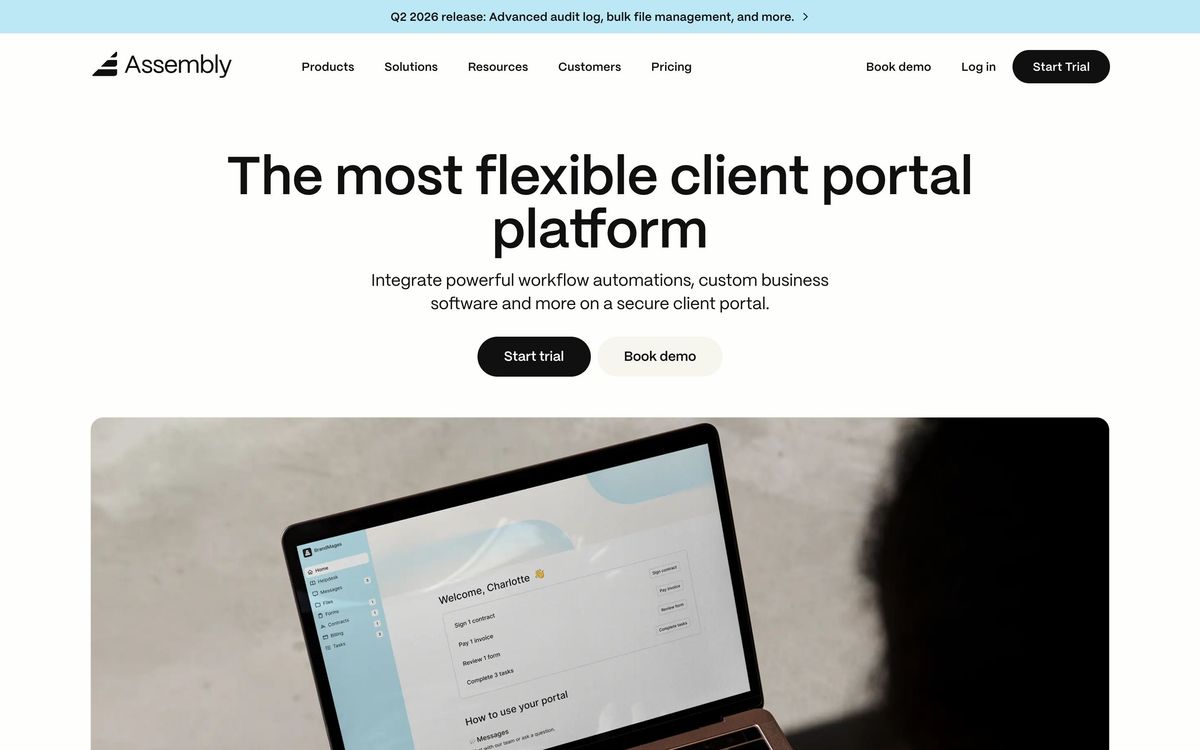
Assembly's core is a white-labeled client portal. Your clients log in to a hub carrying your branding (on higher plans, your own domain) and everything you do with them happens inside it. The platform is modular: you switch on the apps you need, including messaging for instant chat with clients, invoicing and subscriptions with card and bank payments, eSignature contracts, intake and request forms, file sharing, and a help desk for support tickets.
Internally, Assembly works as a lightweight CRM for client management: client records, internal notes, and automations that trigger actions such as sending an intake form once a contract is signed. A Storefronts feature lets you sell productized services through an eCommerce-style checkout that drops buyers straight into the portal as onboarded clients. An AI assistant layers on top to help with client interactions and routine work. For anything Assembly does not do natively, there is an API plus Zapier and Make support, and developers can build custom apps that live inside the portal.
Key features
- White-labeled client portal, including custom domains on upper plans
- Built-in messaging, file sharing, and a ticket-based help desk
- Invoicing, subscriptions, and payments by card or bank transfer
- Contracts with eSignatures, plus intake and request forms
- CRM with automations and an AI assistant for client work
- Storefronts for productized services; API, Zapier, and Make integrations
Who it's for
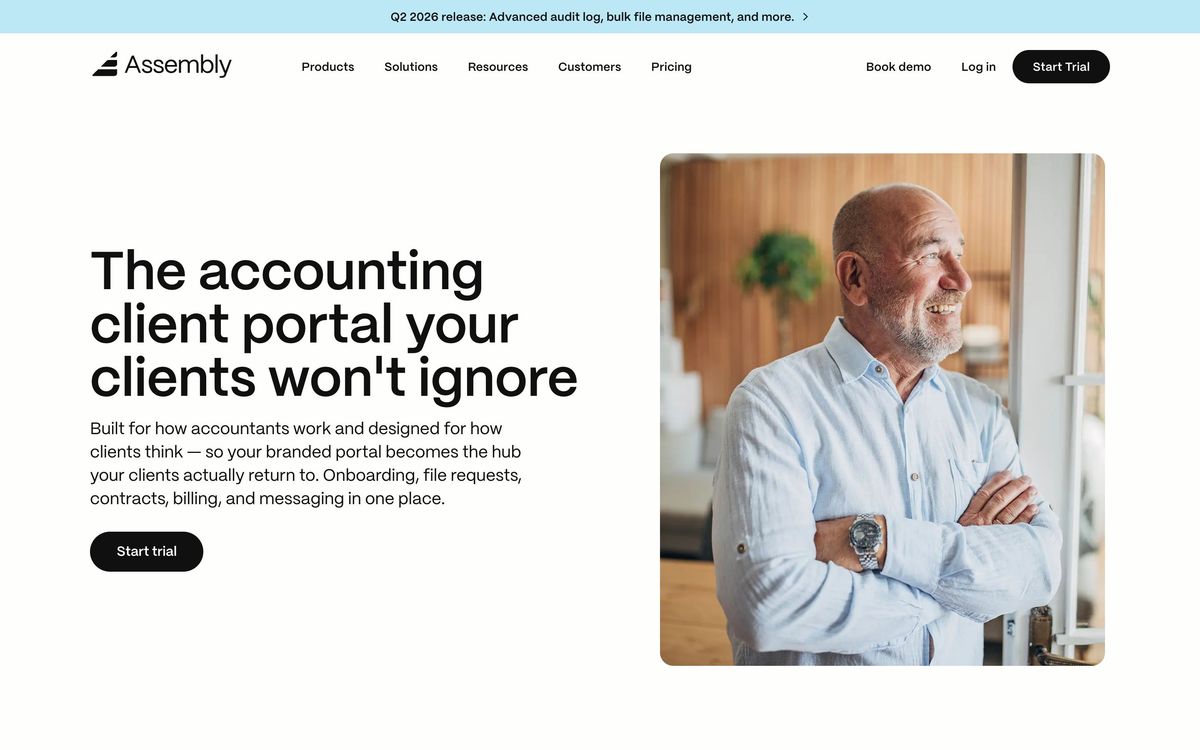
Assembly is aimed squarely at client-facing service firms: bookkeepers and accountants, marketing and design agencies, law firms, consultants, and freelancers running productized services. If your business depends on recurring client relationships and recurring invoices, the portal model fits naturally, and the white-labeling makes a small firm present like a much larger one. It is a poor match for internal teams, for one-off projects where clients will never log into anything, or for businesses that need deep project management. Assembly tracks tasks and client requests, but it is not a substitute for a dedicated project tool.
How it compares
SuiteDash is the closest all-in-one rival, packing in even more modules, but with a dated and fiddly interface; Assembly is far cleaner and faster to roll out, at the cost of fewer bundled extras. HoneyBook targets a different slice (solo creatives who need proposals, scheduling, and booking flows) and is weaker as an ongoing portal for a roster of many clients. Compared with assembling the same stack from separate tools, such as a chat app, an eSignature service, and an invoicing tool, Assembly's pitch is consolidation: one login for clients and one back office for you.
Verdict
Assembly does one job exceptionally well: it makes a small service firm look and operate like a bigger one, with every client interaction flowing through a branded hub. The Copilot pedigree shows in how polished the messaging, payments, and contracts modules feel. The honest caveats are that there is no free plan, only a time-limited trial; lower tiers cap internal users and client counts; full white-labeling sits on upper plans; and project management depth is thin. If you bill clients on repeat and are tired of stitching tools together, Assembly deserves a trial run.
Ready to try Assembly?
More founders tools like Assembly
1Password
4.5Team password manager and credential vault that has grown into a wider access platform for small IT teams.
Read 1Password review →Miro
4.5Infinite shared canvas for workshops, diagrams and planning, now wrapped around docs, tables and AI.
Read Miro review →Optery
4.4Finds and removes staff home addresses, phones and emails from people-search sites and data brokers.
Read Optery review →SaneBox
4.4AI email filtering that works on top of Gmail, Outlook, iCloud, or any IMAP inbox to cut triage time.
Read SaneBox review →Toggl Track
4.4One-click time tracking with billable rates and profitability reports for teams that bill by the hour.
Read Toggl Track review →Airia
4.3Enterprise platform for building, orchestrating, and governing AI agents and workflows at scale.
Read Airia review →