
Shade review
Intelligent cloud NAS for post-production: file streaming that feels local, AI search, and review tools.
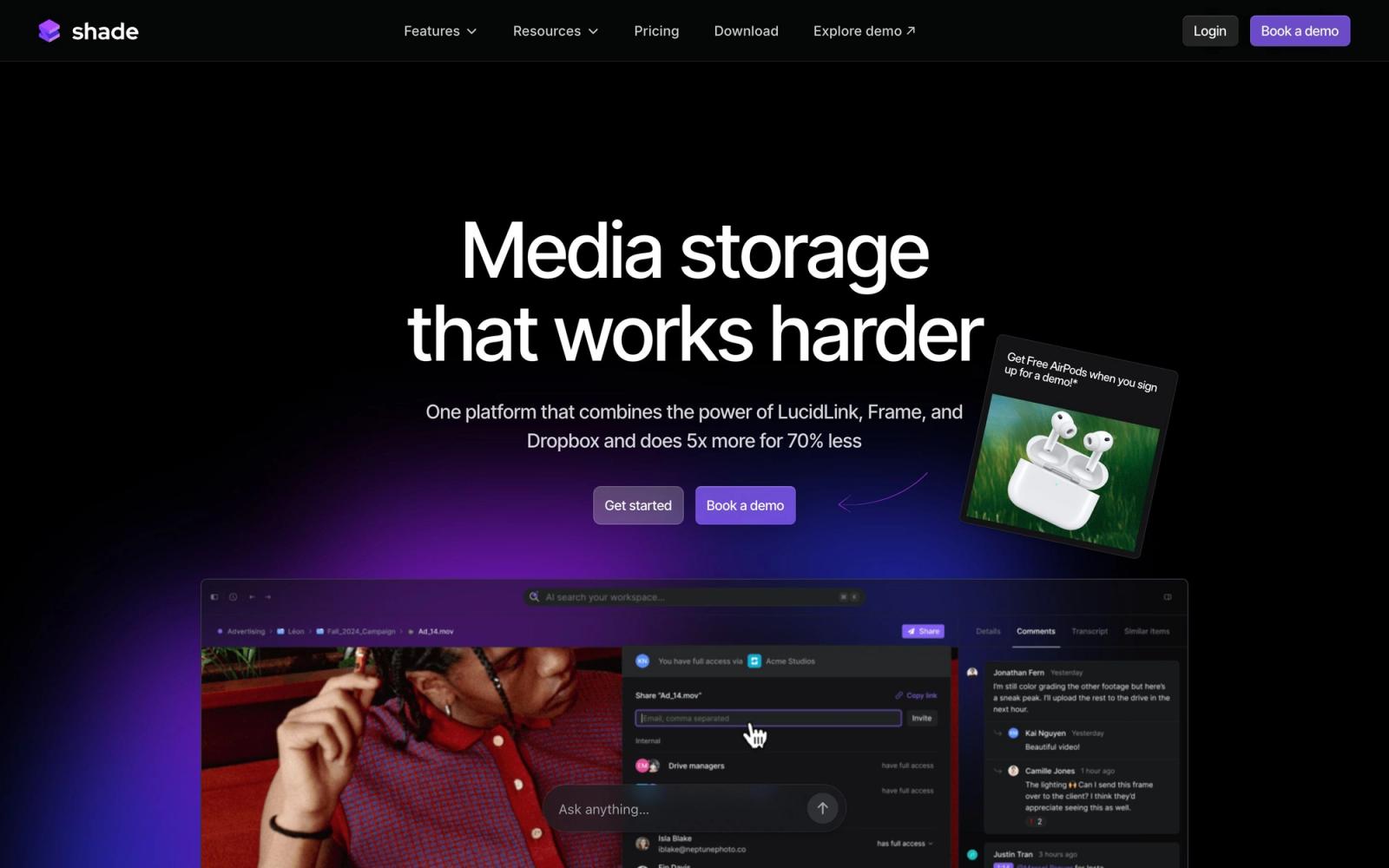
The most complete cloud storage built specifically for video post-production, combining streaming file access with AI search, but it is a team product with no free plan and a young company behind it.
Pros
- Mounts as a native drive with sub-100ms latency and byte-range streaming, so editors work without full downloads
- AI indexing enables plain-English search across video libraries, including visual content and metadata
- Review and approval, comments, and asset management live in the same platform as storage
- Works with NLE workflows including Premiere Pro Team Projects
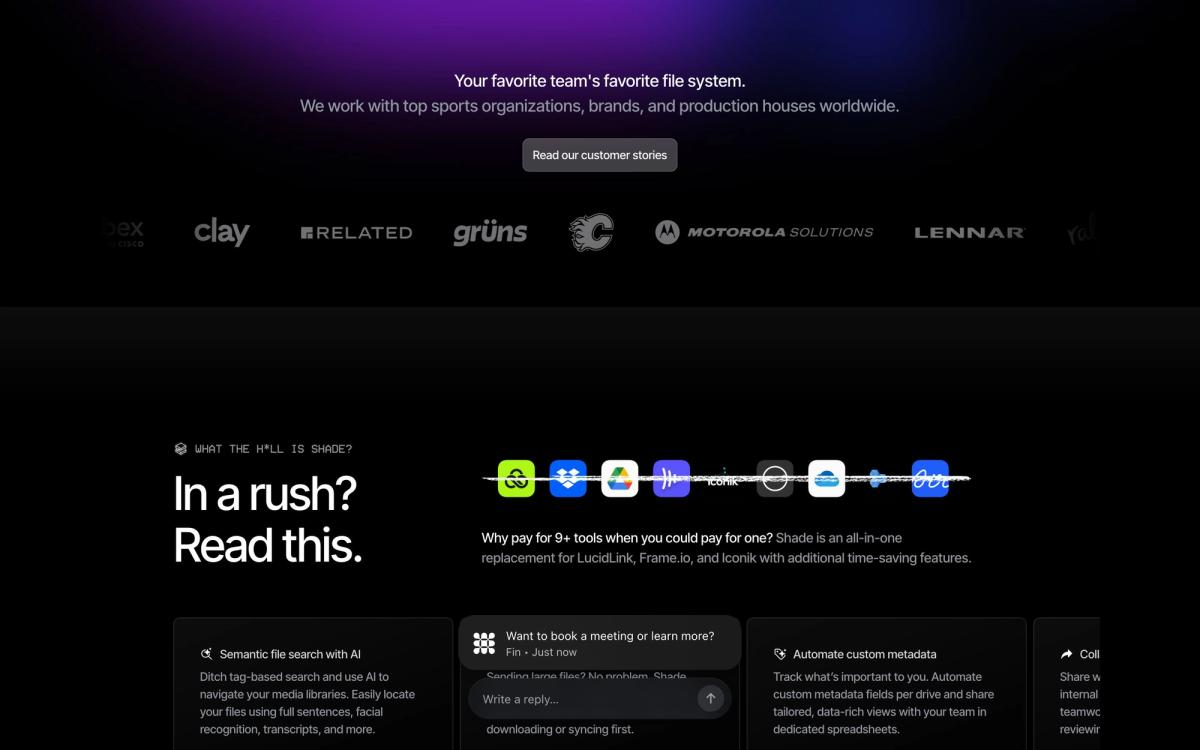
- Positions itself at a significantly lower cost than stitching together separate MAM, review, and storage tools
Cons
- No free plan, and per-seat structure targets teams rather than solo editors
- Founded in 2022, so it is a young vendor for something as critical as primary storage
- Heavy media workflows still depend on your internet connection quality
Shade goes after a problem every video team knows intimately: footage scattered across on-prem NAS boxes, external drives, and three different cloud apps, none of which can tell you where that one clip actually lives. Branded as the Intelligent Cloud NAS, Shade combines creative cloud storage, AI-powered search, and review and approval workflows into a single platform for post-production, and after a funding round led by Khosla Ventures in 2026, it has momentum behind the pitch.
What Shade actually does
The core trick is making cloud storage behave like a local drive. Shade mounts on your machine with native file system access, then streams files on demand using byte-range streaming and intelligent caching, with latency under 100 milliseconds. In practice, an editor opens a project and scrubs footage that lives in the cloud without waiting for full downloads, which is the difference between cloud storage you sync from and cloud storage you actually edit from. The company documents workflows for NLE setups, including Premiere Pro Team Projects, which signals it is engineering for real post pipelines rather than generic file sync.
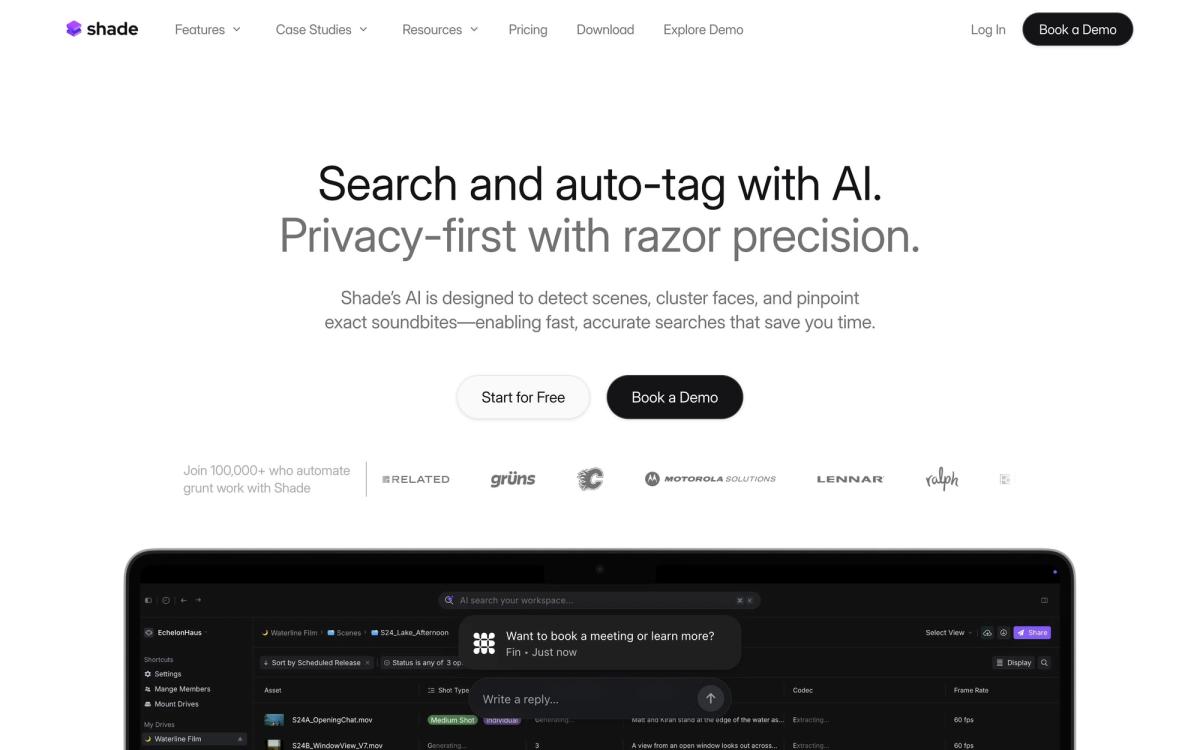
The intelligence layer is the second pillar. Shade's AI indexes everything you store, so teams search their video libraries in plain English, finding shots by describing what is in them rather than relying on filenames and folder discipline. Metadata extraction and asset management features turn the storage layer into a lightweight MAM. The third pillar is collaboration: review and approval, frame-accurate commenting, and guest access for clients, all attached directly to the stored assets instead of living in a separate review tool that requires re-uploading exports.
Key features
- Cloud NAS that mounts as a native drive with sub-100ms latency and streaming playback
- AI indexing with natural-language search across video, images, and project files
- Review and approval with comments and client guest access built in
- Asset management with automatic metadata and a single source of truth for media
- Support for editing workflows in Premiere Pro, After Effects, DaVinci Resolve, and Final Cut Pro
- Team workspaces with seats, guests, and a Slack integration for notifications
There is no free plan; plans are per-seat with included active storage, scaling from small teams to enterprise tiers with SSO and audit logging.
Who it's for
Shade fits production companies, agencies, in-house video teams, and podcast and YouTube studios that have outgrown a tower of hard drives but dread the cost of enterprise MAM systems. The sweet spot is a multi-editor team collaborating on shared footage remotely, where the combination of streaming access, search, and built-in review replaces two or three subscriptions and an on-prem box. Solo editors with modest libraries get less from it, since the per-seat model and team features assume collaboration, and there is no free tier to grow into.
How it compares
The most direct comparison is Frame.io, Adobe's review and collaboration platform. Frame.io is more mature and deeply wired into Premiere, but it is fundamentally a review layer, not primary storage, while Shade wants to be the place your media actually lives, with review included. Against LucidLink, which pioneered streaming cloud file access for creative teams, Shade competes on the same mount-and-stream workflow but adds the AI search and review layers LucidLink lacks, while LucidLink counters with longer production maturity. Teams comparing all three should decide first whether they need storage, review, or both in one.
Verdict
Shade is the most convincing attempt I have seen to collapse the post-production stack, with storage you can edit from directly, search that understands footage, and review attached to the assets themselves. The natural-language video search alone changes how teams with deep archives work. The honest cautions: it is a young company holding your primary media, the experience depends on solid bandwidth, and solo creators are not the target. For video teams actively maintaining a NAS or juggling separate storage and review subscriptions, Shade deserves a serious trial.
Ready to try Shade?
More creators tools like Shade
Riverside
4.5Browser recording studio that captures every remote guest locally in 4K, then edits and publishes the episode.
Read Riverside review →Pangram Labs
4.3Research-backed AI detection with independently verified accuracy, covering 20+ languages and major LLMs.
Read Pangram Labs review →Ticket Tailor
4.3Box office software that charges a flat fee per ticket instead of a percentage of the door.
Read Ticket Tailor review →Beautiful.ai
4.2AI presentation software with smart slides that auto-align layout, spacing, and branding as you type.
Read Beautiful.ai review →Castmagic
4.2Turns audio and video recordings into show notes, posts, articles, and clips-ready copy automatically.
Read Castmagic review →Circle
4.2Community platform with courses, events, paid memberships, email and branded apps on your own domain.
Read Circle review →