
Gamma review
AI design partner that generates presentations, documents, websites, and social content from a prompt.
The best prompt-to-deck experience available today, as long as you accept its card-based format and credit-metered AI.
Pros
- Prompt, pasted text, or imported file becomes a structured, styled deck in about a minute
- Card-based format adapts cleanly to web, mobile, and embeds
- Also generates documents, websites, and social-format content from the same workflow
- Real-time collaboration plus analytics on views and engagement
- Exports to PDF, PowerPoint, PNG, and Google Slides
Cons
- AI generation is metered by credits, and the free plan's allocation is one-time rather than monthly
- Free outputs carry Gamma branding
- Card layout gives less precise per-slide control than PowerPoint or Keynote
- Generated text tends toward generic filler until you rewrite it
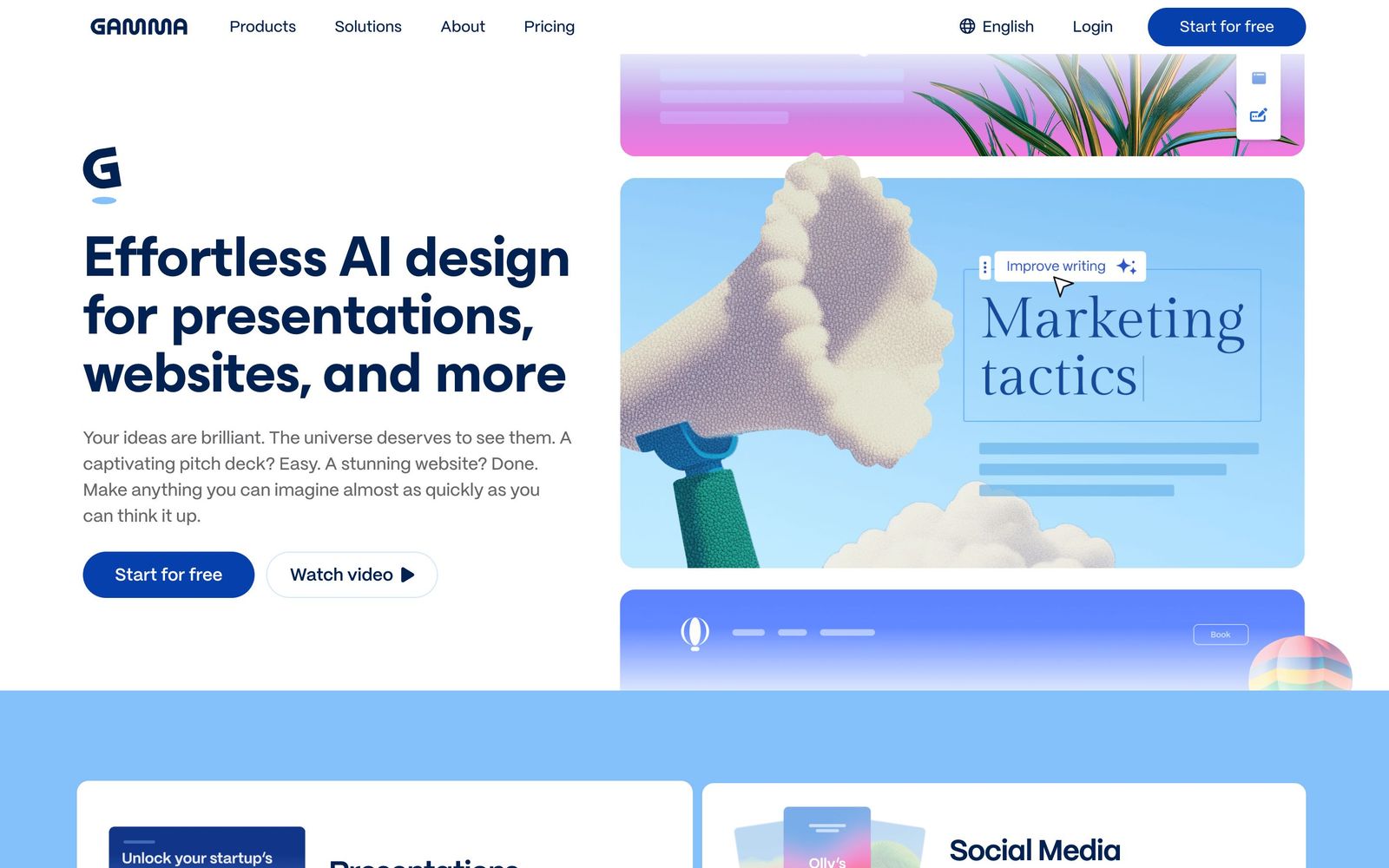
Gamma calls itself an AI design partner rather than a presentation tool, and the distinction is fair: from a single prompt it generates presentations, documents, websites, and social content, handling layout, imagery, and structure automatically. Among AI presentation makers it has become the reference point, the tool other prompt-to-deck products get compared against, and after putting it through real deck-building work, the core generation experience is the strongest I have used.
What Gamma actually does
You give Gamma a prompt, paste raw text, or import a file or URL, and it produces a structured draft: titled sections, generated copy, relevant imagery, and a coherent visual theme. The output is built from cards rather than fixed slides, which is Gamma's defining design choice. Cards expand to fit content and reflow across screen sizes, so the same deck works as a presentation, a scrollable web page, or a mobile document. A shuffle option re-rolls themes until one fits, and editing happens in a notion-like editor rather than a canvas of text boxes.
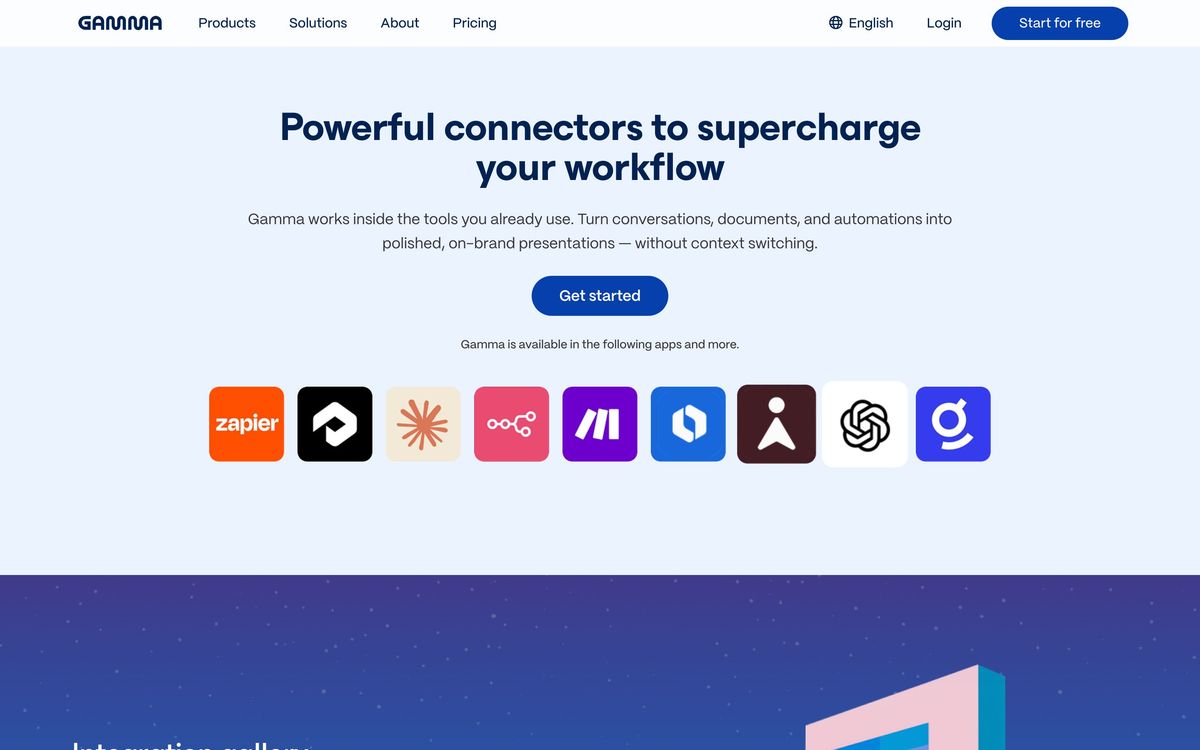
The same engine generates standalone websites and social-format content, which makes Gamma quietly useful beyond meetings: founders generate landing pages from pitch content, and creators turn outlines into carousel-style posts. Built-in analytics show who viewed a shared deck and how far they got, and real-time collaboration with comments covers team workflows. Embeds are first-class, with support for YouTube, Loom, Figma, Miro, and similar sources directly inside cards.
Key features
- AI generation of presentations, documents, and websites from prompts, text, or imported files
- Card-based responsive format instead of fixed slide dimensions
- Theme system with one-click restyling across an entire deck
- Embeds for YouTube, Loom, Figma, Miro, Giphy, and Unsplash imagery
- View analytics and real-time collaboration with comments
- Export to PDF, PowerPoint, PNG, and Google Slides
The free plan includes a one-time allocation of AI credits, roughly enough for around ten generated presentations, with exports and collaboration included but Gamma branding on outputs. Paid plans refresh credits monthly and remove the badge.
Who it's for
Gamma fits anyone who produces decks under time pressure without a designer: founders assembling investor updates, marketers shipping campaign summaries, educators building lesson materials, and creators packaging ideas into shareable visual documents. The website generation makes it a legitimate quick-launch tool for landing pages. It is less suited to corporate environments with rigid brand templates and pixel-precise layout requirements, and to anyone who must deliver native PowerPoint files with complex animations, since exports flatten some of Gamma's interactive behavior.
How it compares
Against Beautiful.ai, the other major AI-native deck tool, Gamma generates better first drafts from prompts and goes beyond presentations into websites and social content, while Beautiful.ai wins on disciplined, brand-controlled slide design for sales and client work, with smart templates that keep layouts consistent. Against Prezi, Gamma is the stronger generator, while Prezi differentiates on its zooming, non-linear presentation style and presenting alongside your content on video calls. Traditional PowerPoint with Copilot remains the choice when corporate IT and strict formatting rule the day.
Verdict
Gamma is the most complete answer yet to the blank-slide problem. Its first drafts are genuinely presentable, the card format makes content portable across deck, doc, and web, and the editing experience stays fast once the AI hands off. The honest caveats: credits meter everything, free outputs are branded and the free allocation does not renew, generated copy needs rewriting to sound like you, and control freaks will miss fixed layouts. For creators and founders who value speed to a polished artifact, Gamma is the default recommendation in this category. For strict brand enforcement on sales decks, look at Beautiful.ai first.
Ready to try Gamma?
There's a free tier, so you can test it before committing.
More creators tools like Gamma
Riverside
4.5Browser recording studio that captures every remote guest locally in 4K, then edits and publishes the episode.
Read Riverside review →Murf AI
4.3Generative speech platform with 200+ voices in 35+ languages: studio voiceovers, dubbing, and a real-time API.
Read Murf AI review →Pangram Labs
4.3Research-backed AI detection with independently verified accuracy, covering 20+ languages and major LLMs.
Read Pangram Labs review →Ticket Tailor
4.3Box office software that charges a flat fee per ticket instead of a percentage of the door.
Read Ticket Tailor review →Castmagic
4.2Turns audio and video recordings into show notes, posts, articles, and clips-ready copy automatically.
Read Castmagic review →Circle
4.2Community platform with courses, events, paid memberships, email and branded apps on your own domain.
Read Circle review →