
Prezi review
AI presentation tool built on a zooming, non-linear canvas, with Prezi Video for presenting on camera.
Unmatched when you need a memorable, non-linear presentation or to present alongside your content on video, but its canvas style is a deliberate acquired taste.
Pros
- AI generates a full presentation from a prompt or an uploaded PDF, Word, or PowerPoint file
- Open zooming canvas lets you jump to whatever the audience asks about
- Prezi Video overlays you and your content together on camera in Zoom, Teams, Webex, and Meet
- 1M+ images, GIFs, and design assets built in
- Free plan includes AI features for trying the format
Cons
- The zoom-and-pan style can distract, and overuse reads as gimmicky
- Steeper learning curve than linear slide tools
- Sharing and offline options are limited on lower tiers, and exports to standard slide formats lose the signature motion
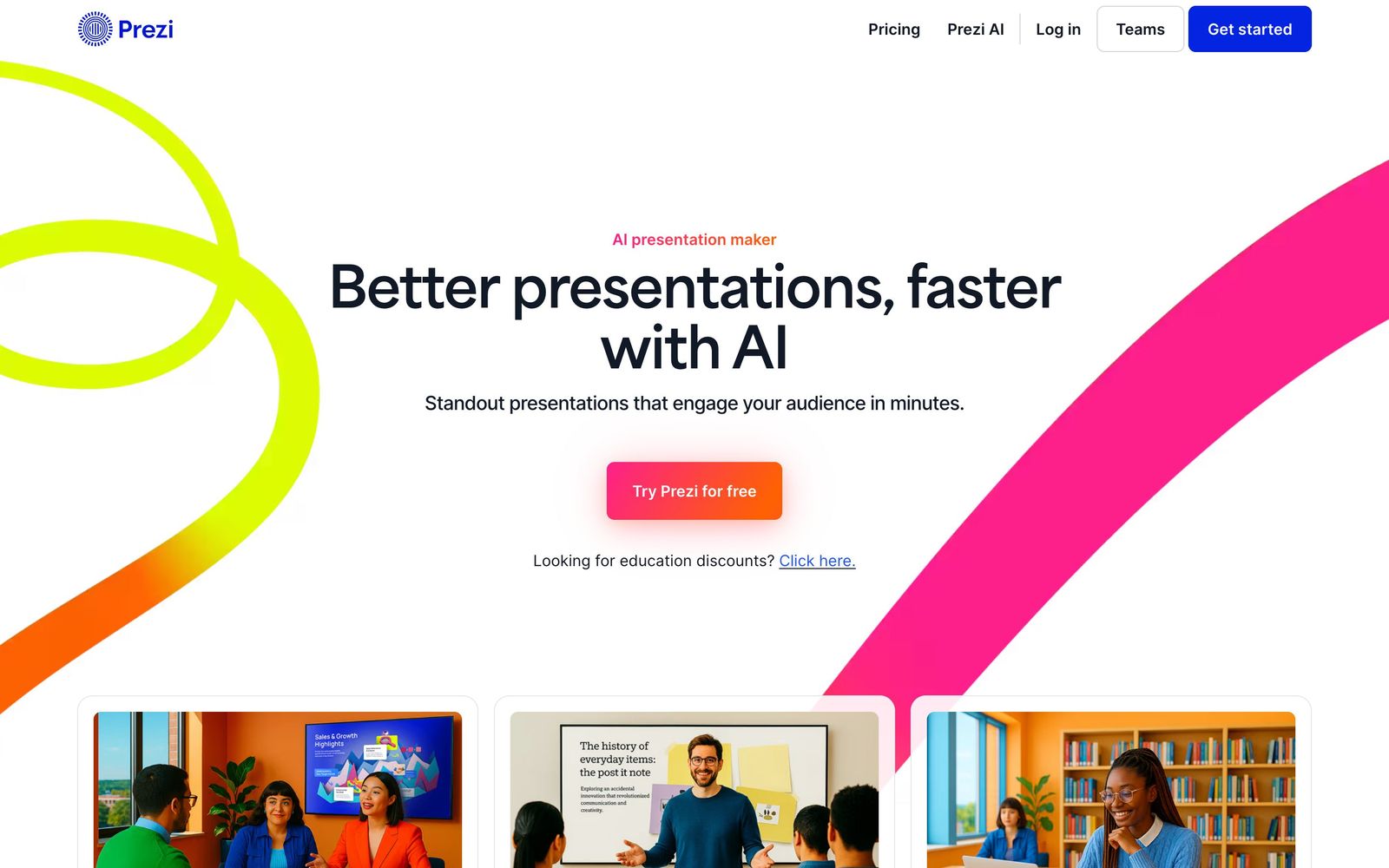
Prezi has spent years as the contrarian of presentation software, replacing the slide deck with a zooming, open canvas, and its current incarnation adds AI presentation generation on top of that signature format. The pitch is conversational presenting: instead of marching through slides in order, you navigate a spatial map of your content, zooming into whatever the moment calls for. With AI creation, document import, and Prezi Video for presenting on camera, it is a more complete AI presentation tool than its reputation suggests.
What Prezi actually does
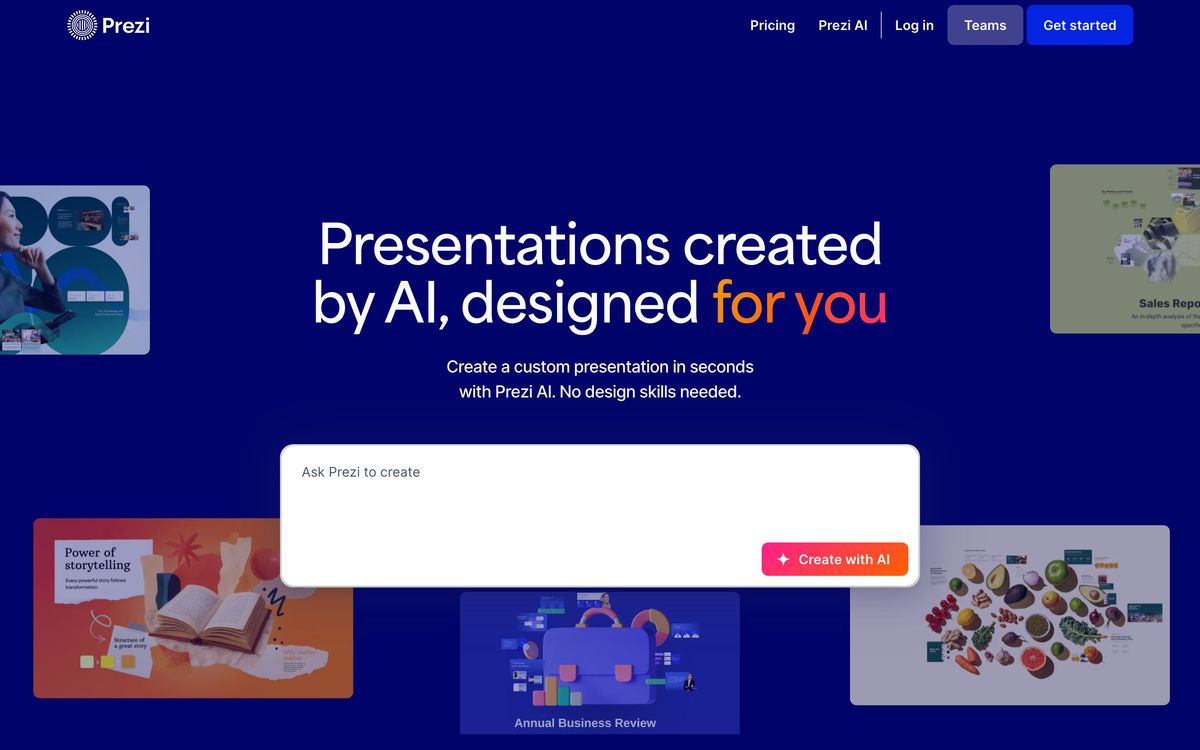
The foundation is the canvas. A Prezi presentation is one large surface with topics arranged spatially, and presenting means zooming between them. The practical benefit shows up in Q&A-heavy settings: when a client asks about pricing mid-meeting, you jump straight there instead of flipping through slides. The AI layer addresses Prezi's historical weakness, the effort of building on a canvas. You can enter a prompt and get a full presentation, or upload a PDF, Word document, or PowerPoint file and have the AI restructure it into a Prezi with suggested layouts and visuals, with recommendations offered at each step. A library of over a million images, GIFs, and design elements fills the gaps.
The second pillar is Prezi Video, which puts you and your content on screen together during video calls. Rather than screen-sharing a deck that hides your face, your visuals float beside you in the camera frame, and it plugs into Zoom, Microsoft Teams, Webex, and Google Meet. For trainers, teachers, and salespeople presenting remotely every day, this is the feature that justifies Prezi on its own.
Key features
- AI presentation generation from prompts or imported PDF, Word, and PowerPoint files
- Zooming, non-linear canvas for adaptive, conversational delivery
- Prezi Video: presenter and content together on camera in Zoom, Teams, Webex, and Meet
- 1M+ images, GIFs, and customizable design assets
- Design recommendations from AI throughout the build process
- Free plan that includes AI features
Who it's for
Prezi suits presenters whose material benefits from non-linear delivery: sales teams fielding unpredictable client questions, educators revisiting concepts, consultants walking frameworks, and conference speakers who want their talk to look unlike the previous nine slide decks. Remote-first presenters get disproportionate value from Prezi Video. Organizations like Cisco, Salesforce, and Airbus use it, which says something about its acceptability in business settings.
It fits poorly where strict linear structure rules: board reporting, mandatory step-by-step training, dense data reviews. And if your decks circulate as standalone documents read without a presenter, the format loses its reason for being.
How it compares
Against Gamma, Prezi is the weaker pure generator: Gamma produces more polished first drafts and extends to documents and websites, while Prezi's AI exists to feed its canvas. The choice is really about delivery style, with Gamma optimizing the artifact and Prezi optimizing the live performance. Against PowerPoint, Prezi trades universality, offline reliability, and precise formatting for motion and flexibility, and many teams keep both, defaulting to PowerPoint while reaching for Prezi on high-stakes pitches. Beautiful.ai sits in between, linear like PowerPoint but with automated design discipline.
Verdict
Prezi remains the only mainstream presentation tool that changes how presenting actually feels, and the AI generation plus document import finally make the canvas cheap to build. Prezi Video is genuinely differentiated for camera-on delivery. The tradeoffs have not changed: the zoom aesthetic can upstage the message, the learning curve is real, and content built for motion travels badly to static formats. Choose Prezi when delivery is the point, especially live and remote. Choose Gamma or a conventional slide tool when the deck needs to stand alone.
Ready to try Prezi?
There's a free tier, so you can test it before committing.
More creators tools like Prezi
Riverside
4.5Browser recording studio that captures every remote guest locally in 4K, then edits and publishes the episode.
Read Riverside review →Murf AI
4.3Generative speech platform with 200+ voices in 35+ languages: studio voiceovers, dubbing, and a real-time API.
Read Murf AI review →Pangram Labs
4.3Research-backed AI detection with independently verified accuracy, covering 20+ languages and major LLMs.
Read Pangram Labs review →Ticket Tailor
4.3Box office software that charges a flat fee per ticket instead of a percentage of the door.
Read Ticket Tailor review →Castmagic
4.2Turns audio and video recordings into show notes, posts, articles, and clips-ready copy automatically.
Read Castmagic review →Circle
4.2Community platform with courses, events, paid memberships, email and branded apps on your own domain.
Read Circle review →