
Castmagic review
Turns audio and video recordings into show notes, posts, articles, and clips-ready copy automatically.
The fastest audio-to-content repurposing engine for podcasters, but it only writes derivatives of your recording and the minutes-based plans punish heavy publishers.

Pros
- Generates show notes, summaries, social posts, and newsletters from one upload
- Timestamped transcripts with semantic search to find quotes and moments
- Imports from YouTube, RSS, Zoom, Google Meet, Vimeo, and Instagram
- Custom prompts let you template outputs in your own voice and format
- Multi-brand workspaces with approval flows suit agencies and networks
Cons
- No free plan, only a trial, so ongoing use requires a subscription
- Minutes-based usage caps get restrictive for daily or long-form publishers
- Generated drafts still need human editing before they sound like you
Castmagic answers a question every podcaster faces after hitting publish: what happens to the other ninety percent of value locked inside an episode? It is an AI content platform that ingests audio or video and produces the full derivative package, including transcripts, timestamped show notes, summaries, social posts, newsletter drafts, and blog articles, in minutes rather than the hours that manual repurposing takes. Over 100,000 podcasters and creators use it, including teams at HubSpot and Yahoo Sports.
What Castmagic actually does
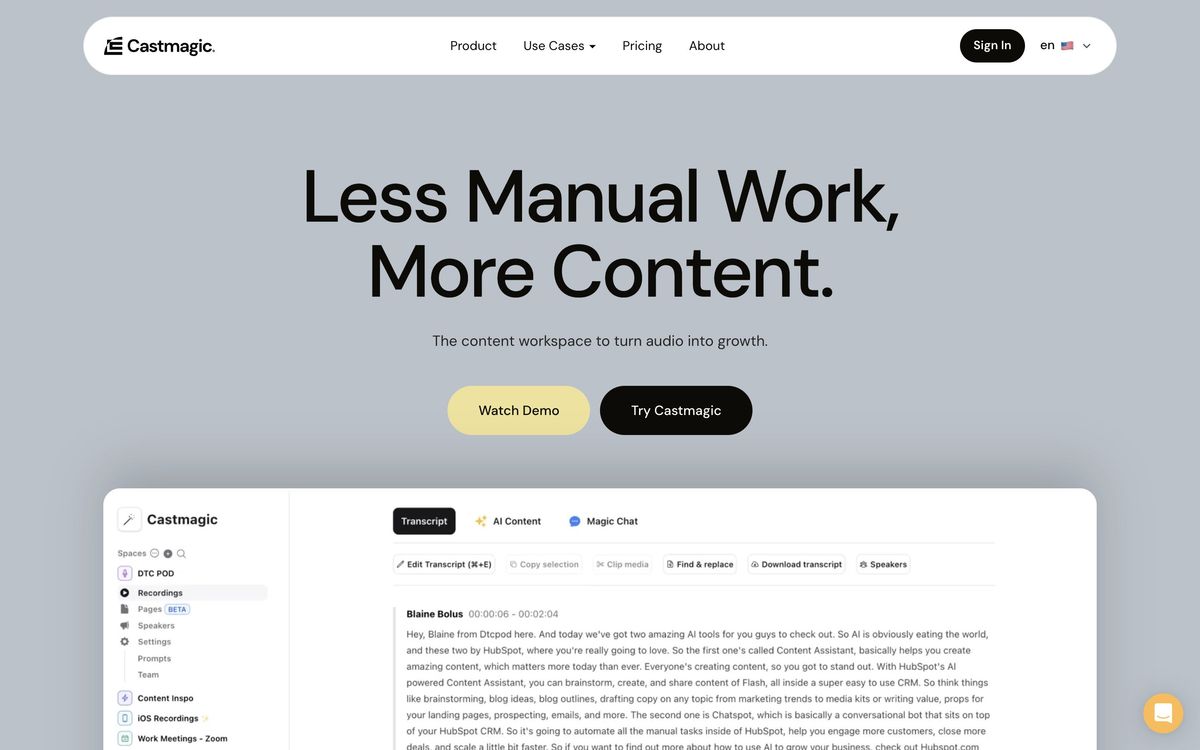
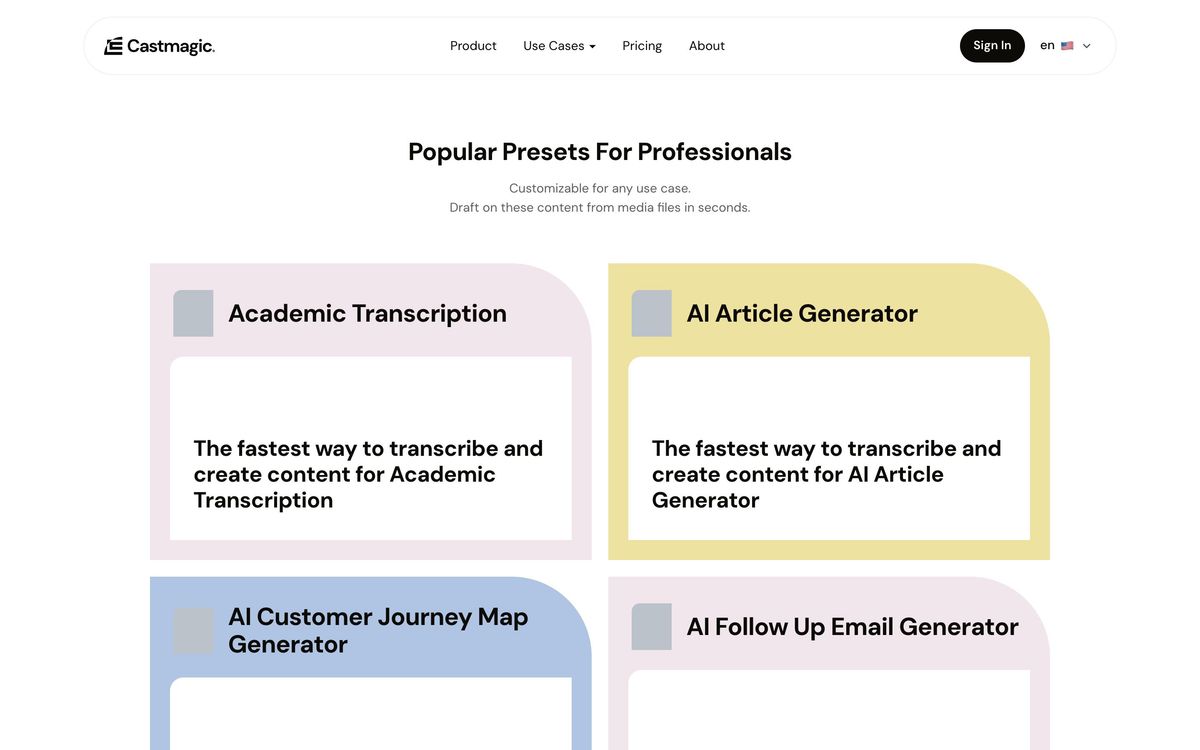
You upload a file or pull content in from YouTube, Vimeo, RSS, Instagram, Zoom, or Google Meet. Castmagic transcribes it with timestamps, then runs the transcript through content generation templates it calls magic prompts. The default set covers podcast staples: episode summaries, show notes with chapter timestamps, pull quotes, title suggestions, X threads, LinkedIn posts, YouTube descriptions, and email newsletter drafts. The more interesting capability is custom prompts, where you define your own output template, such as a specific newsletter structure or a client's tone guide, and apply it to every episode going forward.
For teams, Castmagic layers on a multi-brand workspace with user permissions, internal commenting, and approval workflows, which is what makes it viable for agencies and podcast networks managing several shows. Semantic search across your library lets you find a half-remembered quote from an episode months back, a quietly useful feature once your archive grows.
Key features
- Automatic transcription with timestamped show notes and chapters
- One upload generates summaries, social posts, articles, and newsletter drafts
- Custom prompt templates to match your voice and recurring formats
- Imports from YouTube, Vimeo, RSS, Zoom, Google Meet, and Instagram
- Semantic search to locate quotes and moments across all episodes
- Multi-brand CMS with permissions, comments, and approval flows, plus Zapier automation
Who it's for
The core fit is podcasters and video creators publishing weekly long-form content who currently spend hours writing show notes and social promotion, or pay someone to. Agencies and podcast production studios are the second obvious audience, since the workspace features and custom templates let one team run repeatable content pipelines for multiple client shows. Coaches, executives building a personal brand from interviews, and content teams mining webinars also get value.
Who should skip it: occasional publishers, since there is no free plan and plans meter by processed minutes, and anyone expecting publish-ready prose. Castmagic produces strong drafts fast, but the output still benefits from a human pass to remove generic phrasing and verify specifics.
How it compares
The closest comparison is Descript, but they solve different problems. Descript edits the recording itself, including cutting filler words and producing the final audio and video, while Castmagic assumes the episode is done and builds written content around it. Many podcasters run both: edit in Descript, repurpose in Castmagic. Against Capsho, another podcast repurposing tool, Castmagic offers more flexible custom prompts and broader import sources, while Capsho leans harder on done-for-you marketing copy structure. If all you need is transcription, dedicated transcript tools cost less, and the value here only materializes if you actually publish the derivative content.
Verdict
Castmagic does one job and does it well: it collapses the repurposing stage of a content pipeline from hours to minutes. The drafts are noticeably better than pasting a transcript into a general chatbot, because the templates encode podcast-specific structure, and custom prompts compound the advantage over time. The tradeoffs are clear. There is no free tier, minute caps constrain heavy publishers, and the output is raw material rather than finished copy. If you publish long-form audio weekly and the derivative content actually ships, Castmagic pays for itself in saved hours. If repurposing is an aspiration rather than a habit, start with the trial and be honest about your workflow first.
Ready to try Castmagic?
More creators tools like Castmagic
Riverside
4.5Browser recording studio that captures every remote guest locally in 4K, then edits and publishes the episode.
Read Riverside review →Pangram Labs
4.3Research-backed AI detection with independently verified accuracy, covering 20+ languages and major LLMs.
Read Pangram Labs review →Ticket Tailor
4.3Box office software that charges a flat fee per ticket instead of a percentage of the door.
Read Ticket Tailor review →Beautiful.ai
4.2AI presentation software with smart slides that auto-align layout, spacing, and branding as you type.
Read Beautiful.ai review →Circle
4.2Community platform with courses, events, paid memberships, email and branded apps on your own domain.
Read Circle review →LearnWorlds
4.2Course platform and LMS for selling training: site builder, interactive video, certificates and checkout.
Read LearnWorlds review →