
Beautiful.ai review
AI presentation software with smart slides that auto-align layout, spacing, and branding as you type.
The most reliable tool for clean, on-brand client decks because its smart templates make ugly slides nearly impossible, though that same guardrail design limits creative freedom and there is no free plan.
Pros
- Smart slide templates auto-adjust spacing, alignment, and hierarchy as content changes
- AI workflow goes from prompt to outline to finished slides with room to iterate
- Brand themes enforce fonts, colors, and styling across every deck a team makes
- Strong native charts and data-visualization slides
- Integrations with Slack, Dropbox, Salesforce, Webex, Monday.com, and PowerPoint export
Cons
- No free tier, only a 14-day trial
- Design guardrails block precise manual control, which frustrates experienced designers
- Template variety is narrower than PowerPoint's open canvas or Gamma's themes
- Works best fully online; offline workflows are limited
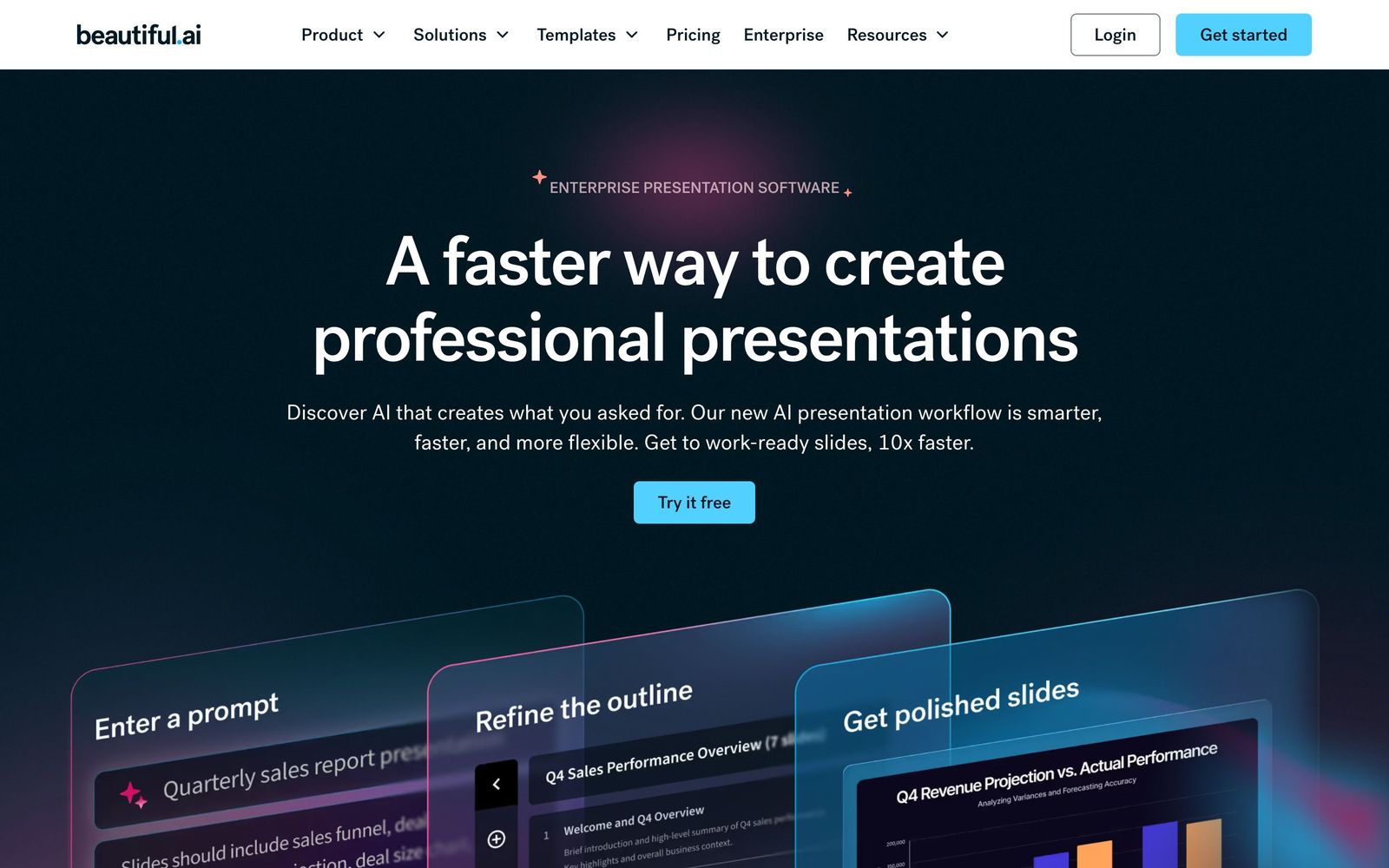
Beautiful.ai attacks the most common presentation failure, decks that look like they were assembled in a hurry, with an opinionated fix: smart slide templates that handle design decisions for you. Add a bullet, and the slide re-spaces itself. Add a fifth team member to a four-person layout, and everything realigns. As an AI presentation tool, it pairs that auto-design engine with generation features that take you from prompt to outline to finished deck, aimed squarely at client decks, investor pitches, and sales proposals.
What Beautiful.ai actually does
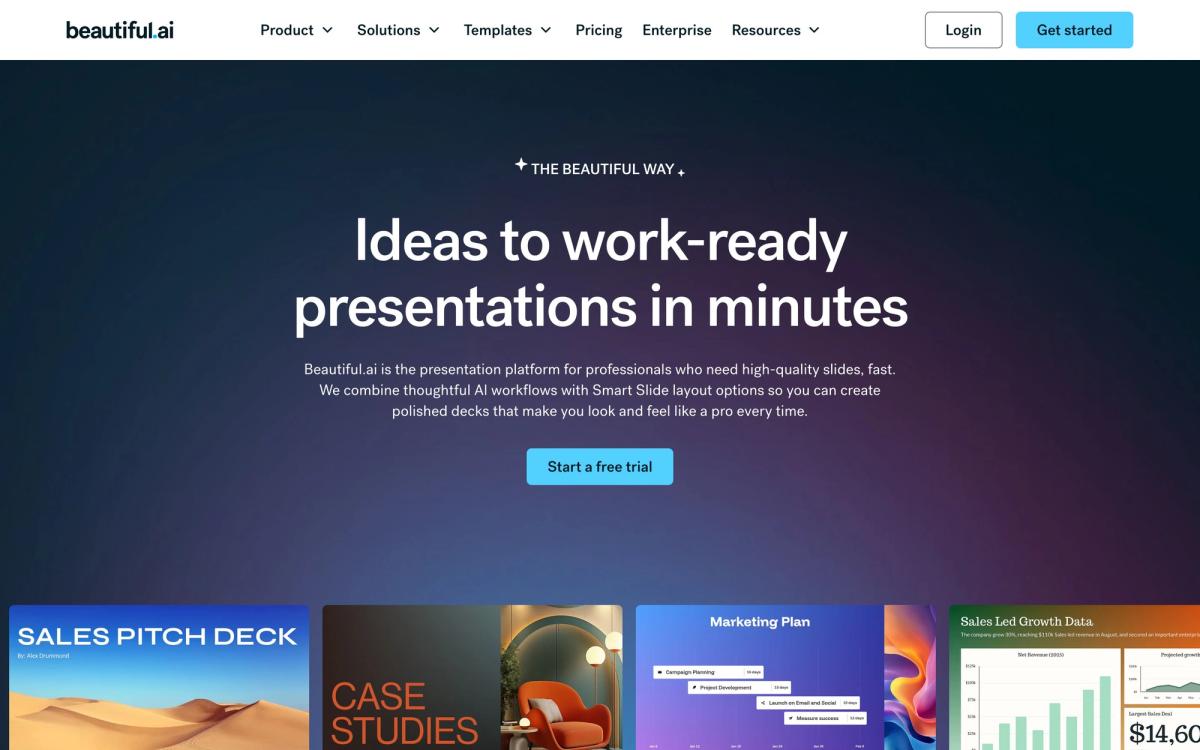
The heart of the product is its library of smart slide types: process diagrams, timelines, org charts, comparison layouts, data visualizations, and dozens more. Each is a constrained template where you supply content and the software enforces alignment, spacing, typography, and visual hierarchy. This is the inverse of PowerPoint's blank canvas, since you trade freedom for the guarantee that every slide leaves looking professional.
The AI layer, built around a create-with-AI workflow, generates a deck from a prompt by proposing an outline first, then producing styled slides you can iterate on without starting over. It is context-aware enough to keep a consistent narrative across slides rather than generating each in isolation. For organizations, brand control is the selling point: locked themes apply company fonts, colors, and logo treatments across every deck anyone on the team creates, which is why sales and consulting teams adopt it. Dynamic charts and data-driven slides update cleanly when numbers change, and the deck exports to PowerPoint when a client insists on the format.
Key features
- Smart slide templates that auto-correct layout, spacing, and hierarchy in real time
- AI generation flow: prompt to outline to polished, editable slides
- Team brand themes that enforce consistent styling organization-wide
- Dynamic graphs, charts, and data visualization slide types
- Integrations with Slack, Dropbox, Salesforce, Webex, and Monday.com, plus PowerPoint export
- Shared team slide libraries for reusable, approved content
Note there is no free plan. A 14-day trial provides full access, after which continued use requires a subscription.
Who it's for
Beautiful.ai fits people who present for a living but do not design for a living: consultants assembling client readouts, founders building investor pitches, sales teams generating proposal decks at volume, and agencies that need every outgoing deck on-brand without a design review. Teams get the most value, since brand enforcement and shared slide libraries compound across users. One user quote on their site, claiming eighty percent more efficiency than PowerPoint, overstates the typical case, but meaningful time savings on routine decks are believable from my testing.
It fits badly for designers who want pixel control, for academic or training decks full of dense custom diagrams, and for anyone unwilling to pay from day fifteen.
How it compares
Against Gamma, the sharpest current rival, Beautiful.ai produces more disciplined, business-conventional slides and far stronger brand governance, while Gamma generates better first drafts from a prompt, offers a real free tier, and extends to websites and documents. Pick Gamma for speed and versatility, Beautiful.ai for consistency under a logo. Against PowerPoint with Copilot, Beautiful.ai is dramatically better at preventing bad design but loses on ubiquity, offline use, and template breadth. Prezi competes on a different axis entirely, with non-linear delivery rather than automated design.
Verdict
Beautiful.ai delivers on its core promise: decks that consistently look professionally designed, produced by people with no design skill, at a fraction of the usual time. The smart templates are the best implementation of constraint-based slide design I have tested, and team brand controls make it genuinely defensible for sales organizations. The tradeoffs are structural, including no free tier, guardrails that block fine control, and a narrower creative range than open-canvas tools. If your decks are business documents that must look sharp and stay on-brand, it is an easy recommendation. If you want creative latitude or a free workspace, Gamma is the better start.
Ready to try Beautiful.ai?
More creators tools like Beautiful.ai
Riverside
4.5Browser recording studio that captures every remote guest locally in 4K, then edits and publishes the episode.
Read Riverside review →Murf AI
4.3Generative speech platform with 200+ voices in 35+ languages: studio voiceovers, dubbing, and a real-time API.
Read Murf AI review →Pangram Labs
4.3Research-backed AI detection with independently verified accuracy, covering 20+ languages and major LLMs.
Read Pangram Labs review →Ticket Tailor
4.3Box office software that charges a flat fee per ticket instead of a percentage of the door.
Read Ticket Tailor review →Castmagic
4.2Turns audio and video recordings into show notes, posts, articles, and clips-ready copy automatically.
Read Castmagic review →Circle
4.2Community platform with courses, events, paid memberships, email and branded apps on your own domain.
Read Circle review →