
Plansom review
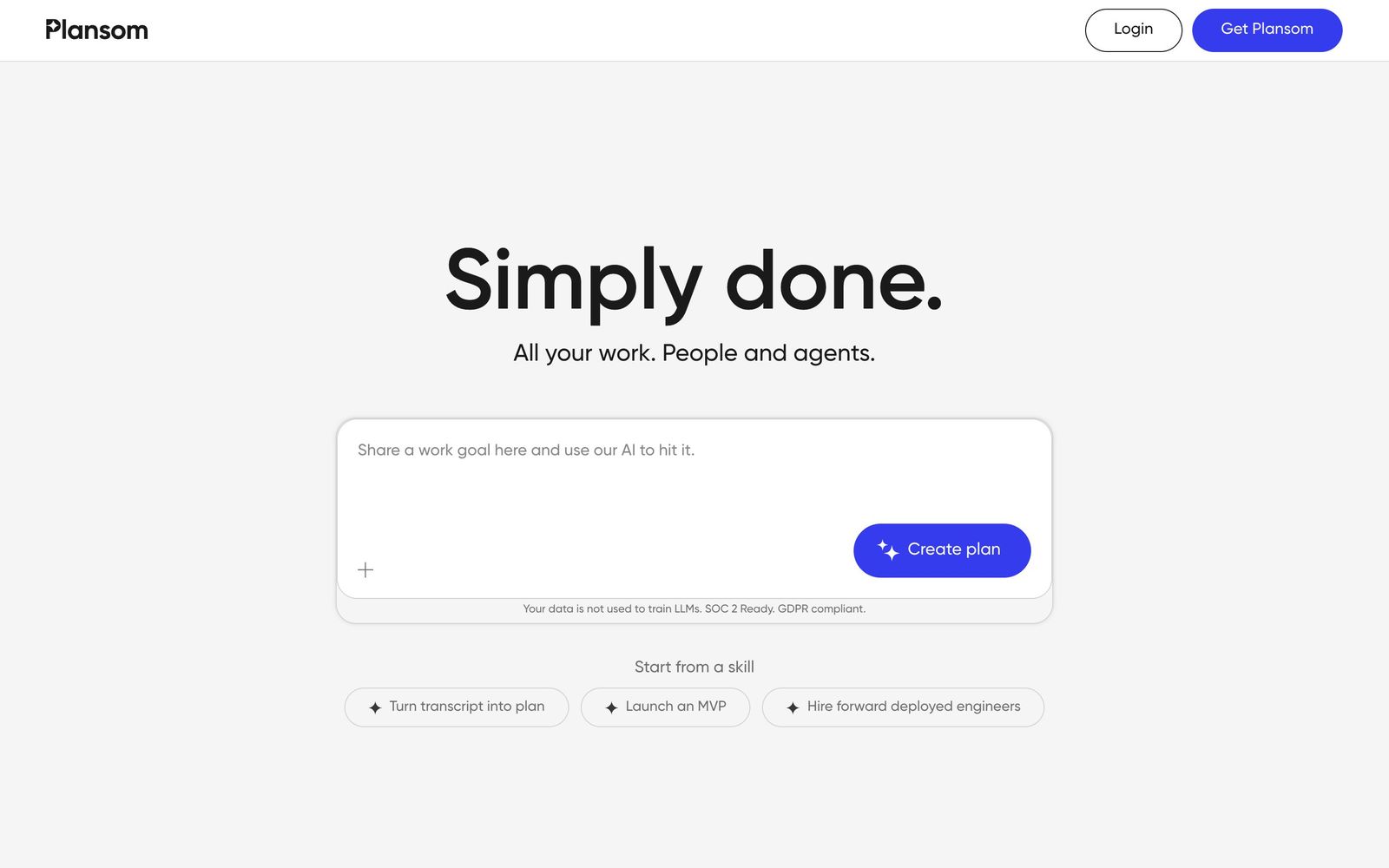
Turns a strategy document into SMART goals, a prioritised task list and a shareable execution plan.
A quick way to get a written plan out of a document and in front of a team, though it is too light to run delivery once the plan is agreed.
Pros
- Reads an existing strategy document rather than demanding the plan be retyped into a template
- Shareable links let a client or contractor see the plan without a seat or a login
- Prioritisation is framed around outcome impact, which is a more useful default than a flat backlog
- The free tier allows five goals, a hundred tasks and one generated plan a month, enough to judge the output quality
Cons
- No published connectors to Jira, Asana, Slack or a calendar, so tasks live only inside Plansom
- The free tier caps AI plan generation at one a month, which is not enough to iterate on a document
- Goal and task depth is shallow next to a real work management tool: no dependencies, no capacity view, no time tracking
Plansom pricing
List prices in USD per month, taken from the vendor at review time.
| Plan | Per month | What it covers |
|---|---|---|
| Free | Free | 5 goals, 100 tasks, 1 AI plan a month |
| Pro | $28 | per user, 1,000 goals and unlimited tasks; annual billing is cheaper |
What Plansom actually does
Plansom takes a document a team already has, a strategy deck, an OKR sheet, a scoping note, a board paper, and returns a structured plan: goals written in SMART form, tasks underneath them, and an order of work ranked by expected impact. The intake accepts CSV, PDF, Word, Excel, Markdown, plain text and images, up to five files and twenty megabytes at a time, and the generated plan arrives in roughly a minute. The premise is that most organisations do not lack a strategy; they lack the translation of that strategy into named, ordered, assignable work.
It is a hosted web application built on Azure, and it is deliberately thin on setup. There are no boards to configure and no workflow states to design before the first plan exists. Once a plan is generated the team can edit it, delegate tasks, and hand out a link that opens without an account, which is how consultancies and agencies tend to use it, the client sees progress without being onboarded into another tool.
Key features
The product splits into four AI steps around a conventional task list.
- AI Plan, converting an uploaded document into goals and a prioritised task list in about sixty seconds
- Impact-based prioritisation that ranks tasks by contribution to an outcome rather than by due date
- Bottleneck alerts that surface stalled work before a milestone is missed
- Shareable plan links viewable without an account, for clients, contractors and external stakeholders
- Automatic reporting against the success metrics written into the plan
- Delegation across the team, with goals capped at five on the free tier and a thousand on the paid one
Who it's for
The fit is a small leadership team, a consultancy, or an agency that produces plan documents faster than it operationalises them. If the recurring failure is that a good strategy paper is read once and never converted into work, Plansom closes exactly that gap and does it in a minute rather than a half-day workshop. Independent consultants get a second benefit from the shareable link, since it presents structured work to a client without asking the client to adopt anything.
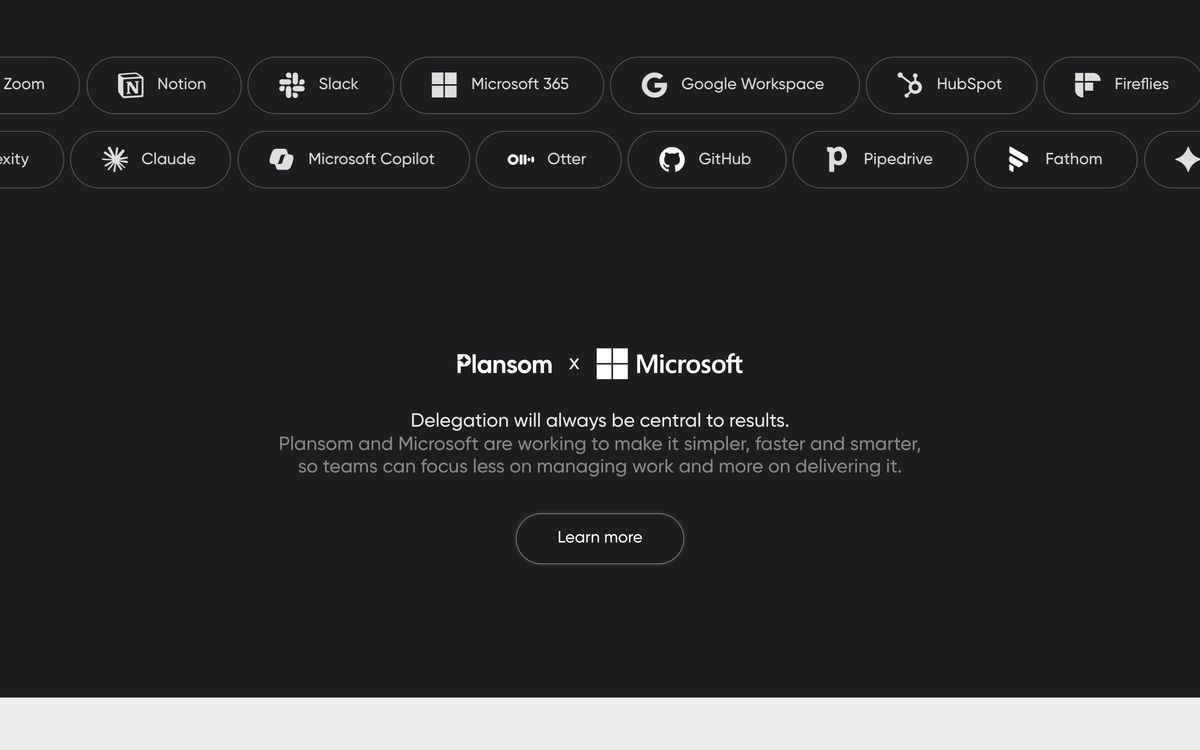
It should not be bought as a work management system. There are no dependencies, no capacity planning, no time tracking, and no published connectors to Jira, Asana, Slack or a calendar, which means tasks created in Plansom stay in Plansom and have to be re-entered wherever delivery actually happens. A team with an established tracker will find themselves maintaining two lists. Engineering teams in particular should look elsewhere.
How it compares
Asana and ClickUp both do more of everything, dependencies, workloads, automation, integrations, but neither will read a strategy document and produce a ranked plan without a person doing the structuring first. Notion with an AI prompt gets closer to that trick and is far more flexible, but the output is prose rather than tracked goals with metrics attached. Cascade and similar strategy execution platforms cover the goal hierarchy properly and are built for larger organisations, at a price and a setup cost that a five-person team will not accept.
Verdict
Plansom is a narrow tool doing one conversion well: document in, structured and prioritised plan out, shareable in a minute. For a small team or a consultancy that keeps writing strategies nobody executes, that is worth a seat. The caveat is that the plan is where the product stops. With no dependencies, no capacity view and no connectors to the trackers most teams already run, Plansom risks becoming a second list to maintain rather than the one that matters, and the free tier's single monthly generation is too tight to properly test that risk before paying.
Ready to try Plansom?
There's a free tier, so you can test it before committing.
More founders tools like Plansom
P3MO
3.7Portfolio management for PMOs and boards: one view from strategic objectives down to individual projects.
Read P3MO review →PDWare
3.7Resource and portfolio planning that tests whether the people you have can deliver the projects you approved.
Read PDWare review →Cerri
3.6Project and portfolio management with resource capacity, budgets and stage-gate governance, on cloud or on-premise.
Read Cerri review →Todoist
4.3A task manager with natural-language capture and shared projects, built to hold personal and team work in one list.
Read Todoist review →SmartSuite
4.2Structured records, views, dashboards and automations in one platform for teams outgrowing spreadsheets.
Read SmartSuite review →Backlog
4.1Project management and bug tracking with built-in Git/SVN, Gantt charts, and wikis; flat per-space pricing.
Read Backlog review →