
Hello Bar review
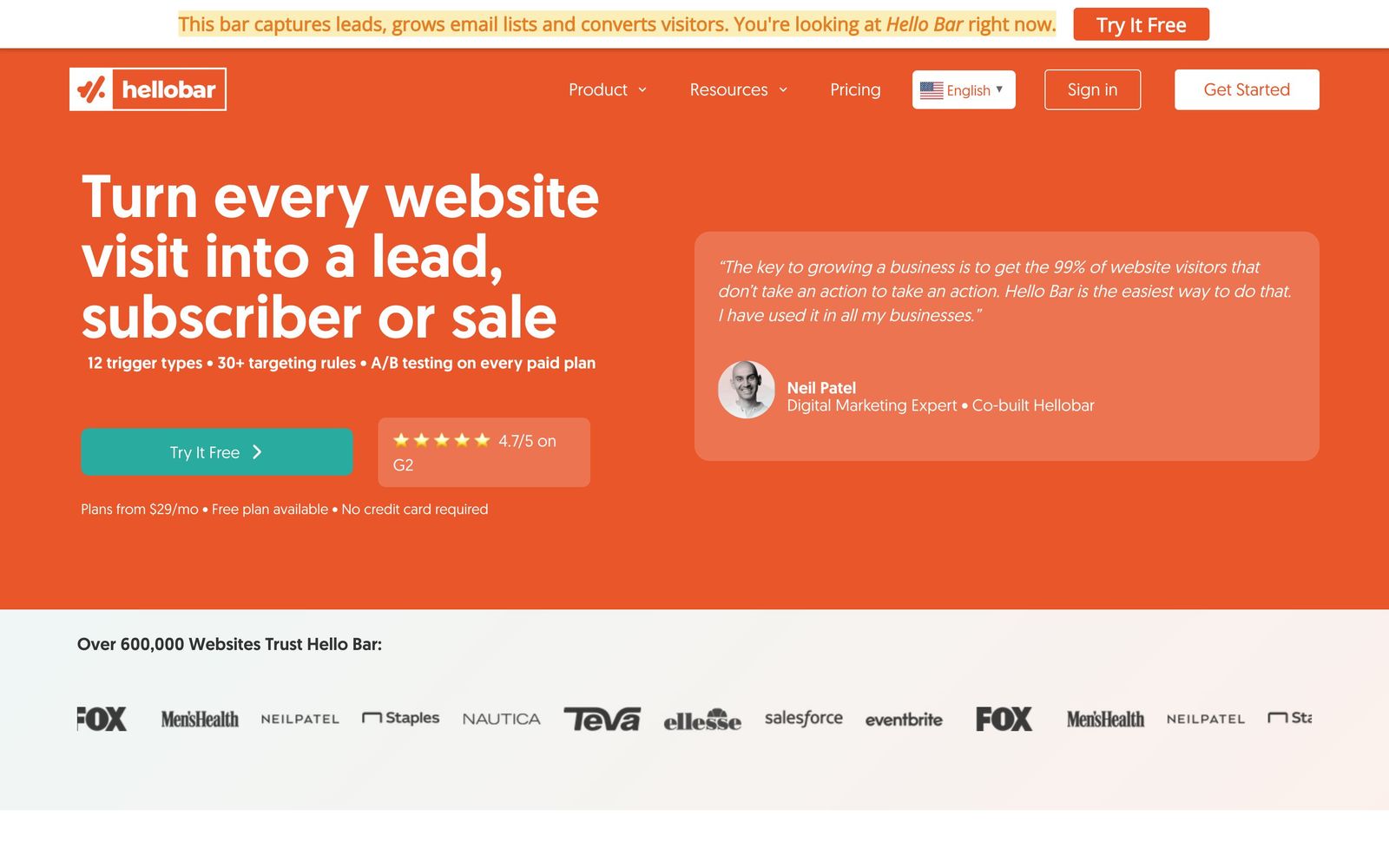
Notification bars, popups and slide-ins for capturing emails on an existing site, installed with one script.
A sensible first conversion tool for a small site that needs email capture running this week, though the editor and targeting run out of room once campaigns get specific.
Pros
- Installs from a single script tag, or one click through the WordPress and Shopify plugins
- The onboarding quiz picks a goal and a matching template, so a first bar is live in minutes
- Built-in A/B testing compares copy, colour and call-to-action without a separate tool
- The free tier allows unlimited popups and subscribers rather than capping the number of campaigns
- Twenty-plus targeting rules on paid plans cover device, referrer, page and exit intent
Cons
- Plans are metered on monthly popup views, and overages are billed in increments once the cap is passed
- The free tier stamps Hello Bar branding on every popup and disables targeting rules and A/B testing entirely
- CRM connectors such as HubSpot, Salesforce and Intercom are held back for the top tier, and several templates look their age next to newer popup builders
Hello Bar pricing
List prices in USD per month, taken from the vendor at review time.
| Plan | Per month | What it covers |
|---|---|---|
| Starter | Free | free, capped monthly views, Hello Bar branding shown |
| Growth | $29 | per month, or annually with two months free |
| Premium | $49 | per month, or annually with two months free |
| Elite | $99 | per month, includes CRM connectors and unlimited seats |
What Hello Bar actually does
Hello Bar is a conversion overlay tool. It puts a bar across the top of a website, or a modal, slide-in or full-page takeover in front of a visitor, and collects an email address or sends the click somewhere specific. Installation is a single script tag, with one-click plugins for WordPress and Shopify, so nothing about the underlying site has to change. An onboarding quiz asks what the goal is, then loads a matching template into a drag-and-drop editor, and a first campaign can be live inside a quarter of an hour.
The product started in 2010 in Neil Patel's Quick Sprout portfolio and was acquired by Crazy Egg two years later, and the lineage shows in how narrow the scope stays. Paid plans add targeting rules, so a bar can appear only on blog posts, only to visitors arriving from search, only on mobile, or only when the cursor heads for the browser chrome. Captured addresses sync straight into an email tool rather than sitting in an export. Alongside it, Hello Bar sells Subscribers, a web push notification product that asks for browser permission and then messages people after they leave. The two are bought together in the same account.
Key features
The following is what a typical account uses within its first month.
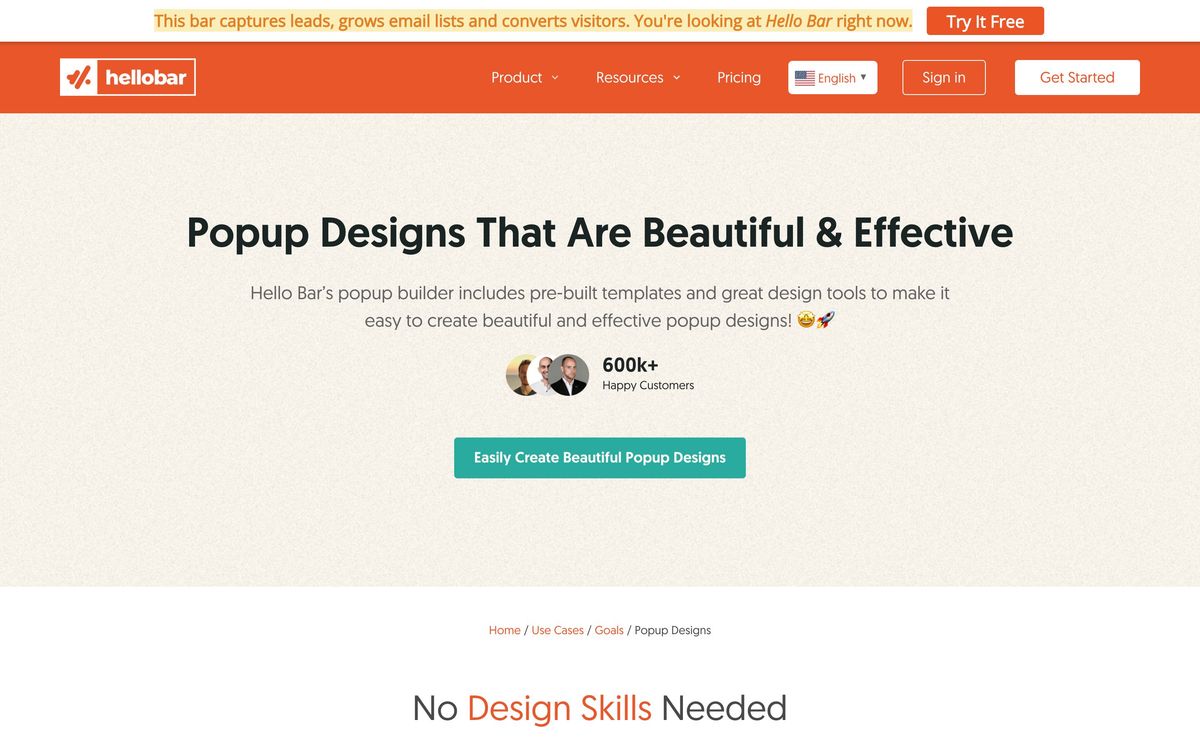
- Notification bars, modal popups, slide-ins, takeovers and exit-intent overlays from one editor
- Drag-and-drop design with an AI assistant that drafts a first layout
- Built-in A/B testing across headline, colour and call-to-action
- More than twenty targeting rules covering device, page, referrer and visitor behaviour
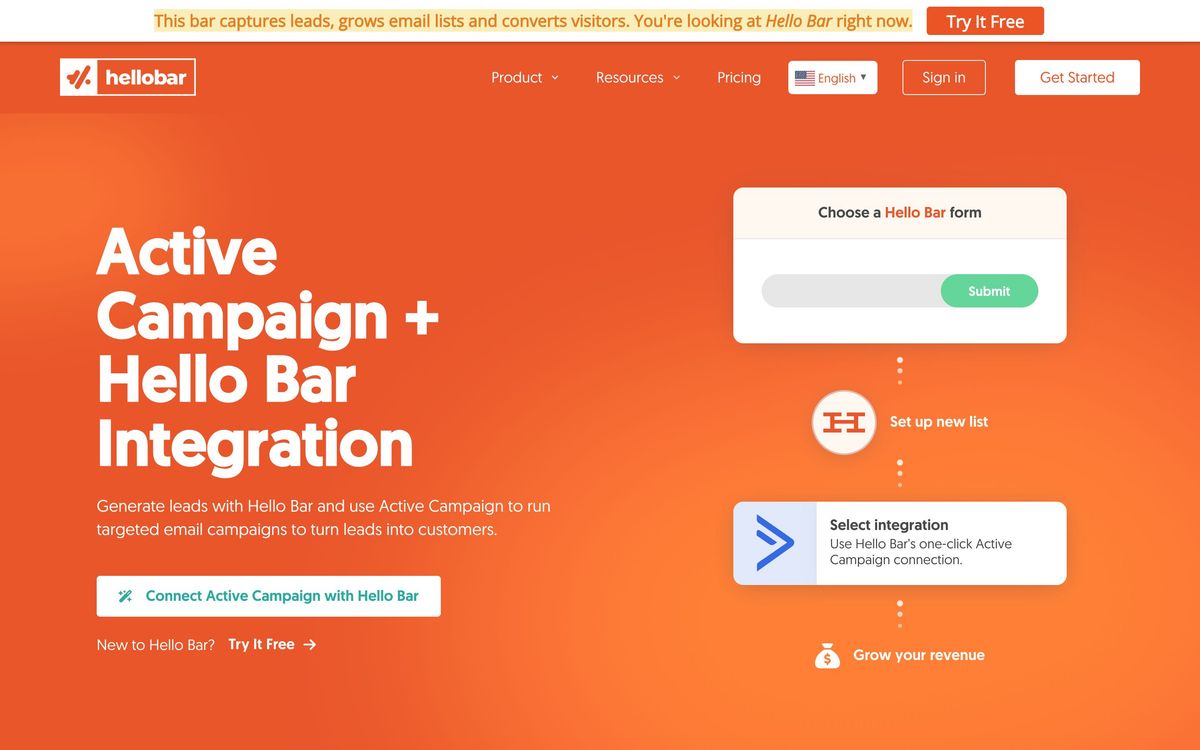
- Direct lead sync to Mailchimp, AWeber and Campaign Monitor, with CRM connectors on the top tier
- Subscribers, a companion web push product for re-engaging past visitors
Who it's for
Hello Bar fits a site that has traffic and no capture mechanism: a blog, a small store, a service business whose only form is on the contact page. A marketer working alone can ship a campaign, read the split test and move on without asking a developer for anything. The free tier is genuinely usable for a low-traffic site that can tolerate vendor branding on the overlay.
It is a poor fit once campaigns get specific. Teams that need multi-step forms, coupon logic, cart-value conditions or behavioural segmentation will hit the ceiling quickly, and the branding and integration limits on lower tiers push those buyers up the price list faster than expected. High-traffic publishers should also model the view meter before committing, because the caps bind on impressions rather than conversions.
How it compares
OptinMonster covers the same job with deeper targeting, more form types and stronger ecommerce rules, at the cost of a fussier editor and a longer setup. Sumo is the closest match on simplicity and is cheaper, but its development has been quiet and its analytics are shallower. Klaviyo bundles capture forms free with its email platform, which makes Hello Bar hard to justify for a store already paying Klaviyo. Hello Bar wins on time to first campaign and loses on everything that requires conditional logic.
Verdict
Hello Bar does the basics cleanly and does not pretend to more. Installation is quick, the editor is approachable, the split testing is real rather than decorative, and the push notification sibling adds a second channel without a second vendor. The rating stops short of the leaders because the ceiling arrives early: targeting is capable but not conditional, the better integrations are gated to the top tier, and the view-based meter means a traffic spike costs money whether or not it converts. For a small site that needs capture working now, it is a reasonable first purchase and an easy one to outgrow.
Ready to try Hello Bar?
There's a free tier, so you can test it before committing.
More marketers tools like Hello Bar
Outgrow
4.0Builder for calculators, quizzes and assessments that qualify a visitor before asking for an email.
Read Outgrow review →Uniqode
4.0Dynamic QR codes with scan analytics, bulk management and digital business cards for distributed teams.
Read Uniqode review →Leadpages
3.9Landing pages, pop-ups and opt-in forms with unlimited traffic on every plan and Stripe checkout built in.
Read Leadpages review →Bread & Butter
3.8First-party visitor tracking that enriches traffic, scores intent and syncs the result into a CRM.
Read Bread & Butter review →Pingtree
3.8Lead distribution and funnel platform: capture leads, ping buyers in real time, route each one to the best bid.
Read Pingtree review →POWR
3.8Sixty-odd embeddable widgets, forms, popups, galleries, reviews, for sites built on someone else's platform.
Read POWR review →