
POWR review
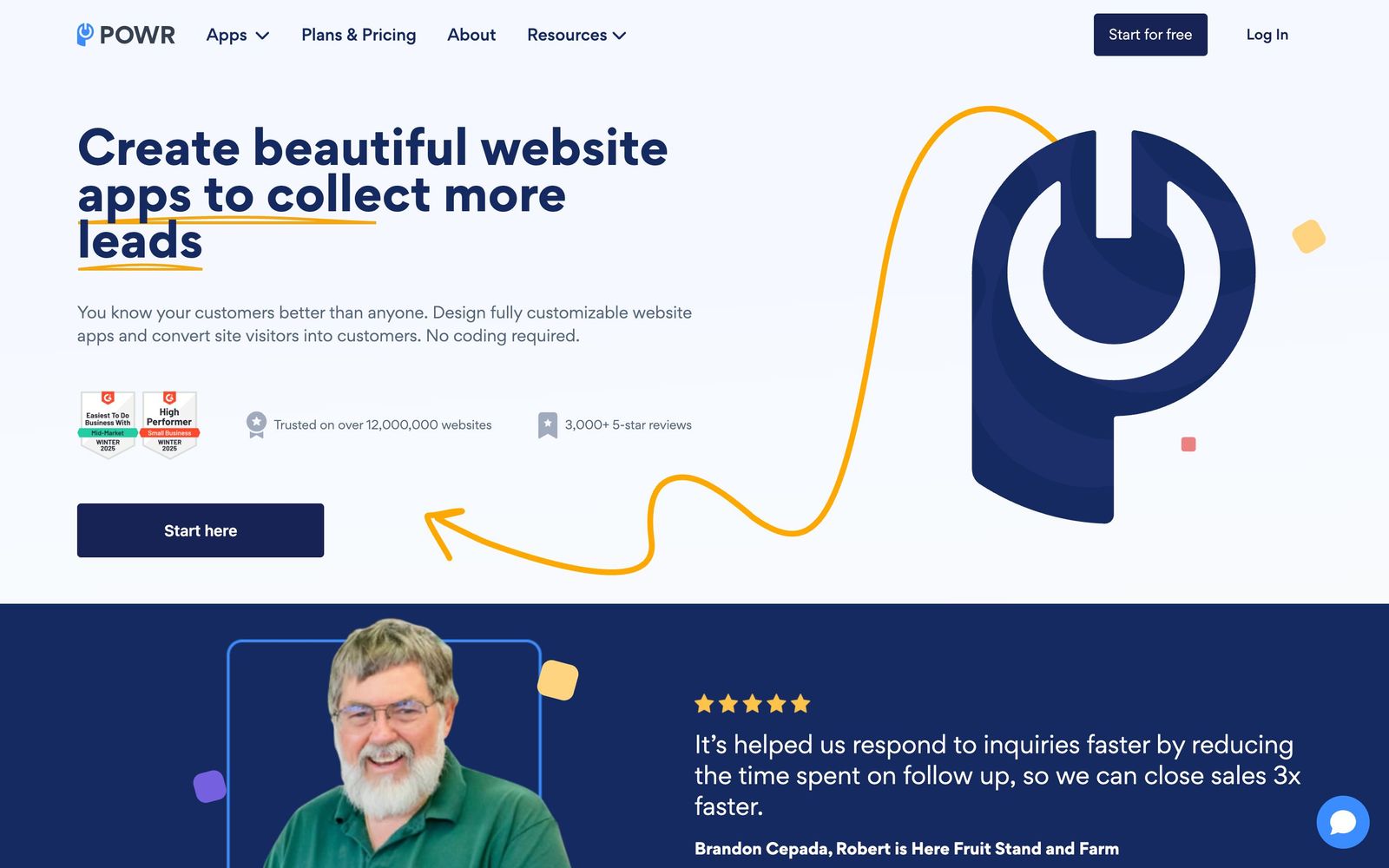
Sixty-odd embeddable widgets, forms, popups, galleries, reviews, for sites built on someone else's platform.
A practical way to add forms, popups and social proof to a Wix, Squarespace or Shopify site without a developer, though the per-app pricing model gets awkward the moment you want three widgets at once.
Pros
- Works as an embed on more than 70 platforms, including Shopify, Wix, Squarespace and plain HTML pages
- Covers forms, popups, galleries, sliders, reviews, countdown timers, maps and chat from a single account
- Editor exposes colours, fonts, spacing and button styles, so widgets can be made to resemble the host theme
- A genuinely usable free tier exists for every app, which makes testing an idea cost nothing
- One dashboard manages every widget across several sites, rather than a separate plugin login per tool
Cons
- The Starter and Pro plans upgrade one app type only, so a site needing a form, a popup and a review widget pays three times or jumps to the full-account plan
- The gap between the mid plan and the all-apps plan is wide enough that mid-sized users end up overpaying for capacity they do not use
- Free-tier widgets are deliberately limited, with capped submissions, capped feed posts and content that refreshes only once a day
POWR pricing
List prices in USD per month, taken from the vendor at review time.
| Plan | Per month | What it covers |
|---|---|---|
| Starter | $5.49 | upgrades one app type; 10 percent off annual |
| Pro | $13.49 | upgrades one app type with advanced customisation |
| Business | $89.99 | full account, all apps, unlimited views and submissions |
What POWR actually does
POWR is a library of website widgets that live outside the site they appear on. A user builds a contact form, an exit-intent popup or an Instagram feed in POWR's editor, receives an embed snippet, and pastes that snippet into a Wix page, a Squarespace block, a Shopify theme section or a raw HTML template. The widget renders from POWR's servers, which is why it works on platforms that offer no plugin ecosystem of their own and why edits appear on the live site without touching the site again.
The catalogue runs past 60 apps across forms, popups, galleries, sliders, social feeds, reviews and ratings, countdown timers, maps, chat, FAQ accordions and payment buttons. The company says the widgets are running on more than 12 million websites. All of them are configured in the same visual editor, with control over colours, fonts, layout and button styling, and all of them are managed from one dashboard that can span several sites. The commercial model is the unusual part: the two lower plans upgrade a single app type, while the top plan covers the entire library for the account.
Key features
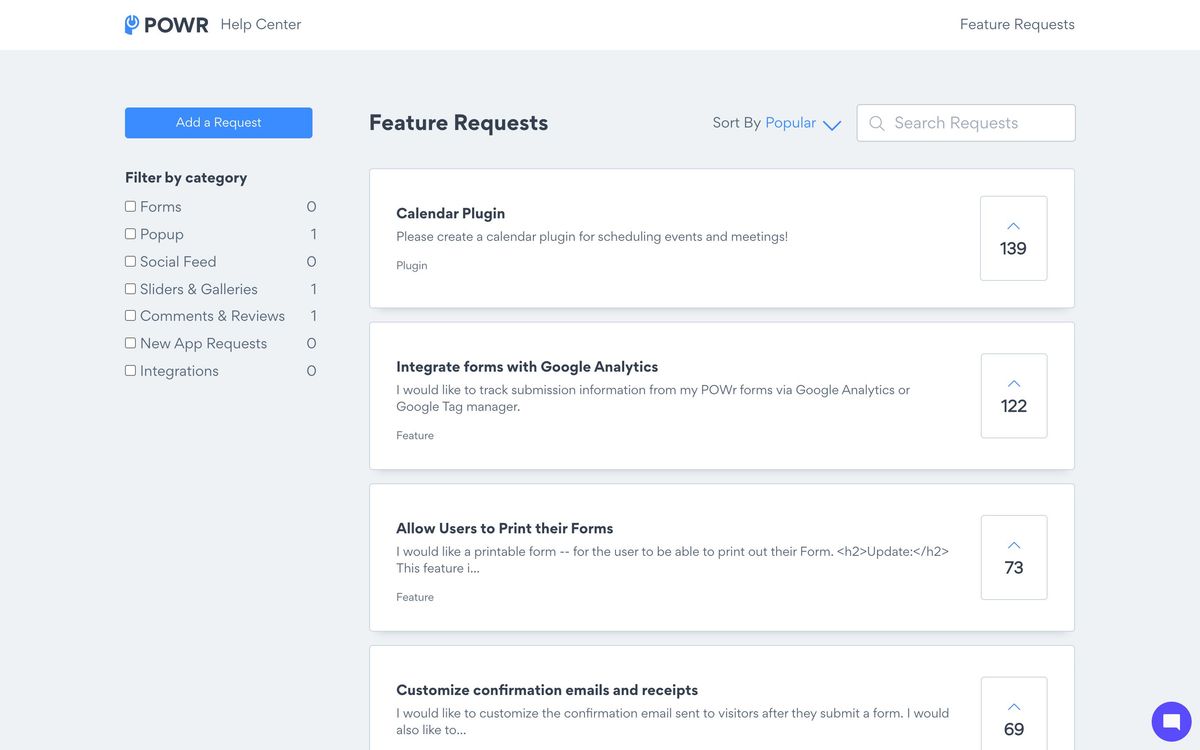
The library is broad rather than deep, and the useful parts cluster around conversion.
- Form builder for contact, booking, donation, membership and custom order forms, with conditional logic and file uploads
- Popups in exit-intent, modal, coupon and email-capture variants with display rules
- Social feeds and testimonial or review widgets for adding proof to a landing page
- Galleries and sliders for photo, video, YouTube and Vimeo content
- Payment buttons through Stripe and PayPal for selling a handful of items on a non-commerce site
- One dashboard managing every widget across multiple domains, with submissions collected centrally
Who it's for
POWR is aimed at the owner of a small business site who is not going to hire a developer and whose platform does not offer what they need natively. A restaurant on Squarespace that wants a reservation form, a nonprofit on Wix that needs a donation widget, a shop on Shopify that wants a countdown on a promotion page: these are the cases where an embed solves the problem in an afternoon.
It is a weaker choice for anyone who needs one capability done properly rather than twenty done adequately. A team whose business runs on forms will get more from a dedicated form product with better logic, integrations and data handling; a team serious about popups and email capture will find purpose-built conversion tools smarter about targeting. POWR is also the wrong tool for a site where performance is the priority, since every widget is a third-party embed loaded from an external host.
How it compares
Elfsight is the closest competitor and takes the same widget-library approach with a similar catalogue, generally with tidier default styling and a plan structure based on widget views rather than app type. Common Ninja plays in the same space and is often cheaper for a handful of widgets. Against dedicated tools, POWR loses on depth: Typeform and Jotform outclass its forms, and OptinMonster outclasses its popups on targeting and testing. What POWR offers instead is coverage and one bill, which is a real argument for a business that needs six small things rather than one big one.
Verdict
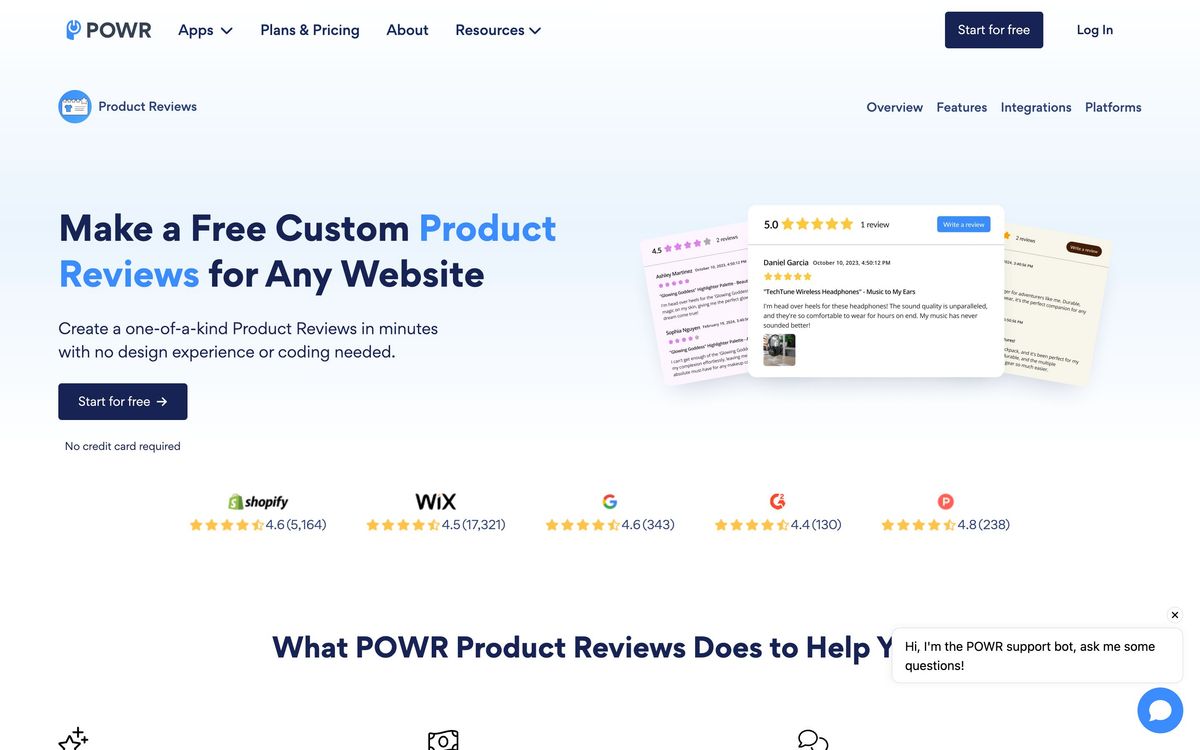
POWR earns a place for the site owner who needs functionality their platform does not provide and has no appetite for code. The editor is approachable, the free tier is usable enough to validate an idea, and the range means most small requests have an answer. The caveat is the pricing structure. Because the lower plans upgrade one app type at a time, the moment a site wants a form, a popup and a feed the arithmetic pushes towards the full-account plan, which is a considerable jump from the mid tier. Price the specific combination of widgets needed before subscribing, and treat performance as a real cost of the embed model.
Ready to try POWR?
There's a free tier, so you can test it before committing.
More marketers tools like POWR
Outgrow
4.0Builder for calculators, quizzes and assessments that qualify a visitor before asking for an email.
Read Outgrow review →SurveyMonkey
4.0Survey and form platform with built-in analysis, a paid respondent panel and connectors into CRM and BI tools.
Read SurveyMonkey review →SurveySparrow
4.0Conversational surveys, NPS and pulse feedback in one platform, with AI follow-up questions and theme analysis.
Read SurveySparrow review →Uniqode
4.0Dynamic QR codes with scan analytics, bulk management and digital business cards for distributed teams.
Read Uniqode review →Leadpages
3.9Landing pages, pop-ups and opt-in forms with unlimited traffic on every plan and Stripe checkout built in.
Read Leadpages review →Bread & Butter
3.8First-party visitor tracking that enriches traffic, scores intent and syncs the result into a CRM.
Read Bread & Butter review →