
Gravity Forms review
A WordPress form plugin for lead capture, payments and multi-step workflows, with data staying in your own database.
The most dependable way to build complex forms on WordPress and keep the submissions on your own server, though there is no free version and the builder shows its age next to newer plugins.
Pros
- Entries are stored in the site's own WordPress database, so lead data never sits with a third-party form host
- Conditional logic, calculations and multi-page forms handle applications and quote requests that hosted builders charge extra for
- More than fifty official add-ons cover payments, CRMs and email platforms, all licensed under one annual key
- Fields and templates meet WCAG 2.1 AA, which matters for public sector and healthcare clients
- A licence covers everything on the site with no per-submission metering, so a viral campaign does not create a bill
Cons
- There is no free tier or lite version, so evaluating it means buying a licence first
- The builder lives inside the classic WordPress admin and feels dated next to WPForms or Fluent Forms, with a steeper learning curve for non-developers
- Entry-level licensing withholds the add-ons most businesses need, meaning payments, signatures and surveys require a higher tier rather than an add-on purchase
Gravity Forms pricing
List prices in USD per month, taken from the vendor at review time.
| Plan | Per month | What it covers |
|---|---|---|
| Basic | $5 | $59 per year, 1 site, email marketing add-ons only |
| Pro | $13 | $159 per year, 3 sites, adds payments, Zapier, Slack and CRM add-ons |
| Elite | $22 | $259 per year, unlimited sites, all add-ons and priority support |
What Gravity Forms actually does
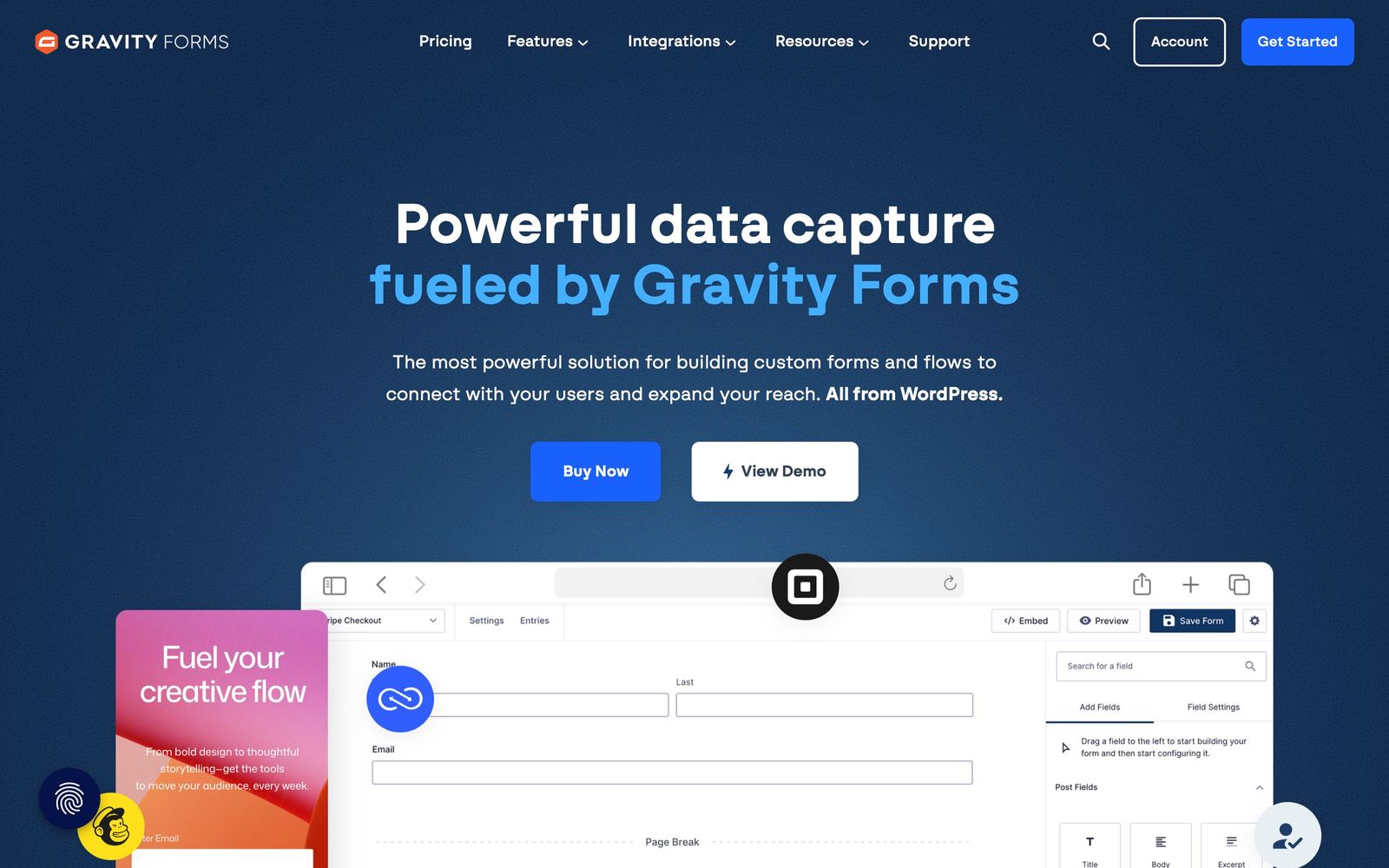
Gravity Forms is a commercial WordPress plugin that turns a site into a data collection system. It builds everything from a contact form to a multi-step grant application, stores each submission as an entry in the site's own database, and fires notifications, payments or integrations when that entry arrives. Because it runs inside WordPress rather than as an embedded widget from a hosted service, the form matches the theme automatically and the lead data stays under the site owner's control, which is the reason it keeps winning in regulated and public sector work.
The feature surface is split between the core plugin and a catalogue of official add-ons. Core covers the builder, field types, conditional logic, notifications and entry management. Add-ons cover payment gateways, CRM and email platforms, user registration, surveys, quizzes, signatures, geolocation and webhooks. Which add-ons a customer may install is decided by the licence tier rather than bought individually, so the practical cost of a project depends on which integrations it needs. Licences are annual and cover a fixed number of sites.
Key features
The capability that keeps agencies on it is logic: forms that behave differently depending on what the visitor answers.
- Drag-and-drop builder with more than thirty field types and layouts up to four columns per row
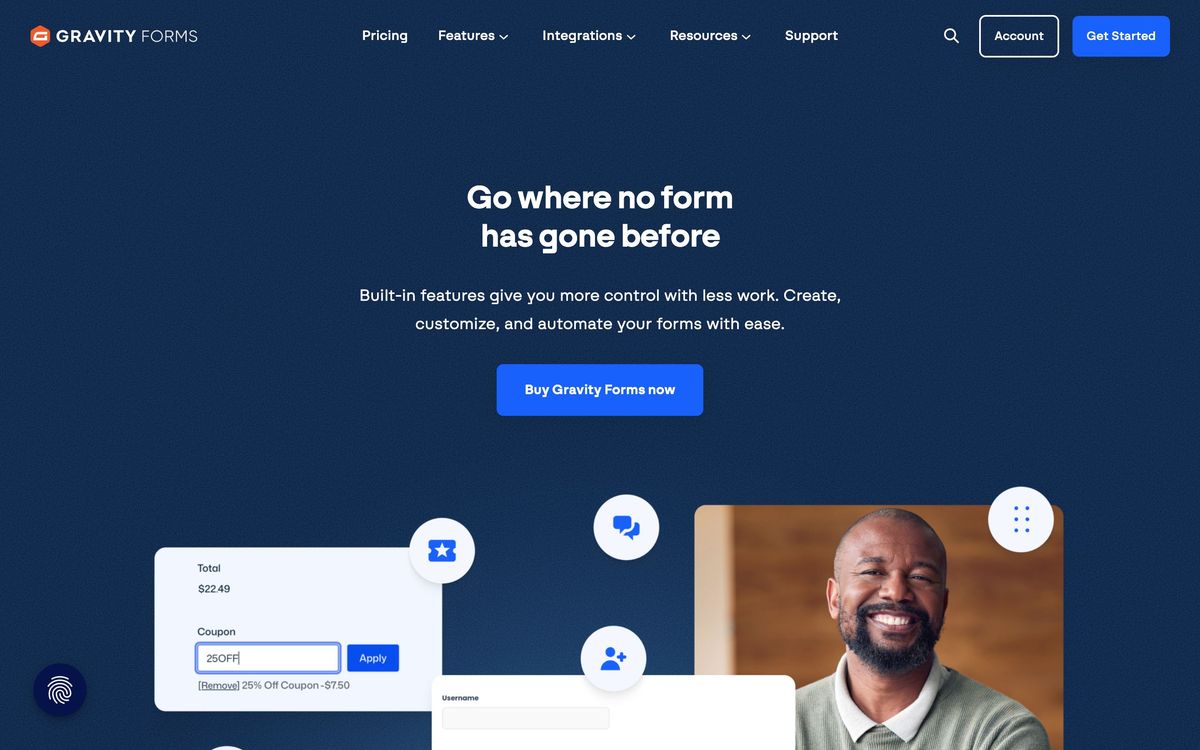
- Conditional logic on fields, pages, notifications and confirmations, plus calculation fields for quotes and pricing
- Multi-page forms with progress indicators, save and continue, and partial entry capture
- Payment collection through Stripe, PayPal, Square and Mollie, including recurring subscriptions
- Entry management inside the WordPress admin, with exports, notifications, moderation and webhooks
- Add-ons for Mailchimp, HubSpot, ActiveCampaign, Salesforce, Slack, Zapier, Dropbox and dozens more
Who it's for
The natural buyer is an agency or in-house marketer who builds on WordPress repeatedly and needs forms that do more than collect a name. Job applications with file uploads, event registrations that take payment, quote calculators, patient intake, membership sign-ups: these are the jobs where logic, calculations and self-hosted entries matter more than a pretty builder. The unlimited-site licence makes it economical for a shop maintaining dozens of client sites.
It is a poor fit for anyone who wants to try before buying, since no free version exists, and for teams not on WordPress at all, where a hosted builder is the obvious answer. Beginners building a simple contact form will find cheaper and friendlier options, and sites on very constrained hosting should be aware that entry tables and add-ons add weight to the admin over time.
How it compares
WPForms is easier for beginners, has a free version with millions of installs and a more modern interface, but its higher tiers get expensive and its logic is less flexible on complex forms. Formidable Forms beats Gravity Forms on calculations and on turning submissions into front-end views and applications, which suits directories and calculators. Fluent Forms is the cheaper, lighter alternative with strong performance on shared hosting, though its integration catalogue and long-term ecosystem are thinner. Against all three, Gravity Forms wins on stability, developer hooks and the sheer number of third-party plugins built to extend it.

Verdict
Gravity Forms has been the professional default on WordPress for over a decade, and the reasons still hold: predictable licensing, deep conditional logic, an add-on catalogue that covers nearly every payment and CRM a client will name, and accessibility work that survives a procurement review. It earns its rating on reliability rather than on charm. The interface is dated, the learning curve is real, and the tier structure pushes serious projects toward the top licence because the useful add-ons live there. If the site is WordPress and the forms are complicated, it remains the safe purchase.
Ready to try Gravity Forms?
More marketers tools like Gravity Forms
POWR
3.8Sixty-odd embeddable widgets, forms, popups, galleries, reviews, for sites built on someone else's platform.
Read POWR review →SurveyMonkey
4.0Survey and form platform with built-in analysis, a paid respondent panel and connectors into CRM and BI tools.
Read SurveyMonkey review →SurveySparrow
4.0Conversational surveys, NPS and pulse feedback in one platform, with AI follow-up questions and theme analysis.
Read SurveySparrow review →Uniqode
4.0Dynamic QR codes with scan analytics, bulk management and digital business cards for distributed teams.
Read Uniqode review →Leadpages
3.9Landing pages, pop-ups and opt-in forms with unlimited traffic on every plan and Stripe checkout built in.
Read Leadpages review →Bread & Butter
3.8First-party visitor tracking that enriches traffic, scores intent and syncs the result into a CRM.
Read Bread & Butter review →