
WhatConverts review
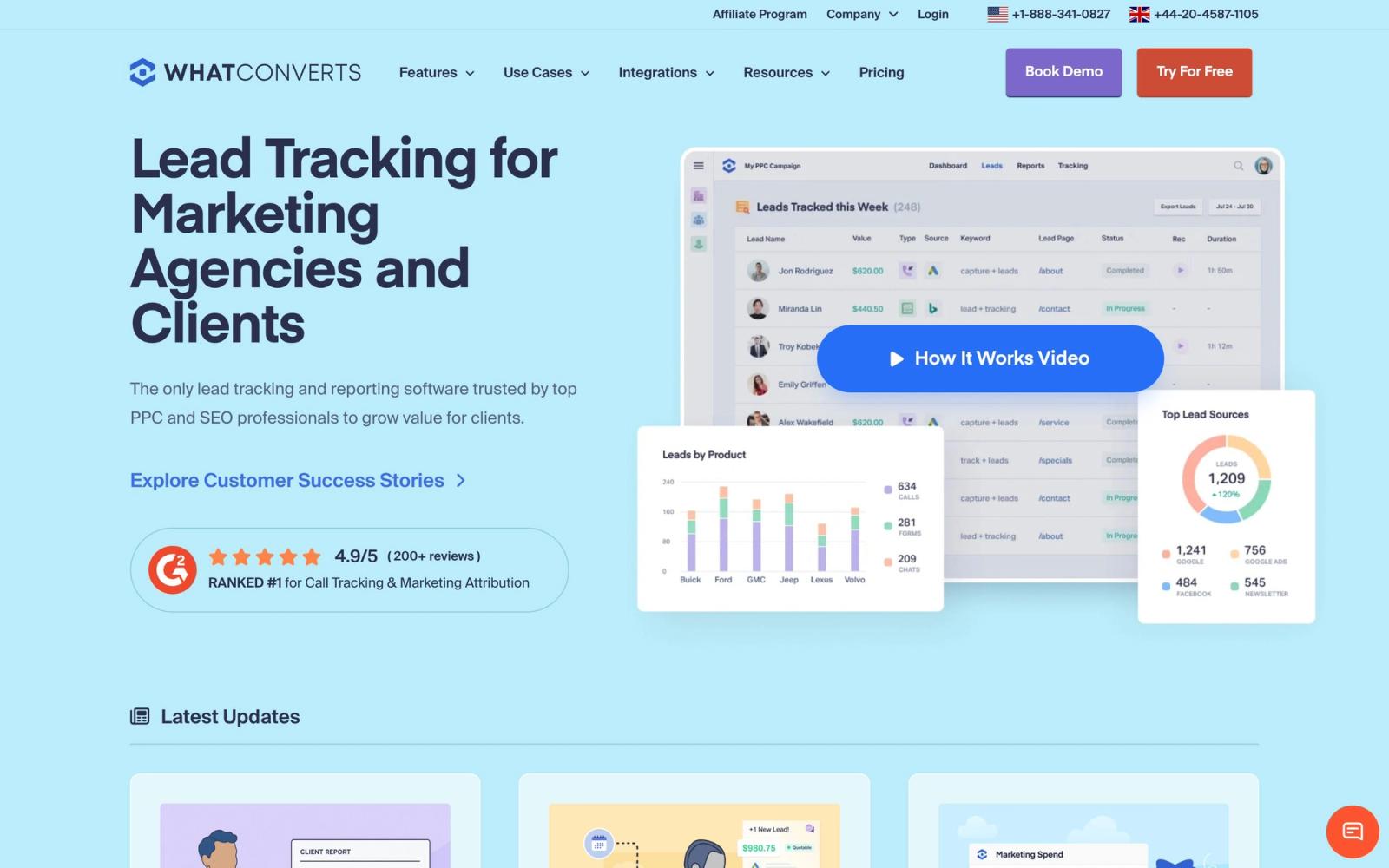
Tracks calls, forms, chats and transactions back to the campaign that produced them, in one lead log.
The most disciplined lead attribution tool for agencies reporting on client spend, though the plan price is a floor that usage adds to and the cheapest tier tracks calls only.
Pros
- Calls, web forms, chats and ecommerce transactions land in a single lead log with the source campaign, keyword and landing page attached
- Form tracking works on existing forms without rebuilding them, including Gravity Forms, Typeform, JotForm and Elementor
- Leads can be marked qualified or junk and given a value, so reports show revenue by campaign rather than raw counts
- White-label reporting and an agency plan with unlimited client accounts under one login
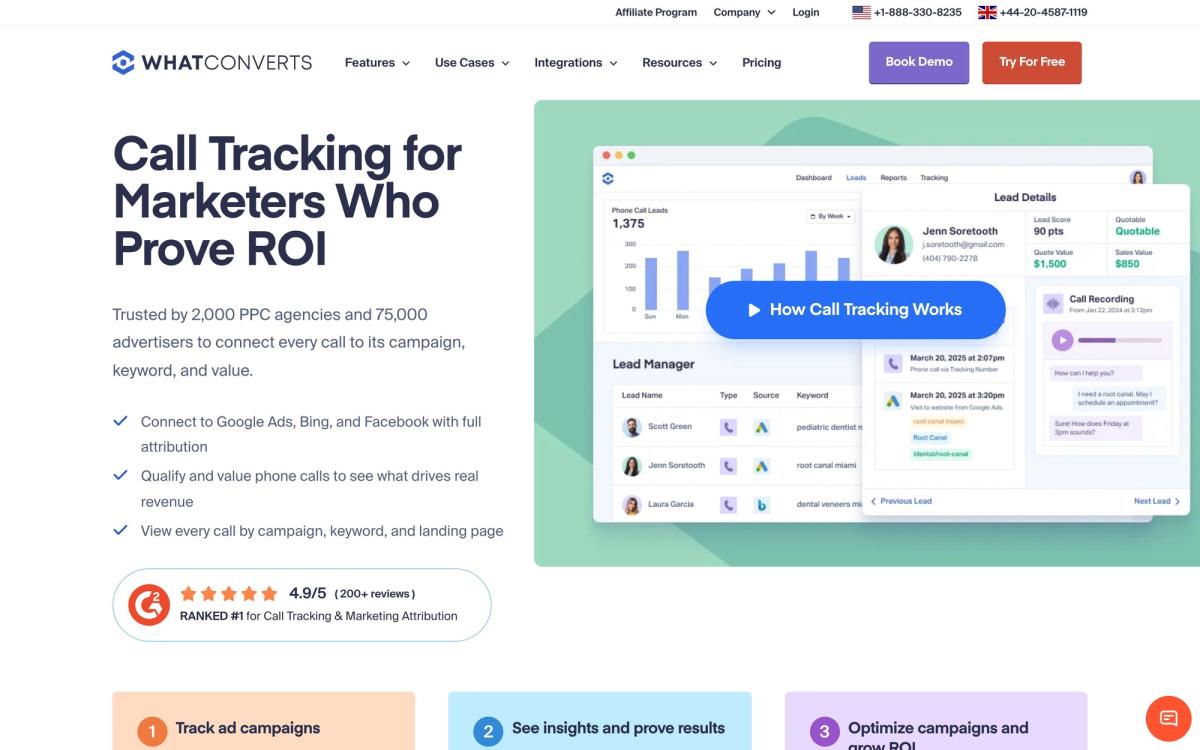
- Call recordings, transcripts and caller location sit on the lead record for coaching and dispute resolution
Cons
- The monthly plan is a floor: phone numbers, call minutes and text messages bill against a usage credit, so invoices move with lead volume
- The entry plan tracks phone calls only, and form, chat and transaction tracking begin one tier up
- It measures and reports but does not manage spend, so it always sits alongside the ad platforms rather than replacing any of them
WhatConverts pricing
List prices in USD per month, taken from the vendor at review time.
| Plan | Per month | What it covers |
|---|---|---|
| Call Tracking | $30 | single account, includes $30 usage credit, calls only, 14-day trial |
| Plus | $60 | single account, adds form, chat and transaction tracking |
| Pro | $100 | single account, adds deeper reporting and integrations |
| Elite | $160 | single account, top feature set |
| Agency Plus | $500 | unlimited client accounts, includes $250 usage credit |
What WhatConverts actually does
WhatConverts answers one question and refuses to be distracted from it: which marketing produced this lead. It provisions tracking phone numbers and swaps the number displayed on a site according to how the visitor arrived, so a call from a paid search click is logged against that campaign and keyword. It listens to existing web forms without asking anyone to rebuild them, captures chat conversations and ecommerce transactions, and drops all of it into one chronological lead log where every record carries source, medium, campaign, landing page and, where available, the search term.
The second half is what turns that log into something a client will read. Leads can be marked qualified or junk, assigned a value, tagged and annotated, and the reports then show spend against qualified leads and revenue rather than form fills. For agencies there is a multi-account structure, white-label branding and scheduled client reporting, plus connections that push the enriched lead into a CRM such as HubSpot, Salesforce or Pipedrive so the sales team sees the same attribution the marketer does.
Key features
The product is narrow and unusually complete inside that scope.
- Dynamic number insertion at keyword level, with recordings, transcripts and caller location on each record
- Form, chat and transaction tracking layered onto existing site elements without rebuilding them
- Lead manager with qualification, lead value, filters and one-click junk marking
- Report builder grouping leads by source, campaign, landing page, location or custom field
- White-label reporting and an agency account structure with per-client permissions
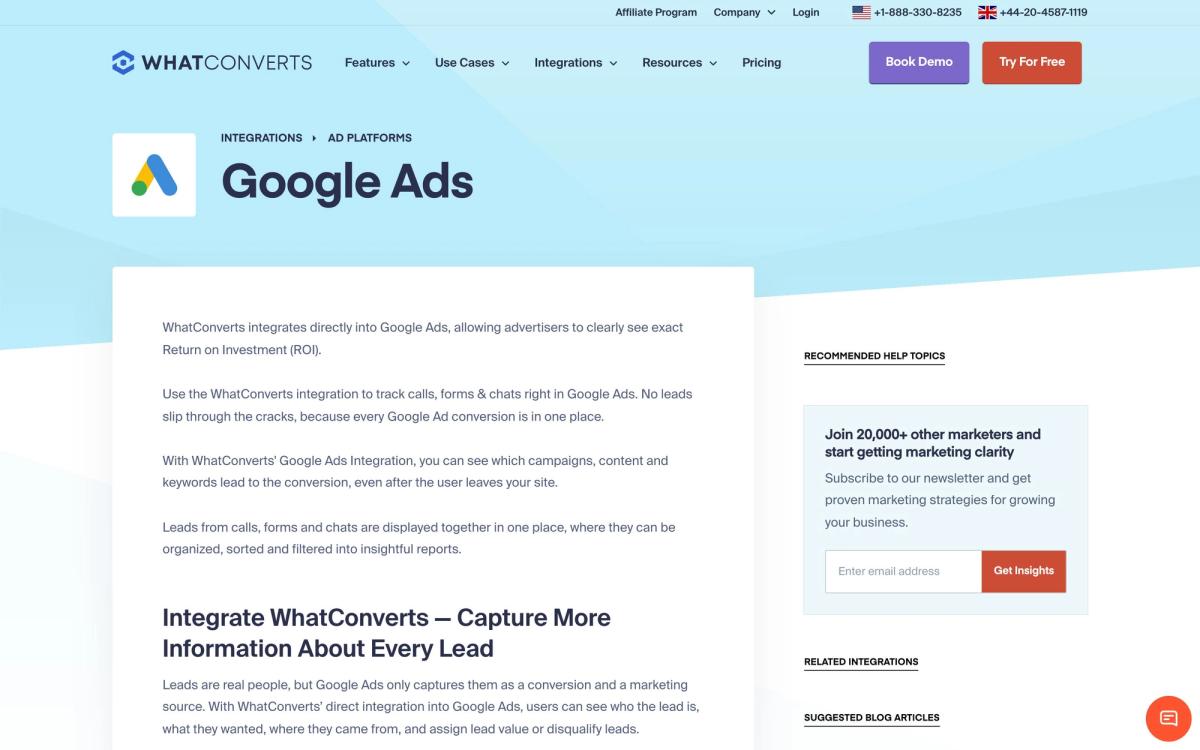
- Integrations with ad platforms, analytics, CRMs, form builders and chat tools numbering in the thousands
Who it's for
The core buyer is an agency serving businesses where the phone still closes the sale: home services, legal, dental, HVAC, real estate, franchise groups. Those clients rarely convert on the website, so a dashboard full of sessions and form submissions proves nothing. The lead log, with a recording and a source attached, is a report a client can be walked through in a monthly call without argument.
It is a poor fit for a business whose conversions happen entirely online with a clean ecommerce checkout, where a well-configured analytics stack already answers the same question at no extra cost. It is also the wrong tool for anyone hoping to consolidate: it will not manage bids, build landing pages or send campaigns, and it prices per account rather than as an all-in suite.
How it compares
CallRail is the direct rival and the larger brand, with deeper call analysis and multi-touch attribution, but users describe it as heavier than the job needs and its number coverage is limited to a handful of countries. Invoca sits above both, aimed at enterprises running conversation intelligence over large call volumes, and prices out of the agency market. Google Analytics with offline conversion imports is the free alternative and will get an experienced analyst most of the way there, at the cost of setup work and no call recordings. WhatConverts wins on how quickly a non-technical account manager can get a trustworthy report out of it.
Verdict
WhatConverts is the tool to reach for when the reporting problem is a client who does not believe the marketing works. Attribution is accurate, setup takes an afternoon, and support has an unusually strong reputation for a product at this price. The caveats are commercial rather than technical: the subscription is a floor that phone usage adds to, so a busy month costs more than the plan implies, and the cheapest tier tracks calls alone, which makes the useful configuration a tier or two above the headline price. Budget for the usage, and it earns its place in an agency stack.
Ready to try WhatConverts?
More marketers tools like WhatConverts
Bread & Butter
3.8First-party visitor tracking that enriches traffic, scores intent and syncs the result into a CRM.
Read Bread & Butter review →Pingtree
3.8Lead distribution and funnel platform: capture leads, ping buyers in real time, route each one to the best bid.
Read Pingtree review →Databox
4.2Analytics platform pulling 130+ data sources into dashboards, automated reports, goals, AI-queried metrics.
Read Databox review →Gravity Forms
4.2A WordPress form plugin for lead capture, payments and multi-step workflows, with data staying in your own database.
Read Gravity Forms review →Survicate
4.1Customer feedback platform for website, in-product, email and link surveys with AI theme analysis.
Read Survicate review →Wistia
4.1Video hosting, recording and analytics for marketing teams that need viewer data, not view counts.
Read Wistia review →