
AgencyAnalytics review
Client reporting for marketing agencies: 85+ connectors, white-label dashboards and scheduled reports.
The most complete client reporting layer an agency can buy without building one, though per-client pricing and weak global template controls bite once the roster grows.
Pros
- 85+ native connectors covering ads, SEO, social, email, call tracking and local listings in one account
- White-label portal with agency logo, colours and a custom domain, so clients log in rather than wait for a PDF
- Report scheduling and a template library that cut recurring monthly build time to near zero
- Rank tracking, backlink monitoring and AI-answer visibility tracking sold inside the same tool
- Warehouse connectors for BigQuery, Snowflake, Redshift, MySQL and PostgreSQL on the enterprise tier
Cons
- Priced per client, so the bill scales with roster size rather than with usage or seats
- No way to push one template change across every existing client report at once, a complaint reviewers have repeated for years
- OAuth connections to TikTok Ads and X Ads disconnect often enough that reviewers flag it, and API access is reserved for higher tiers
AgencyAnalytics pricing
List prices in USD per month, taken from the vendor at review time. Custom means quote-only.
| Plan | Per month | What it covers |
|---|---|---|
| Core | $20 | per client per month, billed annually; unlimited staff seats and data sources |
| Rank Tracker add-on | $41.67 | per 500 keywords, billed annually |
| AI Tracker add-on | $20.83 | per 250 credits, billed annually |
| Enterprise | Custom | custom pricing for agencies with 25+ clients; adds database connectors and priority support |
What AgencyAnalytics actually does
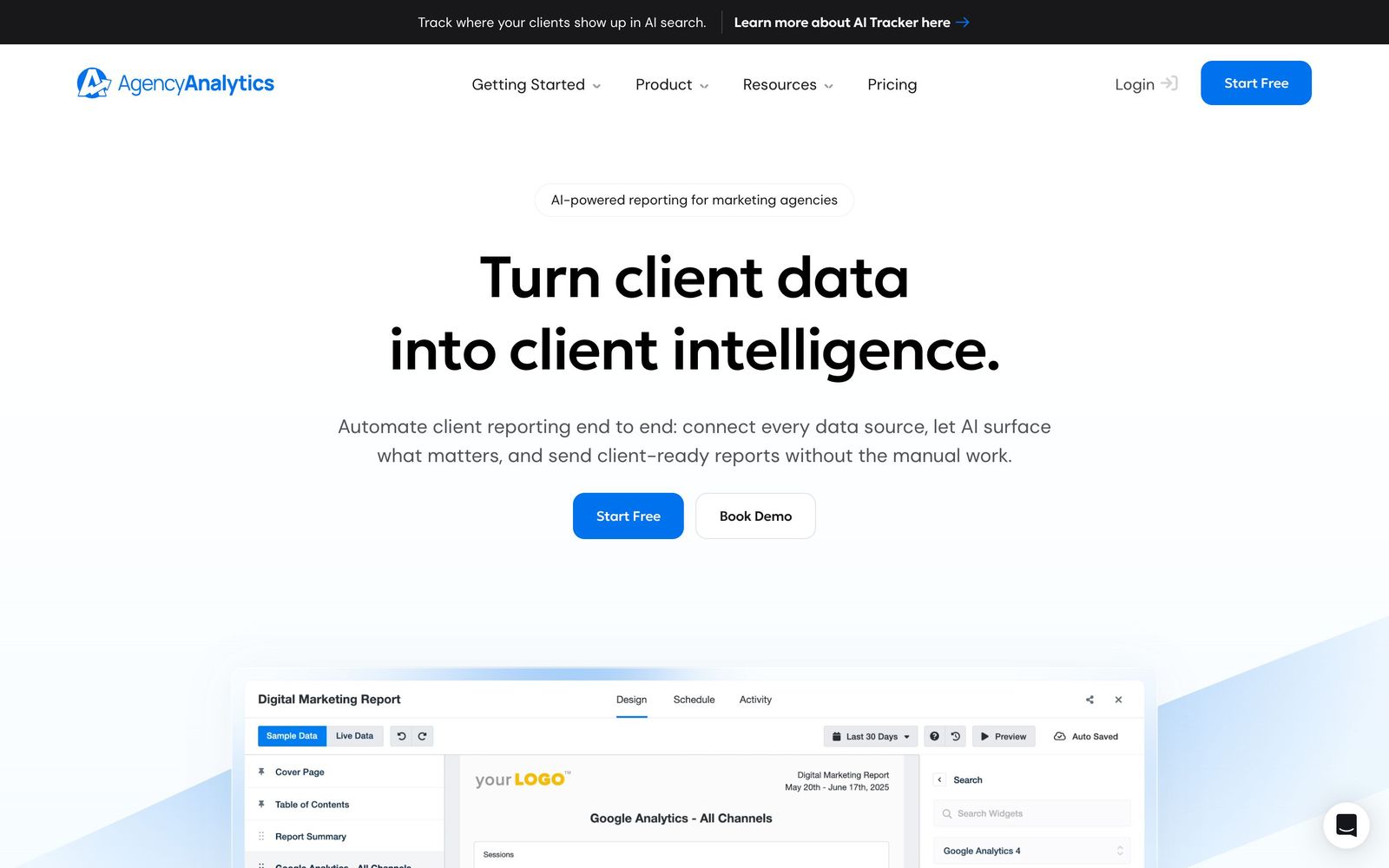
AgencyAnalytics is a client reporting platform built for marketing agencies. It pulls performance data from the channels an agency already runs - paid search and paid social, organic search, email, call tracking, local listings, ecommerce - and turns that data into dashboards and scheduled reports carrying the agency's own branding. The scope is deliberately narrow. This is not a general business intelligence tool that will model any dataset; it is a way to stop rebuilding the same monthly deck thirty times.
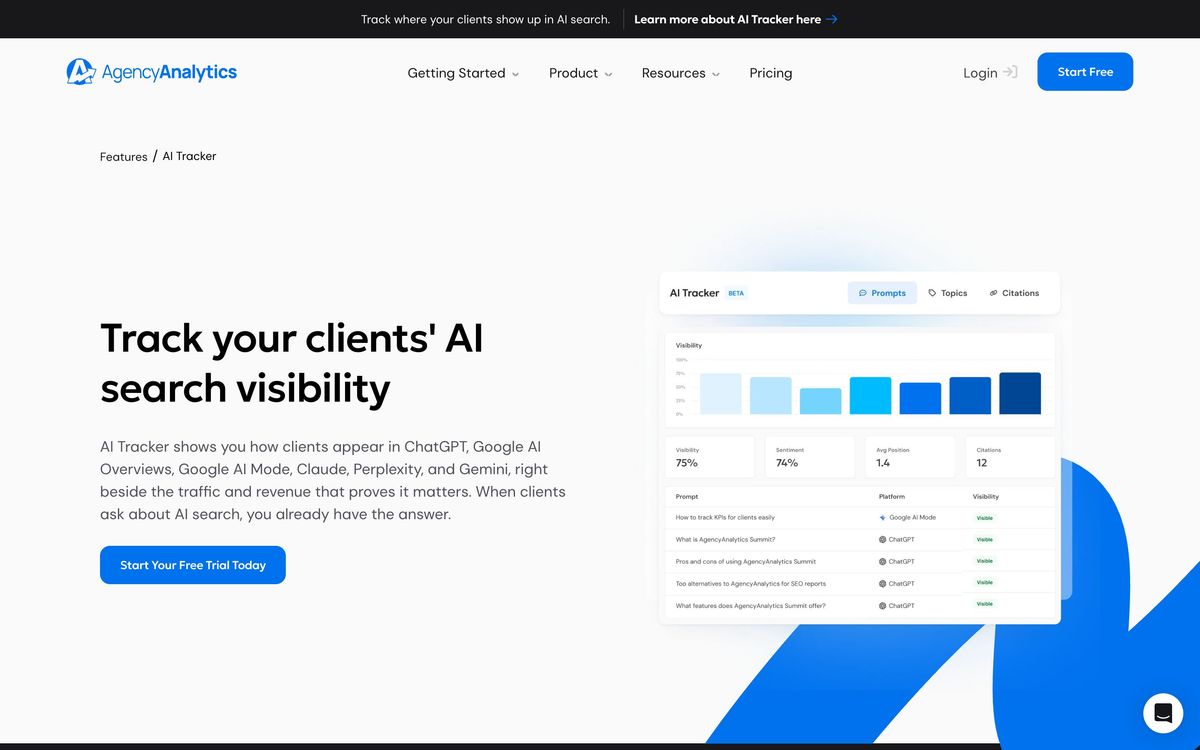
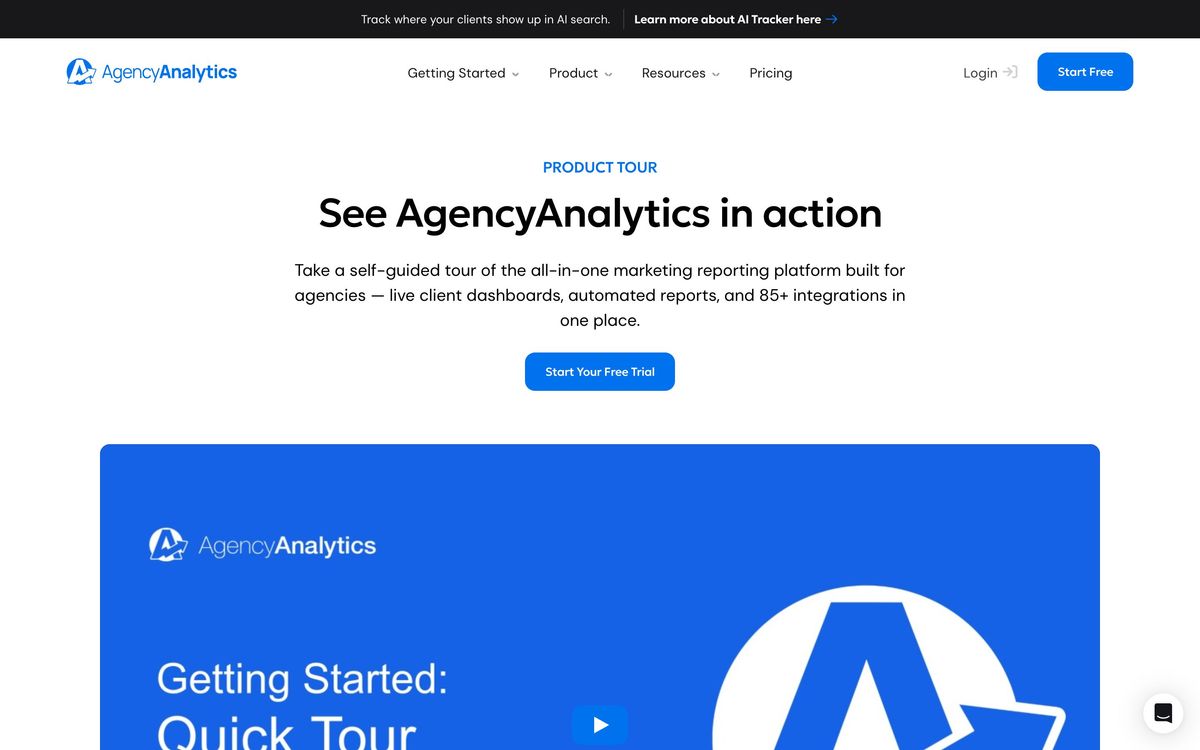
Delivery is entirely browser-based. A drag-and-drop builder assembles widgets from connected sources, a template library applies one layout across many accounts, and a white-labelled portal on a custom domain lets clients log in to live numbers instead of waiting for an attachment. On top of the connectors sit the platform's own SEO tools: a daily rank tracker, a backlink monitor, and a newer tracker that watches brand visibility inside AI answer engines. An assistant scans connected accounts and surfaces dips and spikes worth explaining to a client before the client spots them.
Key features
The parts agencies touch every week:
- 85+ native connectors, including Google Ads, Meta, LinkedIn, TikTok, Search Console, Semrush, Ahrefs, Klaviyo, Shopify, HubSpot and CallRail
- Drag-and-drop dashboards plus a template library that can be applied across client accounts
- White-label client portal with agency logo, colours, custom domain and individual client logins
- Automated report delivery by email on a daily, weekly or monthly schedule
- Daily rank tracking across Google and Bing on desktop and mobile, priced as a keyword add-on
- AI visibility tracking for brand mentions in ChatGPT, Claude and Google AI Overviews
Who it's for
The fit is an agency with somewhere between ten and fifty retained clients, where reporting has become a real line of unbilled labour but nobody wants to maintain Looker Studio templates by hand. Because seats are unlimited and billing is per client, an eight-person team reporting on twelve accounts pays the same as a two-person team reporting on twelve accounts, which suits agencies with account managers, specialists and freelancers all needing access.
It is a poor fit for two groups. In-house marketing teams reporting on a single brand will pay a per-client rate for one client and get less flexibility than a free Looker Studio build. And agencies whose reporting depends on proprietary data - a bespoke CRM, an internal margin model, a platform outside the connector list - will hit the wall quickly, because warehouse connectors and API access sit on the higher tiers and everything else has to be imported by hand.
How it compares
Databox is the closer analytics comparison and is friendlier to in-house teams, with a free tier and metric-level goal tracking, but its agency packaging and white-label depth are thinner. Whatagraph competes directly on agency reporting and has stronger cross-channel blending, though it costs more at small client counts and its connector list is shorter. Looker Studio remains the honest zero-cost alternative and will do almost anything with enough patience, which is the catch: connectors are third-party and paid, and the maintenance falls on whoever built the template. AgencyAnalytics wins on breadth of ready-made connectors and on the client-facing portal; it loses to Looker Studio on flexibility and to Databox on price for a single brand.
Verdict
For an agency whose reporting is a recurring, unbilled tax on delivery, this is the shortest path from data to a client-ready dashboard, and the SEO tooling bundled alongside removes another subscription. The rating reflects a mature product with real, documented friction: the per-client model punishes agencies with many small retainers, a handful of ad connectors need reauthorising more often than they should, and the inability to push one template edit across an entire client roster is a genuine daily annoyance at scale. Trial it with the messiest three accounts on the books, not the cleanest, before committing to an annual term.
Ready to try AgencyAnalytics?
More marketers tools like AgencyAnalytics
Diginius
3.5Reporting dashboard that pulls paid, organic and website visitor data into one view for SMEs and agencies.
Read Diginius review →Databox
4.2Analytics platform pulling 130+ data sources into dashboards, automated reports, goals, AI-queried metrics.
Read Databox review →PartnerStack
4.1Partner program platform for B2B SaaS: recruit affiliates and resellers, track deals, pay everyone once.
Read PartnerStack review →SocialBee
4.1Social media scheduling built around content categories, with an evergreen queue and client workspaces.
Read SocialBee review →Survicate
4.1Customer feedback platform for website, in-product, email and link surveys with AI theme analysis.
Read Survicate review →Bïrch
4.0Rule-based automation and bulk campaign management for Meta, Google, TikTok and Snapchat ad accounts.
Read Bïrch review →