
SocialBee review
Social media scheduling built around content categories, with an evergreen queue and client workspaces.
A strong scheduler for anyone who recycles evergreen content across many accounts, though the analytics are shallower than Sprout or Hootsuite and the interface takes a week to settle into.

Pros
- Content categories with an evergreen queue keep a calendar full without rewriting the same post every month
- Ten networks are supported natively, including Bluesky, Threads and Google Business Profile, which most schedulers treat as afterthoughts
- Workspaces, roles and approval steps make client work practical without a separate agency product
- The AI post generator writes network-specific variants of one idea rather than a single caption pasted everywhere
- PDF reports can be handed to a client without redrawing anything
Cons
- Analytics do not cover every connected network to the same depth, and some metrics arrive only through an extra connection step
- The category-and-queue model is the whole point of the product but confuses first-time users, who expect a plain calendar
- Profile counts are the pricing lever, so an agency adding one client with five accounts can jump a tier before the work justifies it
SocialBee pricing
List prices in USD per month, taken from the vendor at review time.
| Plan | Per month | What it covers |
|---|---|---|
| Bootstrap | $29 | 5 profiles, 1 user, 1 workspace ($24.17 billed annually) |
| Accelerate | $49 | 10 profiles, 1 user, 1 workspace ($40.83 billed annually) |
| Pro | $99 | 25 profiles, 3 users, 5 workspaces ($82.50 billed annually) |
| Pro50 | $179 | agency tier: 50 profiles, 5 users, 10 workspaces ($149.20 billed annually) |
What SocialBee actually does
SocialBee is a social media management platform organised around content categories rather than around a bare calendar. Posts are filed into buckets such as promotions, blog links, testimonials or questions, each bucket gets its own posting schedule, and the queue then draws from those buckets in rotation. The practical effect is that a marketer sets the shape of a week once, then feeds the categories, instead of dragging individual posts onto dates every Monday. Evergreen items can be set to recycle, which suits businesses whose best-performing content does not expire.
Around that core sit the pieces a working account manager needs: an AI post generator that produces network-specific variants of an idea, a Copilot that proposes a whole posting plan from a description of the business, a unified inbox for comments and direct messages, analytics with exportable reports, and workspaces with roles and approvals for client work. Publishing covers ten networks natively, including several that competitors treat as second-class citizens. The company also sells concierge services, where its own team runs the accounts, which is a separate purchase from the software.
Key features
Most of what distinguishes it comes from the queue model and from the breadth of connected networks.
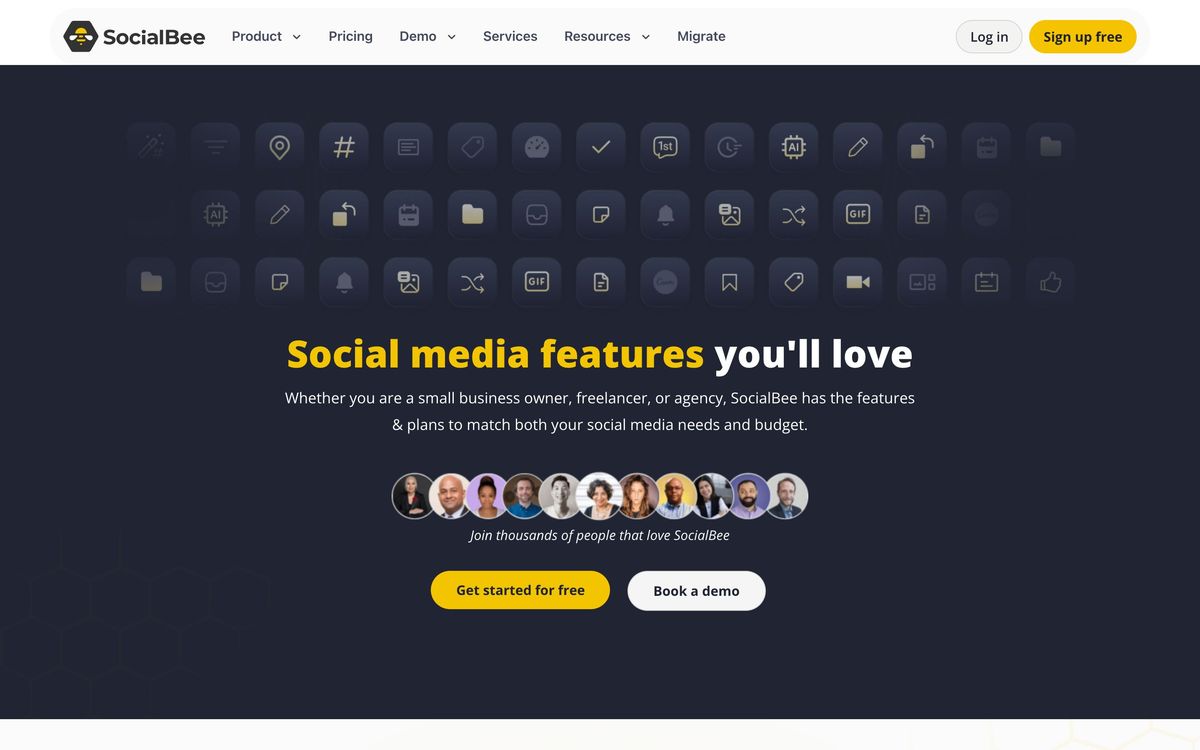
- Content categories, each with an independent posting schedule and an option to recycle evergreen items
- Native publishing to Facebook, Instagram, X, LinkedIn, Pinterest, TikTok, YouTube, Threads, Bluesky and Google Business Profile
- AI post generation plus a Copilot that drafts a content strategy and fills the initial categories
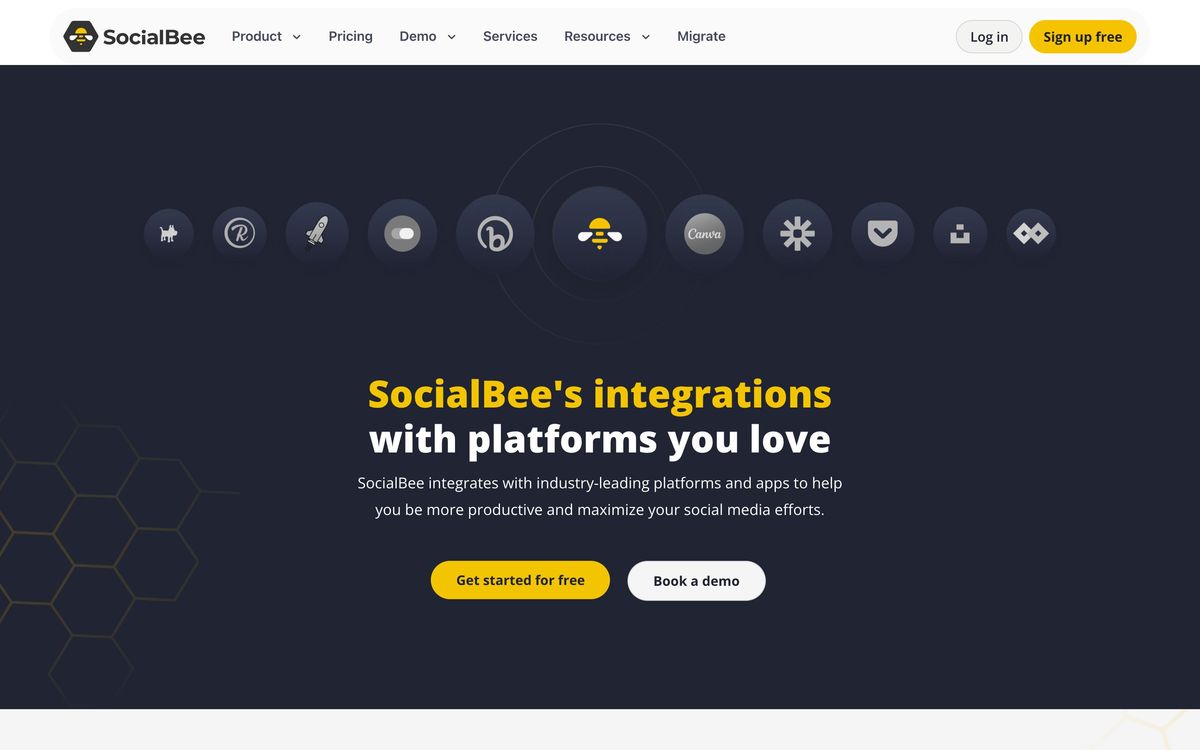
- Canva, Unsplash and GIPHY hooked into the composer, so visuals are picked without leaving the editor
- Unified inbox that collects comments, mentions and messages from connected accounts in one stream
- Workspaces with per-client separation, user roles, internal comments, approval steps and PDF reporting
Who it's for
The product earns its keep for solo marketers, small in-house teams and boutique agencies running somewhere between five and fifty profiles. The category system pays off when the same library of content is worth repeating, which describes local services, coaches, SaaS blogs and anyone with a stable set of offers. Agencies benefit from workspaces that keep client approvals separate without buying a second tool.
It is a poor fit for large brand teams that need governance, listening across the wider web and comparative competitor analytics, since the reporting is deliberately lighter than that. It is also awkward for anyone who wants a plain drag-and-drop calendar and nothing else, because the categories add a layer of setup that only repays a business posting consistently over months.
How it compares
Buffer is simpler and cheaper for a handful of profiles but has no equivalent of the evergreen category queue and thinner client separation. Hootsuite and Sprout Social both go far deeper on analytics, listening and approval governance, at prices that only make sense for teams with a dedicated social function. Publer sits closest on price and features, with a similar recycling concept, though SocialBee's workspace model and Copilot onboarding are more polished for agency use.
Verdict
SocialBee is a specialist disguised as a generalist. Its category-and-queue model is the right answer for a small operation that needs a full calendar every week without inventing new content every week, and the workspace features make client work manageable at a price a two-person agency can carry. The trade-offs are that the analytics stay descriptive rather than diagnostic, the interface asks for a genuine learning week, and profile-count pricing can push an agency into a higher tier faster than the revenue arrives. For evergreen-heavy accounts it is one of the better values in the category; for teams whose main question is why a campaign performed, it is not the reporting tool they want.
Ready to try SocialBee?
More marketers tools like SocialBee
AISQ Meteor
3.9Bundles 10 agency tools (SEO, social, email, content, competitor intel) into one unified AI stack
Read AISQ Meteor review →Influencer Hero
4.1Creator discovery, outreach, gifting, affiliate tracking and UGC collection for direct-to-consumer brands.
Read Influencer Hero review →PartnerStack
4.1Partner program platform for B2B SaaS: recruit affiliates and resellers, track deals, pay everyone once.
Read PartnerStack review →Manychat
4.0Automates Instagram, WhatsApp and Messenger conversations, including comment-to-DM keyword replies.
Read Manychat review →Iconosquare
3.9Social media analytics and reporting across eight networks, with scheduling and a unified inbox attached.
Read Iconosquare review →Later
3.9Visual social scheduler with a link-in-bio page and an influencer marketing arm bolted alongside it.
Read Later review →