
Later review
Visual social scheduler with a link-in-bio page and an influencer marketing arm bolted alongside it.
Still the most comfortable scheduler for visual-first brands, though analytics depth arrives only on the top tier and the influencer side is a separate, quote-only business.
Pros
- The calendar and media library are built for planning by image, which suits Instagram and TikTok work better than a list-based queue
- Auto-publishing covers the main networks, including Reels and Shorts, rather than sending a reminder to post manually
- Link in Bio pages are managed inside the same tool and track clicks through to the destination
- Best-time-to-post recommendations are derived per profile instead of applying one global schedule
- Approvals, custom roles and a shared inbox arrive on the mid tier, which is early compared with rivals
Cons
- Post volume is capped per profile on the lower plans, so a busy account can hit the ceiling mid-month
- Analytics history is limited to a few months on the entry plan, and competitive benchmarking sits only on the top tier
- The influencer marketing platform is a separate, quote-only product rather than an upgrade inside the scheduler
Later pricing
List prices in USD per month, taken from the vendor at review time.
| Plan | Per month | What it covers |
|---|---|---|
| Starter | $18.75 | per month on annual billing; 1 social set of 8 profiles, 1 user, 30 posts per profile |
| Growth | $37.50 | per month on annual billing; 2 social sets, 2 users, 180 posts per profile, social inbox |
| Scale | $82.50 | per month on annual billing; 6 social sets, 4 users, unlimited posts, competitive benchmarking |
What Later actually does
Later began as an Instagram scheduler and still behaves like one in the best sense: the calendar is visual, the media library sits beside it, and a post is composed by dragging an image or a clip into a slot. Publishing now runs automatically to Instagram, TikTok, Facebook, Pinterest, LinkedIn, YouTube and Threads, with the format quirks of each network handled at upload. A Link in Bio page, managed in the same account, gives the profile link somewhere useful to point and reports what was clicked.
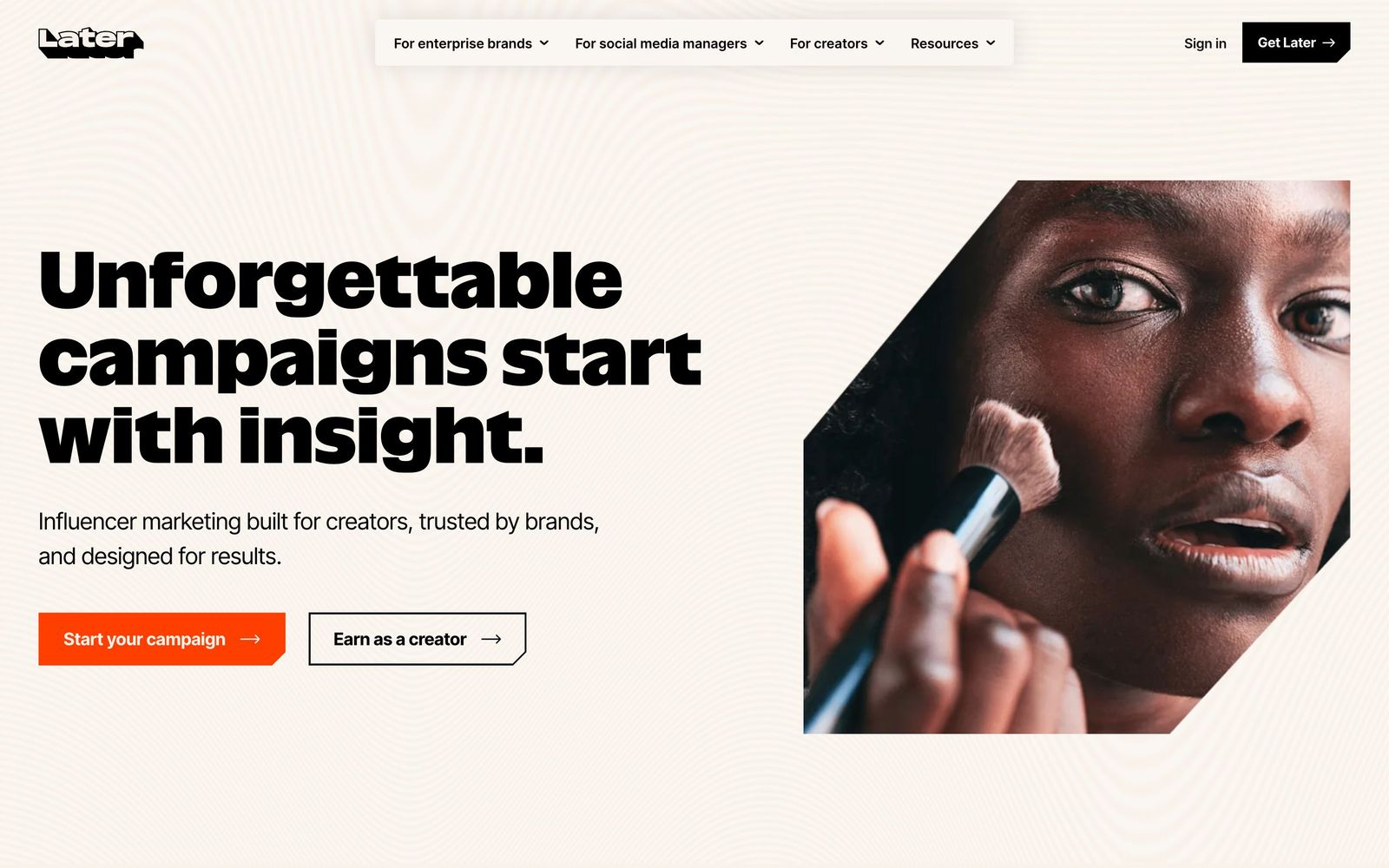
The company has since grown a second business through acquisition. Alongside the scheduler sit an influencer marketing platform for finding creators, agreeing rates and measuring campaigns, a full-service arm where Later staff run those campaigns, and a creator commerce network for affiliate links. Those are sold separately from the subscription plans and priced through sales conversations, which means a marketer buying the scheduler is buying only the first product, with the rest available as a later upgrade rather than an included feature.
Key features
The scheduler is the part covered by published pricing, and it is organised around planning a visual feed.
- Visual content calendar with drag-and-drop scheduling and a shared media library
- Auto-publishing across the main networks, including short-form video formats
- Link in Bio pages with click tracking through to the destination
- Best time to post calculated per profile rather than from a global average
- Social inbox for comments and messages, with approvals and custom roles on paid tiers
- Analytics on posts, profiles and, on the highest plan, competitor benchmarking
Who it's for
Later suits a solo social manager or a small in-house team publishing daily to visual networks, particularly brands whose feed matters aesthetically: fashion, food, hospitality, fitness, consumer goods. The plan structure fits that shape well, since a single social set covers one brand's profiles and the mid tier adds the approvals a two-person team needs. Agencies managing a handful of clients can work within the top tier's six social sets before the cost stops making sense.
It is a weak choice for teams whose reporting obligations are serious. Analytics history is short on the entry plan and the deeper measurement features are concentrated at the top, which pushes small teams into a tier they may not otherwise need. Organisations with heavy text and link publishing on LinkedIn or X will find the visual-first design unhelpful, and anyone whose main need is influencer campaign management should treat that as a separate purchase with its own evaluation.
How it compares
Buffer is cheaper and simpler with a cleaner queue model, but its planning view and media handling are plainer. Sprout Social is far stronger on reporting, listening and team workflow, at several times the price per seat, and is the correct answer when marketing has to defend results to a board. Hootsuite covers more networks and bulk operations but feels dated and pushes buyers toward long contracts. Later wins on the planning experience for image and video-led brands, and on Link in Bio; it loses on analytics depth and on flexibility for last-minute changes.
Verdict
For the job of planning and publishing a visual feed, Later remains pleasant to use and reliable at the moment of publishing, which is the only moment that matters. The per-profile timing advice is better than a generic schedule, and the Link in Bio product removes a separate subscription. The caveats are worth weighing before committing to a year: post caps on the lower plans can bite a busy account, analytics history is short until the top tier, caption and hashtag suggestions need editing, and the influencer marketing capability that dominates the marketing is a different purchase entirely. Visual brands with modest reporting needs will be happy; measurement-driven teams should look at a heavier platform.
Ready to try Later?
More marketers tools like Later
SocialBee
4.1Social media scheduling built around content categories, with an evergreen queue and client workspaces.
Read SocialBee review →Manychat
4.0Automates Instagram, WhatsApp and Messenger conversations, including comment-to-DM keyword replies.
Read Manychat review →AISQ Meteor
3.9Bundles 10 agency tools (SEO, social, email, content, competitor intel) into one unified AI stack
Read AISQ Meteor review →Iconosquare
3.9Social media analytics and reporting across eight networks, with scheduling and a unified inbox attached.
Read Iconosquare review →Shorby
3.6Link-in-bio pages with messenger buttons, retargeting pixels and click tracking for social traffic.
Read Shorby review →Motion
4.5Creative analytics for paid social: visual reports and AI tagging that show which ad creatives perform.
Read Motion review →