
Shorby review
Link-in-bio pages with messenger buttons, retargeting pixels and click tracking for social traffic.
A capable link-in-bio builder for marketers who care about pixels and attribution, though it has no free plan and the page builder has aged next to Linktree and Beacons.
Pros
- Retargeting pixels can be attached to the page and to individual links, so bio traffic feeds ad audiences instead of vanishing
- Messenger buttons for WhatsApp, Telegram and Messenger are first-class blocks rather than plain links, which suits chat-led selling
- The built-in shortener with custom slashtags and a custom domain keeps campaign links on brand and measurable
- Blocks accept images, video, text, products and RSS feeds, so a page can pull in fresh content without manual edits
- Agency tier supports a large number of pages under one account, which fits managing bios for several clients
Cons
- No free plan at all, while Linktree, Beacons and Instagram's own tools give competitors a permanent free tier to compare against
- Page design stops at themes and block ordering: no custom CSS, no real layout control, and templates look dated beside newer builders
- Pixel and page allowances are tiered, so a marketer running several tracking pixels per client is pushed to the top plan quickly
Shorby pricing
List prices in USD per month, taken from the vendor at review time.
| Plan | Per month | What it covers |
|---|---|---|
| Rocket | $15 | billed monthly; lower on annual billing |
| Pro | $29 | billed monthly; lower on annual billing |
| Agency | $99 | billed monthly; lower on annual billing |
What Shorby actually does
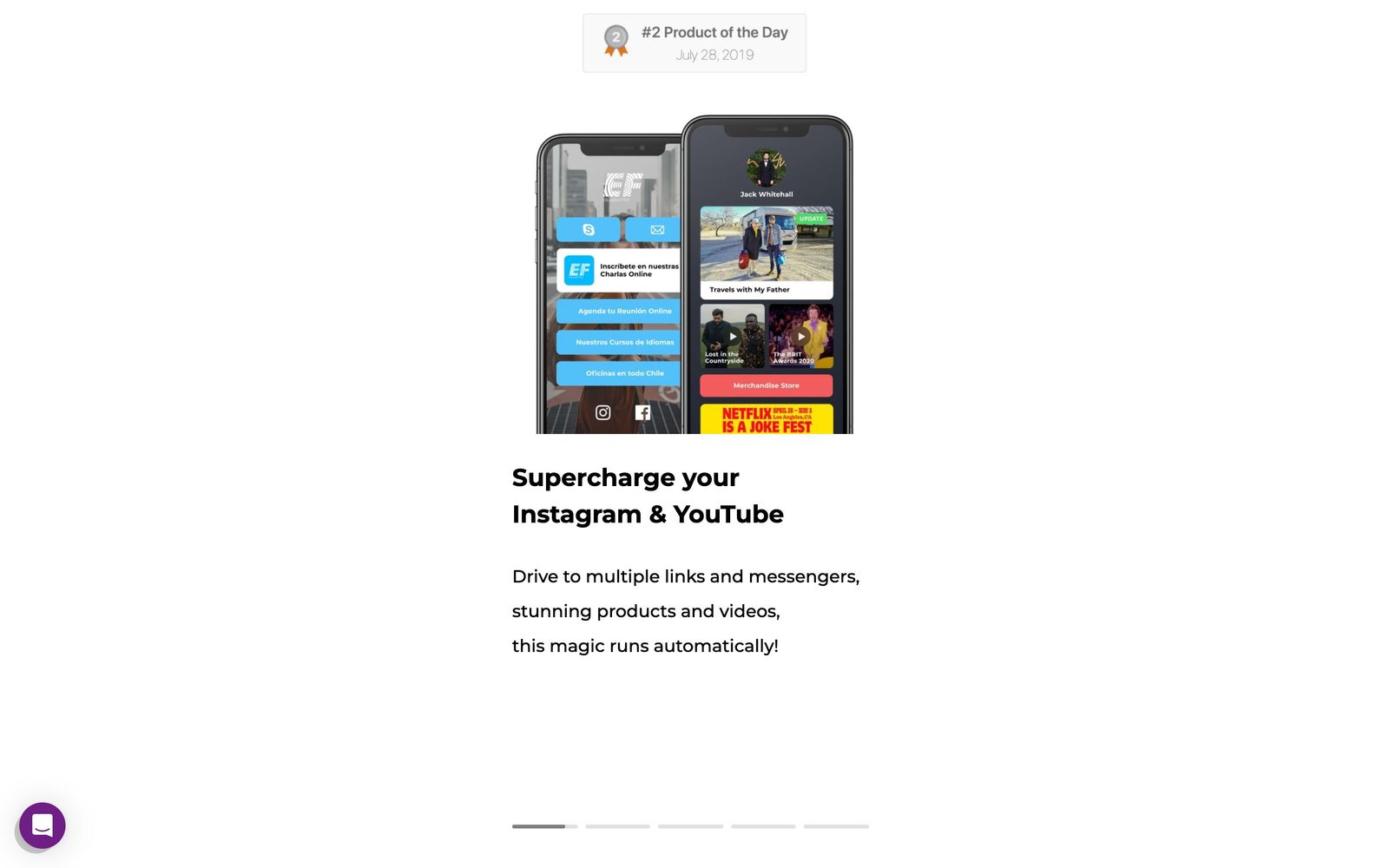
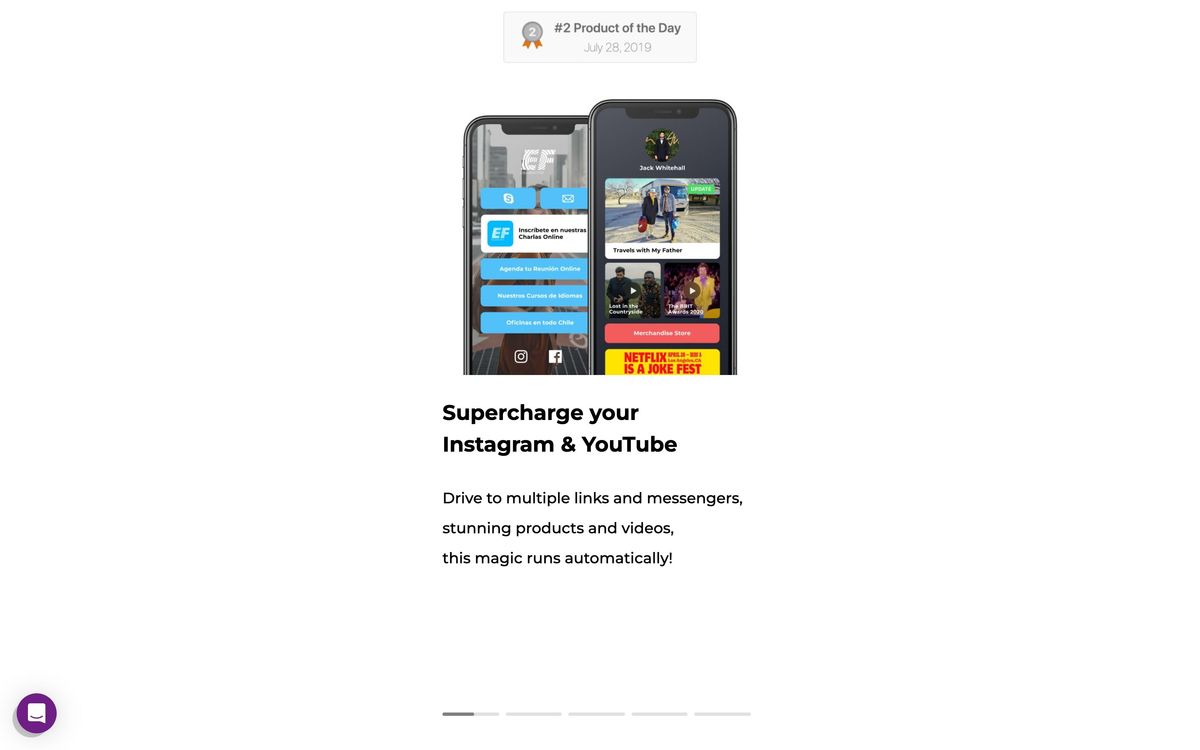
Shorby, which the vendor now also brands as Shor at shor.by, builds the small page that sits behind a social profile link. A page is assembled from three parts: messenger buttons, content blocks and social icons. Blocks hold links with a thumbnail and a description, or pull content in automatically from an RSS feed, a YouTube channel or a store catalogue. The whole thing is edited in the browser and published to a Shorby subdomain, a custom slashtag or a domain of your own. A first page takes about ten minutes.
What distinguishes it from the free link-in-bio tools is the tracking layer. Shorby attaches retargeting pixels to the page and to individual links, so someone who taps through from a bio can be added to an ad audience. It also includes a URL shortener with custom slashtags, per-link click counts and Google Analytics pass-through. The product is built around the assumption that bio traffic is paid traffic, or at least traffic worth measuring, which is why its natural buyer is a marketer or an agency rather than a hobbyist.
Key features
The scope is narrow by design; almost everything here serves one page and its links.
- Micro landing page builder with link blocks, social icons and preset themes
- Messenger blocks that open WhatsApp, Telegram, Messenger or Viber threads from a single tap
- Retargeting pixel support at both page and link level, with allowances that rise by plan
- A link shortener with custom slashtags and custom domain support
- Dynamic blocks that pull posts and products from RSS, YouTube, Shopify and Etsy
- Per-link click analytics alongside Google Analytics pass-through
Who it's for
Shorby makes sense for social media managers, affiliate marketers and small agencies whose bio links carry commercial weight. If you run Instagram or TikTok campaigns and want the click to end up in a retargeting audience, the pixel handling is the reason to pay. The agency plan, which allows a large number of pages under one login, fits a shop maintaining bios for a roster of clients. Chat-led businesses get a second reason: the messenger blocks turn a profile visit into a conversation without an intermediate landing page.
It is a poor purchase for creators who just need a tidy list of links. That job is done well and free by Linktree, Beacons and several others, and Shorby has no free tier to meet them with. It is also wrong for anyone who wants a real landing page: there is no layout editor, no custom CSS and no form logic, so a campaign page with sections and a lead capture form belongs in a proper builder.
How it compares
Linktree is the default and the hardest competitor: a free plan, a bigger template library and better mobile polish, though its analytics and pixel handling only open up on paid tiers. Beacons goes further on creator monetisation with stores, tip jars and email capture built in, and is the better pick for someone selling their own products. Taplink sits closest to Shorby on price and on the messenger-and-pixel angle, and is often cheaper for a single user. Against all three, Shorby's argument is tracking depth per page and multi-page management for agencies; its weakness is that the page itself looks and feels older.
Verdict
Shorby does a specific job competently: it turns a social bio into a measured, retargetable entry point rather than a plain list of links. For a marketer running paid social, that is worth a monthly fee, and the messenger and shortener pieces reduce the number of tools involved. The caveat is competitive rather than technical. Free alternatives now cover the basic case well, the design options here have not kept pace, and the entry plan's pixel and page limits push serious users up the price ladder faster than the headline suggests. Buy it for the tracking, not for the page.
Ready to try Shorby?
More marketers tools like Shorby
Webflow
4.3Visual builder that writes real HTML and CSS, with a CMS marketing teams can edit without developers.
Read Webflow review →Landingi
4.2Landing page platform with 400+ templates, AI page generation, built-in event tracking, and bulk page updates.
Read Landingi review →Influencer Hero
4.1Creator discovery, outreach, gifting, affiliate tracking and UGC collection for direct-to-consumer brands.
Read Influencer Hero review →RGE Studio
4.1Drag-and-drop email and landing page builder that exports into whichever platform you already send from.
Read RGE Studio review →SocialBee
4.1Social media scheduling built around content categories, with an evergreen queue and client workspaces.
Read SocialBee review →Manychat
4.0Automates Instagram, WhatsApp and Messenger conversations, including comment-to-DM keyword replies.
Read Manychat review →