
Webflow review
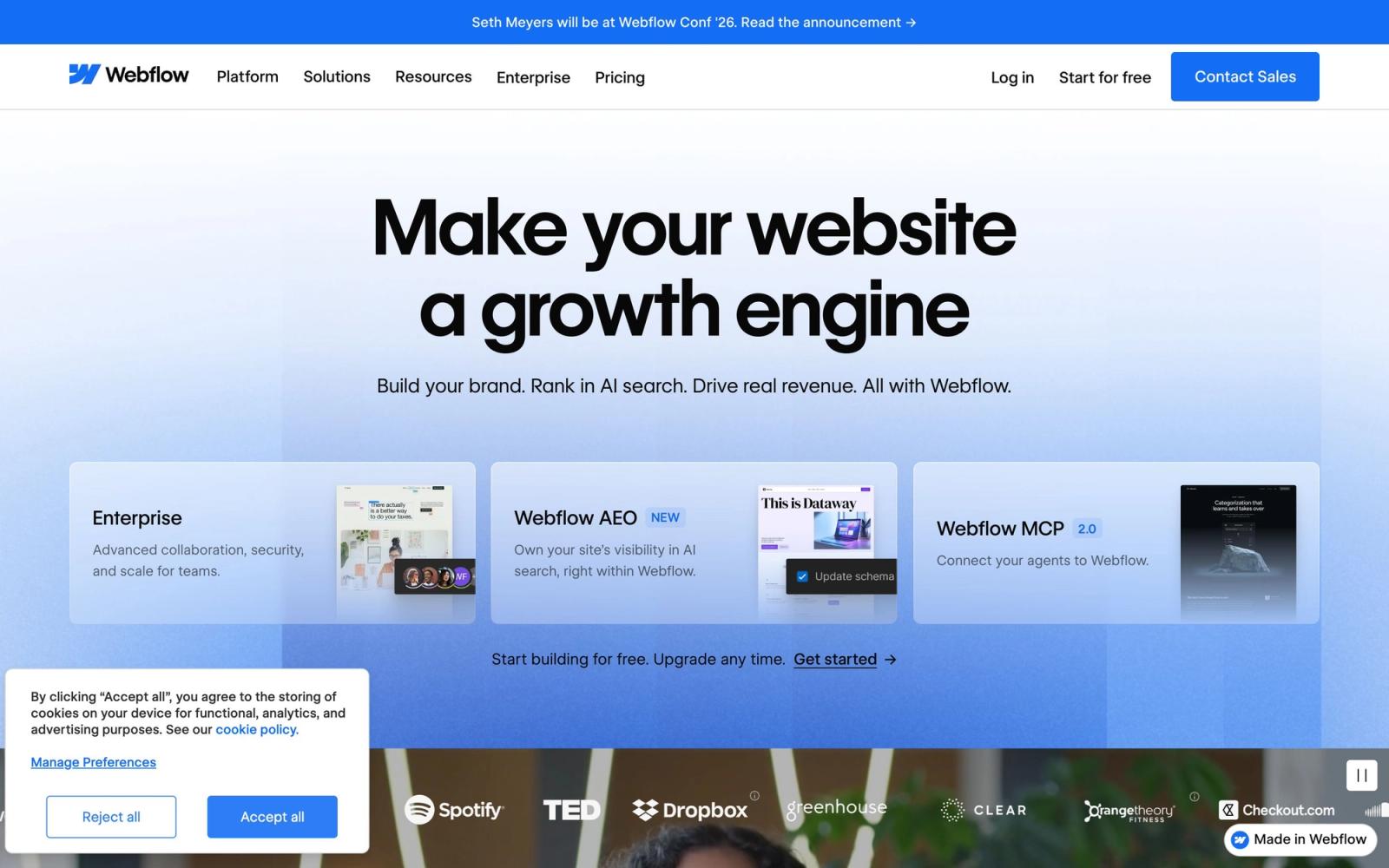
Visual builder that writes real HTML and CSS, with a CMS marketing teams can edit without developers.
The best visual builder for marketing sites a team needs to control itself, though the learning curve assumes CSS knowledge and site plans are billed per site rather than per account.
Pros
- The canvas maps directly onto the box model, so what is built is standard HTML and CSS rather than a proprietary layout format
- The CMS lets marketers and editors publish into structured collections without touching design or code
- Reusable components and shared style classes keep a large site consistent as pages accumulate
- Hosting, CDN, SSL and form handling are included with a site plan, so there is no separate infrastructure to run
- The Figma app syncs a design system into Webflow styles rather than requiring a manual rebuild
Cons
- Site plans are charged per published site, so an agency or a company with several domains multiplies the bill
- The builder assumes familiarity with the box model, flexbox and cascading styles; marketers without that grounding stall early
- Server-side logic and complex application behaviour still need external services, so anything beyond a marketing site outgrows it
Webflow pricing
List prices in USD per month, taken from the vendor at review time. Custom means quote-only.
| Plan | Per month | What it covers |
|---|---|---|
| Starter | Custom | webflow.io subdomain, no custom domain |
| Basic site plan | $15 | per site, billed yearly, 300 static pages, no CMS; 25 monthly |
| Premium site plan | $25 | per site, billed yearly, 20,000 CMS items and 40 collections; 39 monthly |
What Webflow actually does
Webflow is a visual builder that draws real web pages. Rather than arranging blocks inside a template, a designer works on a canvas that maps onto the box model directly: elements are divs, sections and links, spacing is margin and padding, layout is flexbox or grid, and styling happens through named classes that cascade the way CSS does. The output is standards-based markup and stylesheets. That single decision explains both the appeal and the difficulty. Anyone who understands how web pages are built can work quickly and precisely; anyone who does not is being asked to learn CSS through a graphical interface.
The second half of the platform is content. A CMS collection defines typed fields, text, rich text, image, date, reference to another collection, and a collection page template renders each item. Marketing teams get an Editor mode where they can add and publish items without permission to touch design. Around this sits managed hosting with a CDN, SSL, form handling and a staging subdomain, plus an apps marketplace covering the usual marketing connections. In May 2026 the site-plan lineup was simplified: the old CMS and Business plans merged into a single Premium plan that includes a large CMS allowance by default, the static page limit on the entry plan doubled, and AI credits were added to workspace plans.
Key features
The parts that decide whether a team can run a site here:
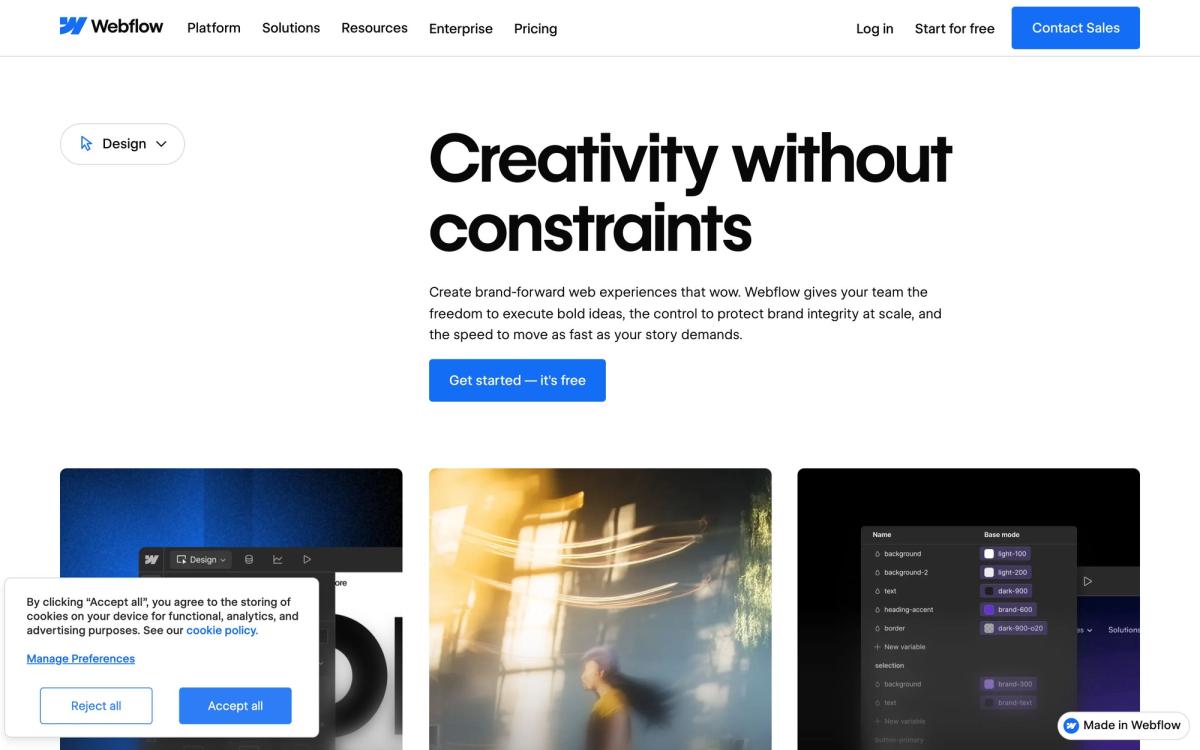
- A visual canvas producing standards-based HTML and CSS, with class-based styling and cascading inheritance
- CMS collections with typed and reference fields, driving templated collection pages
- Reusable components with editable properties, plus variables for colour, spacing and type
- Managed hosting with CDN, SSL, form submissions and a staging subdomain for review
- Editor mode that lets non-technical staff publish content without design access
- Integrations and apps covering Zapier, HubSpot, Mailchimp, Google Analytics, Figma and Shopify
Who it's for
The best fit is a marketing team that owns its website and resents queueing behind engineering to change a headline. With one person who knows CSS building the system, classes, components, collections, the rest of the team can publish pages and posts indefinitely without opening a ticket. Agencies and freelancers building marketing sites for clients are the other core audience, since a site can be handed over with editing rights but not design rights.
It disappoints two groups. Marketers with no front-end grounding find the canvas unforgiving: the concepts that make it precise are the same ones that make it hard, and template-first tools will get them live faster. And product teams trying to build an application will keep meeting the boundary, because server-side logic, authenticated experiences and complex data operations live outside Webflow and have to be stitched in from other services. Cost is the third consideration: plans are charged per published site, so a company with several domains pays several times over.
How it compares
WordPress remains cheaper and endlessly extensible, at the price of plugin maintenance, security patching and a hosting decision. Framer is faster to learn and pleasant for landing pages and smaller marketing sites, with a shallower CMS and less control over responsive detail. Squarespace and Wix win outright for a small business that wants a good-looking site this week and never intends to think about it again. Shopify is the correct answer for a real store. Webflow sits where design control, a workable CMS and non-technical publishing all matter at once, a narrower slot than its marketing suggests, but one it occupies better than anything else.
Verdict
Webflow earns its position because it does not hide the web behind an abstraction: what is built is what ships, and the CMS is genuinely usable by people who will never open the designer. For a marketing team with one CSS-literate builder, it removes a bottleneck permanently. The caveats are the learning curve, which is steeper than the demos imply and defeats marketers expecting a page builder, and the per-site billing, which turns a multi-domain portfolio into a recurring cost worth modelling before committing. Teams matching that profile should buy it. Teams wanting to assemble a site from templates by Friday should not.
Ready to try Webflow?
There's a free tier, so you can test it before committing.
More marketers tools like Webflow
Pagecloud
3.7Drag-and-drop website builder with popups, forms and cookie-free analytics for small business sites.
Read Pagecloud review →Ploy
3.5AI site builder that also identifies visitors, writes SEO pages and reports on paid campaigns.
Read Ploy review →Outgrow
4.0Builder for calculators, quizzes and assessments that qualify a visitor before asking for an email.
Read Outgrow review →Instapage
3.9Landing page builder for paid traffic, with server-side A/B testing and ad-to-page matching.
Read Instapage review →Leadpages
3.9Landing pages, pop-ups and opt-in forms with unlimited traffic on every plan and Stripe checkout built in.
Read Leadpages review →AWeber
3.8Long-running email marketing platform for newsletters, autoresponders and sign-up forms, with a usable free tier.
Read AWeber review →