
Instapage review
Landing page builder for paid traffic, with server-side A/B testing and ad-to-page matching.
A strong post-click platform for teams running many ad campaigns at once, though pages cannot be exported as HTML and the useful testing features sit above the entry plan.
Pros
- Server-side A/B testing with hypothesis tracking, traffic splitting and an experiment history rather than client-side flicker
- AdMap visualises which ad maps to which page, which catches orphaned ads and mismatched messaging in large accounts
- Instablocks and global elements let one header or form change propagate across a whole set of pages
- Dynamic text replacement swaps headline copy to match the keyword or ad that sent the visitor
- All plans include unlimited published pages, conversions and contacts, so success does not immediately trigger an upgrade
Cons
- There is no HTML export: pages built here stay here, and leaving the platform means rebuilding every page elsewhere
- A/B testing, multi-step forms and dynamic text replacement are withheld from the entry plan, and heatmaps plus ad-to-page personalization only appear on the quoted enterprise tier
- Mobile layouts often need element-by-element adjustment rather than inheriting cleanly from the desktop design
Instapage pricing
List prices in USD per month, taken from the vendor at review time.
| Plan | Per month | What it covers |
|---|---|---|
| Create | $79 | billed annually, 15,000 unique monthly visitors, 10 team members; $99 month-to-month |
| Optimize | $159 | billed annually, 30,000 unique monthly visitors; $199 month-to-month |
What Instapage actually does
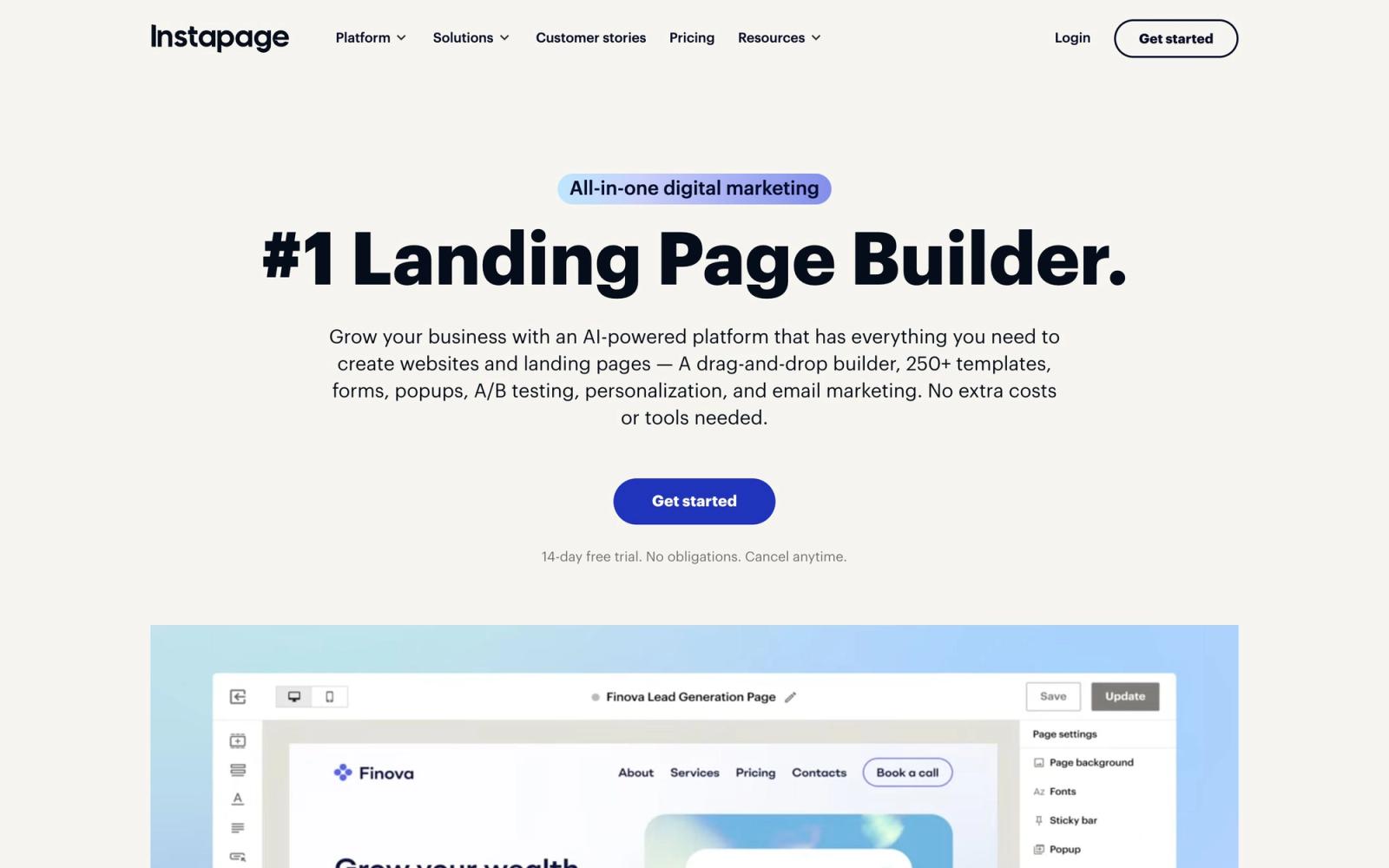
Instapage builds and hosts landing pages for paid campaigns. Pages are assembled in a drag-and-drop editor that mixes a free-form canvas with a fluid grid, published to a subdomain or a custom domain, and then measured: conversions, experiments and, on the top tier, heatmaps. The pitch has always been post-click, meaning the page a visitor lands on after clicking an ad, rather than a general website builder, and the feature set follows that focus.
The parts that matter to an ad team sit around the editor. AdMap draws the relationship between ad groups and pages so a campaign with forty ads and four pages is visible as a diagram rather than a spreadsheet. Server-side A/B testing splits traffic before the page renders, avoiding the visible flicker of client-side tools. Dynamic text replacement rewrites headlines to match the search term. Instablocks and global elements keep a form or footer consistent across dozens of pages. The company is now part of the airSlate group, which also owns signNow and pdfFiller, and the product has picked up AI copy generation, email and contact storage along the way.
Key features
What a paid-media team is actually buying:
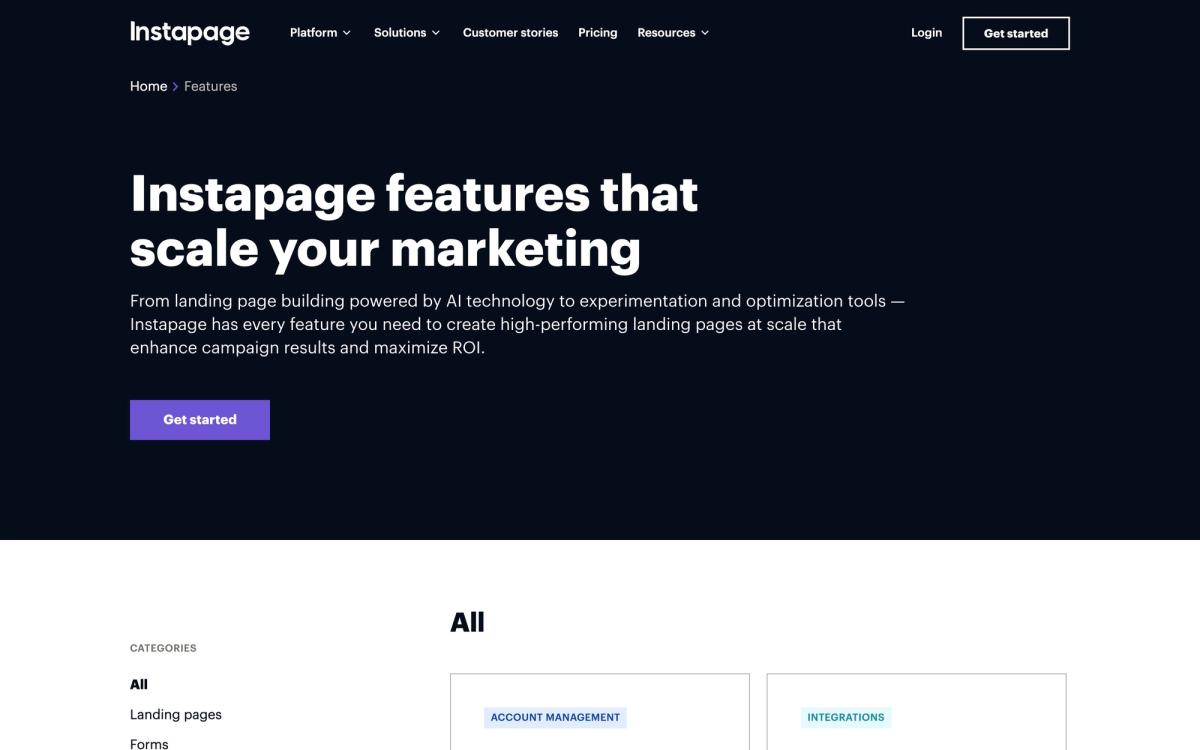
- Canvas and grid editor with 200-plus templates, reusable Instablocks and real-time collaboration
- Server-side experimentation with hypothesis notes, scheduling, custom traffic splits and experiment history
- AdMap for mapping ads to pages and finding campaigns pointing at the wrong destination
- Dynamic text replacement plus, on the enterprise tier, ad-to-page personalization and heatmaps
- Form builder with multi-step forms, triggered popups, sticky bars and stored contacts
- Unlimited pages, conversions and contacts on every plan, with visitor volume as the metered limit
Who it's for
The economics work for teams spending enough on ads that a percentage point of conversion rate covers the subscription: performance agencies, lead-generation businesses, SaaS teams running search and social at scale. Anyone building dozens of near-identical pages per campaign gets real leverage from Instablocks and AdMap, and the experimentation tooling is stronger than what most page builders offer.
Small businesses needing three pages and a form should look elsewhere; the entry plan costs more than most competitors' top tier and still withholds A/B testing. Teams that want to keep their pages if they cancel should also think twice, because there is no HTML export. Developers who would rather own the markup will find the platform restrictive by design. Page speed deserves a test before committing, too, since hosted builders add weight that shows up in ad platform quality diagnostics, and mobile layouts often need manual attention after the desktop version is finished.
How it compares
Unbounce sits at a similar price with a comparable builder, adds AI-driven traffic routing, and is generally friendlier for smaller teams, though its campaign-mapping story is weaker. Landingi is markedly cheaper and covers the basics of building and testing pages, but lacks the experiment depth and enterprise controls. Webflow offers far more design freedom and real code export, at the cost of no built-in experimentation and a steeper learning curve. Instapage wins where ad-to-page structure and server-side testing matter more than design flexibility or portability.
Verdict
Instapage remains one of the better post-click platforms for teams whose problem is scale: many ads, many pages, and a need to know which variant actually performs. The experimentation engine and AdMap are the reasons to pay. The reasons to hesitate are structural rather than cosmetic. Feature gating pushes serious users onto the second tier or into a sales conversation, and the absence of HTML export turns a subscription into a dependency. Worth it for a team with real ad spend, hard to justify for anyone else.
Ready to try Instapage?
More marketers tools like Instapage
RGE Studio
4.1Drag-and-drop email and landing page builder that exports into whichever platform you already send from.
Read RGE Studio review →Outgrow
4.0Builder for calculators, quizzes and assessments that qualify a visitor before asking for an email.
Read Outgrow review →Leadpages
3.9Landing pages, pop-ups and opt-in forms with unlimited traffic on every plan and Stripe checkout built in.
Read Leadpages review →AWeber
3.8Long-running email marketing platform for newsletters, autoresponders and sign-up forms, with a usable free tier.
Read AWeber review →Pagecloud
3.7Drag-and-drop website builder with popups, forms and cookie-free analytics for small business sites.
Read Pagecloud review →Shorby
3.6Link-in-bio pages with messenger buttons, retargeting pixels and click tracking for social traffic.
Read Shorby review →