
AWeber review
Long-running email marketing platform for newsletters, autoresponders and sign-up forms, with a usable free tier.
A dependable, well-delivered newsletter tool with a generous free plan, though its automation builder has fallen behind the platforms that treat sequences as the main event.
Pros
- Deliverability is the quiet strength: decades of sender relationships with the major inbox providers, and it shows in inbox placement
- The free plan is a working product rather than a trial, covering a real list size and monthly send volume with the design tools included
- Support is answered by people, by phone, chat and email, which is unusual at this price and rare among the newer entrants
- Sign-up forms, landing pages and the email builder sit in one account, so a small operator does not need a separate page tool
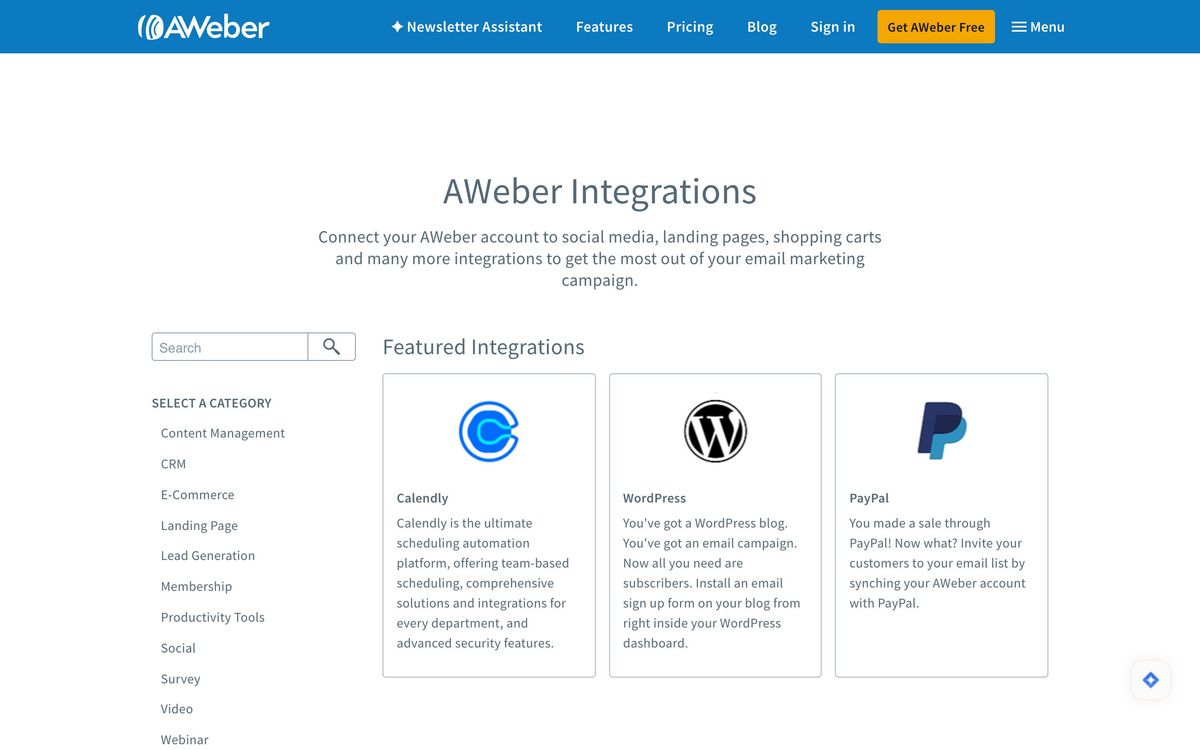
- The integration list is long and old, covering the ecommerce, CMS and payment tools a small business is likely to already run
Cons
- The automation builder cannot branch on conditions the way Kit's or Mailchimp's journeys can, so anything beyond a linear welcome sequence gets awkward
- The entry paid plan is capped at one list, three landing pages and three automations, which pushes anyone doing segmentation onto the higher tier quickly
- Pricing scales with subscriber count rather than sends, so a large but lightly mailed list costs the same as an active one
AWeber pricing
List prices in USD per month, taken from the vendor at review time.
| Plan | Per month | What it covers |
|---|---|---|
| Free | Free | up to 500 subscribers and 3,000 emails a month |
| Lite | $12.49 | from, billed annually; one list, three landing pages, three automations |
| Plus | $19.99 | from, billed annually; unlimited lists, pages and automations, branding removed |
| Done For You | $20 | from, billed annually, plus a one-time setup fee |
What AWeber actually does
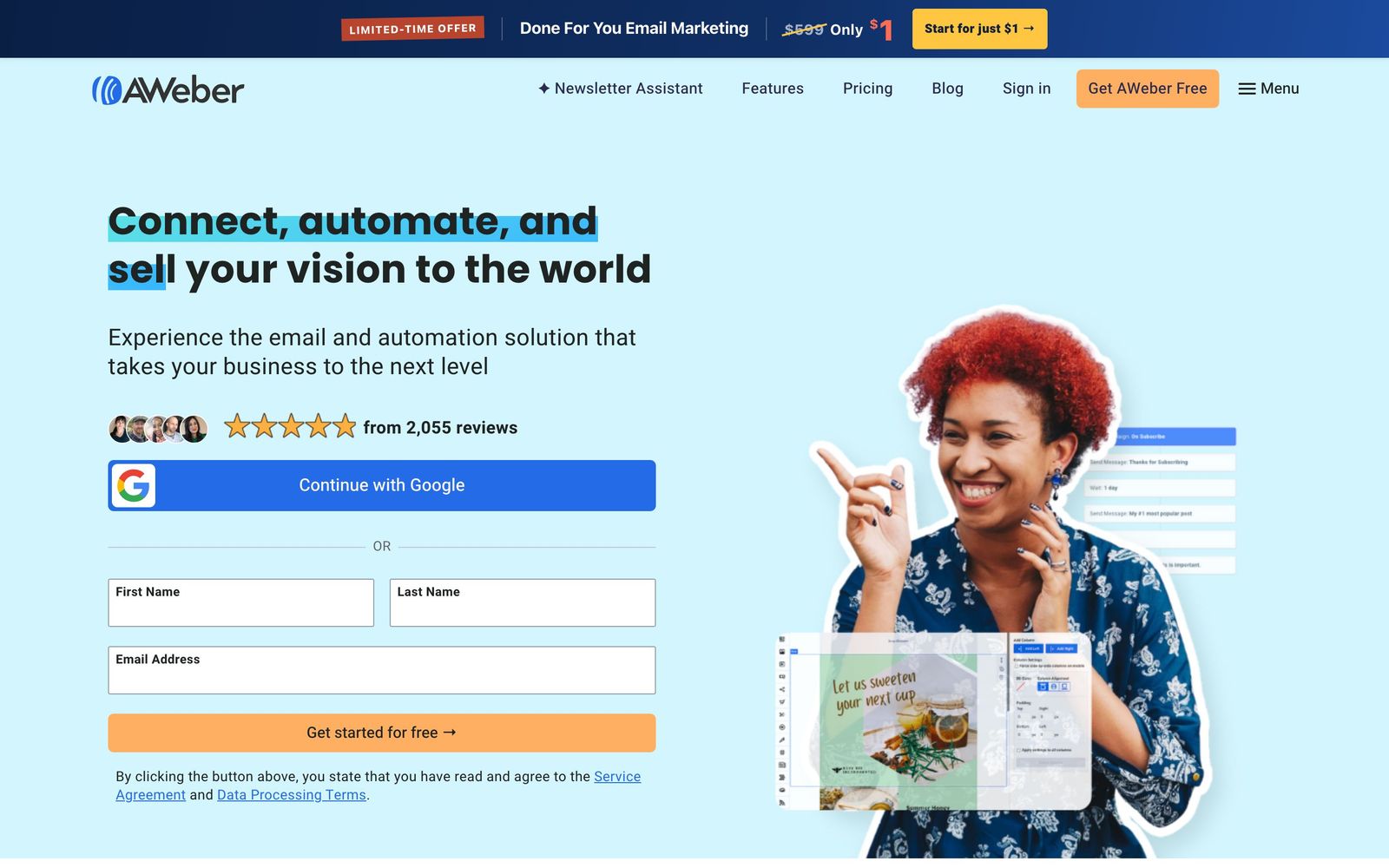
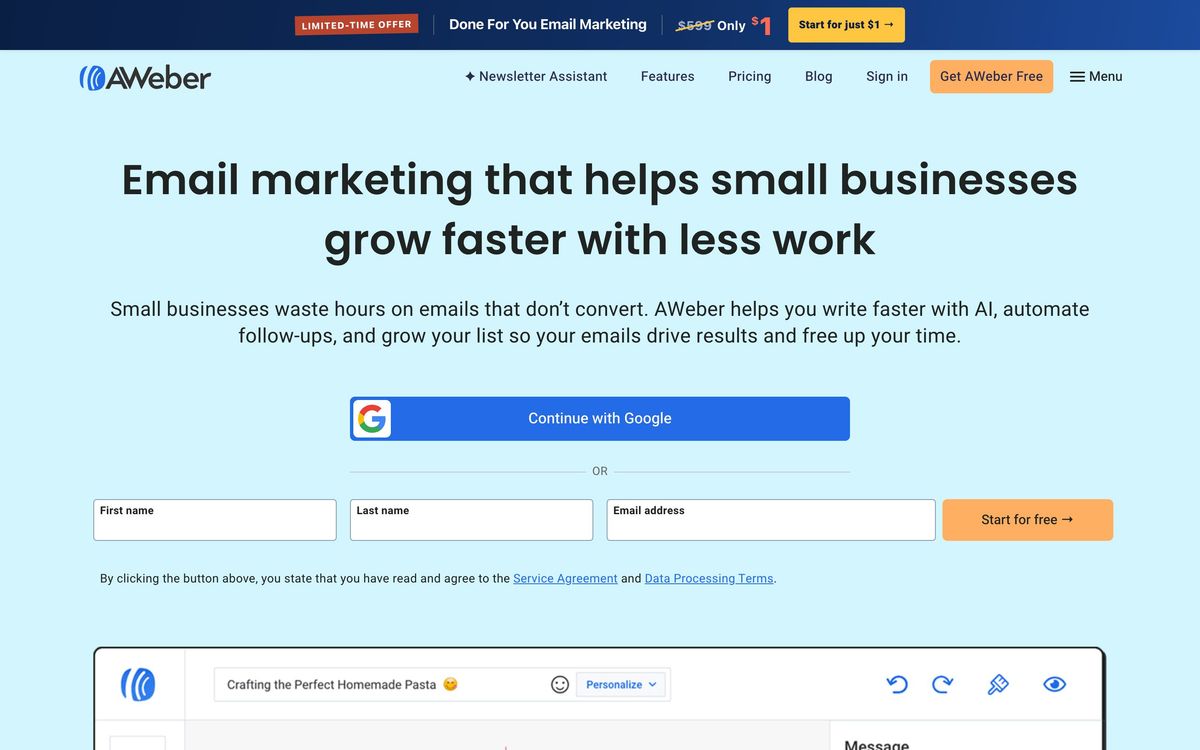
AWeber is one of the oldest email marketing platforms still trading under its own name, and its shape reflects that history. The centre of the product is a list, a drag-and-drop email designer and an autoresponder: collect addresses through a form or landing page, send a newsletter, and follow up new subscribers with a sequence that runs on a schedule. Everything happens in a browser account that also holds the forms, the hosted pages and the reporting.
The modern additions are sensible rather than ambitious. Tags drive segmentation and can trigger a campaign. An AI-assisted designer will assemble a branded template from a website address. Ecommerce integrations pull purchase events from Shopify, WooCommerce, Stripe and PayPal so a customer can be mailed differently from a subscriber. There is also a managed option in which AWeber's staff build the first set of emails, landing pages and workflows and hand back a working account. Free use is capped by subscriber count and monthly sends; paid plans lift those limits and add unlimited lists and automations.
Key features
The feature set covers the fundamentals thoroughly and stops there:
- Drag-and-drop email designer with a large template library and an AI-assisted layout generator
- Campaign automations for welcome series, autoresponders and tag-triggered follow-ups
- Sign-up forms and hosted landing pages built in the same editor as the emails
- Segmentation by tag, subscriber field and behaviour, with unlimited lists above the entry tier
- Purchase-data integrations with Shopify, WooCommerce, Stripe and PayPal
- A done-for-you setup service that delivers a configured account rather than a blank one
Who it's for
AWeber suits the operator who sends a regular newsletter and wants it to arrive: a consultant, a local business, a course seller, a small publisher. The free tier makes it a reasonable first list for someone with no budget, the phone support matters to people who do not want to file a ticket and wait, and the deliverability record is the single best reason to choose it over a cheaper newcomer.
It is the wrong tool for lifecycle marketing. A team that wants a subscriber's path to fork on conditions, opened but did not click, bought once but not twice, in trial for eleven days, will hit the automation ceiling almost immediately, because the campaign flows run in a line rather than branching on state. Ecommerce brands that need product-level triggers and revenue attribution belong on Klaviyo. And anyone whose list is large but rarely mailed will resent paying for stored subscribers rather than for sends.
How it compares
Kit, formerly ConvertKit, wins outright on automation and tagging for creators and is the obvious upgrade path when sequences matter more than newsletters. Mailchimp offers a more capable journey builder and a much larger app ecosystem, at a price that rises faster and with support that is harder to reach on lower plans. Brevo undercuts both by charging for sends rather than contacts, which suits large dormant lists, though its editor and templates are less refined. Constant Contact is AWeber's closest peer in age, audience and philosophy; the choice between them usually turns on which interface a particular person finds less irritating.
Verdict
AWeber has aged into a specific role: a reliable, well-supported newsletter platform whose email reaches inboxes and whose free plan is honest. For a small business that sends a weekly note and a welcome sequence, that is the whole job, and the product does it without drama. The reservation is that the market moved toward conditional automation and behavioural triggers, and AWeber did not move with it. Anyone whose plans involve branching journeys or ecommerce lifecycle mail should read the automation documentation carefully before committing a list to it.
Ready to try AWeber?
There's a free tier, so you can test it before committing.
More marketers tools like AWeber
RGE Studio
4.1Drag-and-drop email and landing page builder that exports into whichever platform you already send from.
Read RGE Studio review →Customer.io
4.3Behaviour-triggered messaging across email, SMS, push and in-app, built on your own event data.
Read Customer.io review →GetResponse
4.3All-in-one email marketing platform with automation, AI tools, webinars, and creator monetization features.
Read GetResponse review →Webflow
4.3Visual builder that writes real HTML and CSS, with a CMS marketing teams can edit without developers.
Read Webflow review →CleverTap
4.2Behavioural analytics and cross-channel campaigns for teams whose customers live inside a mobile app.
Read CleverTap review →Landingi
4.2Landing page platform with 400+ templates, AI page generation, built-in event tracking, and bulk page updates.
Read Landingi review →