
Leadpages review
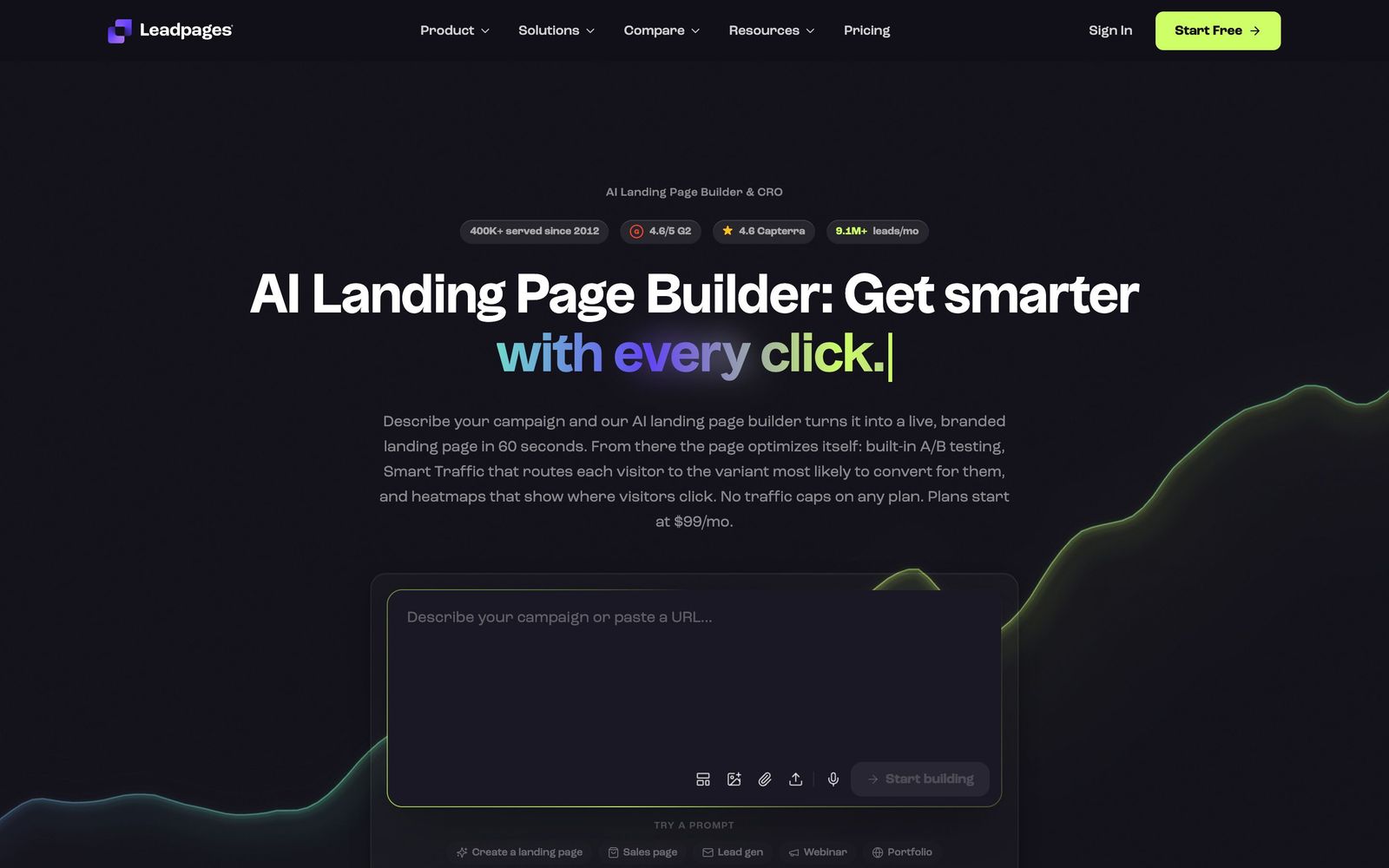
Landing pages, pop-ups and opt-in forms with unlimited traffic on every plan and Stripe checkout built in.
The most affordable serious landing page builder because traffic is never metered, though the editor is slower and less precise than Unbounce's on a demanding layout.
Pros
- Traffic is unlimited on every plan, so a campaign that works does not raise the bill the way metered builders do.
- Pop-ups, alert bars and inline opt-in forms are included rather than sold as a separate conversion product.
- Stripe checkout sections allow selling a product or deposit from a page without a storefront behind it.
- Native connections to HubSpot, Salesforce, Klaviyo, ActiveCampaign and Mailchimp, plus Zapier, webhooks and an API.
- The HTML Pub tier publishes hand-written or AI-generated HTML to a custom domain at a fraction of the platform price.
Cons
- A/B testing is manual and absent from the cheaper HTML Pub tiers, so entry-level buyers cannot test what they publish.
- The drag-and-drop editor resists precise layouts; matching a brand guideline takes noticeably longer than in Unbounce or Instapage.
- Auto-renewal and cancellation handling draw the most consistent complaints in public reviews.
Leadpages pricing
List prices in USD per month, taken from the vendor at review time.
| Plan | Per month | What it covers |
|---|---|---|
| HTML Pub Starter | $5 | 5 pages, 1 custom domain, no A/B testing |
| HTML Pub Business | $25 | 50 pages, 2 custom domains |
| Grow | $50 | unlimited pages, 4 domains, A/B testing, 12 months of analytics |
| Optimize | $100 | unlimited pages, 6 domains, 24 months of analytics |
| Scale | $200 | unlimited pages, 10 domains, 36 months of analytics |
What Leadpages actually does
Leadpages builds and hosts the pages that sit at the end of an ad or an email: a lead magnet opt-in, a webinar registration, a booking page, a simple sales page. Pages are assembled in a drag-and-drop editor from a template library, published either to a Leadpages subdomain or to a custom domain, and connected to whatever CRM or email tool collects the resulting contact. Around the pages sit the other capture surfaces, pop-ups triggered by exit intent, timing or scroll depth, alert bars, and inline forms that can be embedded on an existing site.
Two structural decisions distinguish it. The first is that traffic is never metered: no plan charges for visitors or throttles a page that suddenly works, which is the opposite of how most of the category prices itself. The second is that payments are built in, so a Stripe checkout section can turn a landing page into a way of taking a deposit or selling a single product without a storefront. Alongside the main platform the company now sells HTML Pub, a much cheaper publishing layer that hosts hand-written or AI-generated HTML on a custom domain without the page builder or the testing tools.
Key features
What a marketer uses in a normal campaign.
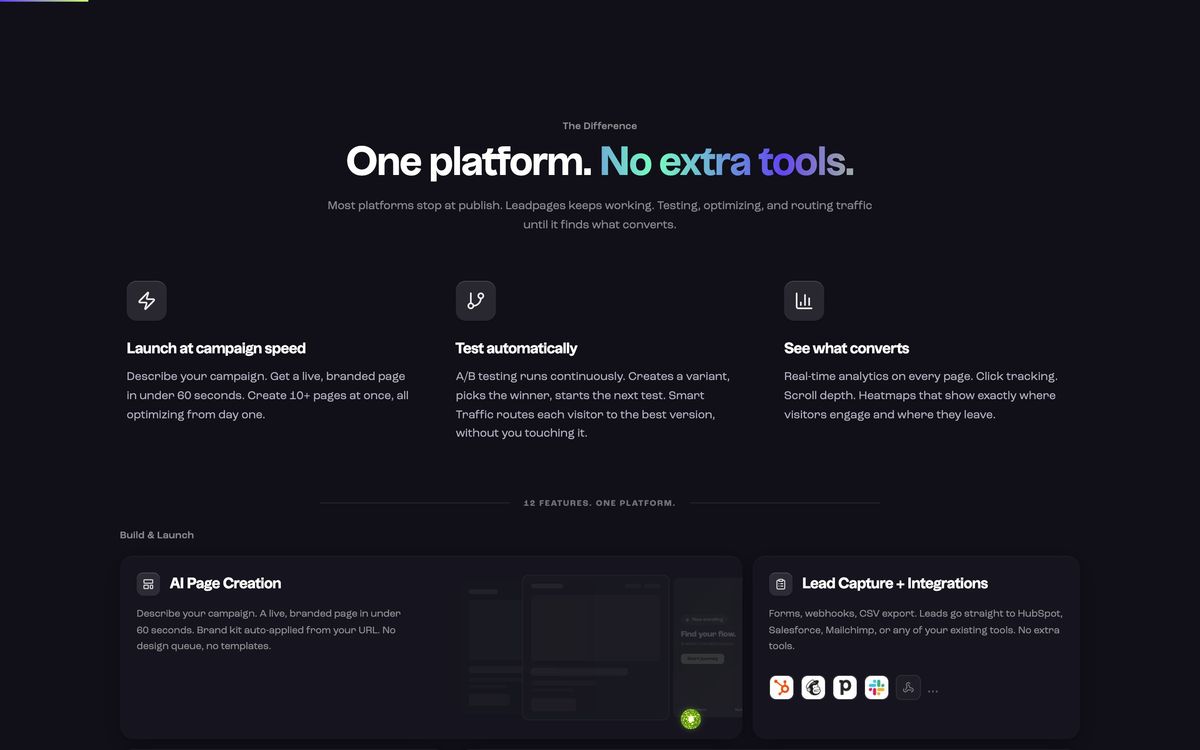
- Drag-and-drop page builder with a template library and separate mobile layouts
- Pop-ups, alert bars and inline opt-in forms with trigger and timing rules
- Unlimited pages and unlimited traffic on the full platform tiers
- Manual A/B testing with conversion analytics retained for one to three years depending on tier
- Stripe checkout and payment sections placed directly on a page
- HTML Pub for publishing custom or AI-generated HTML to a custom domain
Who it's for
The buyer this suits is a small team or a solo marketer who needs pages live this week and has no developer to ask: a coach selling a program, a local service business running paid search, an agency handling several client campaigns on one account. Unlimited traffic makes it the safest option for anyone whose spend is unpredictable, and the included pop-ups mean one subscription covers what often takes two.
It is the wrong tool for a design-led team with a strict brand system, because the editor will cost more time than it saves. It is also thin for a business that needs the full funnel, since order bumps, upsells, membership areas and affiliate tracking are not part of the product. And anyone whose optimization program depends on statistical rigor will find manual A/B testing, absent entirely on the cheapest tiers, a real constraint.
How it compares
Unbounce and Instapage both give more design control and better testing infrastructure, and both charge considerably more, with Instapage in particular priced for enterprise ad teams. Unbounce also meters conversions, which changes the arithmetic once a campaign scales. ClickFunnels is a different product entirely: a funnel builder with checkouts, upsells and membership areas, more expensive and more than most lead generation campaigns need. Carrd and Framer undercut Leadpages badly on price for simple pages but bring no lead capture, testing or CRM integration layer. Leadpages sits in the middle, and unmetered traffic is the single argument that most often decides it.
Verdict
Leadpages is the sensible default for lead generation on a small budget. Unlimited traffic removes the anxiety that comes with metered plans, pop-ups and forms are included rather than upsold, and Stripe checkout covers the common case of selling one thing from one page. The HTML Pub tier is a genuinely interesting addition for anyone generating pages with AI who only needs hosting and a domain. The reservations are consistent and worth weighing: the editor fights precise layouts, A/B testing is manual and restricted to the higher tiers, and the billing complaints in public reviews cluster tightly enough around auto-renewal that a calendar reminder before the annual date is prudent. For campaigns where speed and cost matter more than pixel control, it earns its keep.
Ready to try Leadpages?
More marketers tools like Leadpages
Outgrow
4.0Builder for calculators, quizzes and assessments that qualify a visitor before asking for an email.
Read Outgrow review →Gravity Forms
4.2A WordPress form plugin for lead capture, payments and multi-step workflows, with data staying in your own database.
Read Gravity Forms review →Landingi
4.2Landing page platform with 400+ templates, AI page generation, built-in event tracking, and bulk page updates.
Read Landingi review →RGE Studio
4.1Drag-and-drop email and landing page builder that exports into whichever platform you already send from.
Read RGE Studio review →Wistia
4.1Video hosting, recording and analytics for marketing teams that need viewer data, not view counts.
Read Wistia review →Uniqode
4.0Dynamic QR codes with scan analytics, bulk management and digital business cards for distributed teams.
Read Uniqode review →