
Crazy Egg review
Heatmaps, scrollmaps and session recordings for finding out where a page loses visitors before they convert.
Still one of the quickest ways to see why a landing page underperforms, though Microsoft Clarity now does the core watching for nothing and Crazy Egg's testing tools have not kept pace.
Pros
- Snapshot reports, heatmap, scrollmap, confetti and element list, read clearly enough to put in front of a client without translation
- Installation is one snippet or a one-click app on Shopify, WordPress, Wix or Squarespace
- A/B testing, surveys and popup CTAs are bundled, so acting on a finding does not require a second vendor
- Confetti view segments clicks by source and device, which separates paid traffic behaviour from organic
- Plans are priced by tracked pageviews with clear limits rather than an opaque enterprise quote
Cons
- No rage-click detection, a standard signal in both Hotjar and Microsoft Clarity for spotting frustrated repeat clicking
- Session recordings sample traffic instead of capturing every visit, so a rare bug can be missed entirely
- The A/B testing module has a documented flicker on variation load, and funnel analysis is too shallow for multi-step checkouts
Crazy Egg pricing
List prices in USD per month, taken from the vendor at review time.
| Plan | Per month | What it covers |
|---|---|---|
| Starter | $29 | billed annually, 5,000 tracked pageviews and 50 recordings a month |
| Plus | $99 | billed annually, 150,000 tracked pageviews and 1,000 recordings a month |
| Pro | $249 | billed annually, 500,000 tracked pageviews and 5,000 recordings a month |
| Enterprise | $599 | billed annually, 1,000,000 tracked pageviews and 10,000 recordings a month |
What Crazy Egg actually does
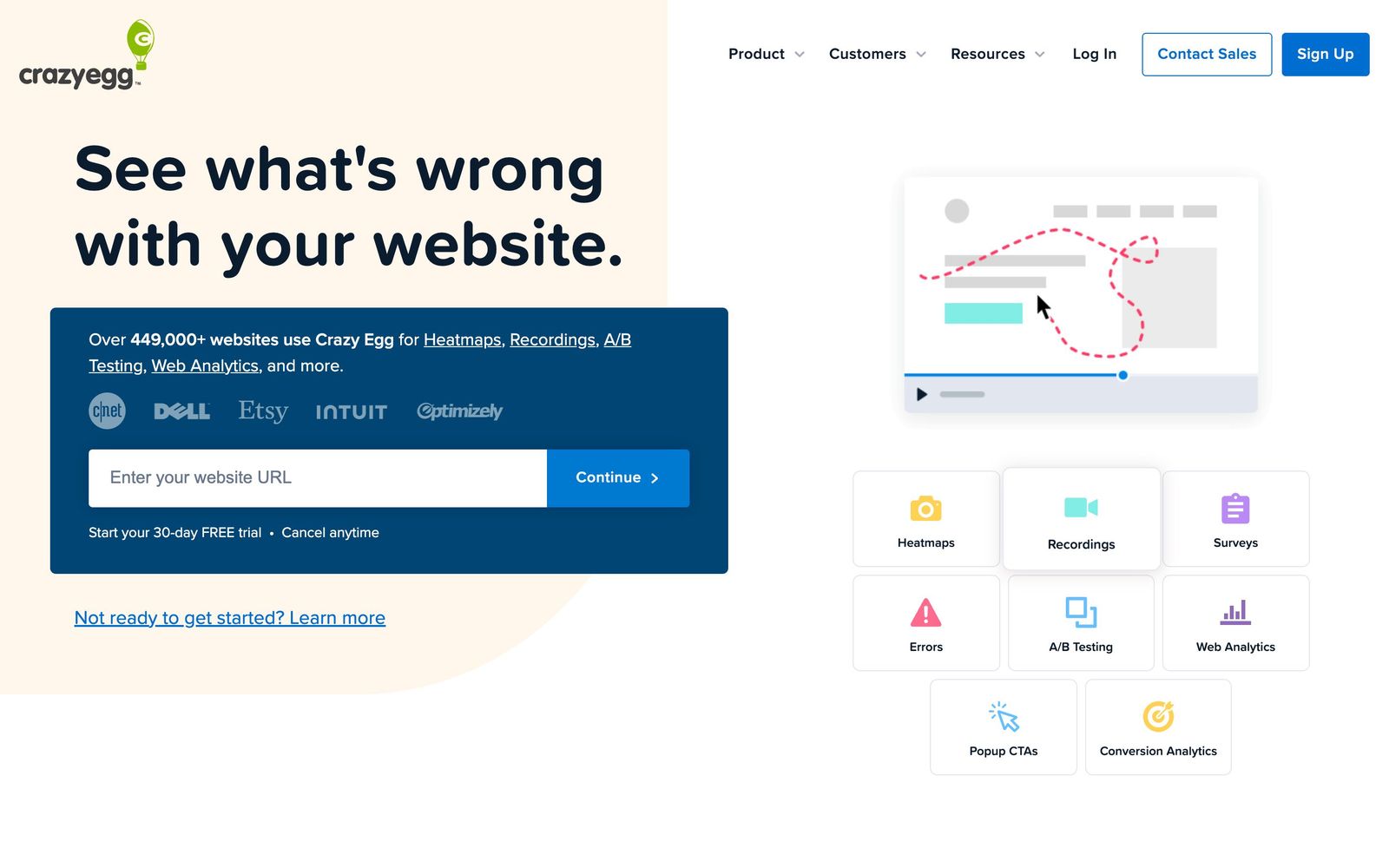
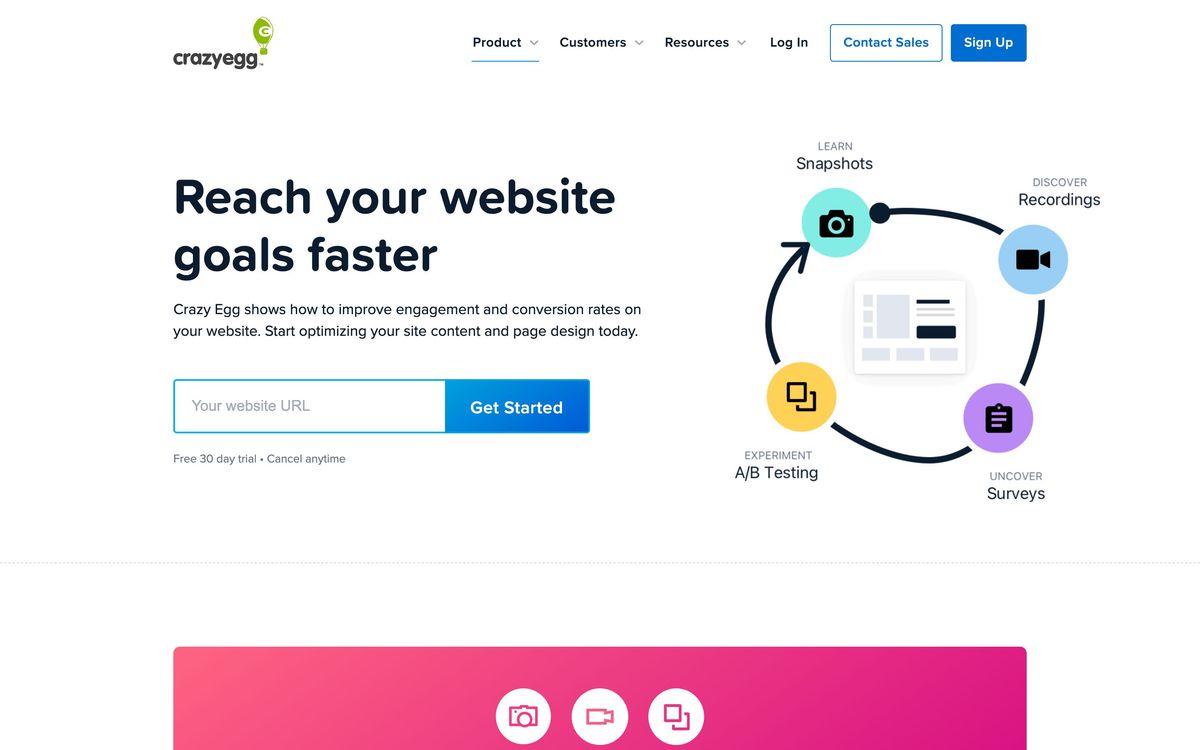
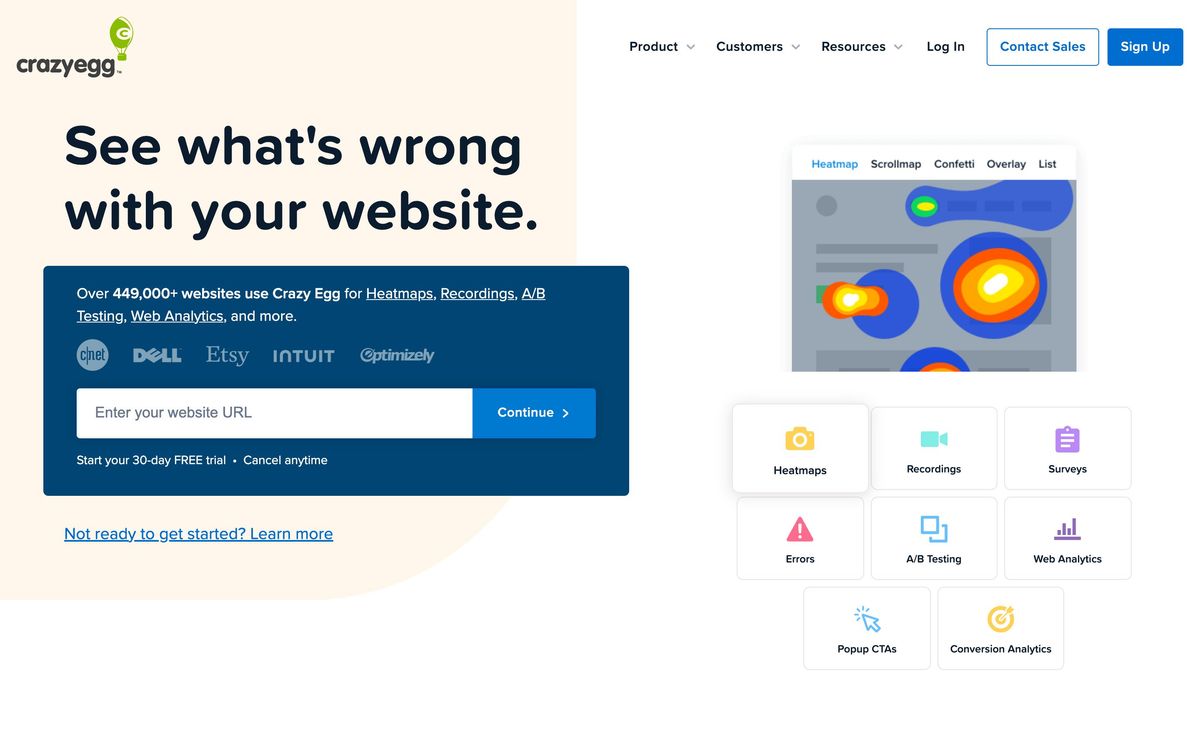
Crazy Egg watches how people behave on a web page and renders it as pictures a marketing team can argue about. Install a single snippet, choose a page, and the product produces a snapshot: a heatmap of clicks, a scrollmap showing how far down the page attention survives, a confetti view that colours each click by traffic source or device, and a list report ranking elements by the clicks they received. The insight is usually blunt and useful, the call to action sits below where four-fifths of visitors stop scrolling, or an unlinked image is absorbing clicks people intended for the button beside it.
Around that core sit the tools for doing something about what you saw. Session recordings play back individual visits. An A/B testing module lets you edit a variation visually and route traffic to it against a goal. Surveys collect stated reasons for leaving, and popup CTAs, buttons and sticky bars can be deployed without a developer. Traffic reporting and error tracking round it out, so the same subscription covers observing, asking and testing. Everything is scoped by tracked pageviews, and the plan you buy is essentially a decision about how much traffic you want measured.
Key features
What the subscription actually includes:
- Heatmap, scrollmap, confetti and element list reports on any page you snapshot
- Session recordings for playback of individual visits
- A/B testing with a visual editor and conversion goals
- On-site surveys, including exit-intent and post-conversion templates
- Popup CTAs, sticky bars and buttons deployed from the dashboard
- Traffic, conversion and error reporting alongside the behavioural reports
Who it's for
Crazy Egg fits a marketing team with a manageable set of pages that matter: a homepage, a few landing pages, a pricing page, a checkout. The reports are legible to people who do not work in analytics, which makes it a good instrument for agencies presenting findings to clients and for in-house marketers who need to persuade someone else to change a page. Bundling the test alongside the observation is the practical advantage over stitching a heatmap tool to a separate experimentation platform.
It suits product teams less well. If the question is why users abandon a five-step onboarding flow, or which cohort churns after a feature launch, the funnel and segmentation depth is not there and a product analytics tool is the right purchase. It is also hard to justify for high-traffic sites on a tight budget, because pageview allowances tighten quickly and the free alternative has become genuinely capable.
How it compares
Microsoft Clarity is the uncomfortable comparison: it is free, has no recording caps, and includes rage-click and dead-click detection that Crazy Egg lacks. What it does not have is A/B testing, surveys or the polished snapshot reporting, so the paid case rests on those. Hotjar, now part of Contentsquare, offers a richer free tier, better funnels and user-interview features, and reviewers generally find it easier to administer, though its post-merger pricing changes have annoyed long-standing customers. FullStory sits above all three with full session capture and proper retroactive analysis, at enterprise cost. Crazy Egg's remaining edge is the bundle and the clarity of its visual reports, not raw analytical depth.
Verdict
Crazy Egg remains a fast, comprehensible way to find out why a page underperforms, and the packaging of heatmaps with testing and surveys keeps a small marketing team inside one tool. The reasons to hesitate are concrete rather than vague: recordings are sampled instead of complete, rage clicks are not detected at all, the A/B module flickers on variation load, and funnel analysis will not survive a multi-step checkout. If a free tool covers the watching and you would use the testing side seriously, the subscription earns its place; if you only want to see where people click, install Clarity first and decide afterwards whether you are missing anything.
Ready to try Crazy Egg?
More marketers tools like Crazy Egg
WhatConverts
4.3Tracks calls, forms, chats and transactions back to the campaign that produced them, in one lead log.
Read WhatConverts review →CleverTap
4.2Behavioural analytics and cross-channel campaigns for teams whose customers live inside a mobile app.
Read CleverTap review →Databox
4.2Analytics platform pulling 130+ data sources into dashboards, automated reports, goals, AI-queried metrics.
Read Databox review →VWO
4.2Experimentation platform pairing A/B and multivariate testing with heatmaps, session recordings and on-site surveys.
Read VWO review →Survicate
4.1Customer feedback platform for website, in-product, email and link surveys with AI theme analysis.
Read Survicate review →Bïrch
4.0Rule-based automation and bulk campaign management for Meta, Google, TikTok and Snapchat ad accounts.
Read Bïrch review →