
VWO review
Experimentation platform pairing A/B and multivariate testing with heatmaps, session recordings and on-site surveys.
The most complete mid-market experimentation suite, combining testing and behaviour analytics in one account, though modules are priced separately and no figures are published before you talk to sales.
Pros
- Testing and behaviour analytics live in one account, so a session recording can be filtered to the visitors who saw a specific variation
- The visual editor lets a marketer change headlines, images and layout without an engineer, while SDKs in eight-plus languages cover server-side and feature-flag work
- Pricing is by monthly tracked users rather than per seat, so giving the whole team access costs nothing extra
- Covers A/B, split URL, multivariate and mobile app testing in a single product rather than splitting them across SKUs
- The Data360 layer and 125-plus integrations let experiment data be joined with analytics and warehouse data
Cons
- Insights, Personalize, Feature Experimentation and Data360 are separate line items, so a full deployment is hard to budget and the sticker price of Testing alone understates the real cost
- VWO does not publish prices on its pricing page; figures appear only after registering or speaking with sales, which makes shortlisting slower than it should be
- Client-side tests can flash the original content before the variation renders unless the snippet is placed and tuned carefully, and diagnosing that flicker falls on the customer
What VWO actually does
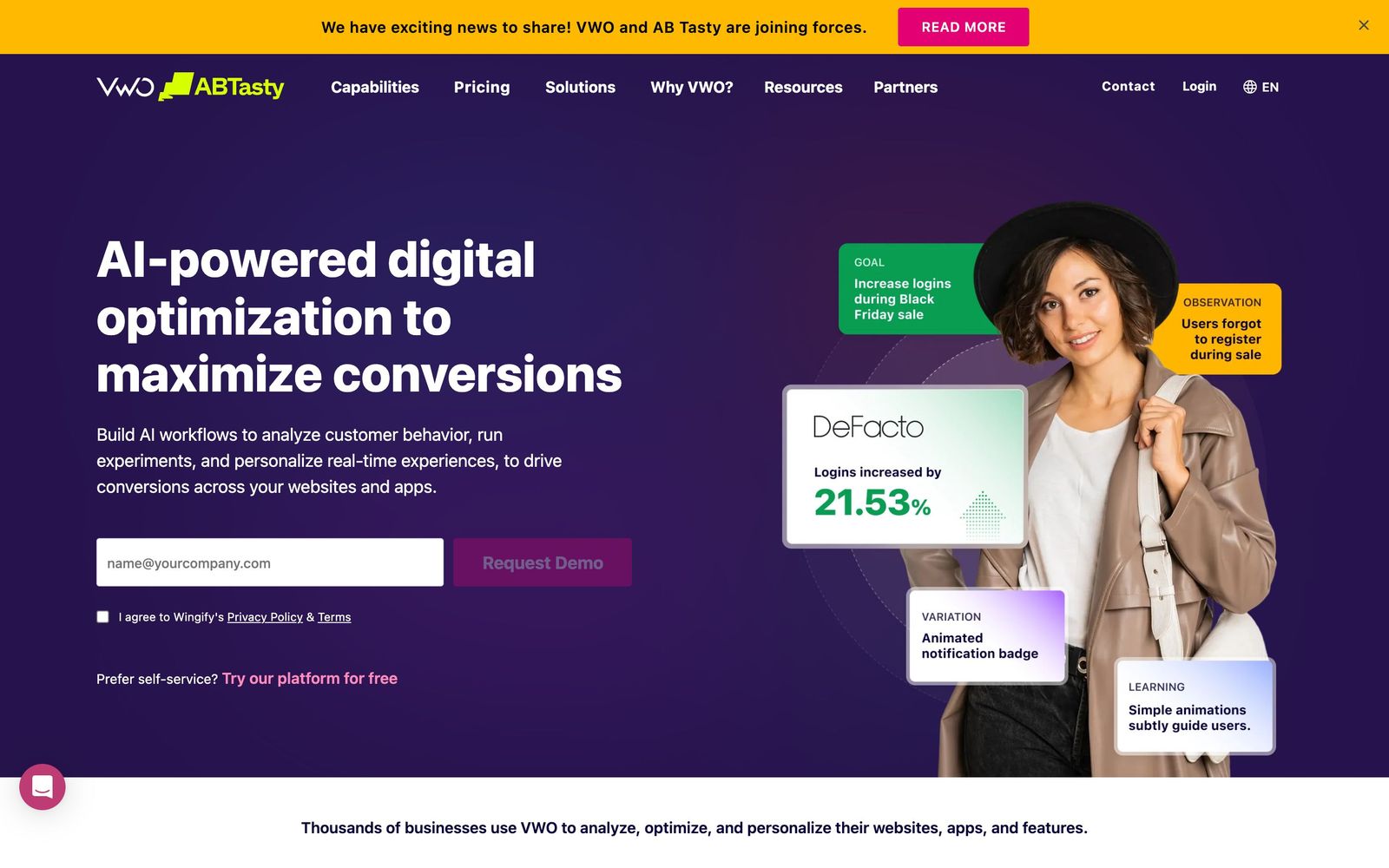
VWO is an experimentation platform for websites and apps. The core product runs controlled tests, A/B, split URL, multivariate and mobile app, and reports which variation moved a chosen metric. Marketers build most tests in a visual editor that overlays the live page and lets headlines, images, buttons and layout be edited without touching source code; engineers can drop into a code editor or use the server-side SDKs when a change is deeper than markup. Feature flags and progressive rollouts sit in the same account, which means a product team can gate a release and measure it with one set of tooling.
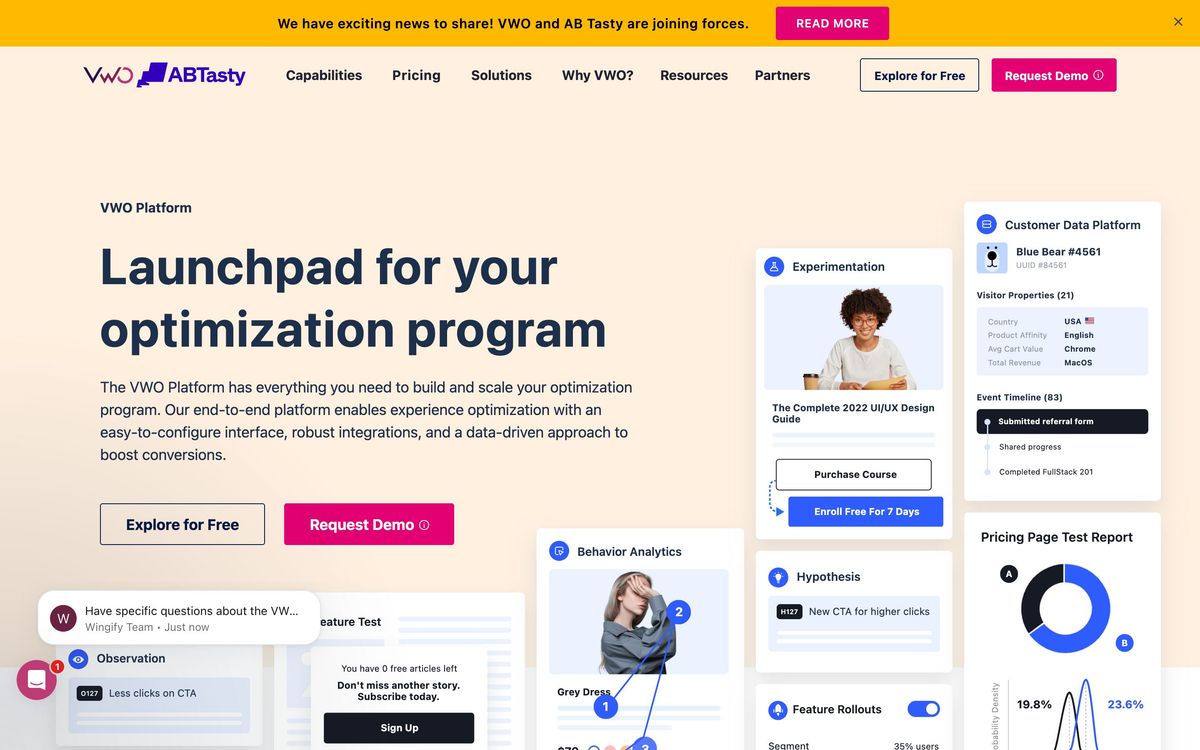
What separates VWO from the pure testing tools is the analytics wrapped around it. Session recordings, heatmaps, funnel reports, form analytics and on-site surveys run on the same visitor data, so the question behind a losing test, what did people actually do on that page, can be answered without exporting to another vendor. A personalisation module targets content at defined segments, a customer data layer called Data360 unifies visitor properties across sources, and an assistive AI layer summarises reports and suggests hypotheses. Everything is delivered as a hosted service installed with a script tag or an SDK.
Key features
VWO is sold as modules; the list below spans the ones most buyers combine.
- Visual and code editors for A/B, split URL and multivariate tests, plus mobile app testing
- Session recordings and heatmaps filterable by campaign, variation and audience segment
- Funnel and form analytics that show where visitors abandon a multi-step flow
- On-site surveys and polls for qualitative input alongside the quantitative result
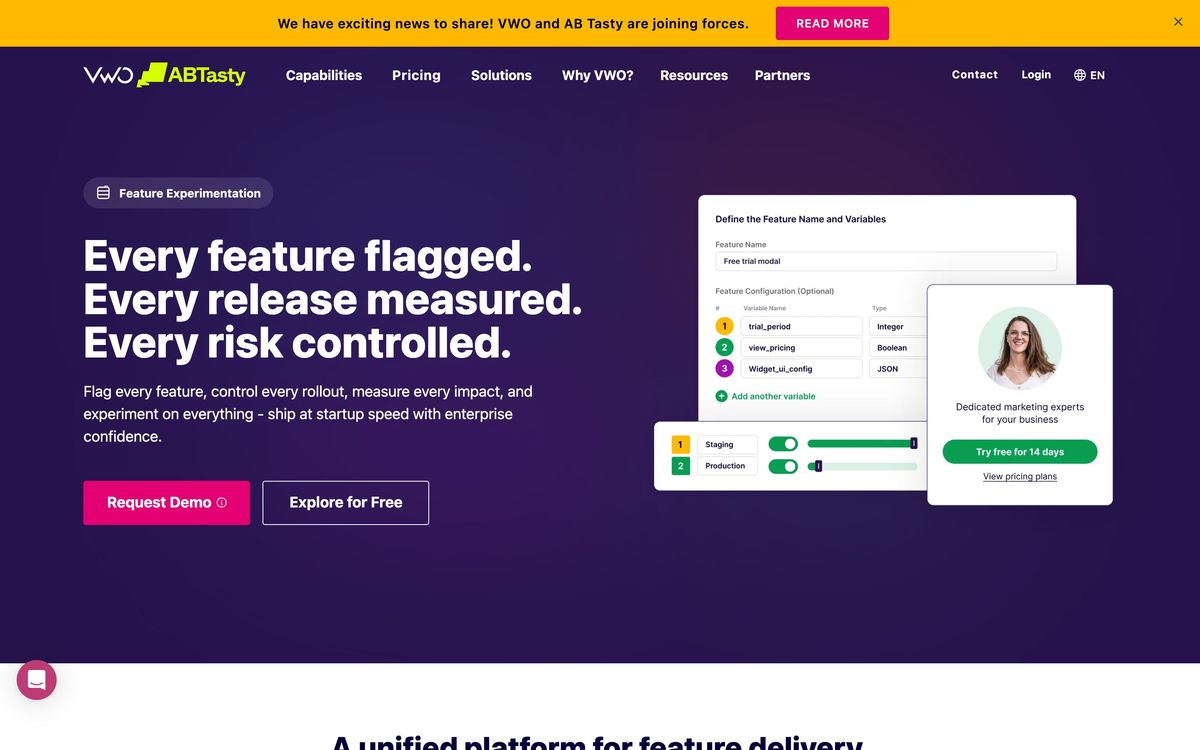
- Server-side experimentation and feature flags through SDKs in eight or more languages
- A program management workspace for hypotheses, backlog prioritisation and archived results
Who it's for
The platform suits a mid-market team that has enough traffic to reach significance and enough discipline to run tests continuously, typically an ecommerce brand or a SaaS company with a dedicated conversion or growth function. The tracked-user pricing model rewards that shape of team, because analysts, designers and engineers can all be given accounts without changing the invoice. Companies that want testing and behaviour analytics from one vendor rather than two will find the bundling genuinely useful.
It is a poor purchase for a low-traffic site. Experimentation needs volume, and a business with a few thousand monthly visitors will spend months waiting for results that a redesign would have delivered faster. It is also awkward for teams that need budget certainty up front: because the modules are quoted separately and nothing is published publicly, an accurate figure requires a sales conversation, and the entry quote for testing rarely reflects what a working setup with analytics and personalisation costs. Free experimentation access has been offered in the past, but new accounts are now steered toward a time-limited trial.
How it compares
Optimizely is the enterprise incumbent, with stronger server-side and content-management ties, and contracts that put it out of reach for most mid-market teams. AB Tasty overlaps closely on features and audience, the two merged in early 2026, which adds real uncertainty about where each product will sit and whether smaller customers remain a priority. Convert is the budget alternative with transparent published pricing and a smaller feature surface, useful for agencies that need many accounts. Against all three, VWO's advantage is the bundled behaviour analytics; its disadvantage is that the same bundling is what makes the quote unpredictable.
Verdict
VWO is the most complete experimentation product a mid-market team can realistically deploy, and the combination of testing with recordings, heatmaps and surveys removes a genuine gap in most conversion workflows. The visual editor is capable enough for marketers and the SDKs are serious enough for engineers, which is a harder balance than it sounds. The caveat is commercial rather than technical: modular pricing, no public price list and the unresolved AB Tasty merger mean a buyer should pin down the full multi-year cost of every module they intend to use before signing, not just the testing line.
Ready to try VWO?
More marketers tools like VWO
Tidio
4.5AI customer service platform with Lyro AI agent, live chat, ticketing, and automations for 300K+ businesses
Read Tidio review →Vista Social
4.5Social media management covering publishing, inbox, listening, reviews, and reporting across 11+ networks.
Read Vista Social review →Unbounce
4.4Landing page builder with AI traffic routing (Smart Traffic), A/B testing, popups, and sticky bars.
Read Unbounce review →ActiveCampaign
4.3Email marketing and automation platform with a built-in CRM, contact scoring, and SMS and WhatsApp sending.
Read ActiveCampaign review →AgencyAnalytics
4.3Client reporting for marketing agencies: 85+ connectors, white-label dashboards and scheduled reports.
Read AgencyAnalytics review →Bouncer
4.3Email verification and deliverability testing that strips invalid addresses before a send hurts your domain.
Read Bouncer review →