
NexGen Virtual Workplace review
A persistent virtual office where remote staff show presence on a floor plan and talk without booking a meeting.
A credible answer to the scheduling overhead of remote work, though the product is documented thinly in public and cannot be evaluated without a sales call.
Pros
- Presence on a floor plan answers the question a calendar cannot: who is at their desk and interruptible right now
- One-click meetings remove the invite-and-wait cycle that turns a two-minute question into a next-day call
- Supervisors get a live view of agent availability, which is the specific reason contact centres and BPOs adopt this category
- The vendor configures the floor plan and branding during onboarding rather than leaving layout work to an internal admin
- A Webex integration keeps organisations standardised on Cisco from running a second conferencing stack
Cons
- The public site documents almost nothing concrete: no feature matrix, no published security detail and no integration list beyond Webex, so evaluation depends entirely on a demo
- Pricing is quote-only and onboarding runs through a setup specialist, so no team can trial it or size a budget in an afternoon
- It layers on top of the chat and video stack most companies already run rather than replacing it, leaving presence in one tool and conversation history in another
What NexGen Virtual Workplace actually does
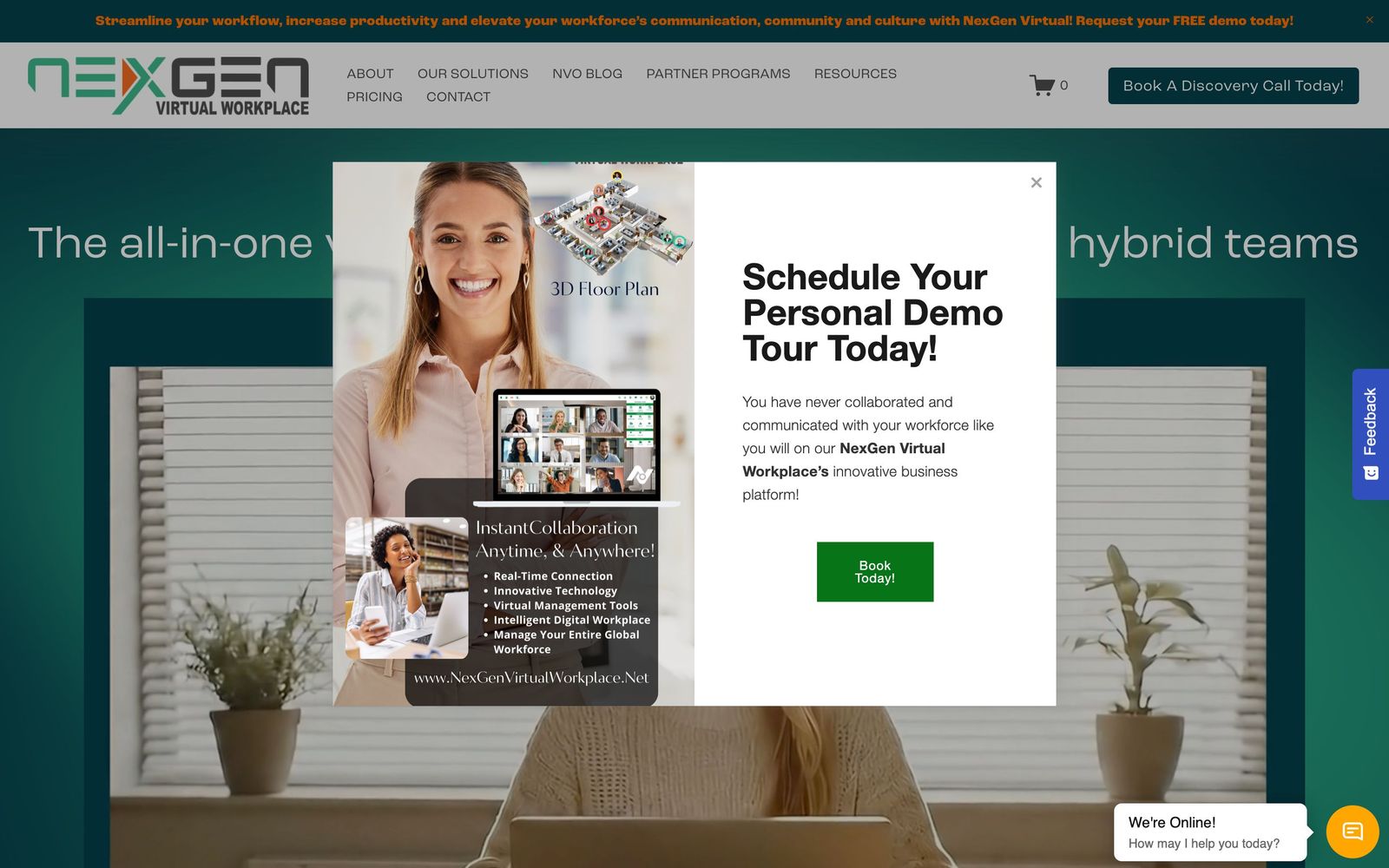
NexGen Virtual Workplace, previously sold as NexGen Virtual Office, is a persistent shared space for distributed teams. Rather than a directory of colleagues and a calendar, it presents an office as a map: rooms, desks and the people currently occupying them. Someone at their desk is visibly available, someone in a room is visibly busy, and starting a conversation is a click on their position rather than an invitation with a proposed time. The intent is to restore the cheapest kind of workplace interaction, the thirty-second question, which remote work quietly converted into a scheduled meeting.
Delivery is browser-based and always on. Chat, screen sharing, document sharing and video conferencing run inside the space, and there is a Webex integration for organisations already standardised on Cisco conferencing. Deployment is sold as a configured service rather than a self-serve signup: the vendor builds the floor plan, applies company branding and assigns an onboarding specialist, with a separate enterprise tier for organisations in the thousands of seats. The company markets to four segments, small businesses, enterprises, business process outsourcers and contact centres, and the last two shape the product most.

Key features
The capabilities cluster around presence and immediacy rather than document work.
- Interactive floor plan showing who is in the office and which colleagues are free
- One-click quick meet that opens a live conversation without an invitation or a link
- Chat, screen sharing and document sharing available inside the shared space
- Video conferencing, with a Webex integration for Cisco-standardised organisations
- Custom floor plan and company branding configured by the vendor during onboarding
- Enterprise tier with a dedicated account manager and volume terms for large seat counts
Who it's for
The strongest case is a supervised team whose work is continuous and interruption-driven: a support desk, an outsourced service team, a contact centre floor that used to be a literal floor. In those settings a supervisor knowing who is available at a glance is not a novelty, it is the job, and the alternative is a workforce management dashboard that shows status without any way to act on it. Agencies and mid-sized companies that miss incidental conversation are the secondary audience.
It suits asynchronous teams poorly. Organisations that deliberately work across time zones, write things down and treat interruption as a cost will find a persistent presence layer either unused or unwelcome, and an always-visible desk carries a surveillance feel that some staff will resist. Small teams that already live in one chat tool should also be honest about whether they have a real problem here or simply a nostalgia for offices.
How it compares
Sococo is the closest long-running comparison and offers the same map-based metaphor with a longer track record, though its interface has aged. Gather leans into a game-like spatial world that suits culture and social use more than a support floor, and is easier to try because it sells itself online. Microsoft Teams and Webex both now carry presence and instant calling, which for many organisations is good enough and costs nothing extra, and that overlap is the real competitive pressure on the whole category. NexGen differentiates on the contact centre angle and on a configured, hands-on rollout rather than on unique technology.
Verdict
As an idea this holds up, and for a supervised support or outsourcing operation the availability view plus instant conversation is a defensible purchase that a chat tool does not replicate. What keeps the rating modest is how little the vendor puts in public. There is no feature matrix, no published security documentation, no integration catalogue beyond one conferencing platform, and no price, which means a buyer commits to a sales process before learning what they are comparing. Worth a demo if presence is a genuine operational problem; treat the missing documentation as a question to ask rather than a detail to overlook.
Ready to try NexGen Virtual Workplace?
More founders tools like NexGen Virtual Workplace
Fireflies.ai
4.5AI meeting teammate that records, transcribes, and summarizes calls, with action items and searchable notes.
Read Fireflies.ai review →Miro
4.5Infinite shared canvas for workshops, diagrams and planning, now wrapped around docs, tables and AI.
Read Miro review →Reclaim.ai
4.5AI calendar assistant that auto-schedules focus time, tasks, and habits on Google and Outlook calendars.
Read Reclaim.ai review →Activepieces
4.4Open-source, MIT-licensed AI automation platform with a visual builder, AI agents, and 700+ integrations.
Read Activepieces review →MindStudio
4.4No-code visual builder for AI agents with 200+ models, 1,000+ integrations, and flexible deployment.
Read MindStudio review →Optery
4.4Finds and removes staff home addresses, phones and emails from people-search sites and data brokers.
Read Optery review →