
TestDriver.ai review
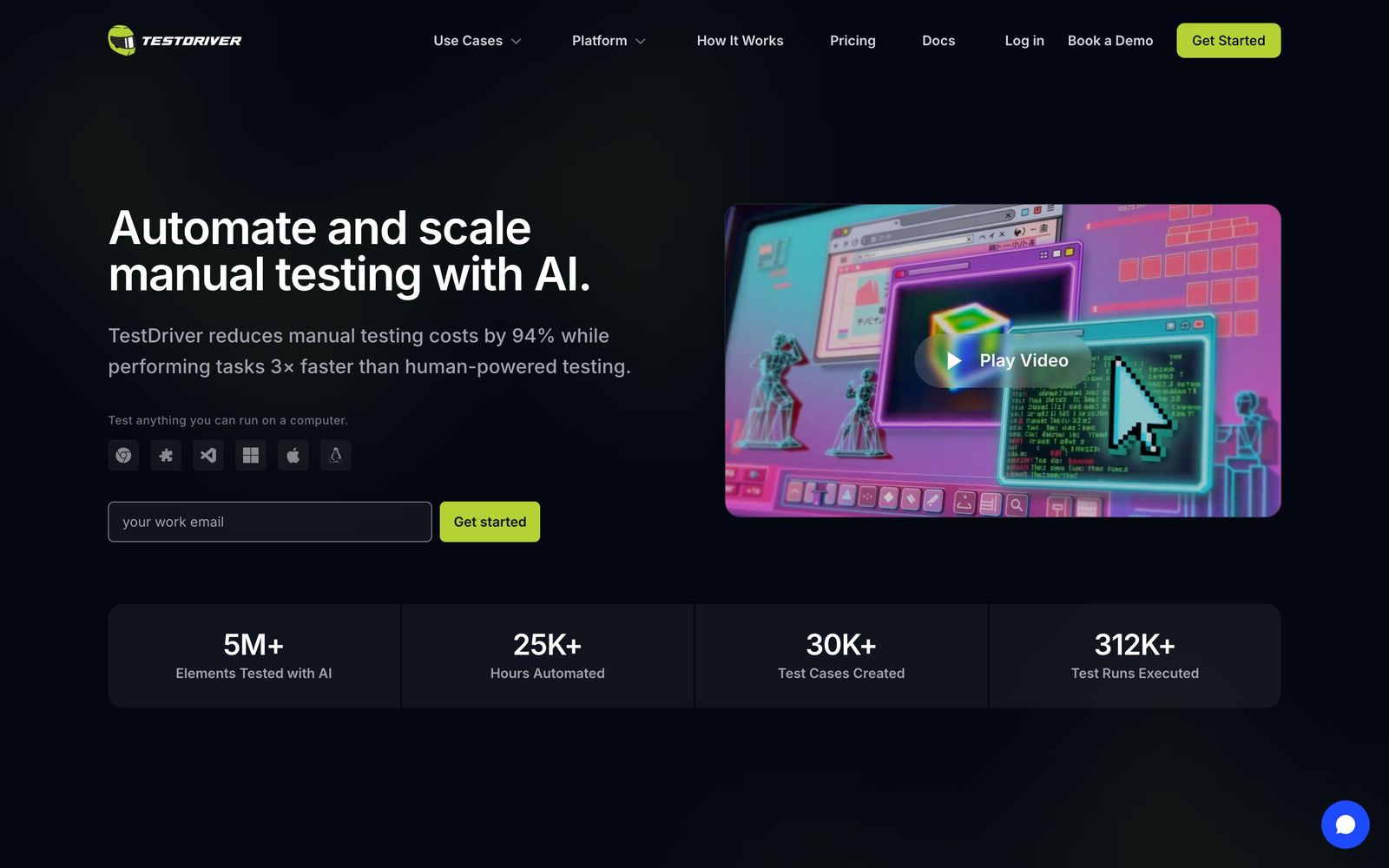
AI QA agent that runs end-to-end tests with computer vision instead of selectors, across web and desktop apps.
Best at testing interfaces where selector-based tools break, like canvas, extensions, and desktop apps; the tradeoff is AI-driven runs are less deterministic than scripted tests.
Pros
- Computer-vision approach tests canvas, iframes, video players, OAuth flows, and browser extensions that defeat selector-based tools
- Tests apps you don't own or control, including native Windows and macOS software
- Generates tests from natural language and explores the app to propose test cases
- Self-healing: re-finds elements and updates tests when the UI changes
- CI results post to GitHub with video, logs, and JUnit XML; free tier to start
Cons
- AI-driven execution can be non-deterministic, making some failures harder to reproduce
- Mobile testing support is still maturing
- Visual runs are slower per test than headless scripted suites
- Smaller community and ecosystem than Playwright or Cypress
TestDriver.ai is an AI QA and testing platform that takes a fundamentally different approach to end-to-end test automation: instead of locating elements through CSS selectors or accessibility trees, it watches the screen the way a human tester would, using computer vision to find buttons, fields, and content. That single design decision is the source of both its biggest strength, working where selector-based tools cannot, and its main caveat, the inherent fuzziness of AI-driven execution.
What TestDriver.ai actually does
You describe a user flow in natural language, and TestDriver's agent explores the application, performs the steps, and generates a reusable test file representing that flow. Because it operates visually, it can test surfaces that are effectively invisible to DOM-based frameworks: canvas-rendered interfaces, embedded video players, iframes, PDFs, OAuth popups, browser extensions with content scripts and background pages, and native Windows, macOS, and Linux applications. It can even test software you do not own or have source access to. When an interface changes, the platform re-invokes the AI to locate elements again and updates its cached understanding, so tests heal rather than break, addressing the maintenance burden that consumes most QA automation time. Runs report to a console dashboard with step-by-step video playback, CPU and memory metrics, network inspection, and trend analytics for pass rates and flakiness, and results post directly to GitHub pull requests with video, logs, and JUnit XML.
Key features
- Computer-vision element detection with no selectors to write or maintain
- Natural-language test generation, including agent-driven exploratory test discovery via MCP
- Coverage for web apps, Chrome and VS Code extensions, and native desktop applications
- Self-healing tests that adapt automatically when the UI changes
- GitHub Actions integration with videos, logs, and JUnit XML on every PR
- Dashboard analytics for pass rates, failure patterns, and flaky-test trends
- Free tier with a limited monthly testing allowance and no credit card required
Who it's for
TestDriver.ai fits engineering teams whose products resist conventional automation: desktop software vendors, extension developers, teams with canvas-heavy or media-rich UIs, and QA groups testing third-party or legacy applications without source access. It also appeals to teams drowning in selector maintenance who want AI to absorb that work; customers include Atlassian and PubNub. It is less compelling for a standard React web app with a disciplined test-ID convention, where Playwright remains faster, free, and fully deterministic, and for teams that need exhaustive mobile coverage today.
How it compares
Against Playwright, the dominant open-source E2E framework, TestDriver trades determinism and raw speed for breadth and lower maintenance: Playwright executes scripted steps identically every run but only sees the DOM, while TestDriver sees pixels and survives UI refactors. Against commercial AI testing tools like mabl, which layer self-healing onto web-focused, selector-aware automation, TestDriver's distinctive territory is everything outside the browser DOM: desktop apps, extensions, and unowned software. Many teams will sensibly run it alongside a scripted suite rather than instead of one.
Verdict
TestDriver.ai is one of the more credible applications of AI agents to QA testing, because it targets the genuine gaps: surfaces selectors cannot reach and the maintenance treadmill that makes teams abandon E2E suites. The dashboard, GitHub-native reporting, and free tier make it easy to evaluate honestly on your own application. Go in with realistic expectations about non-determinism and per-run speed, and treat it as a complement to, not a wholesale replacement for, deterministic scripted tests. For desktop apps, extensions, and visually complex UIs, it may be the only tool in the category that works at all.
Ready to try TestDriver.ai?
There's a free tier, so you can test it before committing.
More developers tools like TestDriver.ai
BugHerd
4.3Visual feedback tool that pins client comments to the exact element on a page and turns them into tasks.
Read BugHerd review →CrowdStrike
4.4Cloud-delivered endpoint protection with one lightweight agent, sold to small teams as fixed per-device bundles.
Read CrowdStrike review →NinjaOne
4.4Endpoint management and RMM platform for monitoring, patching, backing up and remotely supporting company devices.
Read NinjaOne review →Bright Data
4.3Proxy network and managed scraping APIs for collecting public web data at production scale.
Read Bright Data review →EasyDMARC
4.3Email authentication monitoring that takes a domain from DMARC reporting to enforcement without hand-editing DNS.
Read EasyDMARC review →Freshservice
4.3Cloud IT service desk with asset discovery and low-code workflows for teams that want ITSM without a ServiceNow project.
Read Freshservice review →