
NinjaOne review
Endpoint management and RMM platform for monitoring, patching, backing up and remotely supporting company devices.
One of the strongest endpoint management platforms for internal IT teams and mid-sized MSPs, though reporting and role permissions still lag the rest of the product.
Pros
- Patch management covers operating systems and third-party applications with visible per-device status and scheduled rings
- Remote control connects to Windows, macOS and Linux endpoints in a click without a separate remote access licence
- Backup covers endpoints, servers and SaaS data such as Microsoft 365 and Google Workspace from the same console
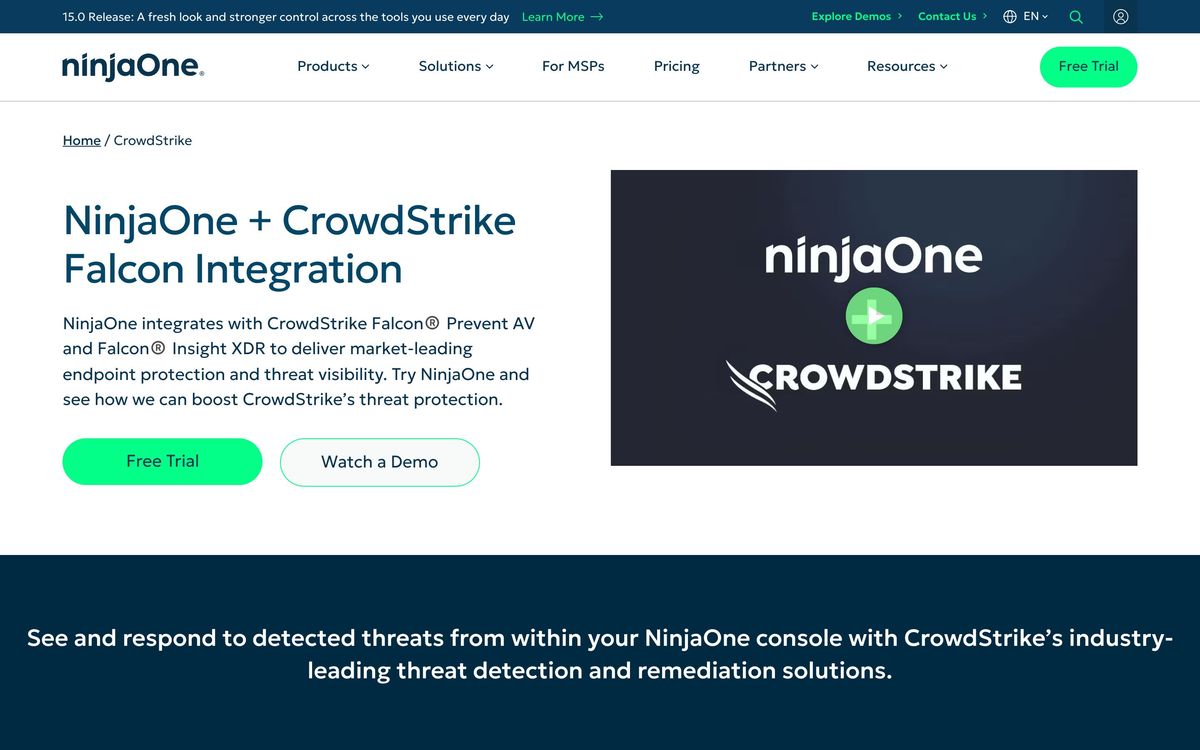
- Security integrations with CrowdStrike and SentinelOne let the RMM trigger isolation and remediation actions
- Consistently rated at or near the top of its category for support responsiveness by IT teams and MSPs
Cons
- Built-in reports are rarely presentable to a client or an executive without rebuilding them in a BI tool
- Role-based access control is coarse, and a technician cannot manage several client tenants under one login, which forces account juggling in MSPs
- Pricing is quoted through the channel rather than published, so evaluation requires a sales conversation and negotiation on endpoint count
NinjaOne pricing
List prices in USD per month, taken from the vendor at review time.
| Plan | Per month | What it covers |
|---|---|---|
| Per device | $3.75 | quoted per device; the published range falls to about $1.50 at 10,000 endpoints |
What NinjaOne actually does
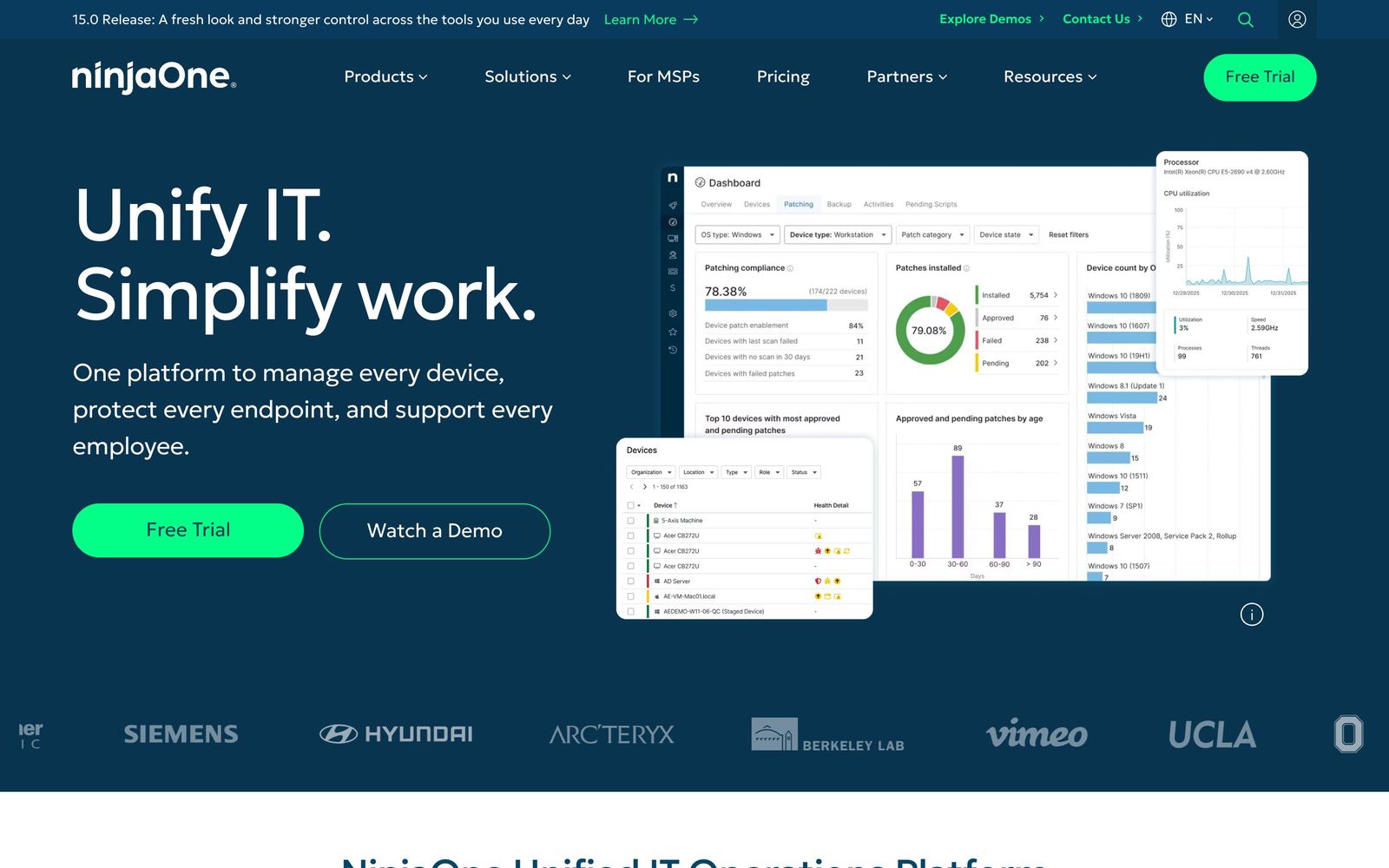
NinjaOne is a unified endpoint management platform, the category that grew out of remote monitoring and management for managed service providers and has since been adopted by internal IT departments. The console inventories every Windows, macOS and Linux machine on the network, watches them for faults and drift, patches operating systems and third-party applications on a schedule, and gives a technician a remote session to a device in a click. Around that core sit modules that most teams used to buy separately: backup for endpoints, servers and SaaS data, mobile device management for Apple and Android, ticketing, and IT documentation.
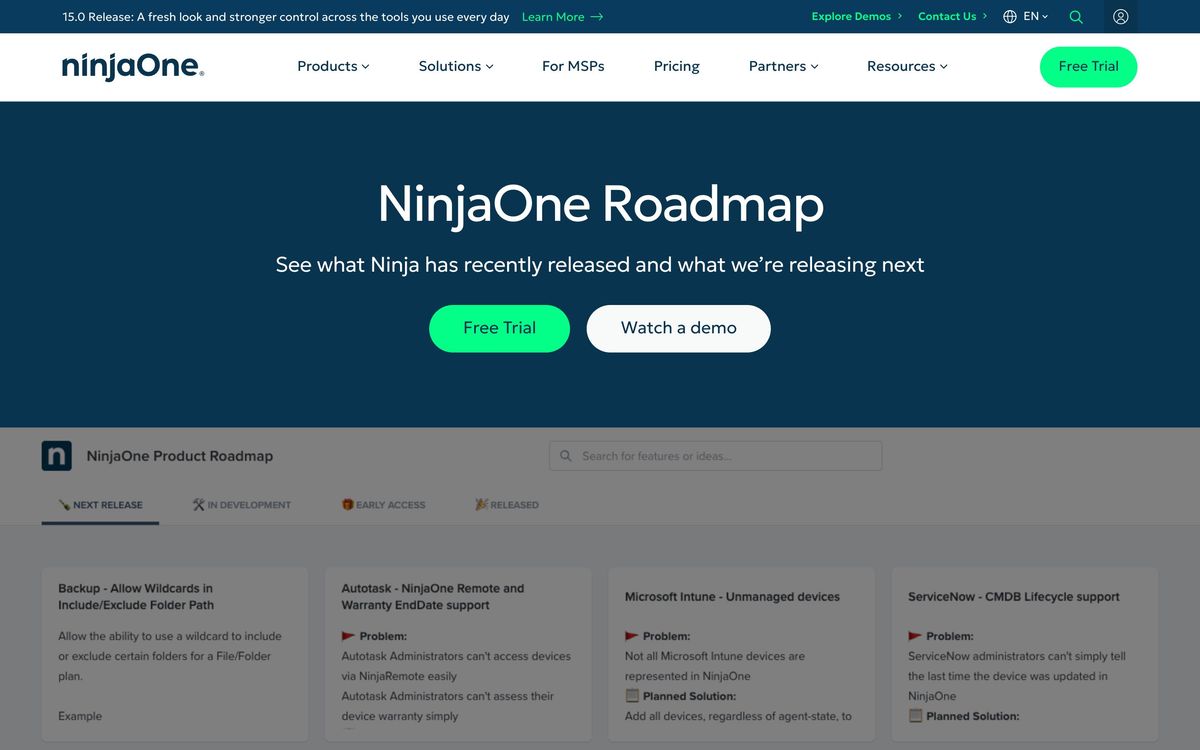
The delivery model is cloud-hosted with a lightweight agent, which is why deployments tend to be measured in days rather than quarters. NinjaOne leans hard on automation: scripted responses to alert conditions, scheduled maintenance windows, patch approval rings and policy inheritance across device groups. It does not try to be an endpoint detection and response product itself. Instead it integrates with CrowdStrike Falcon and SentinelOne so a detection in the security tool can trigger isolation or remediation from the management console, and with Microsoft Intune and ServiceNow for organisations that already run those. The result is a platform that consolidates the operational half of IT while leaving the security stack to specialists.
Key features
The console gathers the daily work of an IT team into one place:
- Monitoring and alerting for Windows, macOS and Linux endpoints and servers
- Automated patching for operating systems and third-party applications, with approval rings
- One-click remote control plus background terminal, registry and file tools
- Backup for endpoints, servers and Microsoft 365 or Google Workspace data
- Mobile device management for Apple and Android fleets
- Ticketing and IT documentation for teams consolidating the service desk
Who it's for
The sweet spot is a team responsible for a few hundred to a few thousand devices: a mid-market IT department, or a managed service provider with a stable client book. Those teams get the most from the patching engine and the automation library, and the onboarding effort is low enough that a small team can run it without a dedicated administrator. Organisations that have been paying separately for remote access, patching and backup usually find the consolidation pays for itself.
Very small shops are a weaker fit. Pricing is negotiated per device and improves sharply with volume, so a ten-machine office pays the highest unit rate and would do as well with simpler tooling. MSPs with overlapping admin teams across many tenants should test the permission model before committing, because the current role-based access control is not granular enough to express who may touch what, and a single technician cannot hold several client tenants under one login. Teams that need polished client-facing reporting each month should also budget for a reporting layer on top.
How it compares
Datto RMM and ConnectWise Automate are the traditional MSP alternatives and go deeper on multi-tenant billing and PSA integration, at the cost of interfaces that feel their age and longer implementations. Atera prices per technician rather than per device, which is cheaper for a small team managing many machines but weaker on automation depth and backup. Microsoft Intune is close to free for organisations already holding the right Microsoft licences and manages modern Windows and mobile estates well, though it is poor at servers, third-party patching and hands-on remote support. NinjaOne's advantage over all three is the speed of daily work and the quality of support behind it.
Verdict
NinjaOne has become the default recommendation in its category for a reason: patching is fast and legible, remote sessions work without ceremony, and the support organisation answers. The rating reflects that maturity, discounted for two persistent gaps that reviewers keep naming, namely reporting that needs rework before anyone outside IT sees it and a permission model too blunt for complex service providers. Buyers should also accept that pricing arrives through a quote rather than a public page, so the evaluation includes a negotiation.
Ready to try NinjaOne?
More developers tools like NinjaOne
Getscreen.me
4.1Browser-based remote desktop for IT teams, billed per technician seat plus per managed device.
Read Getscreen.me review →Velory
4.1IT lifecycle platform that ties hardware procurement, asset tracking and offboarding to the HR system.
Read Velory review →IDrive
3.9Cloud backup covering computers, phones, servers and NAS devices under one account and one storage pool.
Read IDrive review →Passpack
3.9Zero-knowledge password manager for small teams and the MSPs that administer their credentials.
Read Passpack review →Netlify
4.6Hosting and deployment platform with Git-based CI/CD, deploy previews, serverless functions, and AI workflows.
Read Netlify review →Pinecone
4.5Fully managed serverless vector database for similarity search, RAG, and agent memory at billion-vector scale.
Read Pinecone review →