
Tenable review
Vulnerability scanning and exposure management, from the single-seat Nessus scanner up to a full platform.
The scanning engine most security teams trust for accuracy, though the console is dated in places and asset-based pricing climbs fast.
Pros
- The Nessus engine has decades of plugin coverage behind it and is the reference point competitors are measured against for detection accuracy on classic infrastructure
- Nessus Professional and Expert can be bought online at a published price without a sales call, which is rare in this category
- Findings carry CVSS v4, EPSS and Tenable's own VPR score, so remediation queues can be ordered by exploitability rather than raw severity
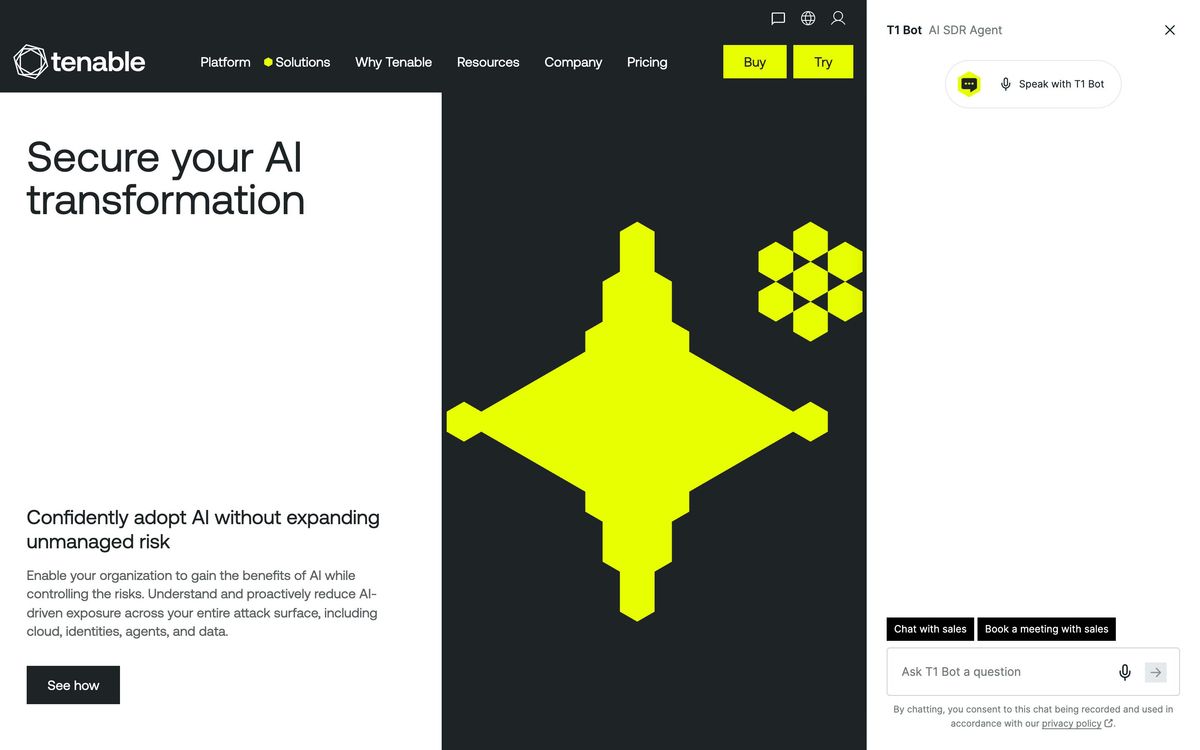
- Coverage extends past servers to web applications, cloud misconfiguration, Active Directory and Entra ID, and operational technology, under one vendor
- Integrations push findings into the tools that already own remediation work, including ServiceNow, Jira and Splunk
Cons
- Reviewers flag console friction that has not been fixed for years: assets edited one at a time, sessions that drop, weak archiving and rigid report layouts
- The product lineup confuses buyers, Nessus Professional, Nessus Expert, Vulnerability Management and Tenable One overlap, and moving up means a new licence rather than a plan change
- Platform pricing is per asset and per scanned domain, so a growing estate raises the bill continuously, and the exposure management tier is quote-only
Tenable pricing
List prices in USD per month, taken from the vendor at review time. Custom means quote-only.
| Plan | Per month | What it covers |
|---|---|---|
| Nessus Professional | $399 | billed annually at $4,790 per year |
| Nessus Expert | $566 | billed annually at $6,790 per year |
| Tenable Vulnerability Management | $308 | from $3,700 per year for 100 assets |
| Tenable One | Custom | custom quote |
What Tenable actually does
Tenable finds the known weaknesses in an estate and ranks them. The engine underneath is Nessus, the scanner that has been the category reference since the late 1990s, sold today in two single-operator editions: Nessus Professional for unlimited assessments of classic IT, and Nessus Expert, which adds capability aimed at cloud and modern attack surface. Both are annual licences that can be bought online without a sales conversation, which is unusual in enterprise security and explains why consultants and small internal teams keep buying them.
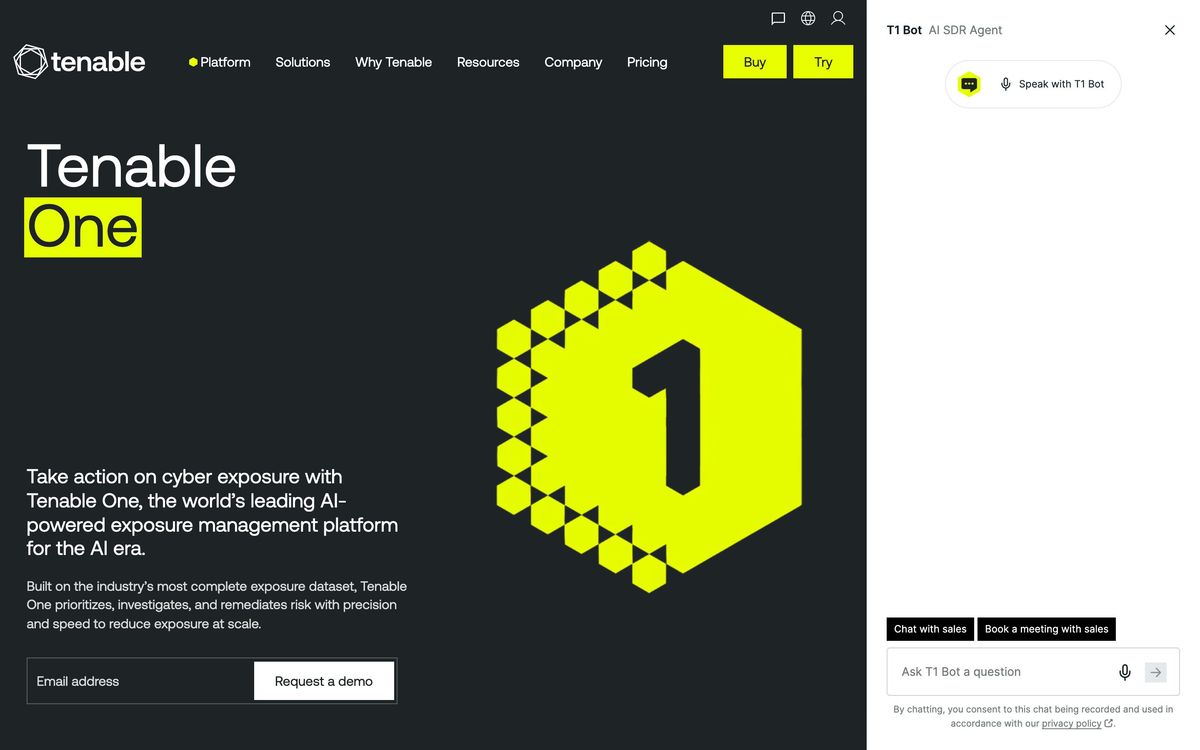
Above the scanner sits the platform. Tenable Vulnerability Management runs the same detection from a cloud console, priced per asset, with dashboards, scheduled scans and remediation workflow. Tenable One wraps that together with cloud security, identity exposure for Active Directory and Entra ID, web application scanning, operational technology monitoring, patch management and an AI exposure module that inventories model integrations and their data pipelines. Findings carry three scores, CVSS v4, EPSS and Tenable's own Vulnerability Priority Rating, so a queue can be ordered by likelihood of exploitation rather than by raw severity, which is the difference between a report and a work plan.
Key features
The capabilities that matter in daily operation:
- Credentialed and uncredentialed scanning, with unlimited assessments on the Nessus licences
- Risk prioritisation combining CVSS v4, EPSS and the Vulnerability Priority Rating
- Configuration, compliance and audit templates measured against published benchmarks
- Web application scanning licensed by fully qualified domain name
- Cloud, identity and operational technology exposure modules on the platform tier
- Patch management and external attack surface discovery, with findings pushed to ServiceNow, Jira or Splunk
Who it's for
The clearest fit is an IT or security team that owns a mixed estate, physical servers, virtual machines, cloud accounts, a handful of web applications, and needs defensible evidence of what is exposed. Consultants and penetration testers buy the standalone scanner for exactly this reason: it is the tool a client's auditor recognises. Managed service providers use the platform tier for the same reason at higher volume.
It is a poor fit for a team that wants one console covering endpoint protection, detection and response, and vulnerability data together; Tenable does exposure, not defence, and expects other tools to do the rest. Very small estates struggle with the economics, since the entry scanner costs the same for twenty assets as for two thousand, and the per-asset platform tier starts above what most seed-stage companies budget for security tooling. Anyone already standardised on Microsoft's stack should price the bundled alternative first.
How it compares
Qualys is the closest match on breadth and rates similarly with users, strong on asset visibility and its own risk scoring, though it is criticised for redundant scanning and for gaps in automated remediation. Rapid7 InsightVM sits slightly behind both in user ratings; its visualisations and its own ecosystem are the draw, while a steep learning curve and inconsistent scan performance are the recurring complaints. Microsoft Defender Vulnerability Management is the pragmatic option for organisations already licensed across Microsoft 365, cheaper in effect but weaker outside Windows and Azure. Tenable's advantage is detection depth and the credibility of the Nessus name; its disadvantage is a console that reviewers have been asking to modernise for years.
Verdict
Tenable remains the default recommendation for vulnerability assessment because the scanning is accurate, the coverage is wide and the prioritisation scores are useful rather than decorative. The caveats are real: the interface shows its age in asset handling and reporting, the four-way product lineup makes buying harder than it should be, and asset-based pricing means the bill grows with the estate. Teams that need the finding to be right will accept all three.
Ready to try Tenable?
More developers tools like Tenable
Freshservice
4.3Cloud IT service desk with asset discovery and low-code workflows for teams that want ITSM without a ServiceNow project.
Read Freshservice review →Getscreen.me
4.1Browser-based remote desktop for IT teams, billed per technician seat plus per managed device.
Read Getscreen.me review →Velory
4.1IT lifecycle platform that ties hardware procurement, asset tracking and offboarding to the HR system.
Read Velory review →IDrive
3.9Cloud backup covering computers, phones, servers and NAS devices under one account and one storage pool.
Read IDrive review →Passpack
3.9Zero-knowledge password manager for small teams and the MSPs that administer their credentials.
Read Passpack review →AFTRDRK
3.7Dark web surveillance that watches ransomware leak sites, stealer logs and closed forums for your name.
Read AFTRDRK review →