
Passpack review
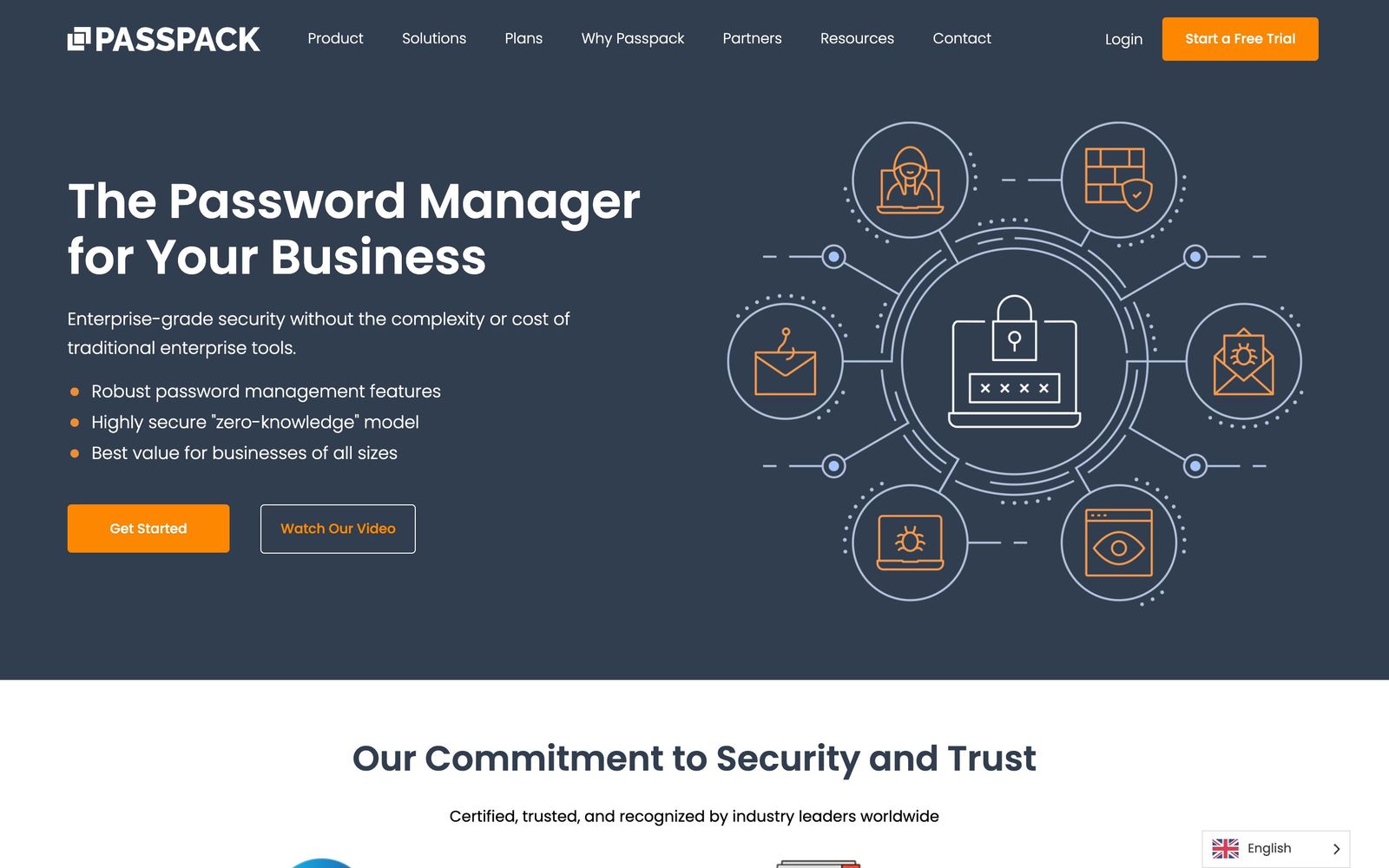
Zero-knowledge password manager for small teams and the MSPs that administer their credentials.
The cheapest credible way to get shared credentials under control with real audit trails, though the surrounding ecosystem is thinner than 1Password's or Keeper's.
Pros
- Per-user pricing on the entry tier sits far below the mainstream business password managers, which changes the maths for a twenty-person company
- Zero-knowledge encryption with role-based access and full activity logs, rather than a consumer vault with a team label bolted on
- Active Directory integration and just-in-time provisioning on the business tier handle joiners and leavers without manual vault edits
- Hardware key support including YubiKey, plus one-time passwords stored alongside the credentials they belong to
- SOC 2 Type II certification and multi-tenant administration make it usable by service providers managing several client estates
Cons
- The ecosystem is small: far fewer third-party integrations than 1Password or Keeper, so it plugs into a large SaaS estate less readily
- No dark-web breach monitoring or compromised-credential alerting, a feature competitors have offered for years
- The entry tier caps out at twenty users, so a growing team is pushed onto the business plan at three times the per-seat cost
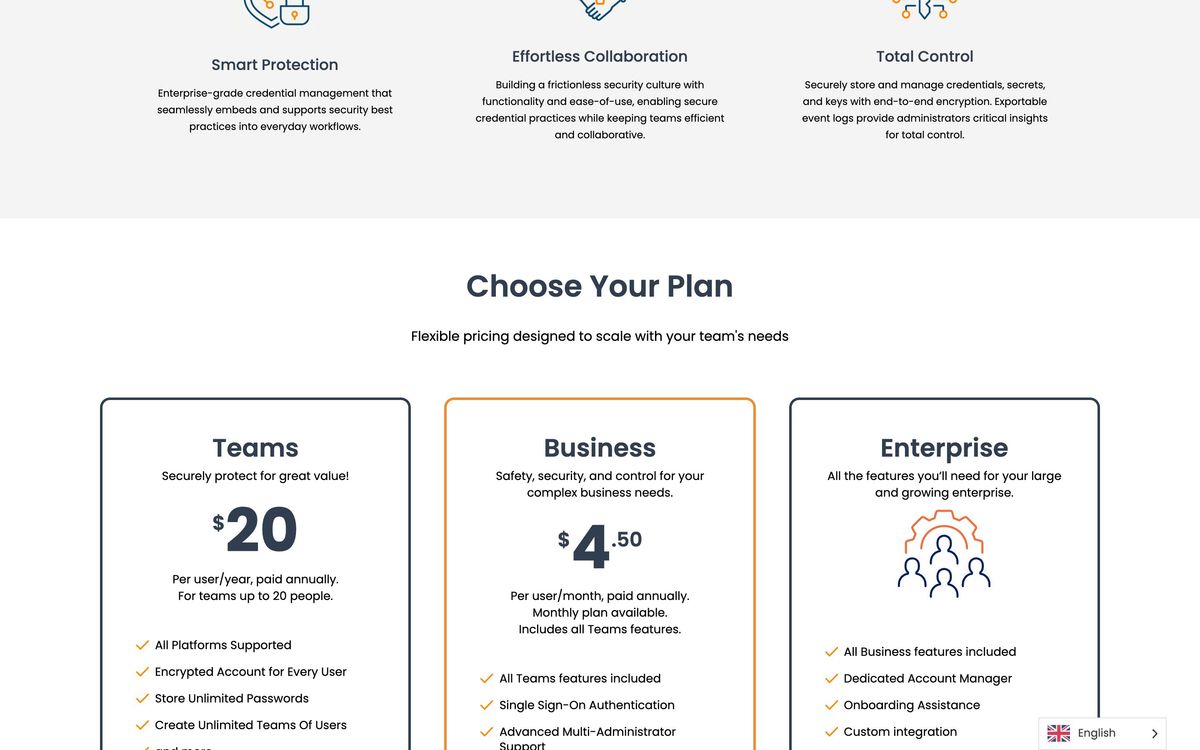
Passpack pricing
List prices in USD per month, taken from the vendor at review time.
| Plan | Per month | What it covers |
|---|---|---|
| Teams | $1.50 | per user, billed annually; up to 20 users |
| Business | $4.50 | per user; adds SSO, Active Directory sync, API access and advanced reporting |
What Passpack actually does
Passpack is a business password manager built around shared vaults rather than personal ones. Credentials are encrypted client-side under a zero-knowledge model, organised into teams and folders, and released to people according to their role, with every open, edit and share recorded in an audit log. The pitch is straightforward: the governance features that make a password manager defensible in an audit, role-based access, activity reporting, enforced two-factor authentication, provisioning tied to a directory, at a price a twenty-person company can absorb without a security budget.
The second audience is the managed service provider. Multi-administrator support and multi-tenant administration let one team run separate credential estates for several clients, which is why Passpack turns up in MSP toolstacks more often than its size would suggest. Recent releases added single sign-on through Google Workspace and Microsoft Entra ID, Active Directory integration with just-in-time provisioning, device registration for trusted machines, and API access on the business tier. The company holds SOC 2 Type II certification and states GDPR and CCPA compliance.
Key features
The capability list is deliberately conventional, which is the right instinct for this category:
- Zero-knowledge encrypted vaults with per-item and per-team sharing
- Role-based access control and support for several administrators on one account
- Single sign-on with Google Workspace and Microsoft Entra ID, plus Active Directory synchronisation
- Just-in-time provisioning and device registration for trusted machines
- Two-factor authentication including hardware keys, with one-time password codes stored next to their credentials
- Activity reporting and audit trails covering access, changes and sharing events
Who it's for
The clearest fit is a small or mid-sized company that has outgrown a shared spreadsheet and a browser's saved passwords but cannot justify enterprise identity software. At the entry tier the annual cost of covering a whole team is smaller than a single seat of some competitors, and the features that matter for a first audit, access control, provisioning, logs, are present rather than reserved for a higher plan. Managed service providers are the other natural buyer, because the multi-tenant model lets one console cover many client estates.
It is not the right choice for a large organisation with a wide SaaS estate and an identity team. Those buyers will miss the breadth of integrations, the secrets-management tooling for developers, and the breach-monitoring features that the market leaders bundle. Nor is it ideal for a team that lives on phones: the mobile side is the youngest part of the product and the one reviewers most often criticise.
How it compares
1Password remains the better daily experience, the apps are more pleasant, the integration list far longer, and Watchtower flags breached credentials Passpack simply will not notice, but it costs several times as much per seat and has spread itself across device trust and privileged access. Keeper sits between the two, with stronger compliance tooling and a heavier interface. Bitwarden is the other value option and is open source, with a self-hosting path Passpack does not offer, though its administration console is less approachable for a non-technical office manager. Passpack's argument is narrow and defensible: the governance essentials, multi-tenant administration and audit trails, at a fraction of the incumbents' per-seat cost.
Verdict
Passpack has become a serious small-business option rather than the ageing web vault it was for years. The 2026 additions, directory sync, just-in-time provisioning, SSO, SOC 2 Type II, close most of the gap that mattered to a buyer facing a security questionnaire, and the pricing is genuinely disruptive at the low end. What holds it back is everything around the core: fewer integrations, no breach monitoring, a mobile experience still catching up, and a user cap on the entry tier that pushes growing teams onto a much dearer plan. For a small company or an MSP that wants control without a platform commitment, it is a rational buy with clear edges.
Ready to try Passpack?
More developers tools like Passpack
Getscreen.me
4.1Browser-based remote desktop for IT teams, billed per technician seat plus per managed device.
Read Getscreen.me review →Velory
4.1IT lifecycle platform that ties hardware procurement, asset tracking and offboarding to the HR system.
Read Velory review →IDrive
3.9Cloud backup covering computers, phones, servers and NAS devices under one account and one storage pool.
Read IDrive review →Netlify
4.6Hosting and deployment platform with Git-based CI/CD, deploy previews, serverless functions, and AI workflows.
Read Netlify review →Pinecone
4.5Fully managed serverless vector database for similarity search, RAG, and agent memory at billion-vector scale.
Read Pinecone review →Runpod
4.5GPU cloud for AI workloads: on-demand instances, serverless inference endpoints, and multi-node clusters.
Read Runpod review →