
Netlify review
Hosting and deployment platform with Git-based CI/CD, deploy previews, serverless functions, and AI workflows.
Best at getting frontend and full-stack JavaScript apps from Git to a global CDN in minutes; the tradeoff is growing reliance on proprietary platform features as your app scales.
Pros
- Deploy previews for every pull request make review workflows painless
- Genuinely useful free tier for personal projects and prototypes
- Serverless and edge functions plus managed Postgres cover light backend needs
- Auto-detects and builds 100+ frameworks with near-zero config
- AI Gateway and Agent Runners bring agentic coding workflows into the platform
Cons
- Usage limits on lower tiers can be exhausted quickly by traffic spikes or heavy builds
- Functions inherit serverless constraints; long-running backends belong elsewhere
- The more platform primitives you adopt, the harder migrating away becomes
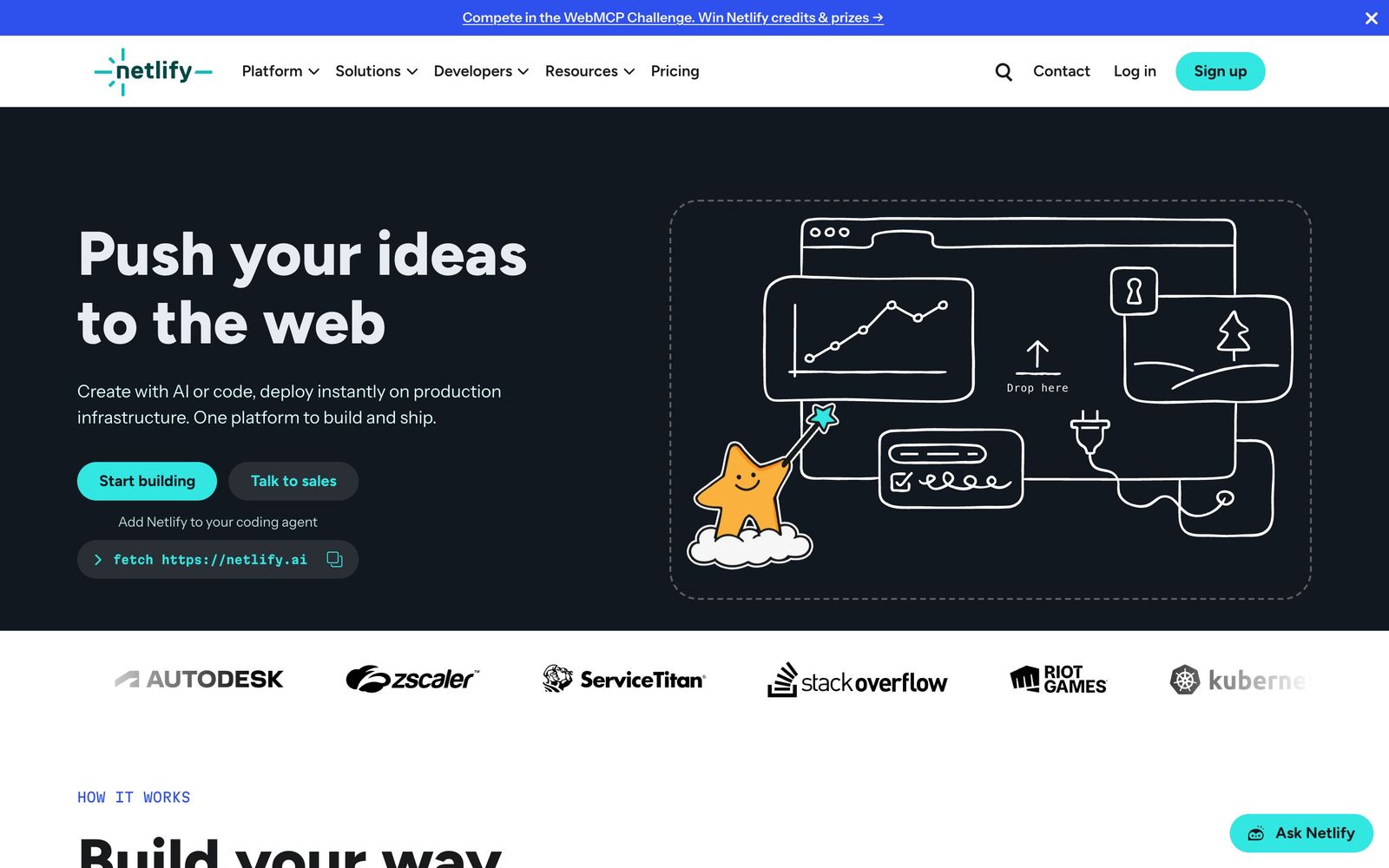
Netlify is one of the defining platforms in modern web hosting and deployment, used by more than 10 million developers to ship over 60 million sites and apps. Its core promise has stayed consistent for a decade: connect a Git repository, and every push builds and deploys to a global edge network automatically. What has changed is the scope. Netlify now bundles serverless functions, managed storage and Postgres, an image CDN, and a growing set of AI features, positioning itself as a full deployment platform rather than just static hosting.
What Netlify actually does
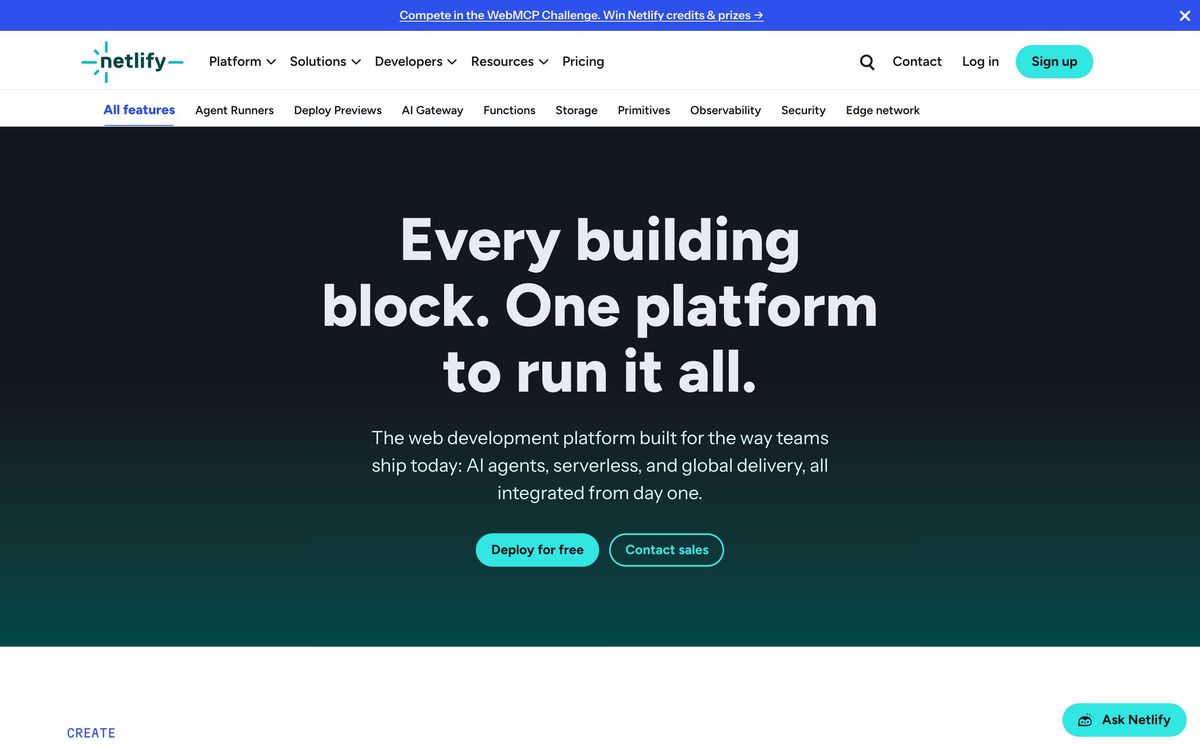
At its heart, Netlify is Git-based continuous deployment for websites and web apps. Push to a branch and Netlify builds the project, deploys it to its CDN with a stated 99.99% uptime, and issues HTTPS automatically. Every pull request gets a deploy preview at its own URL, which remains one of the best collaboration features in the hosting space. Beyond static delivery, serverless functions and edge functions handle APIs and personalization, while managed Postgres and blob storage cover persistence. The newer AI layer includes Agent Runners, which let coding agents like Claude, Gemini, and Codex build and iterate on projects in the platform, and an AI Gateway for connecting deployed apps to model providers such as OpenAI and Anthropic without juggling keys.
Key features
- Git-based CI/CD with atomic deploys, instant rollbacks, and per-PR deploy previews
- Automatic framework detection covering Astro, Next.js, React, TanStack, and 100+ others
- Serverless functions, edge functions, scheduled functions, and background jobs
- Managed Postgres, blob storage, and an on-demand image CDN
- Agent Runners and AI Gateway for agentic development and model access
- Drag-and-drop, CLI, and prompt-to-deploy options alongside Git workflows
Who it's for
Netlify suits frontend developers, agencies, and product teams shipping marketing sites, documentation, e-commerce frontends, SaaS dashboards, and increasingly AI-generated apps. The free tier is enough for personal projects and prototypes, and the workflow scales smoothly to teams that need preview environments, role-based collaboration, and global delivery without managing infrastructure. It is a poor fit for heavy, stateful backends, long-running processes, or teams that need full control of their servers; the serverless model imposes hard execution limits by design.
How it compares
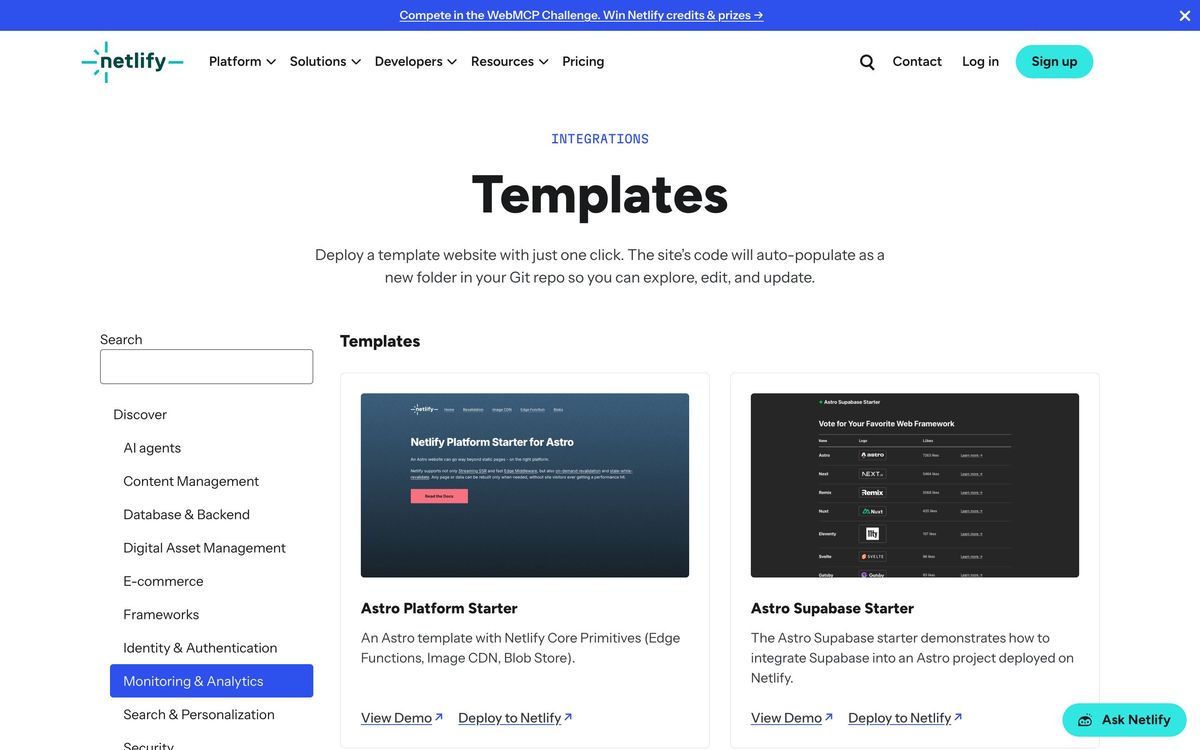
The obvious comparison is Vercel. Vercel is tightly optimized around Next.js and tends to get that framework's newest features first, while Netlify is more framework-neutral and historically friendlier toward Astro, Hugo, and the broader ecosystem. Feature sets have converged: both offer previews, edge compute, and AI tooling, so the choice often comes down to framework allegiance and pricing structure at your scale. Cloudflare Workers is the other serious alternative, with a more generous edge compute model and aggressive limits, but a rougher developer experience for classic site deployment workflows. Netlify still wins on polish and the breadth of its integration catalog.
Verdict
Netlify remains a benchmark for developer experience in hosting and deployment. Deploy previews, atomic rollbacks, and framework auto-detection eliminate an entire category of release friction, and the free tier means you can run real projects before paying anything. The honest caveats: costs need watching once traffic and build minutes grow, serverless constraints rule out some backend architectures, and adopting Netlify-specific primitives like its functions, storage, and AI gateway makes future migration harder. For frontend-leaning teams and anyone shipping JavaScript-framework apps, it is still one of the safest and fastest platforms to bet on in 2026.
Ready to try Netlify?
There's a free tier, so you can test it before committing.
More developers tools like Netlify
InMotion Hosting
4.0Independent US web host running shared, WordPress, VPS and dedicated plans on cPanel.
Read InMotion Hosting review →Nexcess
3.9Managed WordPress, WooCommerce and Magento hosting with auto-scaling, staging and store-specific tooling.
Read Nexcess review →Ultahost
3.3Budget shared, WordPress and VPS hosting on NVMe storage with cPanel, domains and a 30-day money-back guarantee.
Read Ultahost review →CrowdStrike
4.4Cloud-delivered endpoint protection with one lightweight agent, sold to small teams as fixed per-device bundles.
Read CrowdStrike review →NinjaOne
4.4Endpoint management and RMM platform for monitoring, patching, backing up and remotely supporting company devices.
Read NinjaOne review →Bright Data
4.3Proxy network and managed scraping APIs for collecting public web data at production scale.
Read Bright Data review →