
Browse AI review
No-code web scraping: train point-and-click robots to extract data from any site and monitor it for changes.
Best at letting non-developers set up scheduled extraction and change monitoring in minutes; the tradeoff is credit-based limits and less control than scripted scrapers.
Pros
- Point-and-click robot training requires zero code or selectors
- 250+ prebuilt robots for popular sites like Amazon, eBay, and LinkedIn
- AI change detection adapts robots when site layouts shift
- Monitoring with scheduled checks and alerts, not just one-off extraction
- Connects to 7,000+ apps via Zapier, Make, Google Sheets, Airtable, and an API
Cons
- Credit-based pricing model caps how much you can extract per month on each plan
- Heavily protected sites with aggressive anti-bot measures can still defeat robots
- Complex conditional or multi-step workflows are limited compared to code-based scrapers
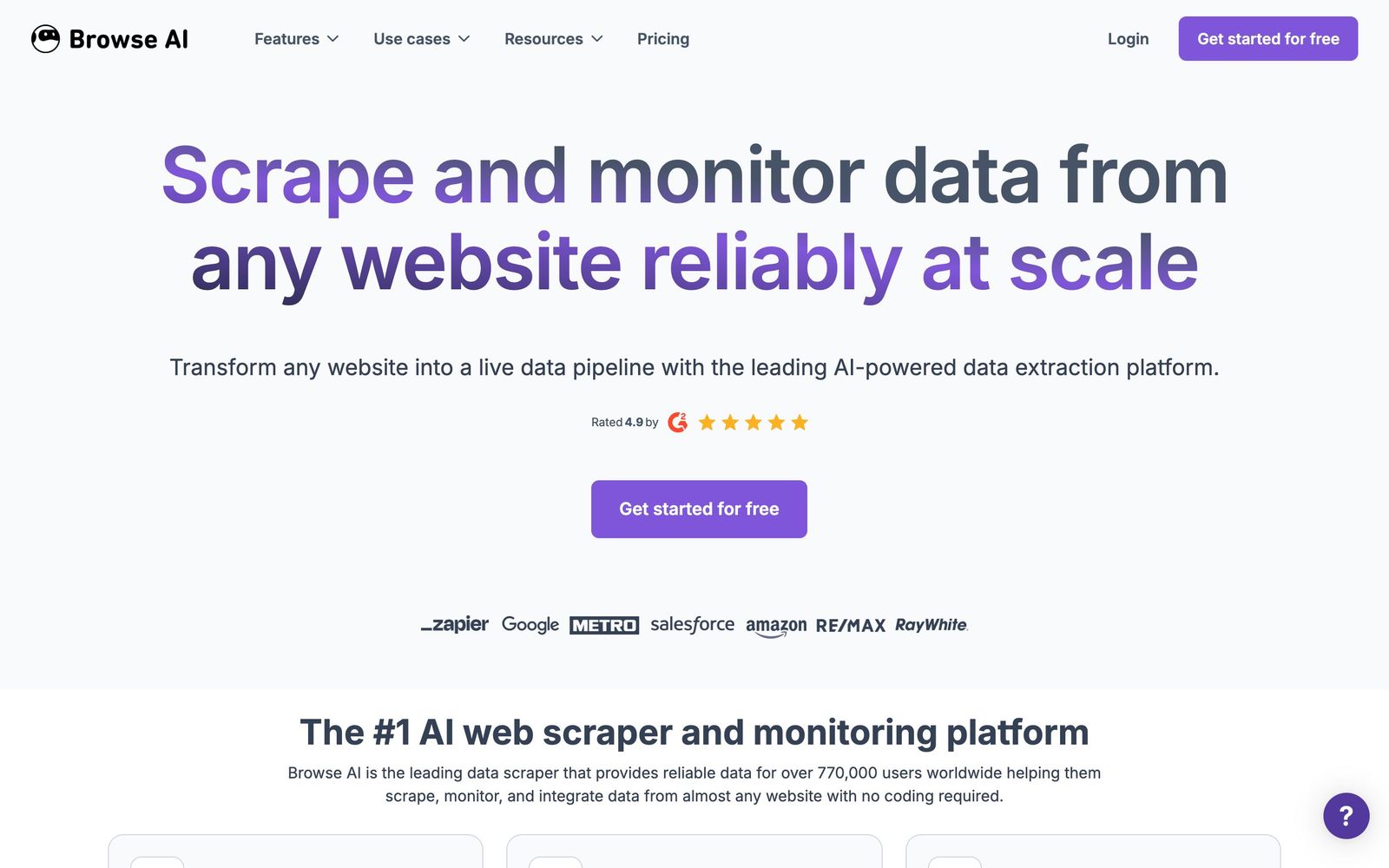
Browse AI is a no-code web scraping and data extraction platform used by a community its makers count in the hundreds of thousands. The premise is that most people who need web data are not engineers: they are e-commerce managers tracking competitor listings, recruiters watching job boards, analysts building datasets. Browse AI lets them record a robot by pointing and clicking at the data they want, then runs that robot on a schedule, monitors for changes, and pipes results into spreadsheets and other tools.
What Browse AI actually does
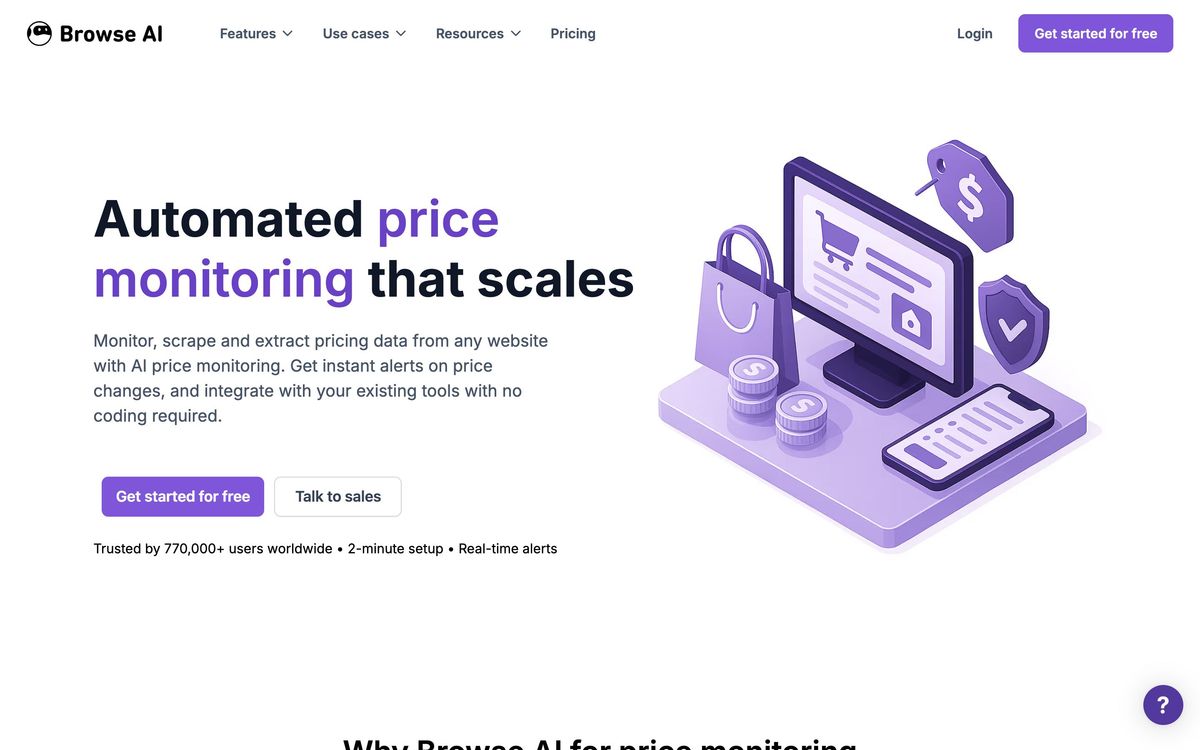
You open a target website inside Browse AI, click the elements you want extracted, and the platform generalizes those clicks into a reusable robot. Robots handle pagination, scrolling, and dynamic content, and can be scheduled to run hourly, daily, or weekly. Two robot types cover the main jobs: extraction robots pull structured rows of data, while monitoring robots watch pages and send alerts when content changes, useful for price drops, stock changes, or new listings. The platform's differentiator is adaptive AI: when a site changes its layout, the kind of event that silently breaks traditional selector-based scrapers, Browse AI attempts to detect the change and re-locate the data automatically. A catalog of more than 250 prebuilt robots covers common sites such as Amazon, eBay, and LinkedIn, so frequent use cases need no setup at all. Extracted data flows out through native Google Sheets and Airtable connections, webhooks, a REST API, and Zapier or Make, which together reach 7,000+ downstream apps.
Key features
- Point-and-click robot training with no code, selectors, or browser extensions to script
- Scheduled extraction with pagination, scrolling, and dynamic-content handling
- Monitoring robots with change detection and alert notifications
- 250+ prebuilt robots for popular sites
- Self-healing extraction that adapts when page layouts change
- Output to Google Sheets, Airtable, webhooks, REST API, Zapier, and Make
Who it's for
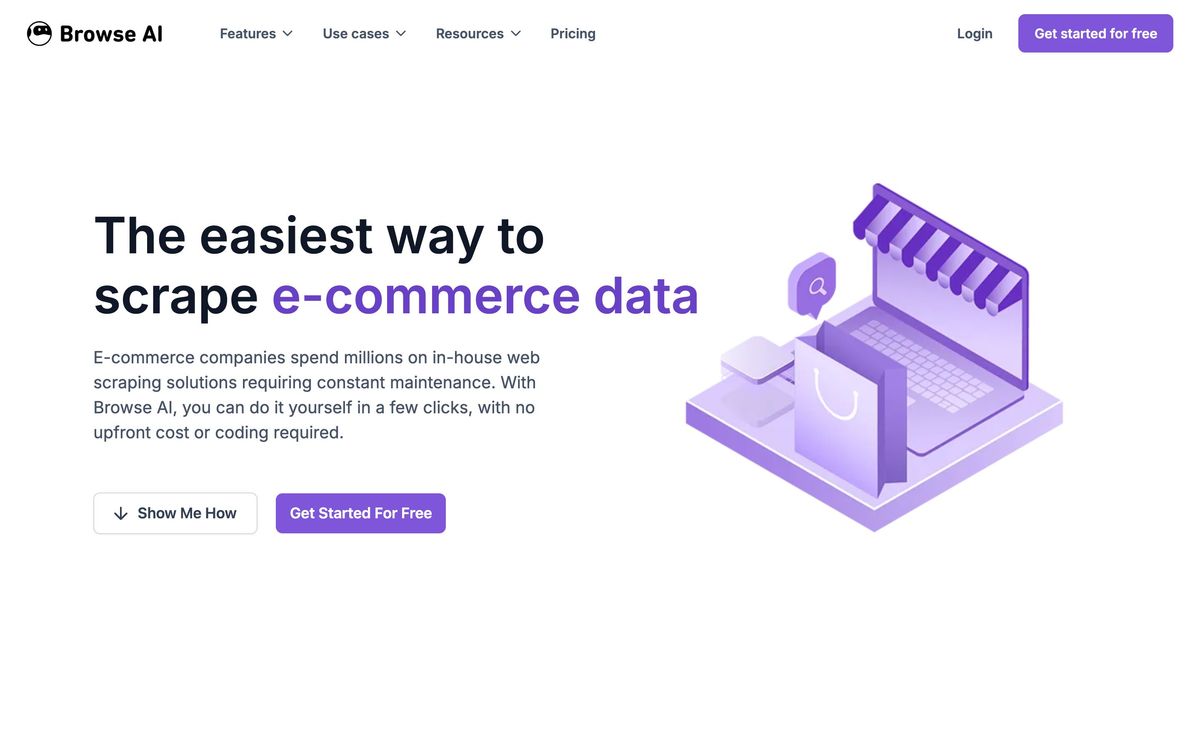
Browse AI is built for operators rather than engineers: e-commerce teams doing price and assortment monitoring, real estate professionals tracking listings, recruiters and sales teams gathering leads, and researchers assembling datasets from public pages. The free tier lets you extract data from a first site and validate the workflow before paying. Developers with unusual requirements, heavy anti-bot targets, or complex conditional logic will eventually feel the ceiling; this is a productized scraper, not a programmable one, and the credit model means very large extraction volumes are better served by infrastructure-level tools.
How it compares
Octoparse is the closest no-code competitor, offering a desktop-app workflow builder with more configurable logic but a steeper learning curve and a clunkier cloud experience. Browse AI wins on speed to first result and on monitoring. At the other end, Apify is the developer-grade alternative: a marketplace of code-based actors with essentially unlimited flexibility, proxy management, and scale, but it assumes JavaScript comfort to get full value. The sensible split: choose Browse AI when the people running the scrapers are not developers; choose Apify when they are.
Verdict
Browse AI delivers on its core promise: a non-technical person really can have a scheduled, alerting web scraper running in minutes, and the self-healing behavior addresses the most common failure mode of DIY scraping. The honest limits are the credit caps, which require attention if your extraction needs grow, and the hardest anti-bot targets, where no point-and-click tool is fully reliable. As a monitoring and extraction layer for business teams, it is one of the best-executed products in the no-code web scraping category in 2026.
Ready to try Browse AI?
There's a free tier, so you can test it before committing.
More developers tools like Browse AI
Bright Data
4.3Proxy network and managed scraping APIs for collecting public web data at production scale.
Read Bright Data review →Cloro
3.9One API that returns structured JSON from Google and the major AI answer engines.
Read Cloro review →CrowdStrike
4.4Cloud-delivered endpoint protection with one lightweight agent, sold to small teams as fixed per-device bundles.
Read CrowdStrike review →NinjaOne
4.4Endpoint management and RMM platform for monitoring, patching, backing up and remotely supporting company devices.
Read NinjaOne review →BugHerd
4.3Visual feedback tool that pins client comments to the exact element on a page and turns them into tasks.
Read BugHerd review →EasyDMARC
4.3Email authentication monitoring that takes a domain from DMARC reporting to enforcement without hand-editing DNS.
Read EasyDMARC review →