
EasyDMARC review
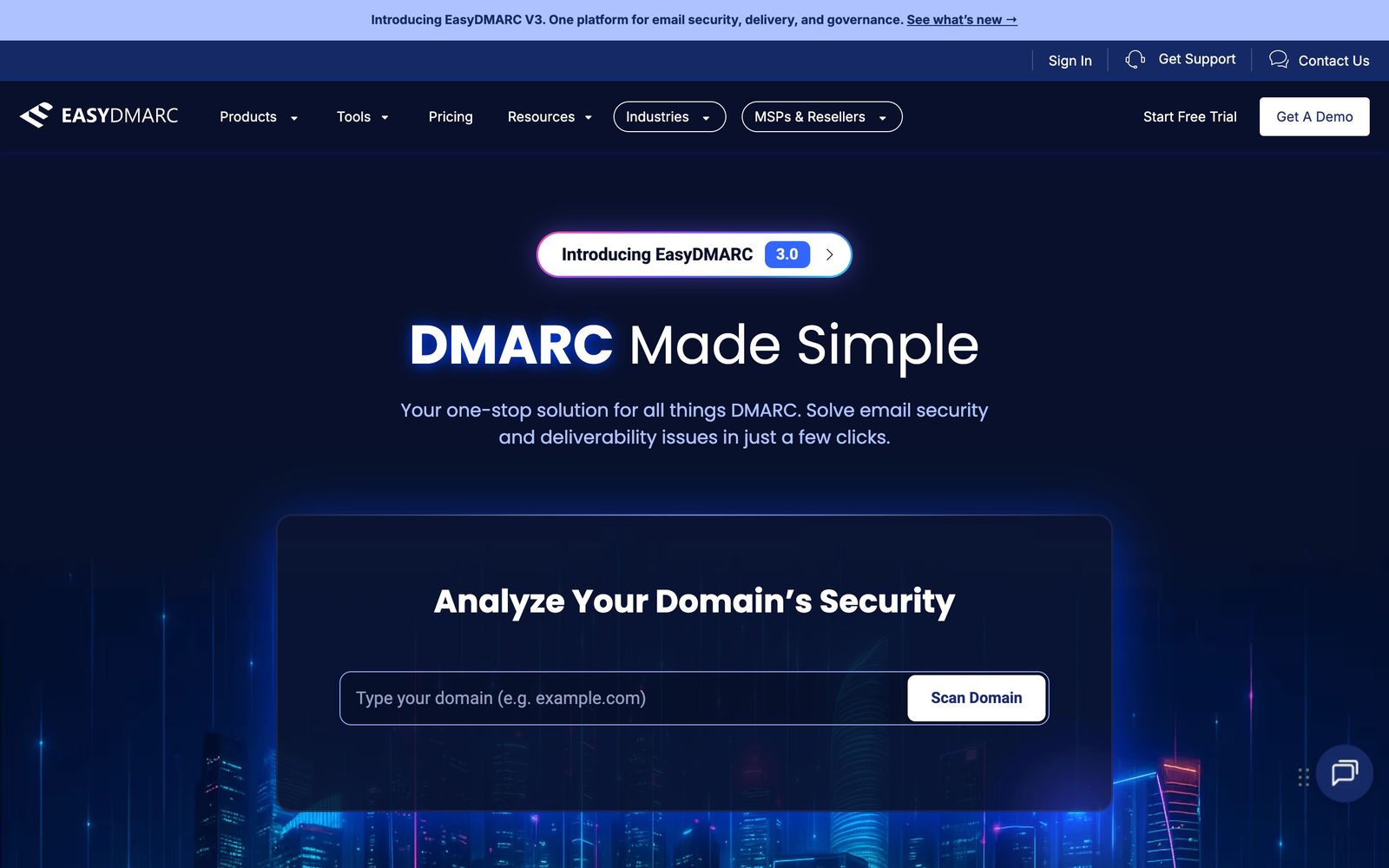
Email authentication monitoring that takes a domain from DMARC reporting to enforcement without hand-editing DNS.
The clearest DMARC console in the category and the easiest to run across client domains, though domain caps push growing estates up the price list fast.
Pros
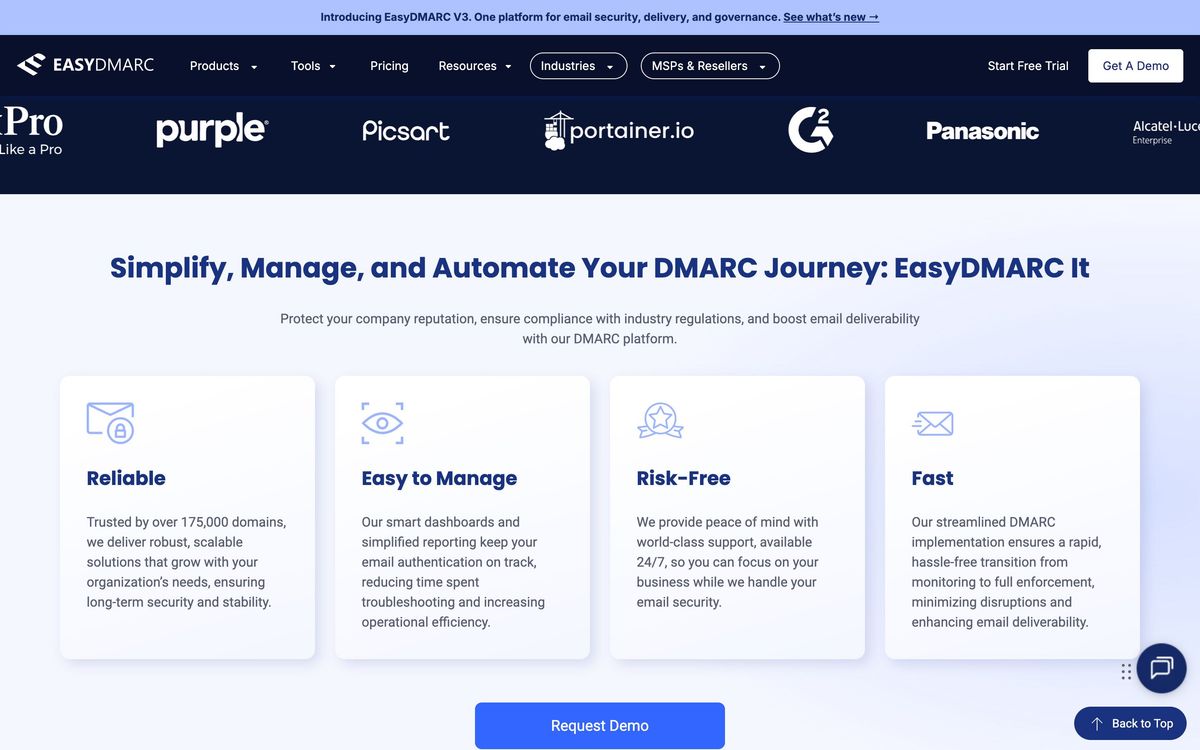
- Aggregate reports are decoded into readable sending sources, so identifying which vendor is failing authentication does not require parsing XML by hand
- EasySPF resolves the ten-lookup SPF limit by flattening and hosting the record, which is the technical wall most enforcement projects hit
- The MSP portal handles multi-tenant domain management with per-client separation, and connects to ConnectWise, Autotask, HaloPSA and Syncro rather than sitting outside the stack
- Coverage runs past DMARC to DKIM management, BIMI logo handling, MTA-STS and TLS-RPT, so one console covers the full authentication surface
- Managed service tiers put a DMARC engineer on the enforcement work for organisations that will not do it themselves
Cons
- Domain allowances are tight, a couple on the entry paid tier, a handful on the tier above, so anything past a few brands forces a jump to a quoted enterprise plan
- Data history is rationed by plan, from a fortnight on the free tier to a few months mid-range, which limits investigation of intermittent failures
- Reviewers report occasional detection quirks, particularly around DKIM checks, and price increases that arrived without much warning
EasyDMARC pricing
List prices in USD per month, taken from the vendor at review time. Custom means quote-only.
| Plan | Per month | What it covers |
|---|---|---|
| Free | Free | 1 domain, 1,000 emails per month, 14 days of history |
| Plus | $35.99 | billed annually; $44.99 month to month, 2 domains |
| Premium | $71.99 | billed annually; $89.99 month to month, 4 domains |
| Enterprise | Custom | custom quote; unlimited domains, managed service, SSO |
What EasyDMARC actually does
DMARC is a policy published in DNS telling receiving mail servers what to do with messages that fail authentication. Publishing it is trivial; moving from monitoring to rejection without silently killing legitimate mail is not, because a typical company sends through more services than anyone has written down, the marketing platform, the invoicing tool, the recruiting system, a decade-old server in a branch office. EasyDMARC exists to make that inventory visible. It collects the aggregate reports mailbox providers return, decodes them from XML into named sending sources with pass and fail rates, and shows what would break at each policy level.
Around that sit the tools needed to fix what the reports expose. EasySPF flattens and hosts an SPF record so it stays inside the ten-lookup limit that quietly breaks authentication once a company adds its fifth vendor. Managed DKIM handles key publication across domains. BIMI, MTA-STS and TLS-RPT are supported for organisations that want brand indicators and transport security alongside authentication. A separate deliverability side covers reputation and blacklist monitoring and inbox placement testing. The commercial centre of gravity is the MSP programme: a multi-tenant portal with per-client separation and integrations into ConnectWise, Autotask, HaloPSA and Syncro, plus DNS providers and SIEM tools.

Key features
The parts that carry an enforcement project:
- Aggregate and failure report parsing with per-source pass and fail breakdowns
- EasySPF record flattening and hosting to stay inside the DNS lookup limit
- Managed DKIM key publication across multiple domains
- BIMI record generation with logo conversion, plus MTA-STS and TLS-RPT support
- Domain and IP reputation monitoring against major blacklists
- Multi-tenant MSP portal wired into PSA, DNS and SIEM tooling
Who it's for
The strongest fit is a managed service provider or an internal IT team taking a set of domains from monitoring to rejection. The console assumes competence but not specialism, which suits a generalist administrator who understands DNS but has never lived inside authentication standards. Organisations under compliance pressure, payment, healthcare, public sector, buy it for the same reason, since enforcement is increasingly an audit line rather than a preference.
It is less suited to a company with a large brand portfolio on a mid-range plan. Domain allowances are the constraint that decides the bill, and the step from a handful of domains to a quoted enterprise agreement is abrupt. The free tier is a demonstration rather than a working plan: one domain, a small monthly message cap and a fortnight of history is enough to see the interface and not enough to run an enforcement project. Firms that want the work done for them rather than shown to them should price the managed tier from the start.
How it compares
Valimail is the main alternative and takes the opposite approach: heavier automation of DNS changes, a dedicated onboarding engineer, federal certification, and no published price on the enforcing tiers, so every evaluation begins with a sales call. Reviewers who compared both generally found EasyDMARC easier to set up and administer, while Valimail wins where hands-off automation and procurement credentials matter more than transparency. dmarcian remains the practitioner's tool, cheaper at the small end and more manual in configuration. Against all three, EasyDMARC's distinguishing asset is the MSP portal, nobody else makes running fifty client domains this ordinary.
Verdict
EasyDMARC is the sensible default for anyone who has to get domains to enforcement and does not do this for a living: the reporting is legible, EasySPF removes the most common blocker, and the multi-tenant tooling is the best in the category. The caveat is pricing shape rather than price level, domain caps and history windows are what actually determine the tier, and estates with many brands will find themselves negotiating an enterprise agreement sooner than the published plans suggest.
Ready to try EasyDMARC?
There's a free tier, so you can test it before committing.
More developers tools like EasyDMARC
Mycroft
3.6GRC automation covering evidence collection, risk and vulnerability management across SOC 2 to FedRAMP.
Read Mycroft review →Sentaro
3.6AI email security that sits inside Microsoft 365 or Google Workspace without touching mail flow or DNS.
Read Sentaro review →Netlify
4.6Hosting and deployment platform with Git-based CI/CD, deploy previews, serverless functions, and AI workflows.
Read Netlify review →Pinecone
4.5Fully managed serverless vector database for similarity search, RAG, and agent memory at billion-vector scale.
Read Pinecone review →Runpod
4.5GPU cloud for AI workloads: on-demand instances, serverless inference endpoints, and multi-node clusters.
Read Runpod review →NinjaOne
4.4Endpoint management and RMM platform for monitoring, patching, backing up and remotely supporting company devices.
Read NinjaOne review →